Themes Favorites and Hotkeys
Make the plugin yours.
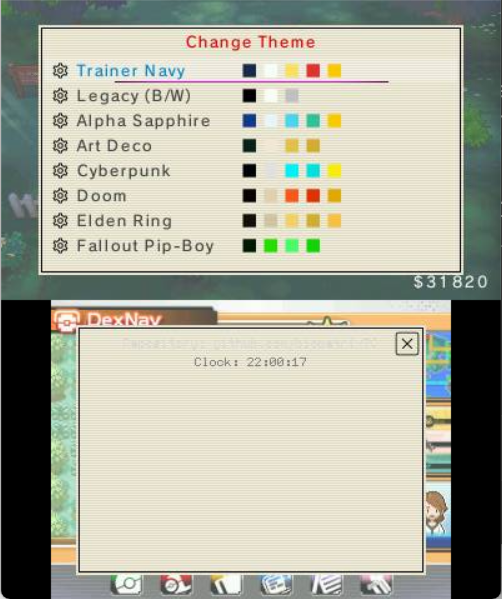
Twenty‑five color themes restyle the whole interface, with an instant preview and your choice remembered between sessions — Game Boy Classic, Trainer Navy, Alpha Sapphire, Pop Art, Wild West, Zelda BotW, Art Deco, Cyberpunk, and many more.
Pin your most‑used features to Favorites for instant access — a two‑column list with drag‑to‑reorder and custom aliases. Highlight almost any feature and press Y to pin it. Your favorites are kept by a stable key, so they survive a plugin update.
Map your favourite cheats to button combos in Tools → Hotkeys for one‑press activation.
Every cheat and option has a friendly (i) info button with a plain‑language explanation. Highlight anything and press X (or tap the (i) on the touch screen) to read what it does. If you ever feel lost, that and the Guides are always one button away.
See also: Quality of Life and HUD · Guides