Performance view
This feature was implemented with the following objectives:
- Smartphone-friendly usage
- Intuitive parameter control — change plugin parameters as you would with a physical stompbox or directly on the Dwarf
- Flexible parameter editing — adjust any plugin parameter, e.g. during a soundcheck or rehearsal
- Snapshot loading — quickly load a saved snapshot when needed
Mobile:
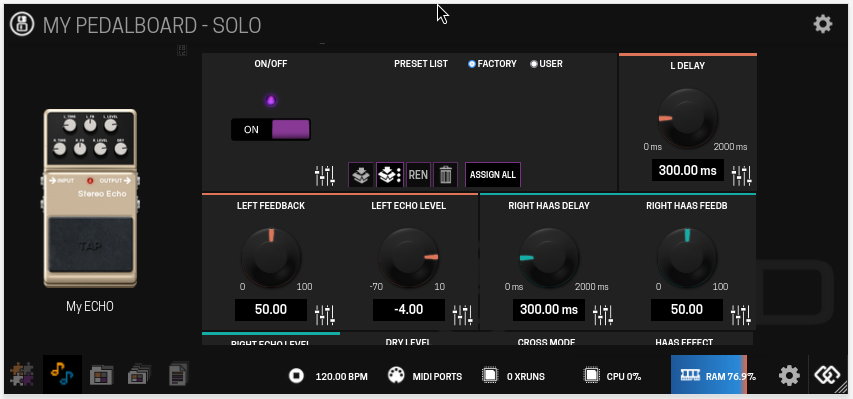
Desktop:
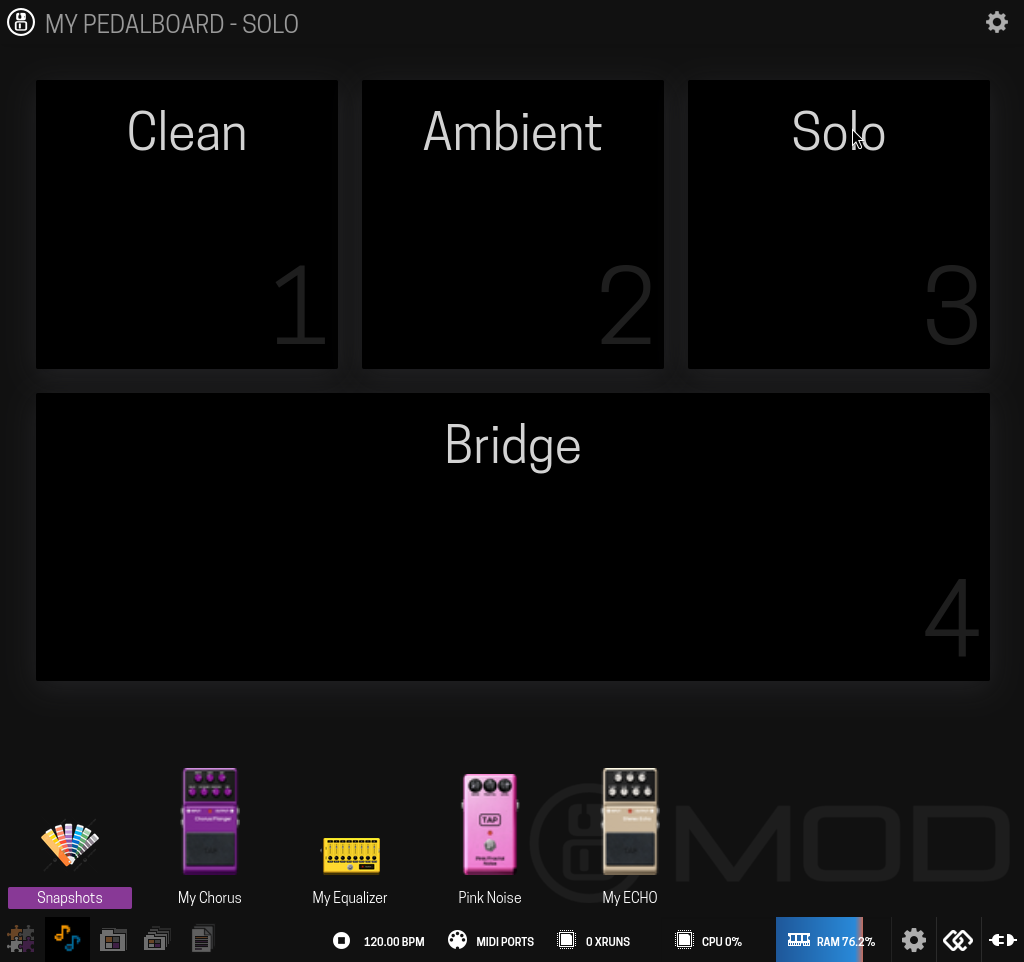
To choose which plugin include in the view and in what order:
Click on the top right gear  to enable design mode where you can:
-
Choose which pedalboard plugins see in the view

-
Change the order with drag & drop
-
Change the label of every plugin to differentiate two or more instances of the plugin <
-
Save the pedalboard
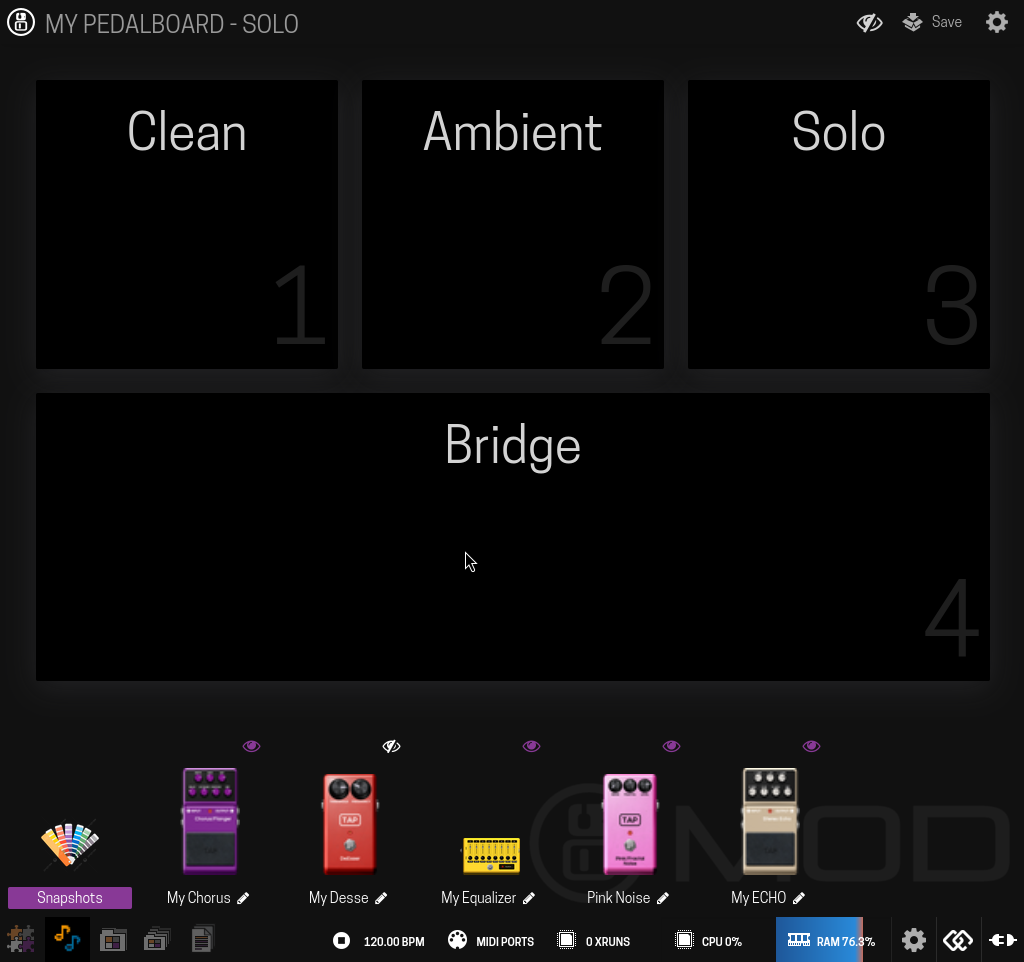
Plugin labeling can also be done in the standard settings dialog on the pedalboard constructor:
