Repository navigation
Exploring and Visualizing
Once your data is synced, you can browse it in Clone Sheet's own explorer, export it as CSV, or connect any SQL tool to the database. This page covers the Explore and Database tabs, the explorer API and NocoDB.
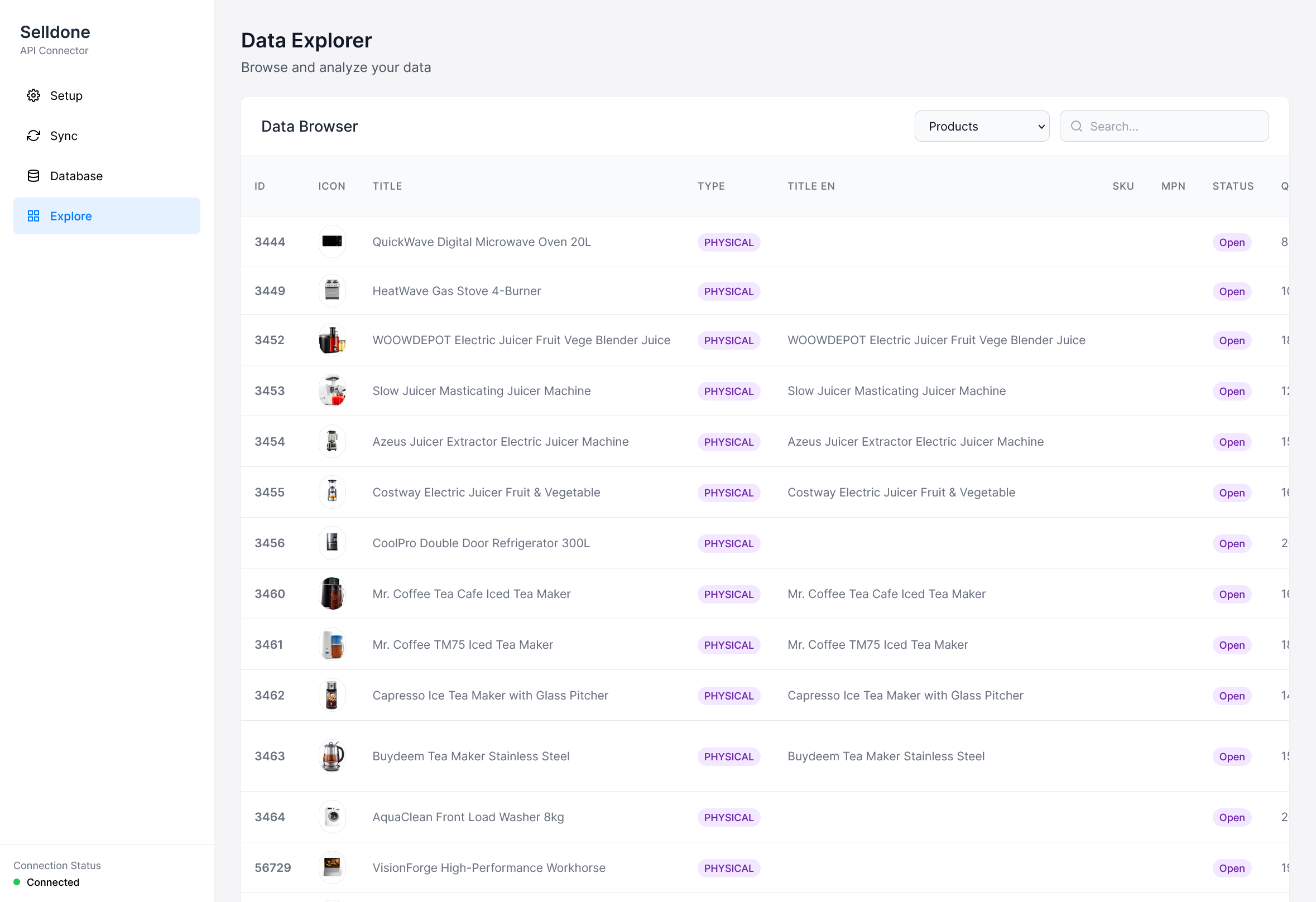
- Choose a table in Select a table (Categories, Products, Product Variants, Customers, Shop Data, Baskets or Basket Items).
- Type in Search to filter rows. The search matches text columns of the table.
- Click a column header to sort; click again to switch between ascending and descending.
- Use the arrows to page through the results (20 rows per page). The record count is shown at the bottom.
- Click Export CSV to download the rows on the current page as
<table>_export.csv.
The Explore tab reads data from a local endpoint you can also call yourself:
GET http://localhost:3010/database/get-table-data/{key}?page=1&limit=100&search=&sortField=id&sortOrder=asc
| Parameter | Default | Description |
|---|---|---|
key (path) |
— | One of categories, products, product-variants, customers, shop-data, baskets, basket-items. Other names are rejected with 403. |
page |
1 |
Page number. |
limit |
100 |
Rows per page. |
search |
— | Text to match (SQL LIKE '%text%') in string columns. |
sortField |
id |
Column to sort by. |
sortOrder |
asc |
asc or desc. |
Response:
{
  "success": true,
  "columns": ["id", "icon", "title", "..."],
  "rows": [{ "id": 1, "title": "..." }],
  "totalRecords": 120,
  "currentPage": 1,
  "totalPages": 2
}The Database tab shows the details for connecting external tools that run in Docker:
| Setting | Value |
|---|---|
| SQL Host | host.docker.internal |
| SQL Port |
DB_PORT from .env
|
| Database |
DB_NAME from .env
|
| Example SQL address | host.docker.internal:<port>/<database> |
It also has Clear All Data, which empties the synced tables. See Syncing Data.
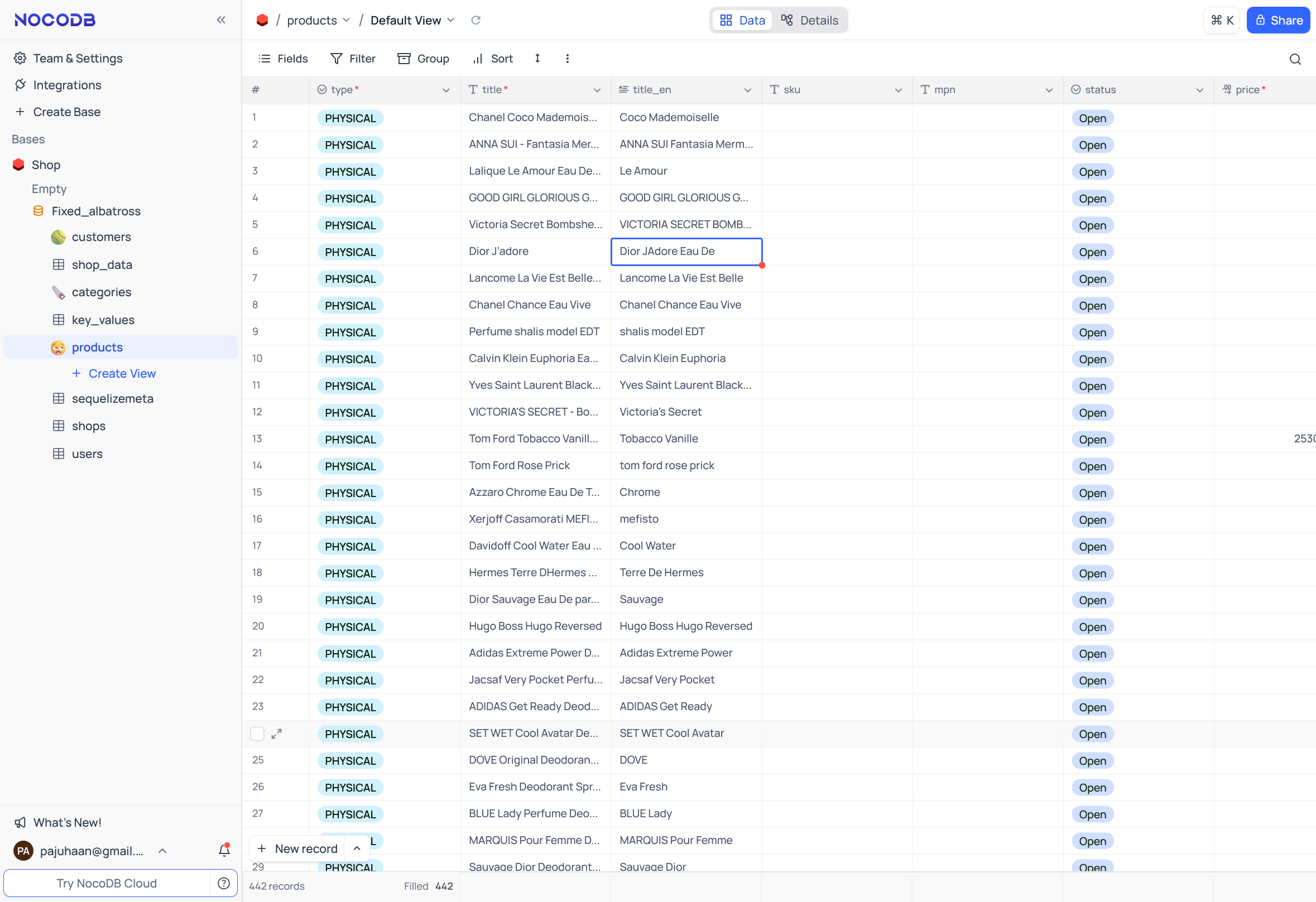
NocoDB is an open-source database browser that gives your tables a spreadsheet-like view.
Set up NocoDB via Docker:
docker run -d \
  --name noco \
  -v "$(pwd)"/nocodb:/usr/app/data/ \
  -p 8080:8080 \
  nocodb/nocodb:latest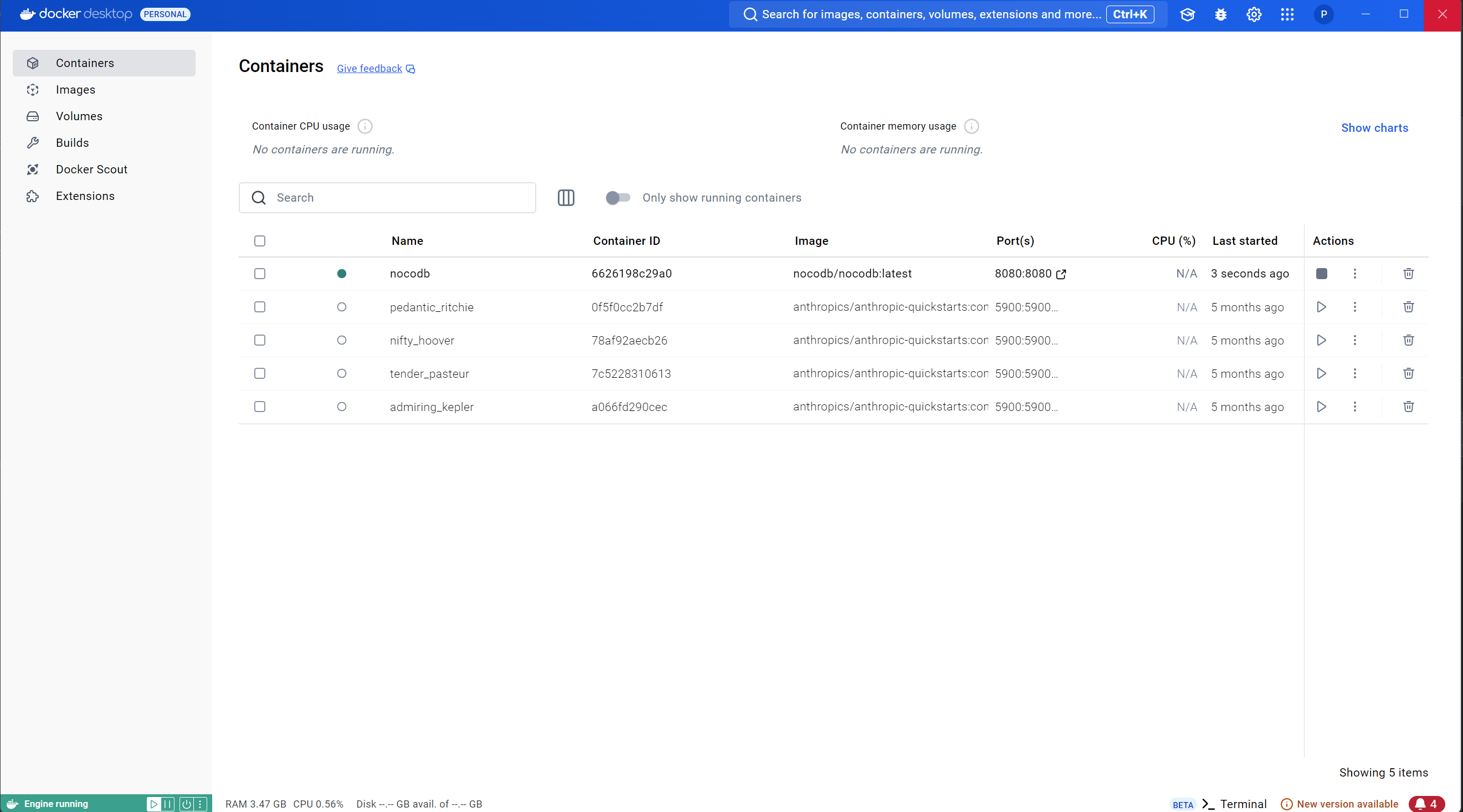
Open http://localhost:8080, create a data source, and set the SQL host to host.docker.internal and the port to
3306 (or the correct port for your database). Use the username, password and database name from .env.
Because the data lives in a standard MariaDB/MySQL database, you can connect any compatible client with the
credentials from .env:
| Goal | Examples |
|---|---|
| Dashboards | Power BI, Tableau, Google Data Studio |
| Accounting | QuickBooks, Xero or other accounting software |
| CRM | HubSpot, Salesforce |
| Custom code | SQL scripts, microservices, notebooks and ML pipelines |
See Database Schema for the tables and example queries.