Repository navigation
Home
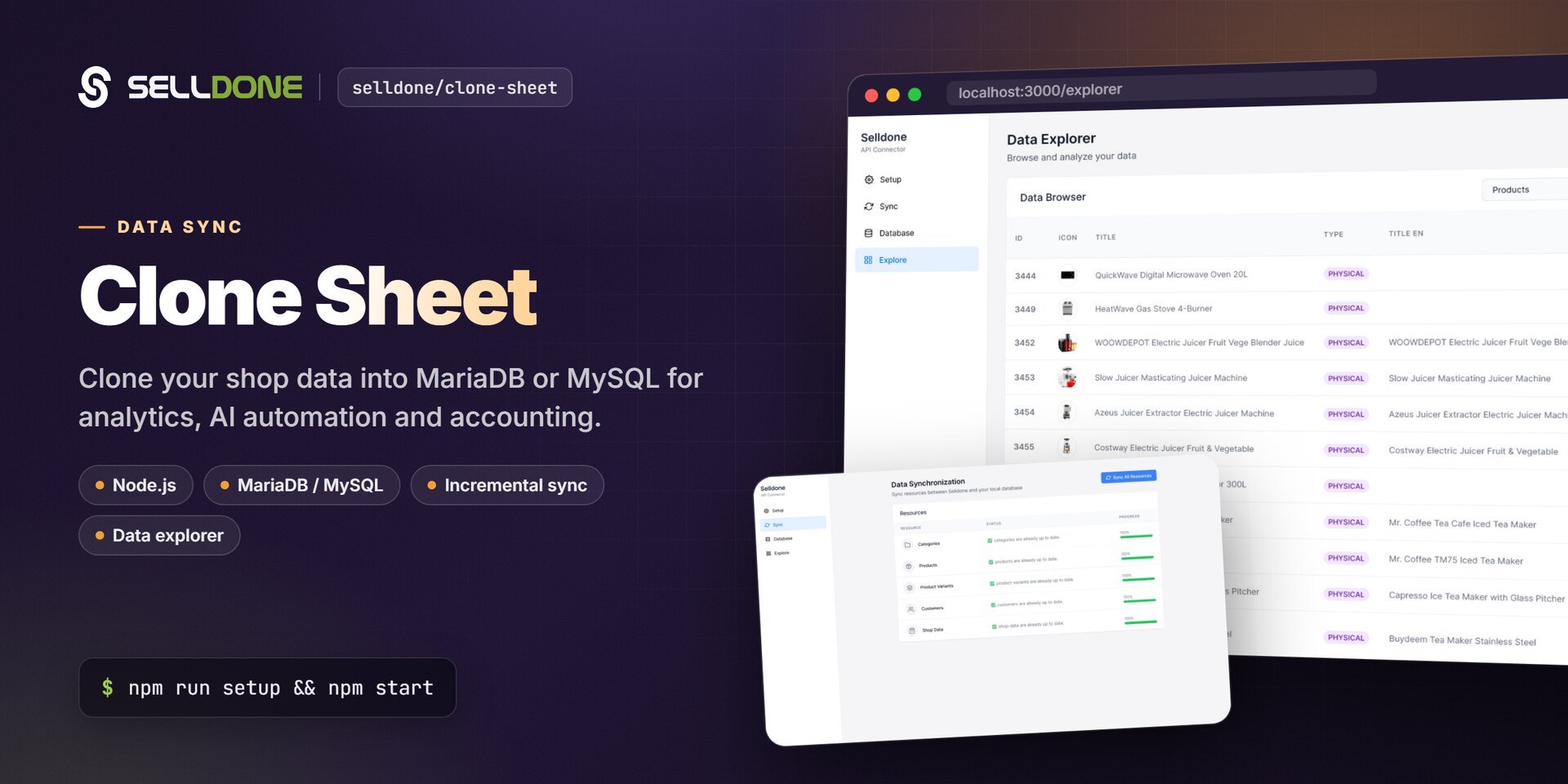
Clone Sheet copies your store's data from Selldone® Business OS into an SQL database (MariaDB or MySQL) on your own machine or server. It is a small Node.js web app with a setup wizard, a one-click sync and a data explorer. Use the cloned data for analytics, AI automation, accounting migrations or integrations with other software.
- New here? Follow Getting Started to install Clone Sheet and run your first sync.
- Want to know what is copied? Read Syncing Data and Database Schema.
- Ready to analyze? See Exploring and Visualizing.
Selldone shop ──(read-only token)──► Clone Sheet (Node.js, localhost:3010) ──► MariaDB / MySQL ──► BI tools, NocoDB, scripts
-
node setup.jsconnects to your database server, creates the database and tables, and starts the app. - In the app, you paste an access token and shop ID created on Selldone.
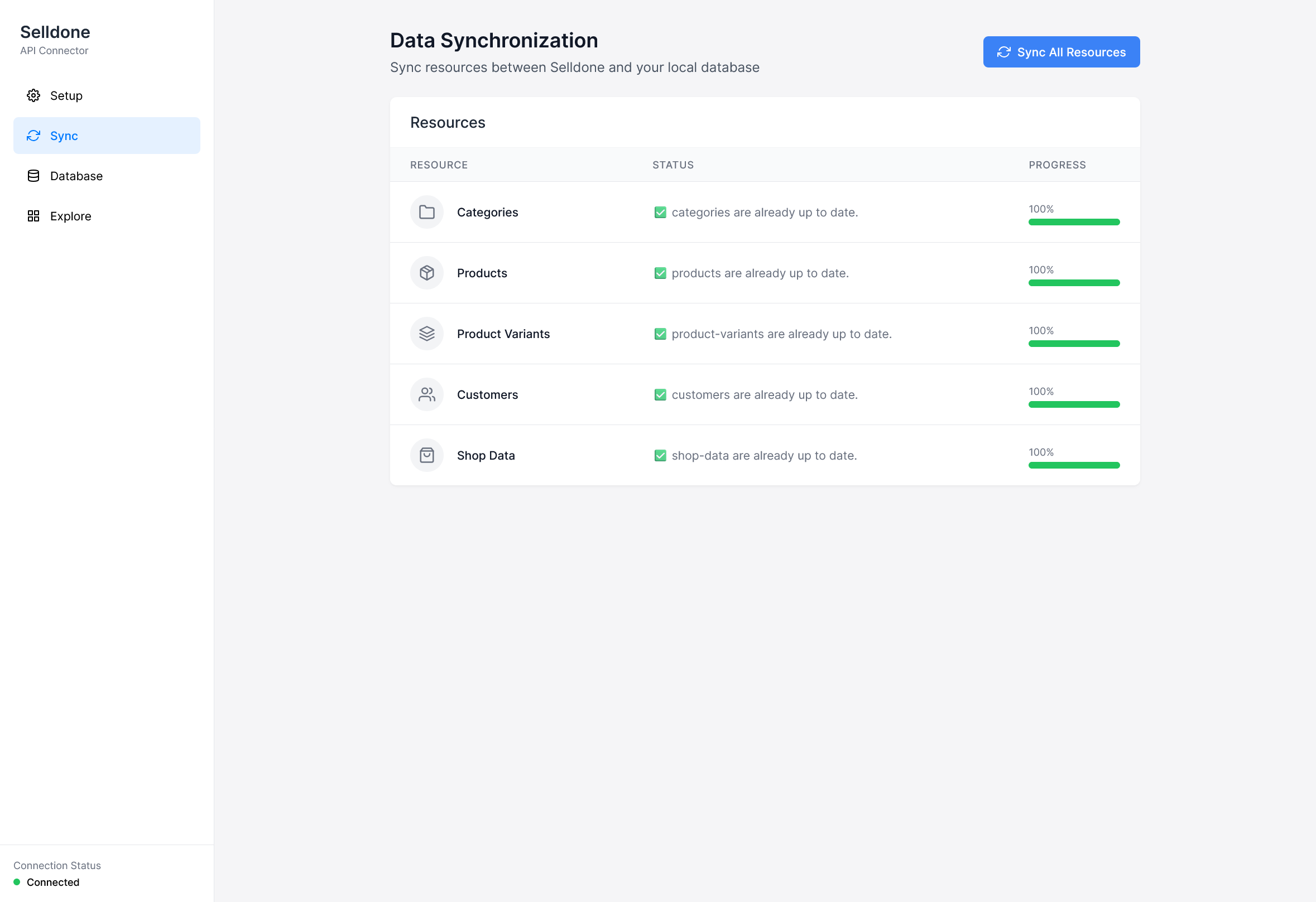
- Sync All Resources downloads categories, products, variants, customers, shop data, baskets and basket items in batches and upserts them into local tables.
- Later syncs only fetch records updated since the previous sync.
| Page | What you'll learn |
|---|---|
| Getting Started | Prerequisites, installation, setup wizard and the first sync. |
| Setup and Configuration | Wizard fields, .env, ports, migrations and npm scripts. |
| Syncing Data | Token and scopes, synced resources, incremental sync, switching shops and clearing data. |
| Database Schema | Every table and its main columns. |
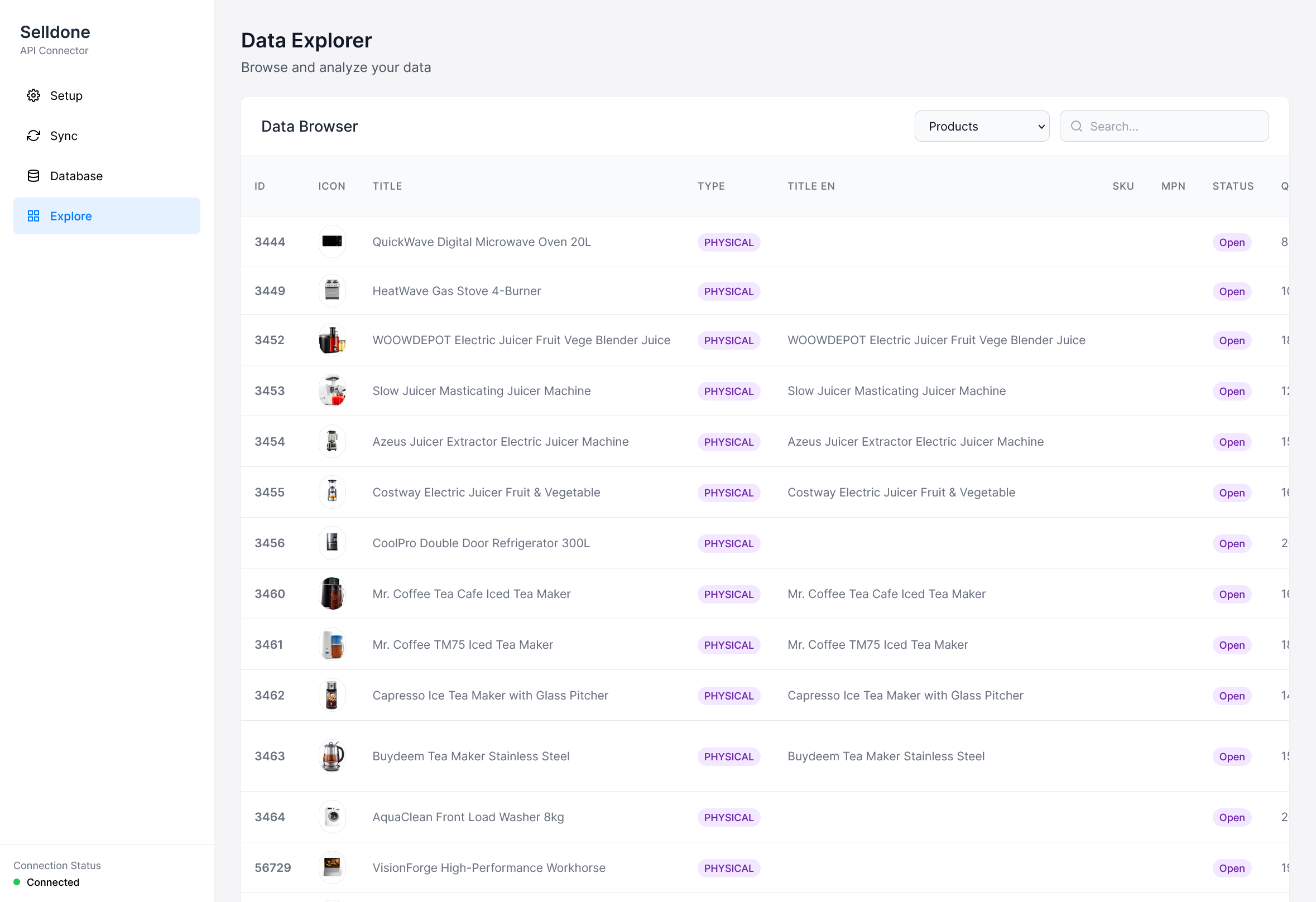
| Exploring and Visualizing | The Explore and Database tabs, CSV export, NocoDB and BI tools. |
| FAQ | Common questions and troubleshooting. |
| Sync data | Explore data |
|---|---|
 |
 |
Clone Sheet uses the same per-shop token link as the ERP integration guide and reads the shop-admin API. It is the opposite direction of the Excel templates: Excel loads data into a shop, Clone Sheet copies data out of it.
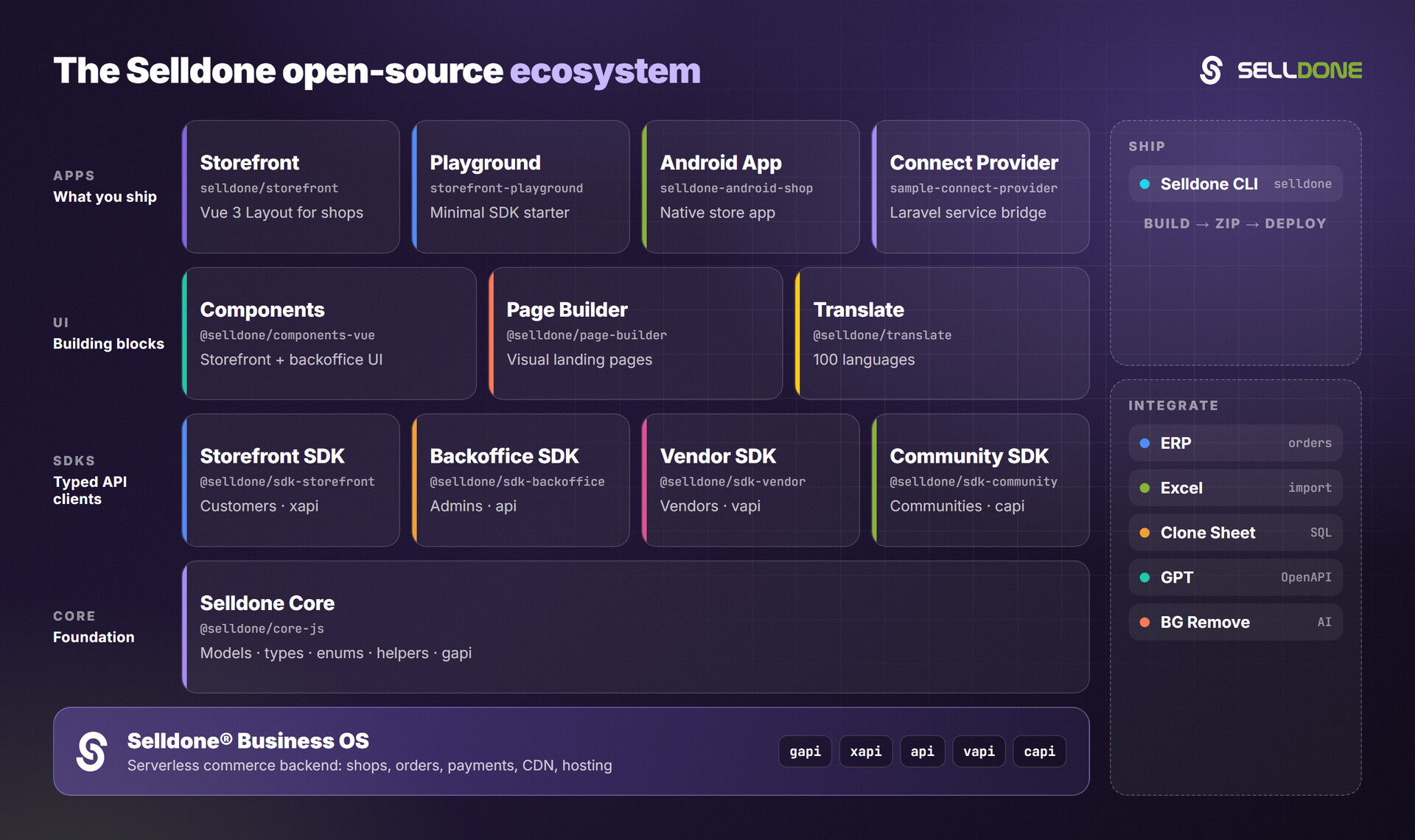
| Project | Description |
|---|---|
| ERP (wiki) | Guide and demos to connect ERP software to Selldone shops. |
| Excel (wiki) | Excel templates for bulk import. |
| Backoffice SDK (wiki) | Admin API client for custom dashboards and integrations. |
| Core (wiki) | Shared models, types, enums and helpers. |