Repository navigation
Home
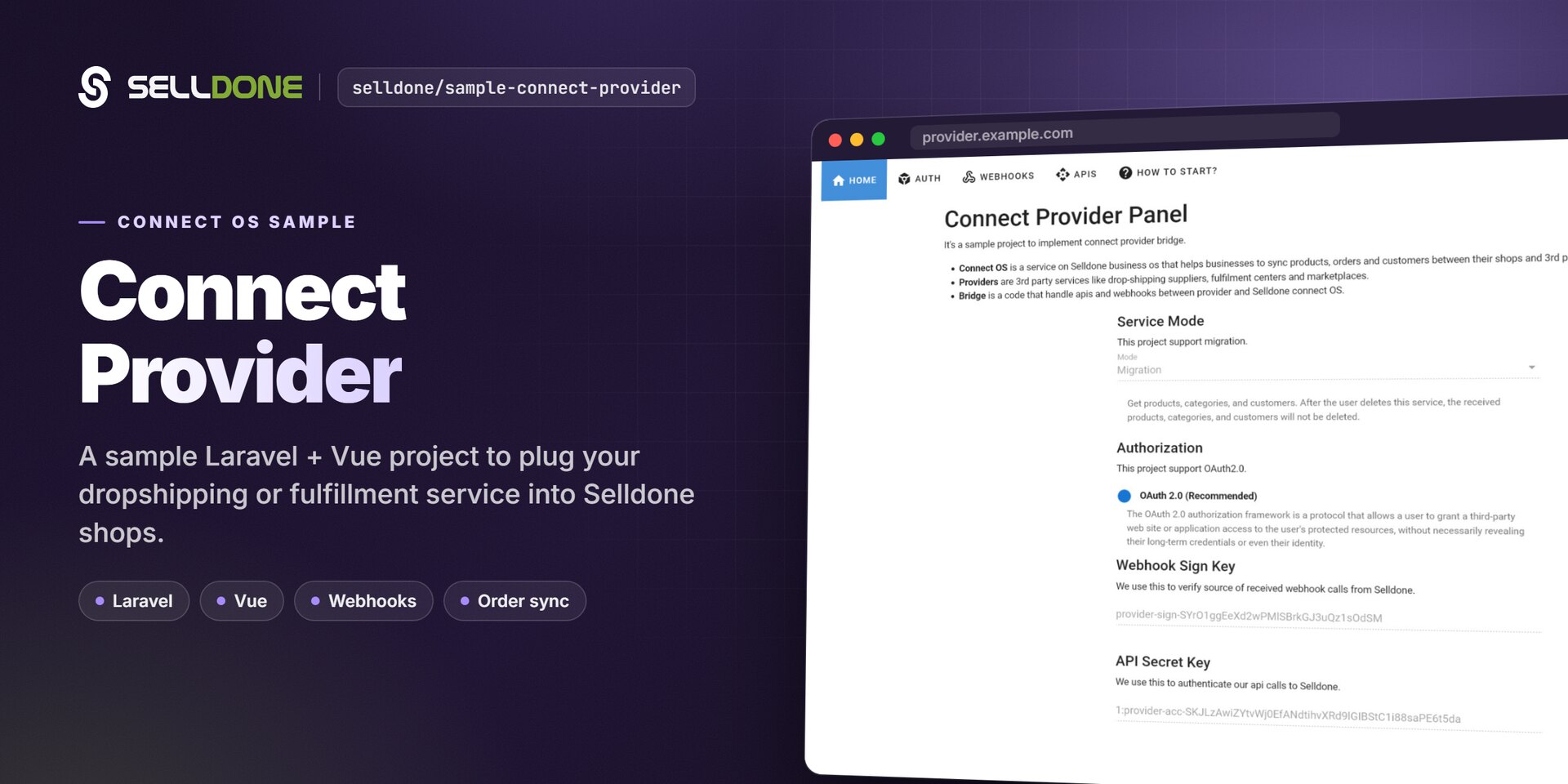
The Sample Connect Provider is a Laravel 8 + Vue 2 reference project that shows how a third-party service — a dropshipping supplier, fulfillment center or marketplace — builds a bridge to Selldone® Connect OS. It implements the OAuth 2.0 login flow, verifies signed webhooks from Selldone and answers each webhook with sample products, categories and order data.
Warning
This is a test project. Never use it as a live/production service. It contains hard-coded sample credentials and tokens and shows your provider keys in the browser. Use it to learn the flow, then build your own bridge.
| Term | Meaning |
|---|---|
| Connect OS | A Selldone service that helps businesses sync products, orders and customers between their shops and third-party services. |
| Provider | A third-party service such as a dropshipping supplier, fulfillment center or marketplace. |
| Bridge | The code that handles APIs and webhooks between the provider and Selldone Connect OS. This repository is a sample bridge. |
| Fulfillment | A sub-order. When a basket is checked out, Selldone splits it into fulfillments and sends each to its provider. |
- Getting Started — install and run the sample.
- Provider Setup — create the provider and bridge on Selldone.
- Authentication Flow — how merchants connect their shops to your service.
- Webhooks — what Selldone sends and what you must return.
| Page | What you'll learn |
|---|---|
| Getting Started | Requirements, install, environment variables, build and serve. |
| Provider Setup | Step-by-step configuration in the Selldone providers panel. |
| Authentication Flow | OAuth 2.0 login, grant/reject redirects and token exchange. |
| Webhooks | Signature verification, request fields and response builders for all 7 webhooks. |
| Provider API | Calling the Selldone provider API with your secret key. |
| Connect Modes | Migration, Dropshipping, Marketplace, Accounting, Other: webhooks and scopes. |
| Project Structure | Where routes, controllers, the Selldone\provider library and Vue pages live. |
| FAQ | Common questions and troubleshooting. |
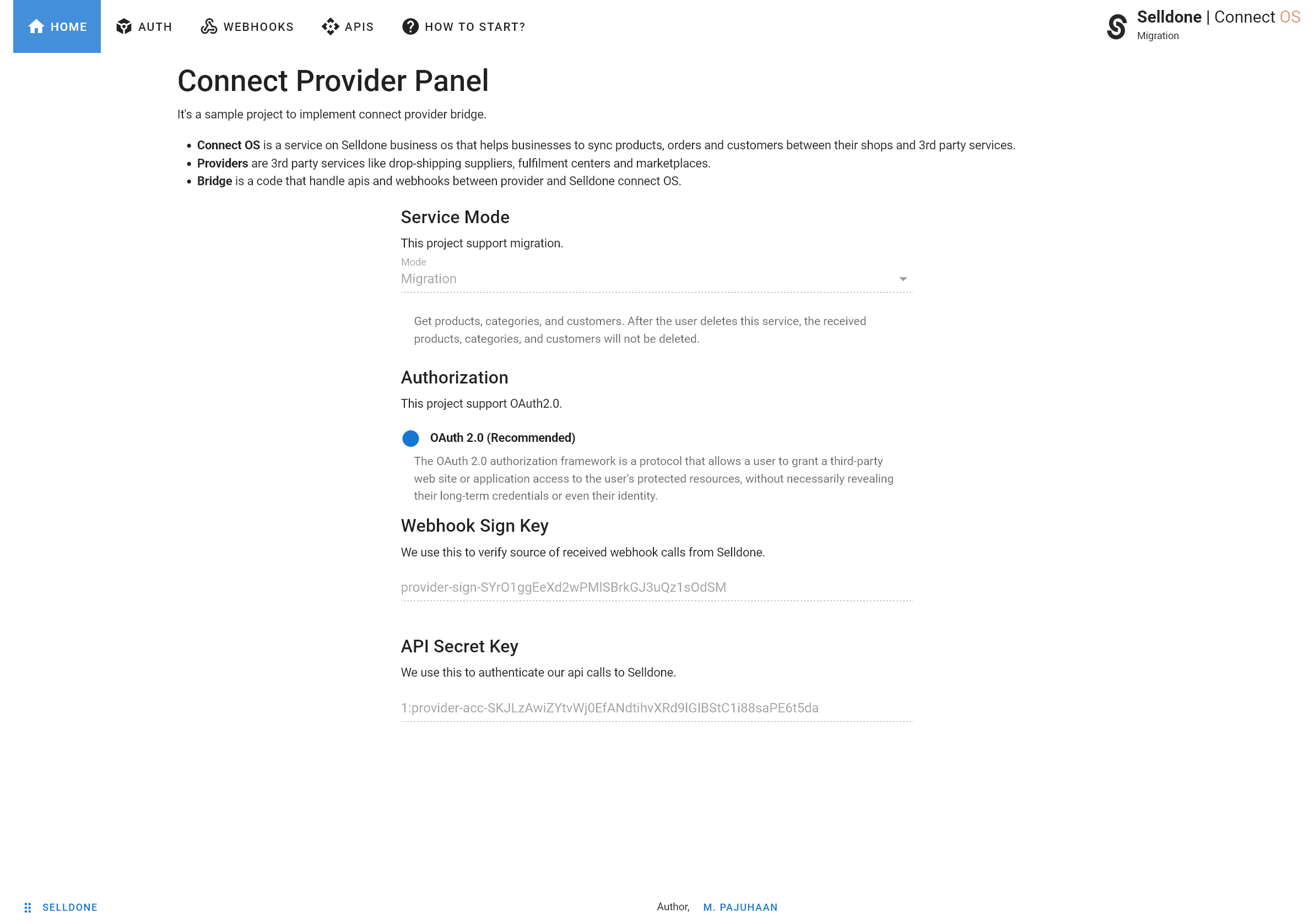
Your bridge runs on your own server. Selldone calls it through signed webhooks to sync catalogs and send orders, and your service can call the Selldone provider API with its secret key. Merchants enable your service from their shop's Channel > Connect OS tab.
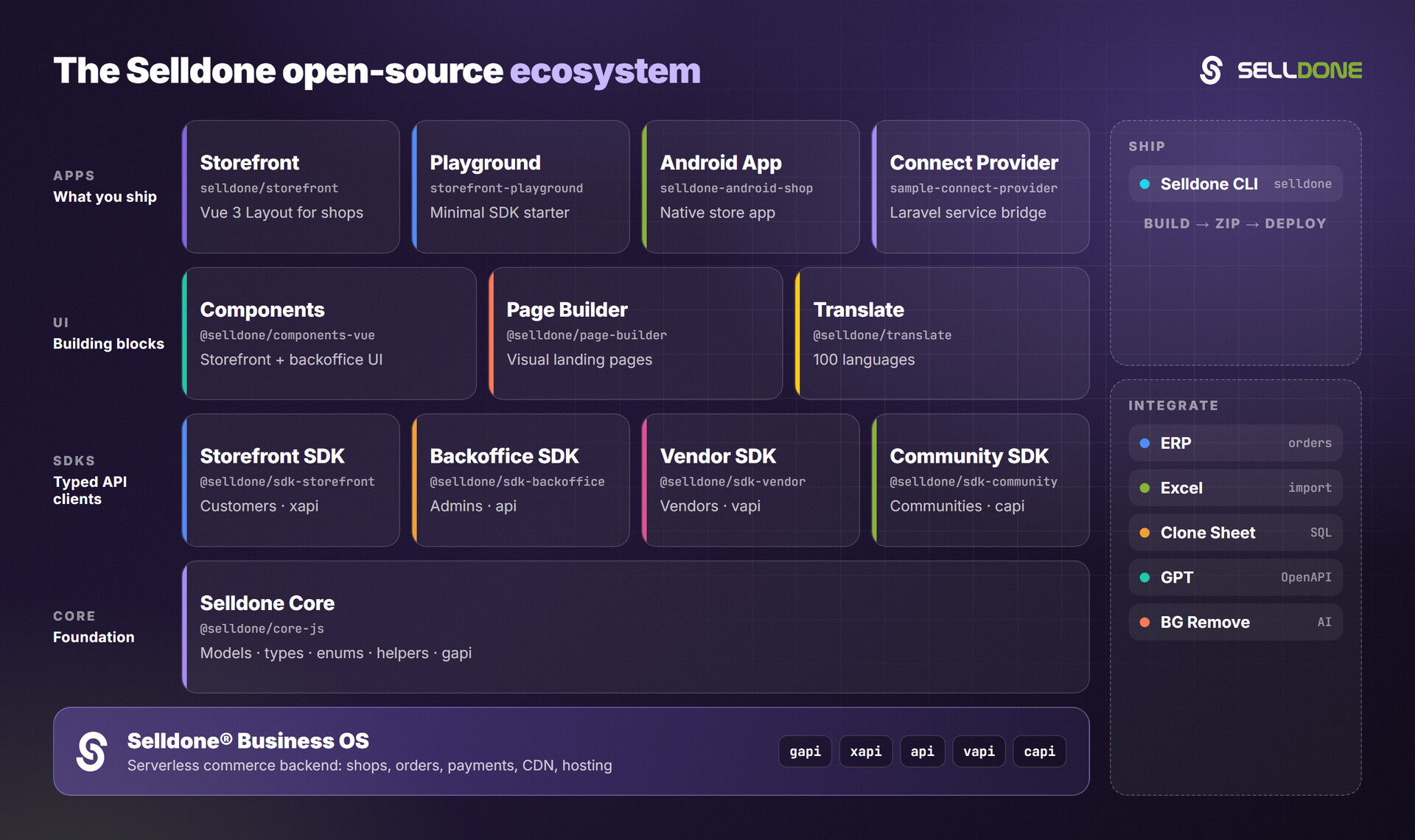
- erp — Connect ERP software to Selldone shops.
- backoffice-sdk — Admin API client (wiki).
- vendor-sdk — Marketplace vendor panel API client.
- core — Shared models, types and enums.
- All Selldone repositories