Repository navigation
App Builder
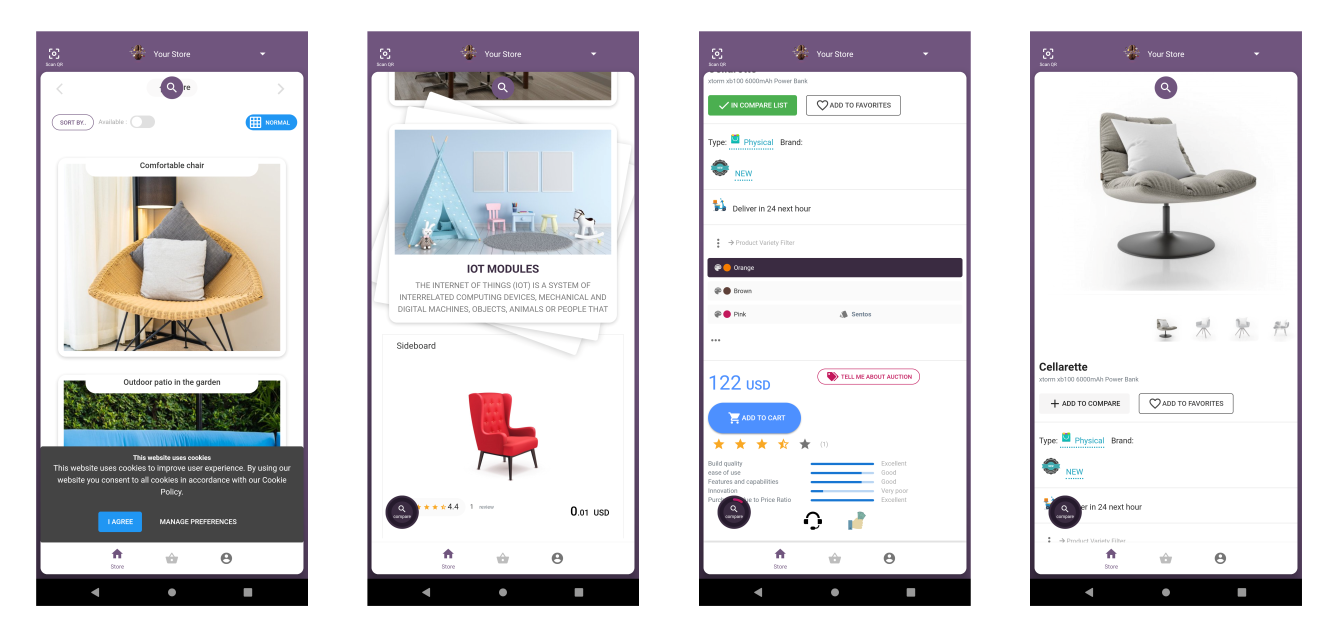
Selldone App Builder is the no-code way to get a native Android app for your store. Selldone provides an embedded app builder where you can create professional native and PWA apps without writing code. It uses this project as its template and fills the store-specific values for you.
You only need to set a name, title, icon and splash screen design, then build the app. The Selldone server-side app builder builds the application and signs it with your sign keys. The app is then ready for release in app stores.
Values marked ✎ Script ➔ Auto fill in the source code are set automatically during the build:
| Where | Value |
|---|---|
app/build.gradle |
applicationId, versionCode, versionName
|
app/build.gradle |
manifestPlaceholders = [shopName: ...] (login callback host) |
app/build.gradle |
Release signing: storeFile, storePassword, keyAlias, keyPassword
|
res/values/shop_info.xml |
app_name, shop_title, shop_name, splash_title, splash_more_info, splash_color
|
See Configuration for what each value does.
- Create your store on Selldone (a free e-commerce platform).
- Open the App Builder.
- Enter the app name and title, upload the icon and design the splash screen.
- Build the app. Selldone builds and signs it.
- Release the signed app in the app stores.
- You need native features or UI changes the App Builder does not offer.
- You must build in your own CI or keep signing keys entirely on your machines.
- You want to study or extend the WebView ↔ PWA bridge.
Go to Build from Source.