Repository navigation
Home
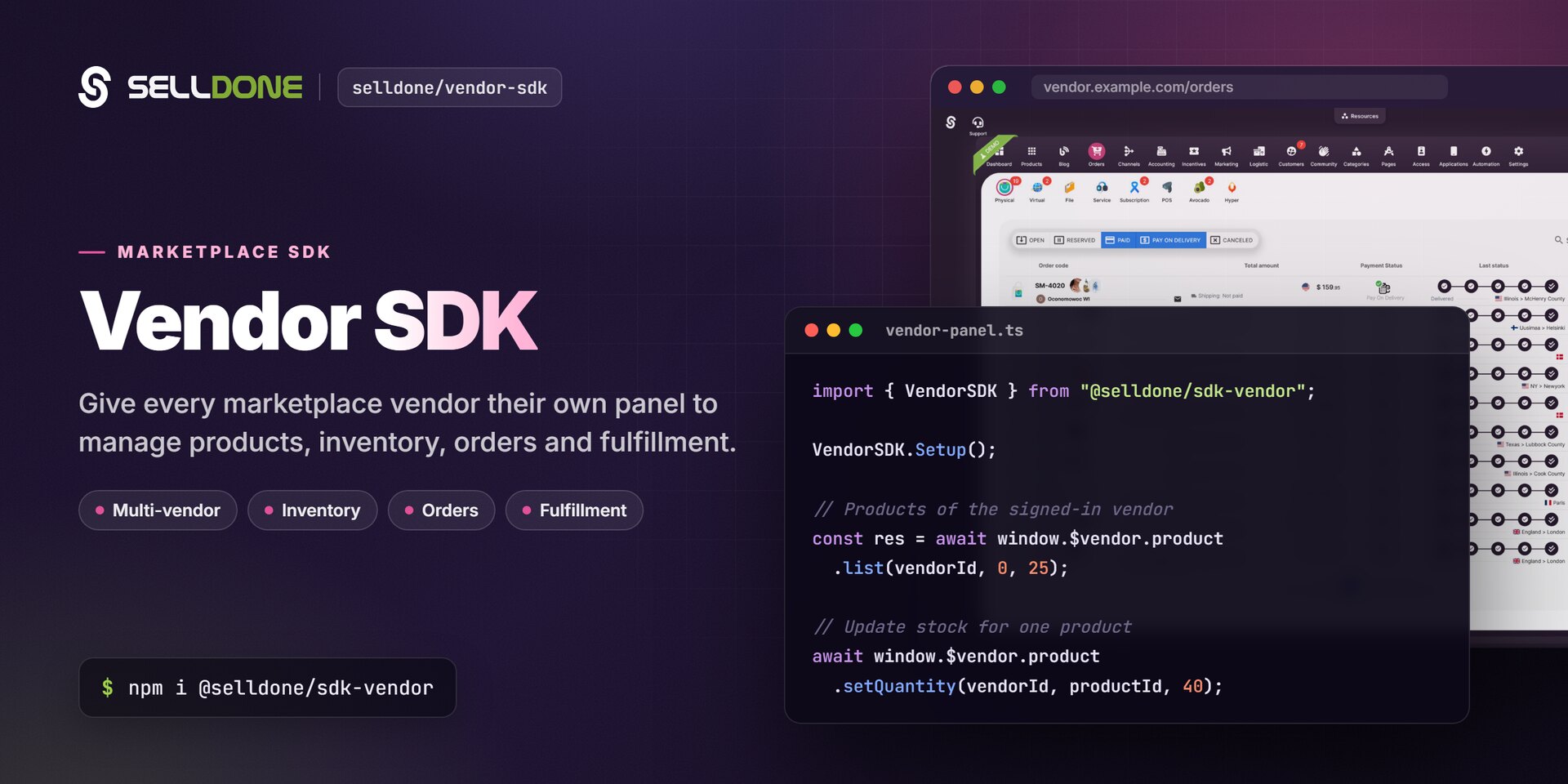
The Vendor SDK (@selldone/sdk-vendor) is the JavaScript
client for vendor panels in Selldone® multi-vendor marketplaces. A marketplace owner runs
the shop; each vendor that sells through it gets its own panel to oversee its products, manage inventory, receive
orders and handle fulfillment. This wiki shows how to build that panel.
- Getting Started: install the package, configure it, authenticate the vendor and make the first call.
- Vendor Panels and Marketplaces: understand vendors, vendor offers and what the owner manages versus what the vendor manages.
-
JavaScript SDK: the full
window.$vendorreference.
| Page | What you'll learn |
|---|---|
| Getting Started | Prerequisites, meta tags, authentication and a first working example |
| Vendor Panels and Marketplaces | Concepts, responsibilities and the owner-side API |
| JavaScript SDK | Every window.$vendor namespace and method |
| Products and Inventory | Recipes for listing products, stock, categories, tags, variants and bulk import |
| Vendor API URL Builders | The window.VAPI catalog: orders, payments, inventory, shipping, members and more |
| FAQ | Common questions and troubleshooting |
import { SelldoneCore } from "@selldone/core-js";
import { VendorSDK } from "@selldone/sdk-vendor";

SelldoneCore.Setup();
VendorSDK.Setup(); // window.VAPI + window.$vendor

const { products } = await window.$vendor.product.list(VENDOR_ID, 0, 25);
await window.$vendor.product.setQuantity(VENDOR_ID, products[0].id, 40);The marketplace owner uses the Selldone dashboard or the Backoffice SDK to manage vendors and their offers. Vendors use a panel built with this SDK. Both build on Selldone Core, and the Vue 3 backoffice widgets in Components work in both modes.
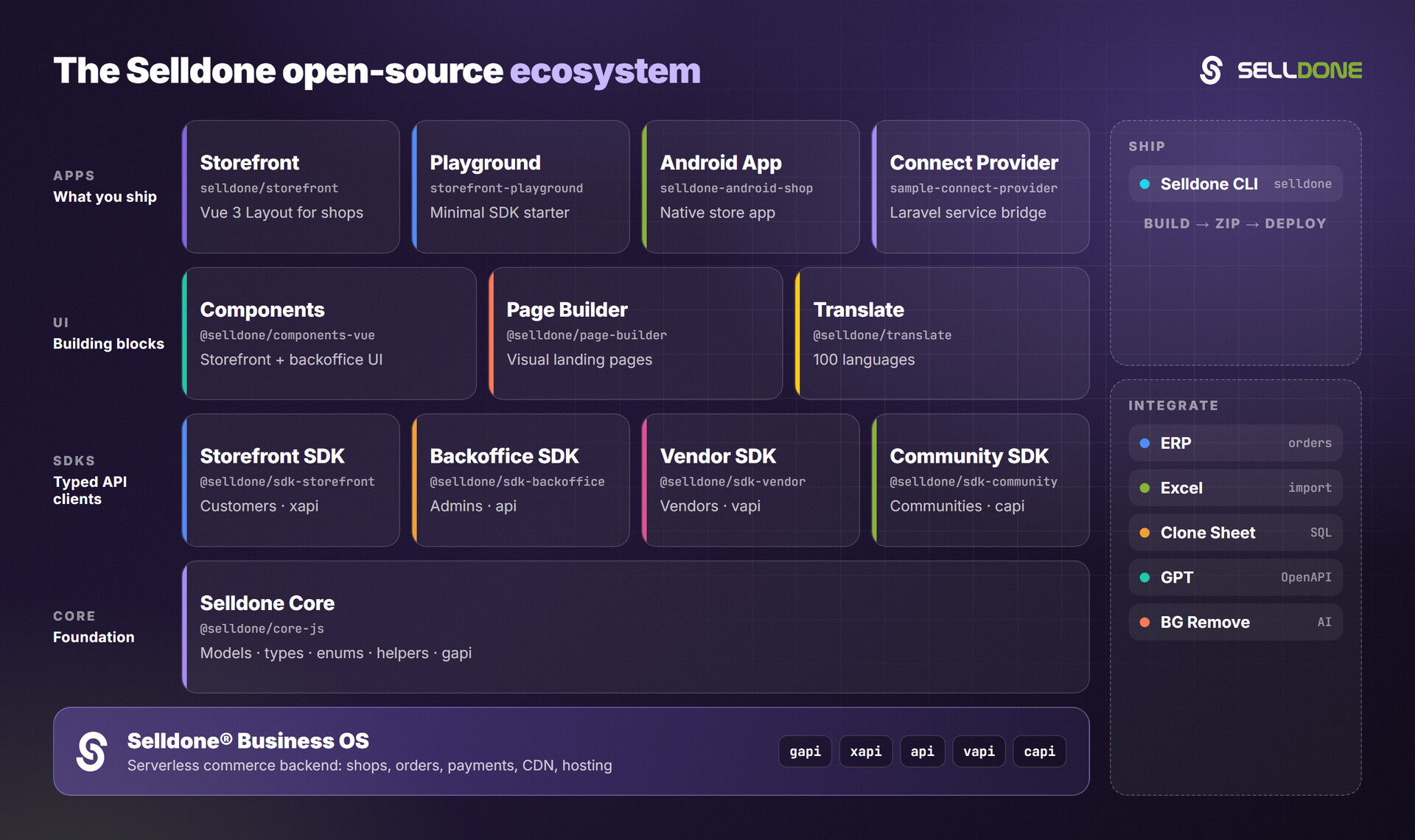
- Backoffice SDK: owner-side API, including Get Vendors List and Vendor Products List
- Core: shared models, enums and helpers
- Components: Vue 3 storefront and backoffice components
- Storefront: the customer-facing marketplace storefront
- All Selldone repositories