ProjectBook
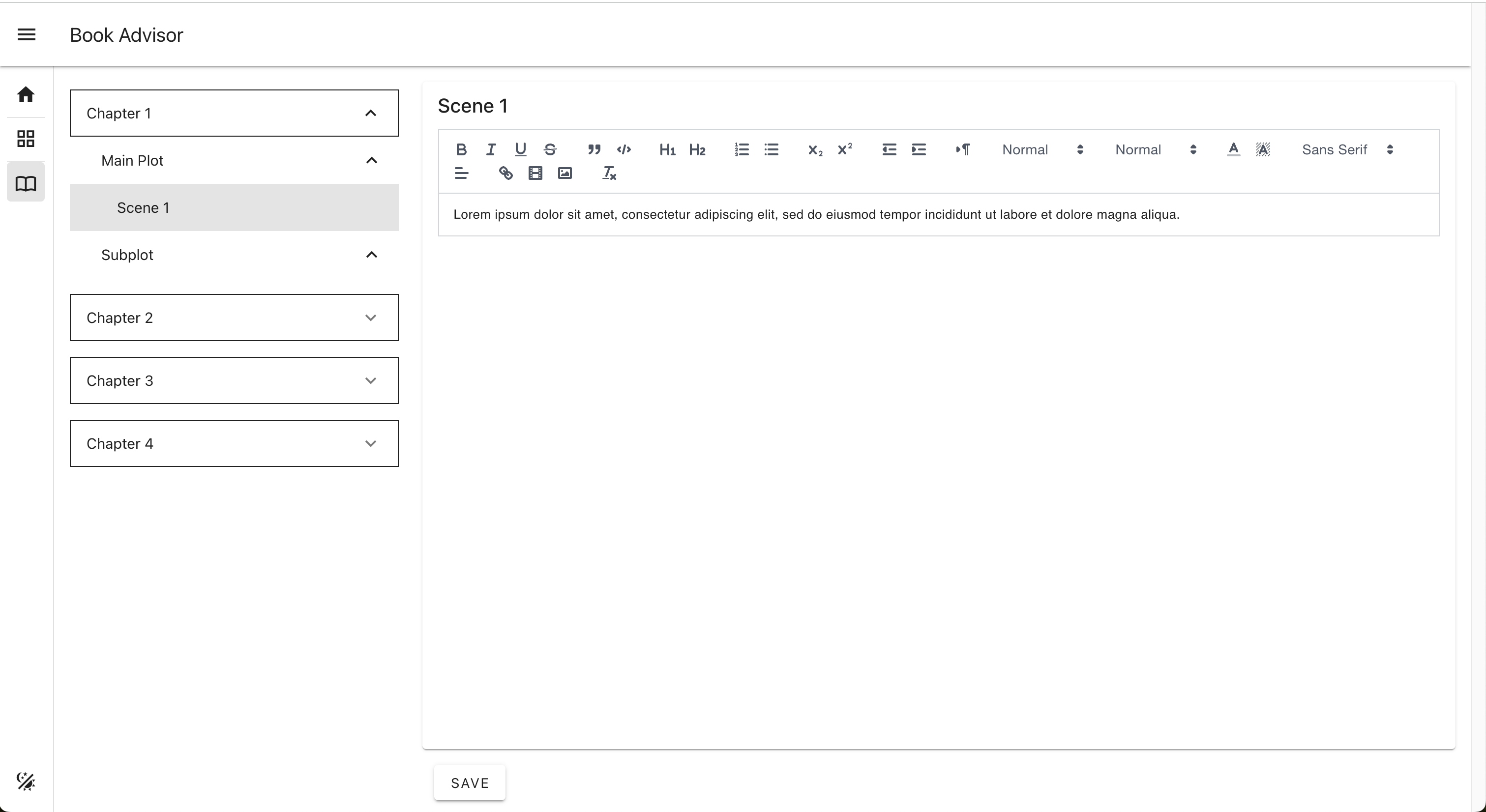
The Project Book page contains the structure of the Scenes by Chapters and Plots, and one Editor for the Scene content.

The Navigation Bar on the left side provides the links to the Project page, the Project Map page, and the Project Book page.
The Project Book contains the structure of the Scenes by Chapters and Plots, and one Editor for the Scene content.
The Scenes Panel on the left side contains the list of the Scenes grouped by Chapters and Plots.
Select one Scene from the Scenes Panel for the Scene Editor to load the Scene content.
Edit the content of the Scene from the Editor and click on the "Save" button to save the content.