Home

DSH Mobile is an open-source Android companion for the
DeepSeek Harness. The harness runs on your
computer and serves a web GUI to 127.0.0.1; this app speaks the same /api protocol from your
phone over your local network, so you can drive sessions, review plans and goals, answer approvals
and questions, and be notified when the harness needs you or finishes.
It is an unofficial, community-built remote — not a DeepSeek product.
| If you want to… | Go to |
|---|---|
| Install it and get connected | Getting Started |
| Understand the connect screen, scanning, auto-connect | Connecting |
| Reach the harness over Wi-Fi | LAN Mode |
| Fix a connection the app just refused | Troubleshooting |
| Know what every screen does | Feature Tour |
| Understand the trust model before opening a port | Security |
| Build it, test it, contribute | For Developers |
| Platform | Android 8.0+ (minSdk 26), Kotlin + Jetpack Compose |
| Talks to | DeepSeek Harness 0.1.0-rc.5 (see Compatibility) |
| Transport | Plain HTTP + two downlink WebSockets on your LAN — no cloud, no account |
| Latest release | Releases · Release Notes |
| Languages | 11, RTL aware — English, 中文, हिन्दी, Español, Français, العربية, বাংলা, Português, Русский, اردو, ไทย |
| License | MIT |
| Connect | Chat | Trajectory |
|---|---|---|
 |
 |
 |
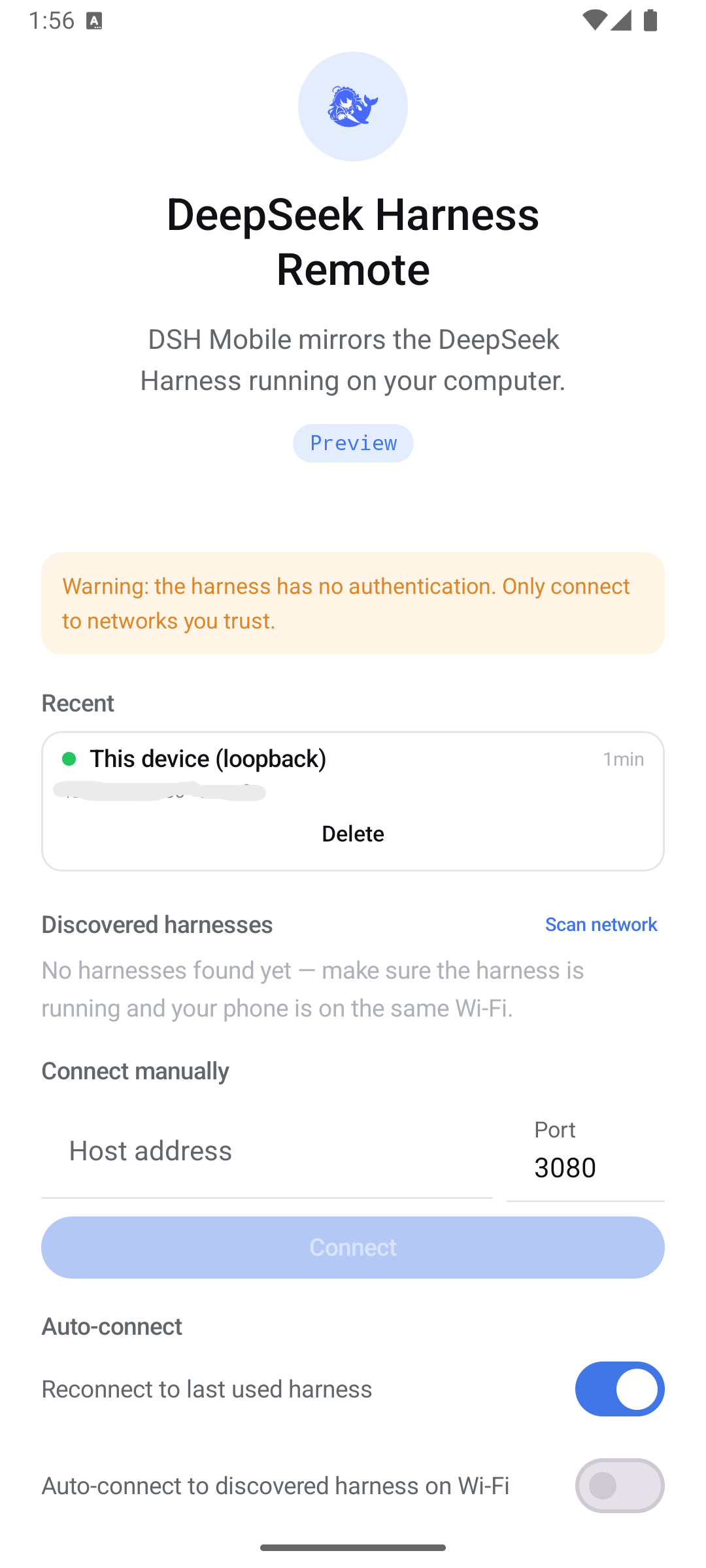
Remembered harnesses with live reachability, LAN discovery, manual host:port, auto-connect. |
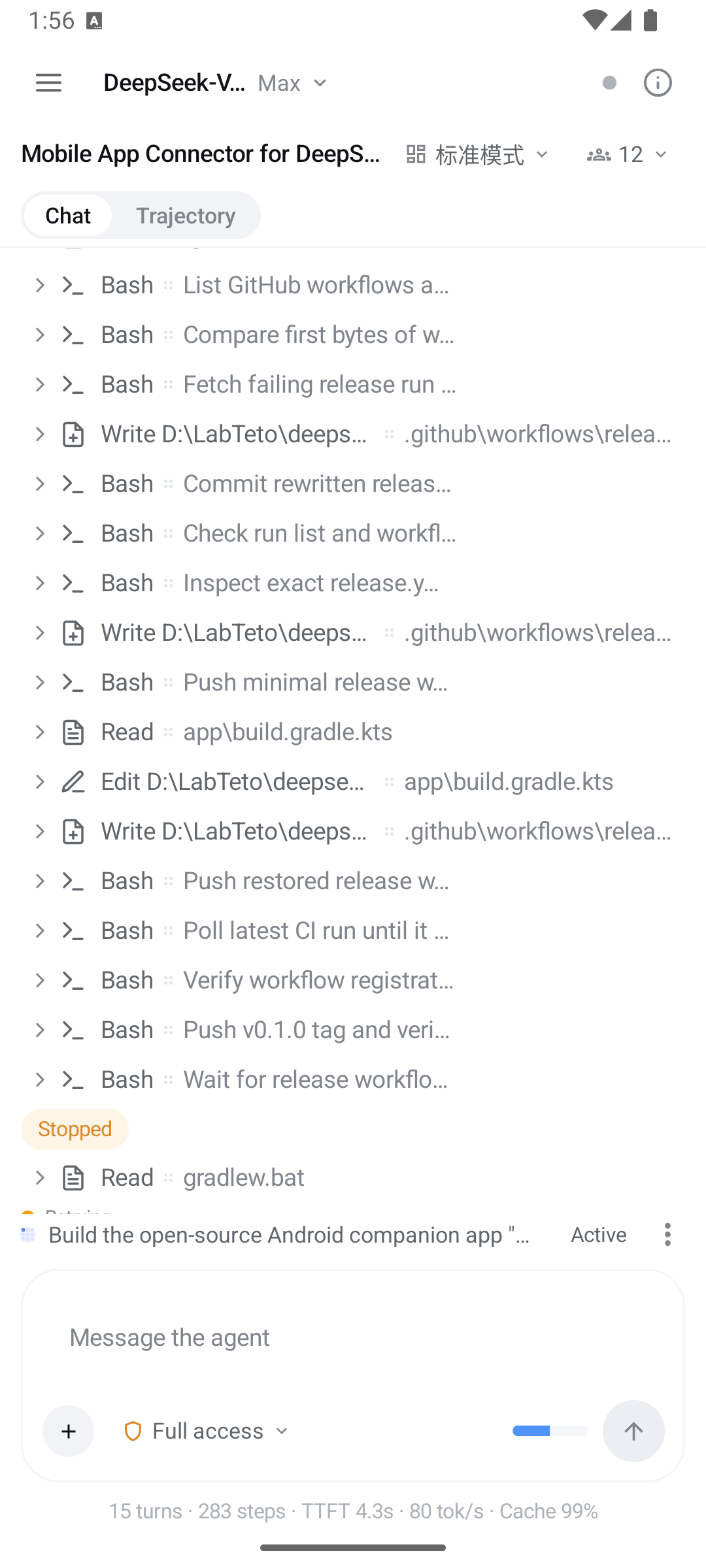
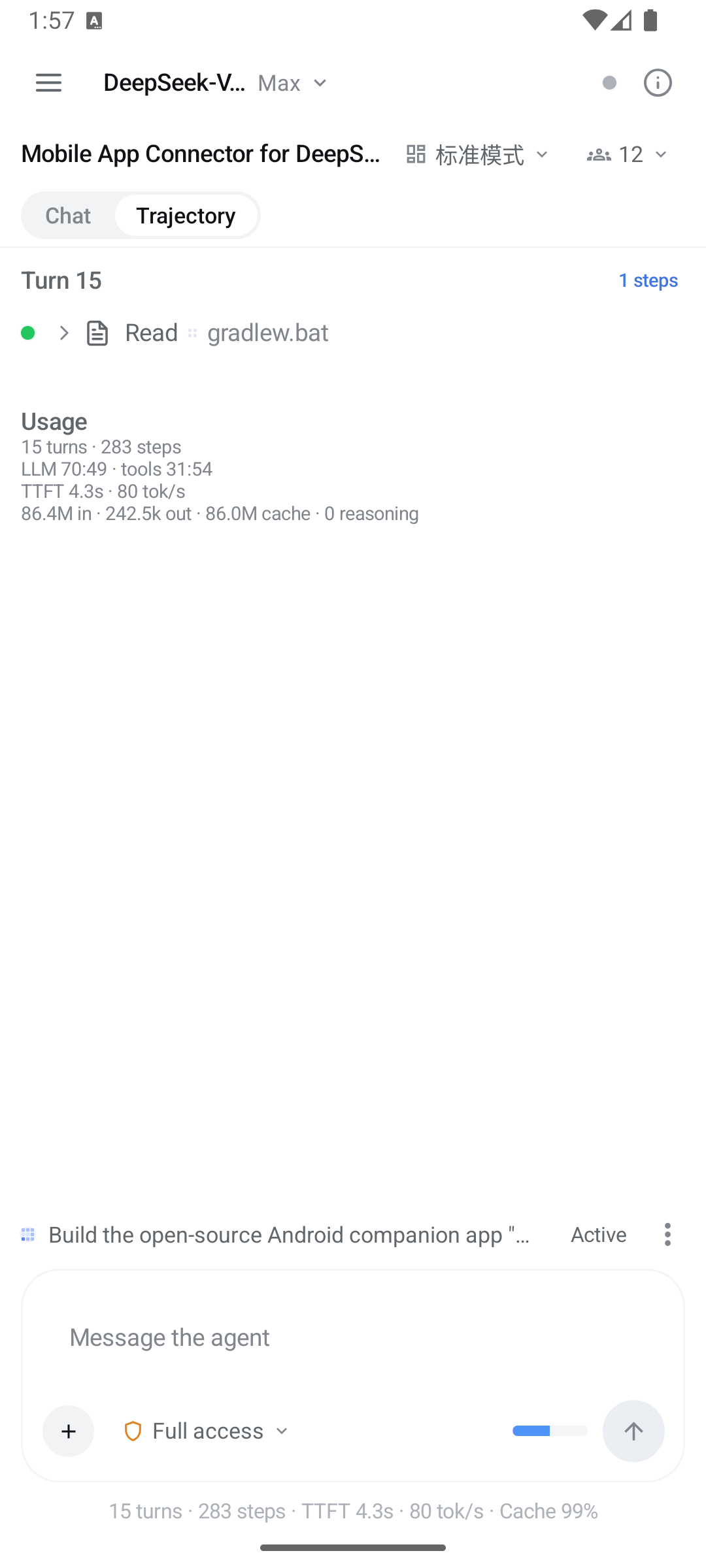
Streamed turns, a glyph per tool, expandable tool cards, permission picker. | The same session as a per-turn ledger with usage totals. |
The harness has no authentication. Its only gate is a Host-header trust fence, and when it
binds 0.0.0.0 it trusts its own LAN IP literals — so anyone on that network can drive the agent,
including running commands on the host computer. Only use LAN mode on networks you trust, and read
Security first. The app repeats this warning on the connect screen for the same
reason.
The wiki is the task-shaped guide. The precise technical documents live in the repository and are the source of truth:
-
docs/ARCHITECTURE.md— module layout, data flow, invariants -
docs/PROTOCOL.md— envelopes, projections, handshake, trust fence -
docs/SECURITY.md— trust model in full -
docs/COMPATIBILITY.md— version matrix, loopback-only surfaces -
harness/README.md— LAN setup and troubleshooting -
CONTRIBUTING.md·CHANGELOG.md