Submerge Mode
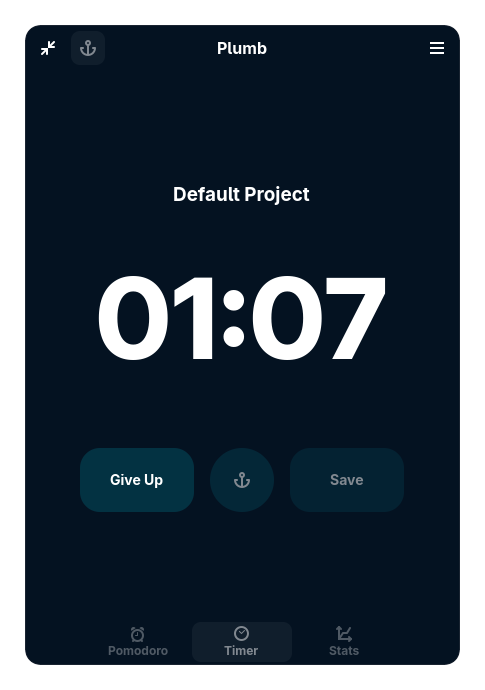
Standard timers let you casually pause them when you get a text message, or skip them when you feel lazy. Submerge Mode removes those buttons. It is the ultimate productivity contract. When you start a Pomodoro in Submerge Mode, your only option to stop the timer early is to click a bright red "Give Up" button, which forces you to psychologically admit defeat and discards the session entirely.
When active, Deep Dive disables the Play/Pause and Skip buttons. It also tightly integrates with the Web Blocker and GNOME Do Not Disturb to ensure you are completely isolated from distractions until the timer naturally hits zero.
- Select a Project from the dropdown on the main screen.
- Toggle the Anchor button next to the Play button so it is highlighted.
- Click Play. You are now Submerged. There is no pausing until the timer completes.