Repository navigation
Releases: taynotfound/shore
Release list
Shore 0.8.92

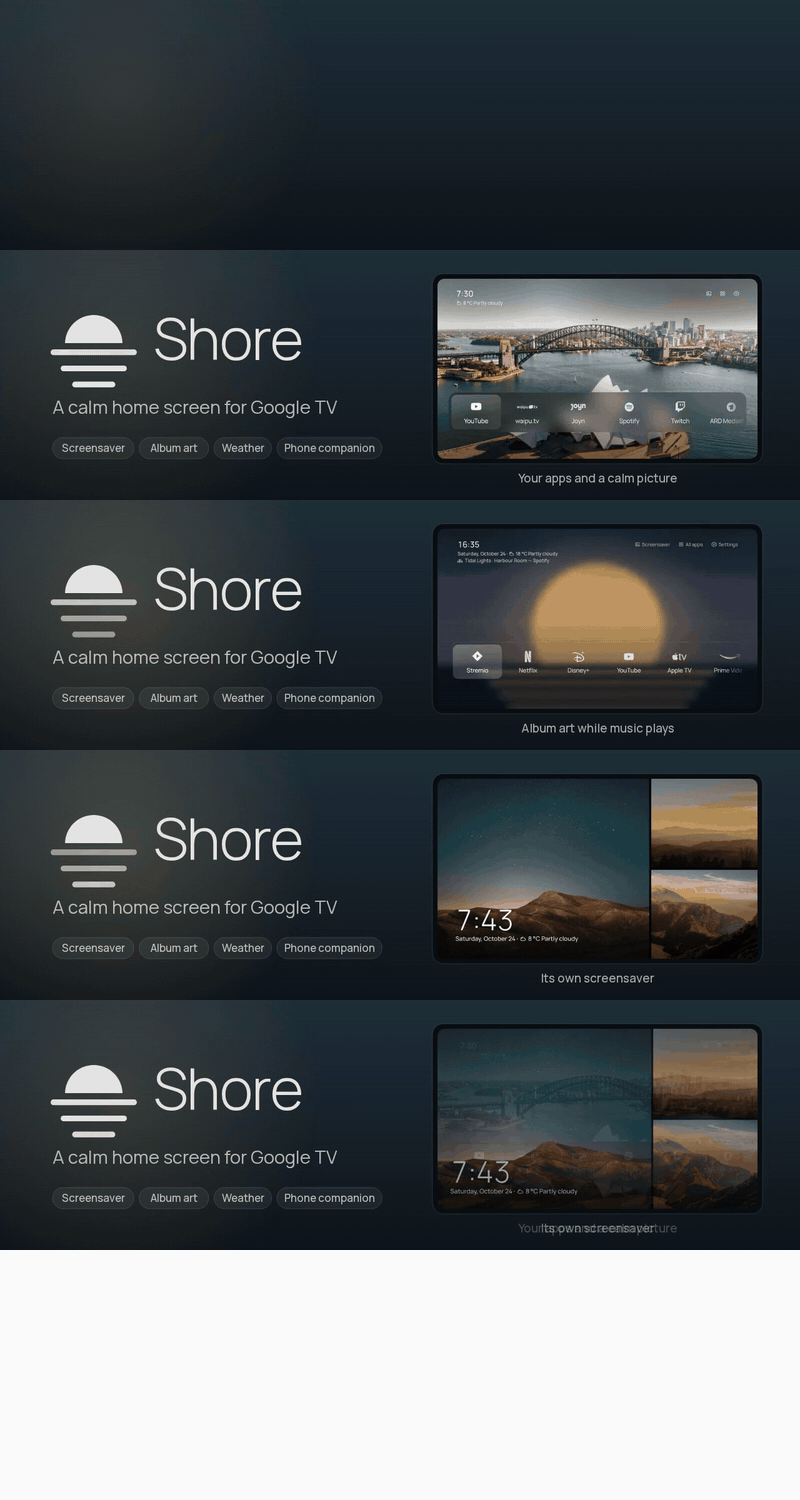
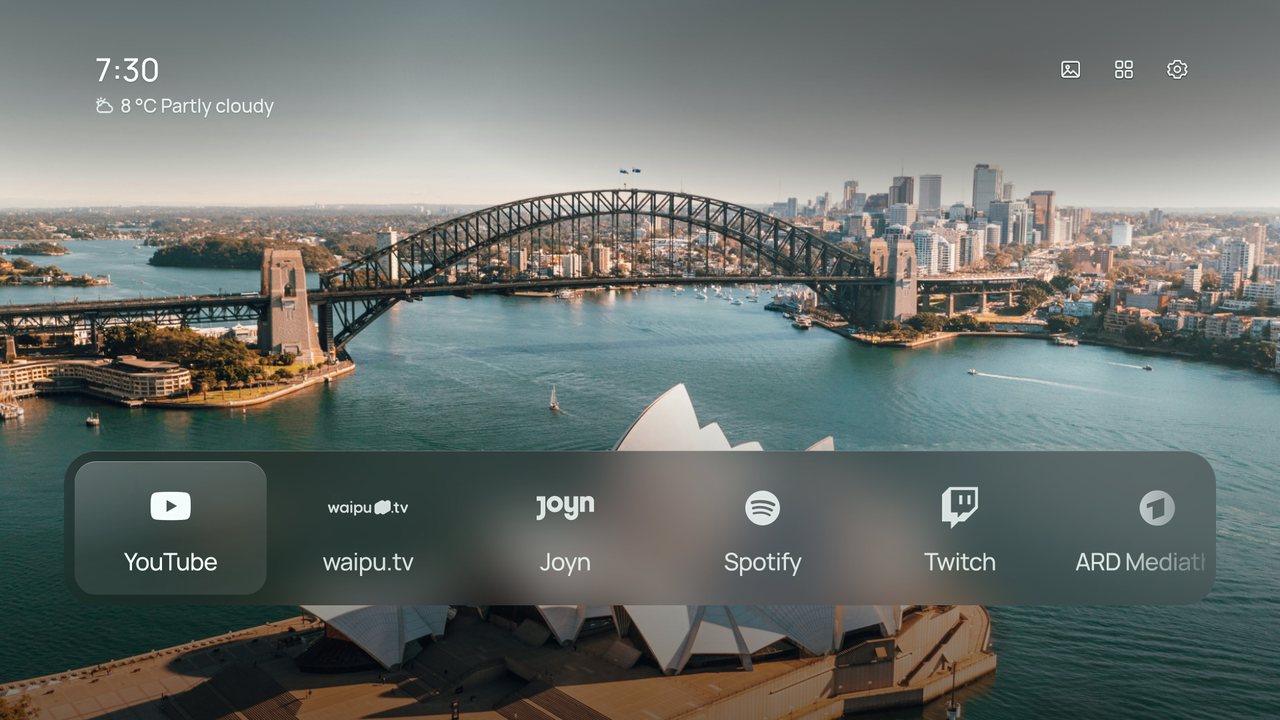
Faster on slow TVs
- Settings: the last line of a long page is readable, and long names in the icon list wrap instead of ending in …
- Settings › Performance: Auto, High end, Balanced or Potato. Auto picks for your TV and says why; Potato keeps your look but drops animations, drift, weather effects and moving wallpapers
- Add-ons are only downloaded from the app when you switch them on, and each says what it costs a slow TV
- Weather effects, Headlines and Widgets are now add-ons; the Music view loads the first time it opens
- Moving along the Dock no longer measures every tile on every frame
- Music view: the Next button is back in line with the others
Get it
⬇ Download shore-0.8.92.apk · 21.7 MB
- Already using Shore? Install it over your current version. Settings, photos and your Home layout stay.
- New to Shore? Follow the install guide: sideload the APK with Downloader or
adb install, then make Shore your Home screen.
Free build, no accounts, no keys
Release APKs contain no API keys. Almost everything works straight away:
| Works right away | Needs a build from source with your own keys |
|---|---|
| Weather, Now Playing with album art, screensaver, phone companion, your own photos | Unsplash themes |
| NASA, Bing, Wikimedia and Picsum wallpapers, Shore’s own wallpapers and animated loops | Pexels and Klipy animated wallpapers |
| Top Shelf recommendations |
SHA-256 of shore-0.8.92.apk: 337a47d29838e9127a1d4e3556d7fd7b9934a1b01fa87e78eff0341b12dd87d1
Shore 0.8.88
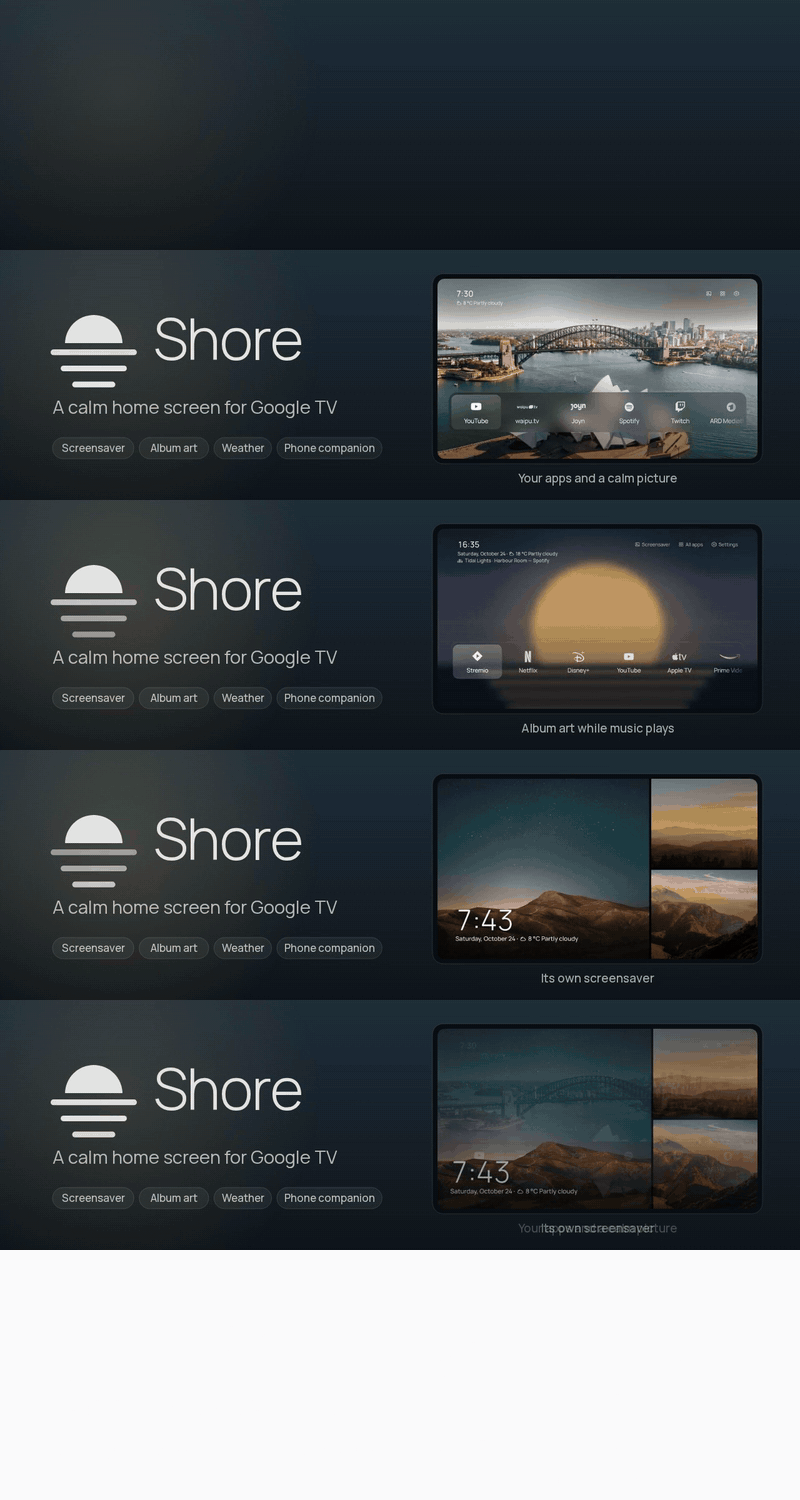
Search, screen time, widgets and Home Assistant
- Problem report. The phone companion’s TV settings tab downloads a report of crashes and errors to attach to a bug report. It stays on the TV until you download it and holds no settings or passwords. If the page stops, Shore now reloads it instead of closing.
- What’s new. After Shore updates itself, Home shows what changed once. You can read it again under Settings › Google TV › Shore updates.
- Widgets. An optional row of cards under the clock (Settings › Clock › Widgets): the forecast for the next three days, your next three events, and with Home Assistant the inside temperature, lights on and any open door or window.
- Italiano e Türkçe. Shore and the phone companion now speak Italian and Turkish, with ANSA, la Repubblica, BBC News Türkçe and DW Türkçe as news sources.
- Type from your phone. The companion’s new Keyboard tab types on the TV: into Shore’s Search right away, and into other apps’ text fields once you turn on Shore phone keyboard in the TV’s Accessibility settings.
- Search. All apps has a Search button: type with the remote’s arrows or a keyboard to find apps, HDMI inputs and Settings pages. On a keyboard, just start typing on Home.
- Screen time. Give an app a daily limit, from 30 minutes to 3 hours (Settings › Google TV › Parental lock › Screen time). When it runs out Shore comes back, and the PIN gives 30 more minutes.
- Home Assistant can now show your door camera when the doorbell rings (Settings › Add-ons › Home Assistant › Doorbell). Over the screensaver or Home the live view opens by itself; over another app a short note appears.
- New add-on, Pi-hole and AdGuard (Settings › Add-ons): today's share of blocked ads under the clock, and a pause for 5, 30 or 60 minutes when a site or app needs it. Works with Pi-hole 5 and 6 and AdGuard Home; the address and password are typed on the phone and stay on the TV.
- A small dot on Settings tells you when something stopped working, such as the Home button after an update, notification access or a wallpaper source, or when a Shore update is waiting. Setup and health says what.
- New rotation: By time of day (Settings › Wallpaper › Rotation). Morning, day, evening and night each get their own photo: pin one to each part, or leave it on Automatic for darker photos in the evening and at night and brighter ones by day.
- HDMI inputs get an icon that fits: a controller for a PlayStation or Xbox, a box for a set-top box, a disc, a soundbar, a computer, a streaming stick or a camera, worked out from the device's name.
- Rename an input or change its icon: hold OK on its tile, or open Settings › Inputs and pick it. Common names are one click away, and the phone companion's Apps tab takes any name.
- A remote button can now run the sleep timer (Settings › Google TV › Remote buttons): each press sets 30, 60, 90 or 120 minutes and the next press after 120 turns it off, with a short note on screen, even inside other apps.
- Smart home fits more on screen: small rooms sit side by side, and an outline shows which room you're in.
- Hold OK on a light in Smart home to change its brightness and colour.
- Press OK on a thermostat to set its temperature and mode.
- The Smart home panel says which devices are unavailable.
- New Settings › Add-ons. Add-ons stay out of sight until you switch them on.
- Home Assistant add-on: see your rooms, switch lights, switches and fans, lock and unlock, and watch cameras live from a Smart home button on Home. Built by mozthewah, thank you!
- Connect Home Assistant from the phone companion; the access token stays on the TV and out of backups.
- With Home Assistant on, the line under the clock shows the temperature and humidity inside.
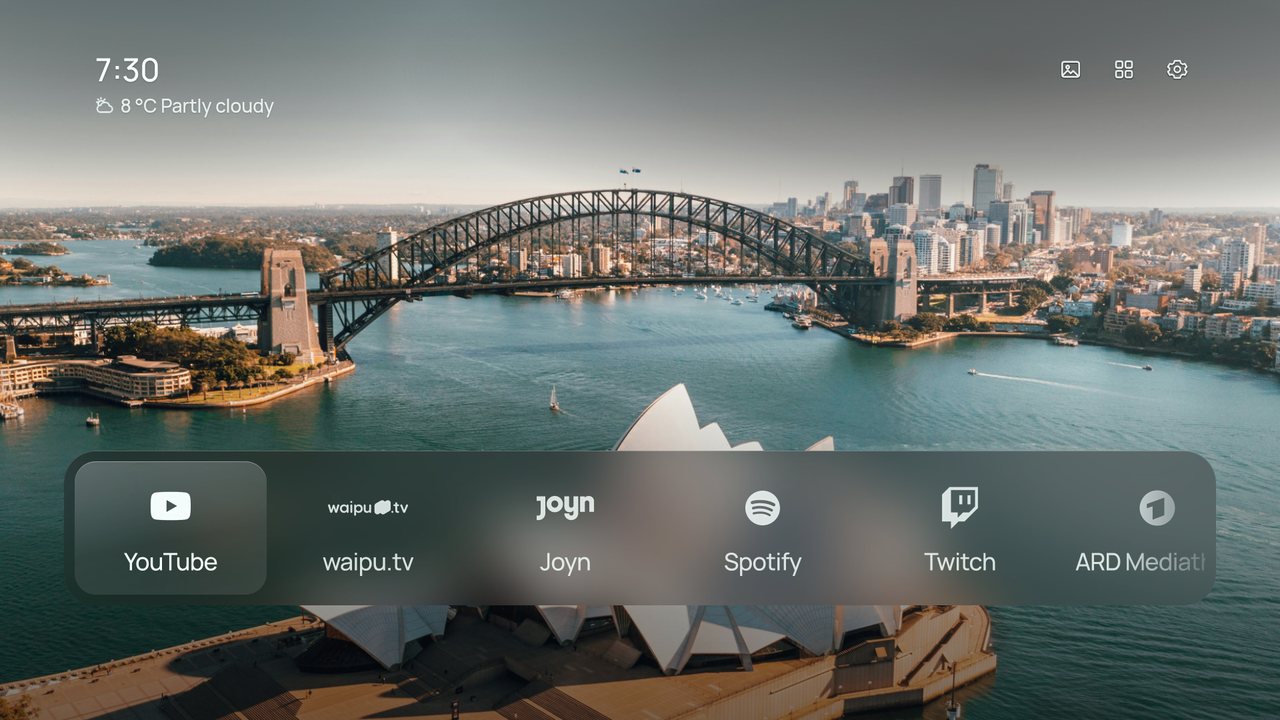
Get it
⬇ Download shore-0.8.88.apk · 21.7 MB
- Already using Shore? Install it over your current version. Settings, photos and your Home layout stay.
- New to Shore? Follow the install guide: sideload the APK with Downloader or
adb install, then make Shore your Home screen.
Free build, no accounts, no keys
Release APKs contain no API keys. Almost everything works straight away:
| Works right away | Needs a build from source with your own keys |
|---|---|
| Weather, Now Playing with album art, screensaver, phone companion, your own photos | Unsplash themes |
| NASA, Bing, Wikimedia and Picsum wallpapers, Shore’s own wallpapers and animated loops | Pexels and Klipy animated wallpapers |
| Top Shelf recommendations |
SHA-256 of shore-0.8.88.apk: 922e3420b80824f5dad2214b8cf31f6e9eaa57081d596d84c52f317b78e459b1
Changelog (20 commits since v0.8.68)
- Release notes: a headline for this release, no merge commits (
c44b863) - Problem report in the phone companion (
6282d80) - What's new after an update (
8bc7c64) - Widgets row under the clock (
9775623) - Italian and Turkish (
23f2519) - Type on the TV from the phone (
7ea29bb) - Search apps, inputs and Settings pages (
0b6bd2f) - Screen time limits for the parental lock (
ff261ab) - Credit mozthewah for the Home Assistant add-on (
8c6af0f) - Doorbell: the door camera when it rings (
15d84b6) - Pi-hole and AdGuard add-on (
1b047aa) - A dot on Settings when setup needs a look (
560a54f) - Wallpaper by time of day (
e5b325f) - Names and icons for HDMI inputs (
b4927a8) - Sleep timer on a remote button; Hisense A6N in the tested TVs (
dcb3e6c) - Merge pull request #1 from mozthewah/home-assistant-addon (
d4a198d) - Merge main into the Home Assistant add-on (
eff59f2) - Smart home: pack small rooms side by side, outline the focused room (
309f52a) - Smart home: light colour and thermostat controls, and say what's unavailable (
ac1c6d8) - Add a Home Assistant add-on: rooms, switches and cameras on Home (
e0d51c9)
Shore 0.8.68
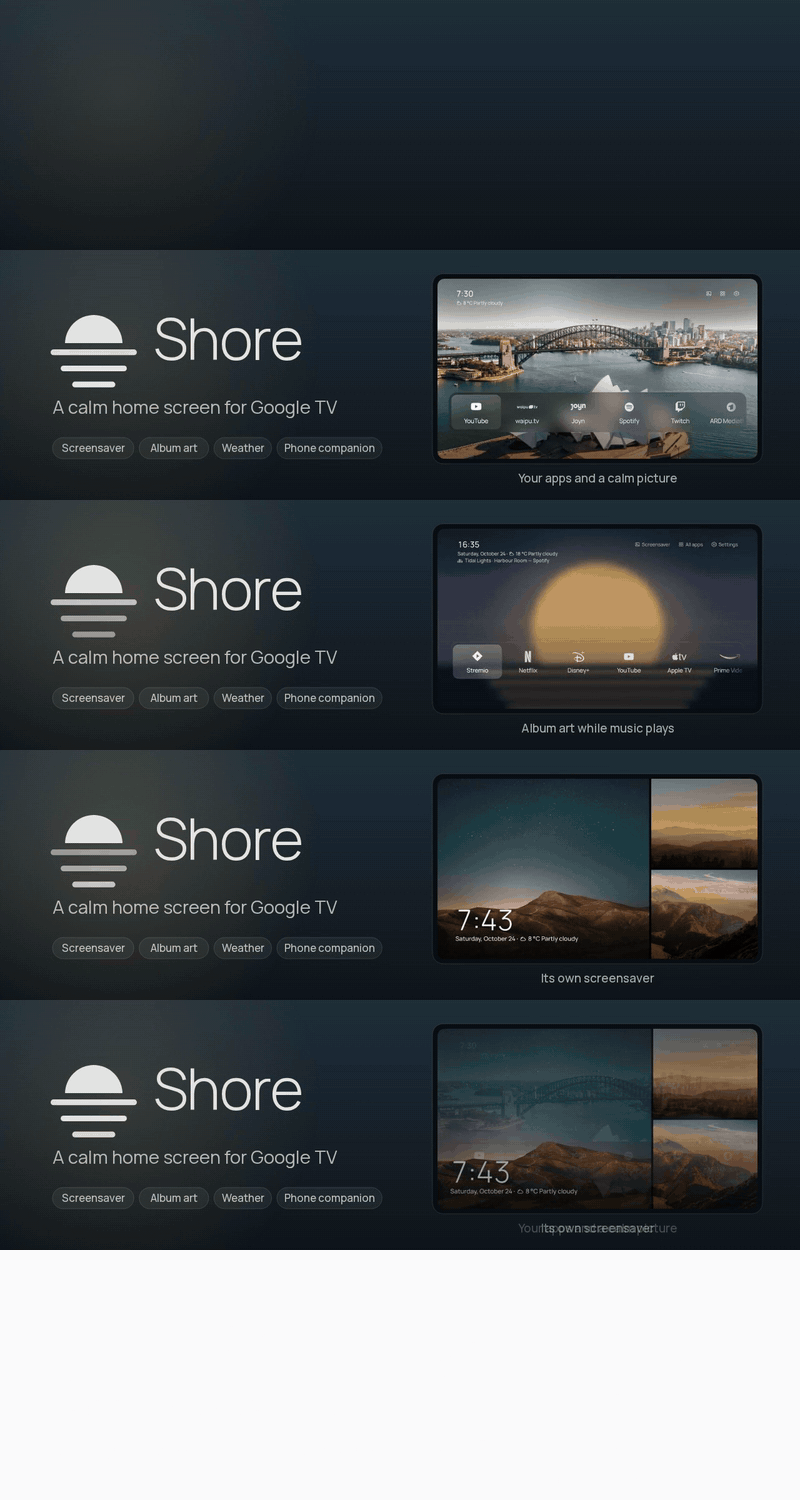
The big one: your icons, a parental lock, a sleep timer and your calendar
- Parental lock (Settings › Google TV › Parental lock): a four-digit PIN before the apps you choose open, and before Settings, Apps on Home and Quick actions if you like. Type it with the number keys or pick each digit with the arrows.
- Sleep timer (Settings › Night): 30, 60, 90 or 120 minutes, then the TV switches off, even while another app is open. The time left shows under the clock.
- Calendar under the clock: paste your calendar's iCal address in the phone companion and the next event appears, like "Tomorrow 9:30 · Dentist". Repeating events are understood.
- Music view: Up next shows the next three songs when the music app shares its queue.
- Music view: Translate lyrics (off by default) puts a translation into the TV's language under every synced line, using Google Translate.
- The screensaver no longer starts over the music view while a song is playing.
- Apps you opened lately but haven't put on Home appear after Home's apps in the Dock (up to three). Turn it off in Settings › Home screen.
- Pick the icon for any app on Home: hold OK on it and choose Icon, or go to Settings › Home screen › App icons › Per app. Choose any of Shore's icons, the app's own icon or a one-colour version; everything else keeps following the icon style.
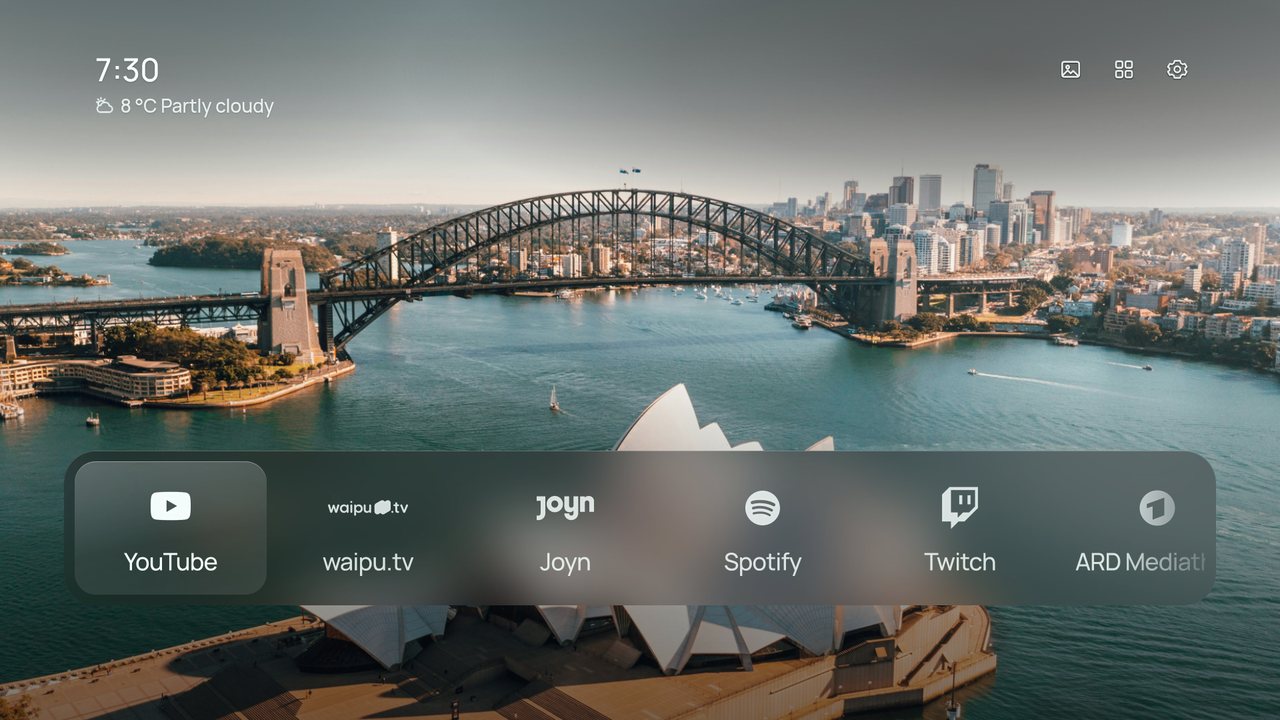
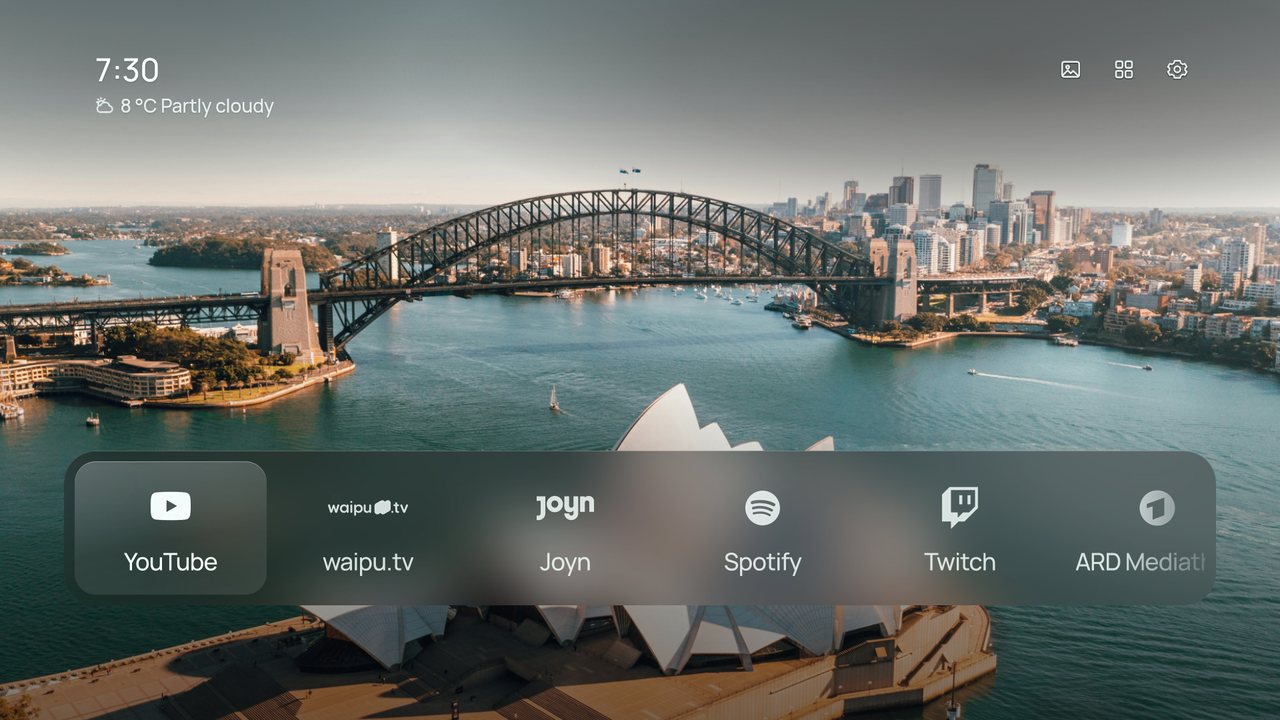
- Shore shows your wallpaper with a skeleton of Home the moment it opens, then the clock, buttons and apps glide in.
- Only the TV's own language is loaded; English loads no translation data.
- Start-up skips work Home doesn't need: the phone pairing code is made only on its settings page, and font measurements, AM/PM and the date are remembered.
- After a reboot, Shore opens as soon as its Home-button service starts.
- The 12-hour clock shows AM or PM, in the TV's language.
- Weather finds more places: "Dammam, Saudi Arabia", names in Arabic or Cyrillic, and a new place from the phone is looked up right away.
- Monochrome icons keep their shape instead of being stretched, and icons that came out as white squares now show their logo.
- Icon packs with wide, banner-shaped icons (common for Projectivy) are no longer squashed.
- With icons only, up to nine apps stay centred in the dock.
- The remote's Home button always goes to Home, even from Settings or All apps.
- Long settings pages (for example Music in Ukrainian) scroll instead of running under the hint.
- Returning from an app asks the TV for a fresh frame, against a black screen on some TVs.
Get it
⬇ Download shore-0.8.68.apk · 21.6 MB
- Already using Shore? Install it over your current version. Settings, photos and your Home layout stay.
- New to Shore? Follow the install guide: sideload the APK with Downloader or
adb install, then make Shore your Home screen.
Free build, no accounts, no keys
Release APKs contain no API keys. Almost everything works straight away:
| Works right away | Needs a build from source with your own keys |
|---|---|
| Weather, Now Playing with album art, screensaver, phone companion, your own photos | Unsplash themes |
| NASA, Bing, Wikimedia and Picsum wallpapers, Shore’s own wallpapers and animated loops | Pexels and Klipy animated wallpapers |
| Top Shelf recommendations |
SHA-256 of shore-0.8.68.apk: 5bc0c6706ccf8a4b080a514dc49a9117d67477e1df0561e86cccf238f0117860
Changelog (9 commits since v0.8.59)
- README, website and release notes for the parental lock, sleep timer, calendar, Up next and per-app icons (
4306406) - Sleep timer, calendar line, Up next, lyrics translation and a parental lock; no screensaver over a playing music view (
2b71be0) - Recently used apps after Home's in the Dock (
37065af) - Issue templates for bugs, ideas, TV reports and icon requests, and a pull request template (
6fc9bee) - Choose the icon for each app (
7002c1d) - Make Ko-fi, GitHub Sponsors and Discord easier to find on the site and in the README (
8c239aa) - Faster start: instant wallpaper with a skeleton, lazy translations, lighter first render (
209abe4) - Tester fixes: AM/PM, weather places, mono icons, Home button, settings overflow (
d9da0b2) - Update README.md (
67fdcee)
Shore 0.8.59
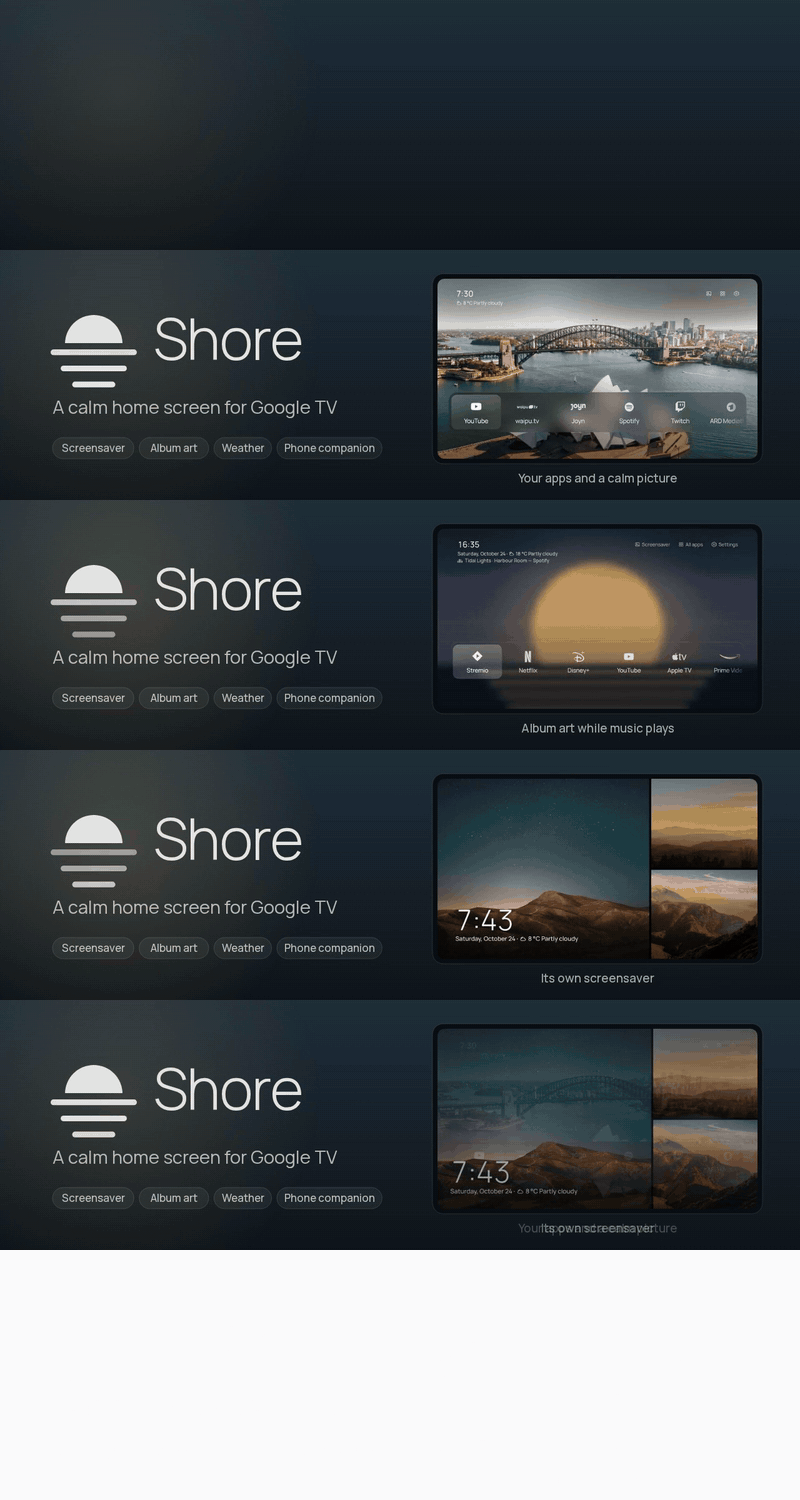
What’s new in Shore 0.8.59
- The beat pulse learns each song: it watches 808s, kicks, snares, claps and hi-hats and follows whichever keeps the most regular beat, starting again when the song changes.
- Beat pulse (off by default): kick and bass hits push the music view's background and cover out a little. It reads the TV's own sound, never the microphone; Android asks to allow audio recording.
- Settings › Music › Music view turns lyrics, word-by-word highlighting and the beat pulse on or off.
- Lyrics move like Apple Music's: lines ripple into place, the line being sung grows, and its words light up in turn (exactly, where LRCLIB has word timing).
- Lyrics only show for the version that is playing: the title, artist and length must match, so a wrong song or edit shows no lyrics instead.
- Builds with a Last.fm key find sharper album covers when the music app's own is small.
Get it
⬇ Download shore-0.8.59.apk · 21.6 MB
- Already using Shore? Install it over your current version. Settings, photos and your Home layout stay.
- New to Shore? Follow the install guide: sideload the APK with Downloader or
adb install, then make Shore your Home screen.
Free build, no accounts, no keys
Release APKs contain no API keys. Almost everything works straight away:
| Works right away | Needs a build from source with your own keys |
|---|---|
| Weather, Now Playing with album art, screensaver, phone companion, your own photos | Unsplash themes |
| NASA, Bing, Wikimedia and Picsum wallpapers, Shore’s own wallpapers and animated loops | Pexels and Klipy animated wallpapers |
| Top Shelf recommendations |
SHA-256 of shore-0.8.59.apk: 89d5450a85d438f477c2948a7bf00c7964449790f8e63003eb0ded7a53f44dd8
Changelog (4 commits since v0.8.55)
Shore 0.8.55
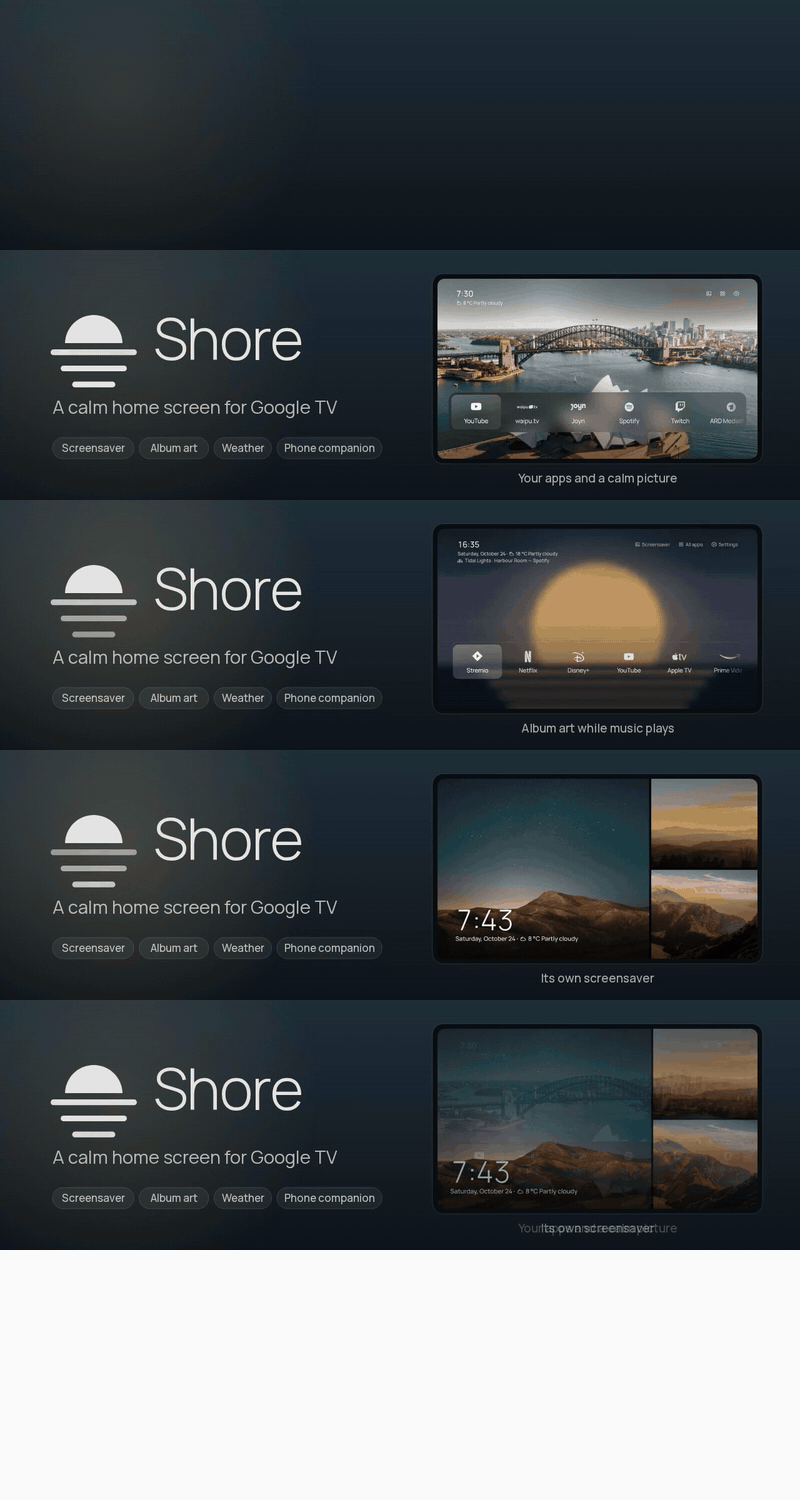
Music view and Continue watching
- The music button opens a full music view: cover, title, album, a progress bar you can seek with left and right, previous, play and next, and a button to open the music app.
- Synced lyrics from LRCLIB follow the song line by line; the lyrics button turns them off. Only the artist, title, album and length are sent.
- The music view follows the song: a new track replaces the cover, progress and lyrics on its own.
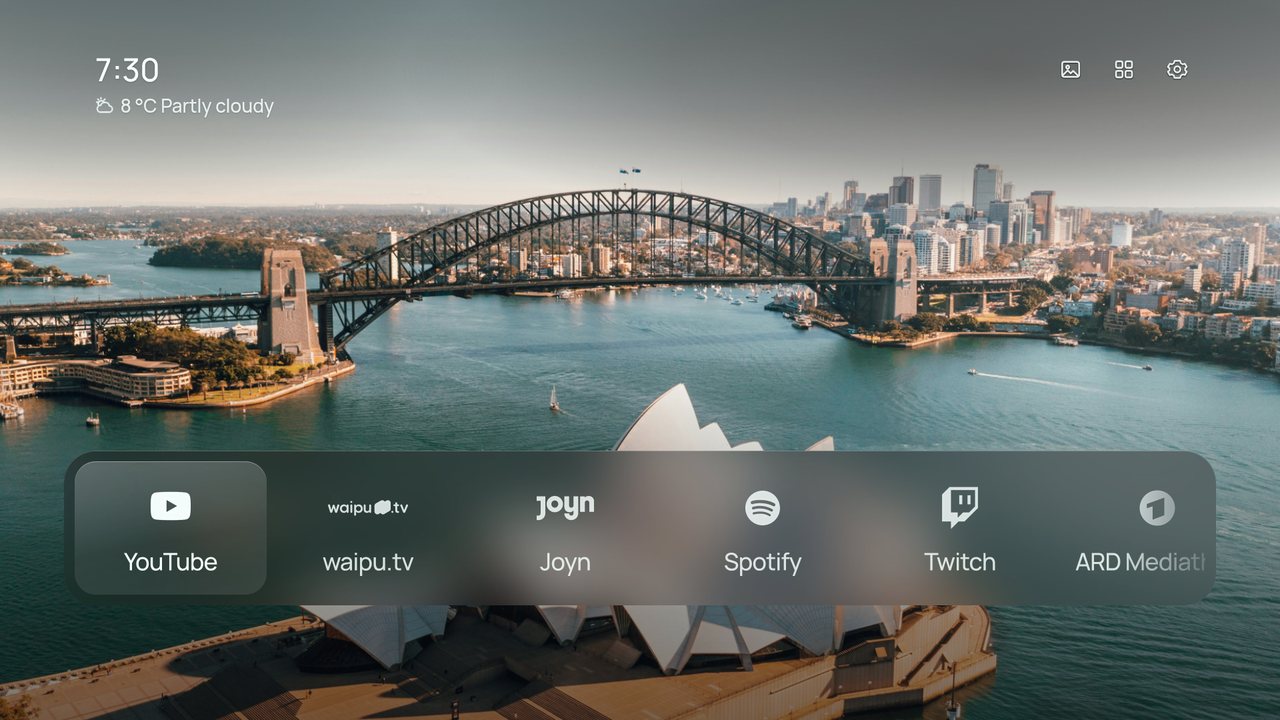
- Continue watching: a row under the apps in Dock, and each app's own items first in Shelf. Turn it on in Settings › Home screen and allow access when Android asks.
- Rework the website in Shore's own look and plainer copy
Get it
⬇ Download shore-0.8.55.apk · 21.6 MB
- Already using Shore? Install it over your current version. Settings, photos and your Home layout stay.
- New to Shore? Follow the install guide: sideload the APK with Downloader or
adb install, then make Shore your Home screen.
Free build, no accounts, no keys
Release APKs contain no API keys. Almost everything works straight away:
| Works right away | Needs a build from source with your own keys |
|---|---|
| Weather, Now Playing with album art, screensaver, phone companion, your own photos | Unsplash themes |
| NASA, Bing, Wikimedia and Picsum wallpapers, Shore’s own wallpapers and animated loops | Pexels and Klipy animated wallpapers |
| Top Shelf recommendations |
SHA-256 of shore-0.8.55.apk: 8d3d51cd33772e099c9076163877a02466ad2c292c7954ef9f2e36f6ed34e3d3
Shore 0.8.52
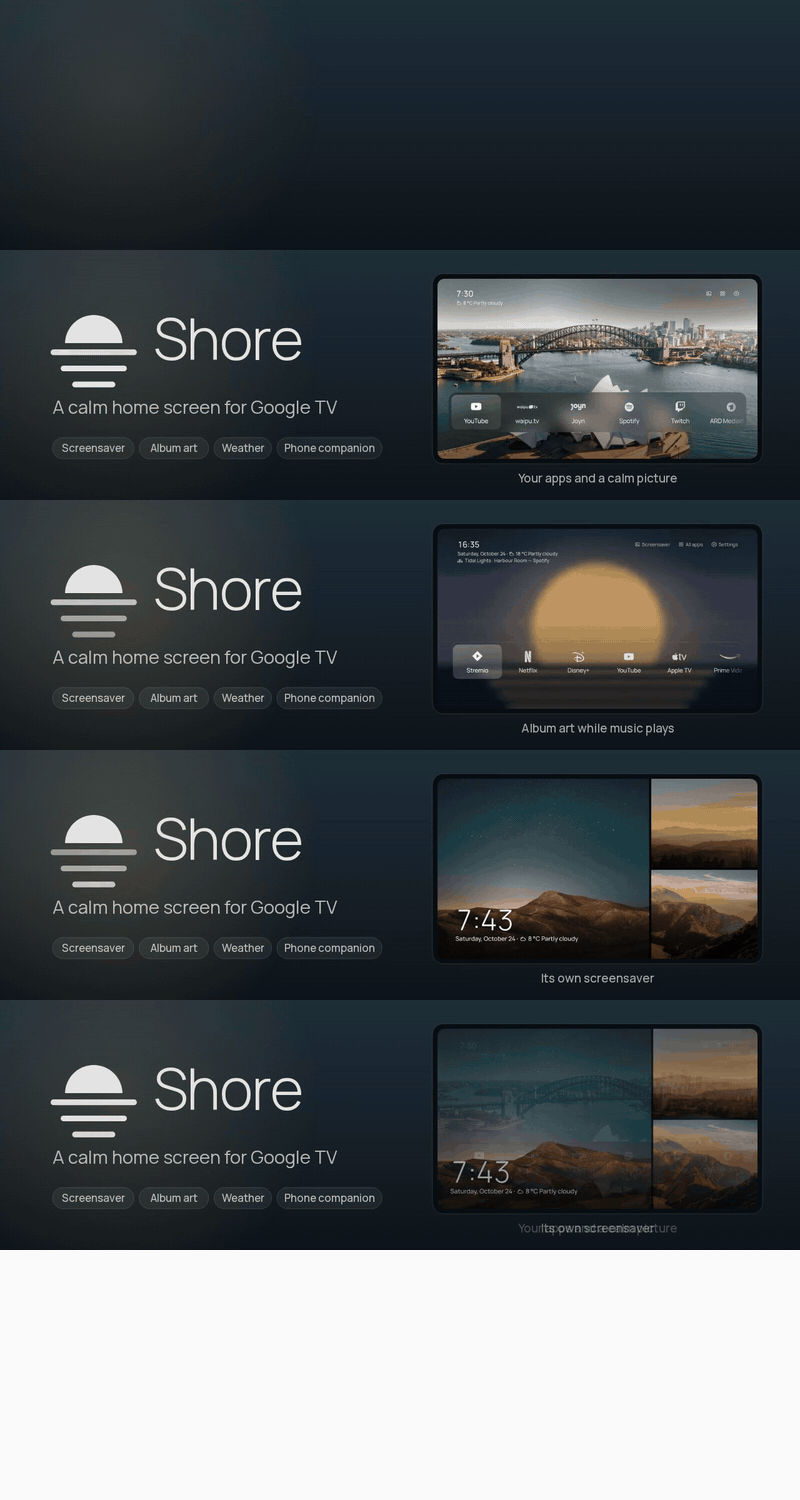
Icon packs and hidden inputs
- Hide HDMI inputs you never switch to, such as a soundbar: Settings › Inputs, or hold OK on the tile.
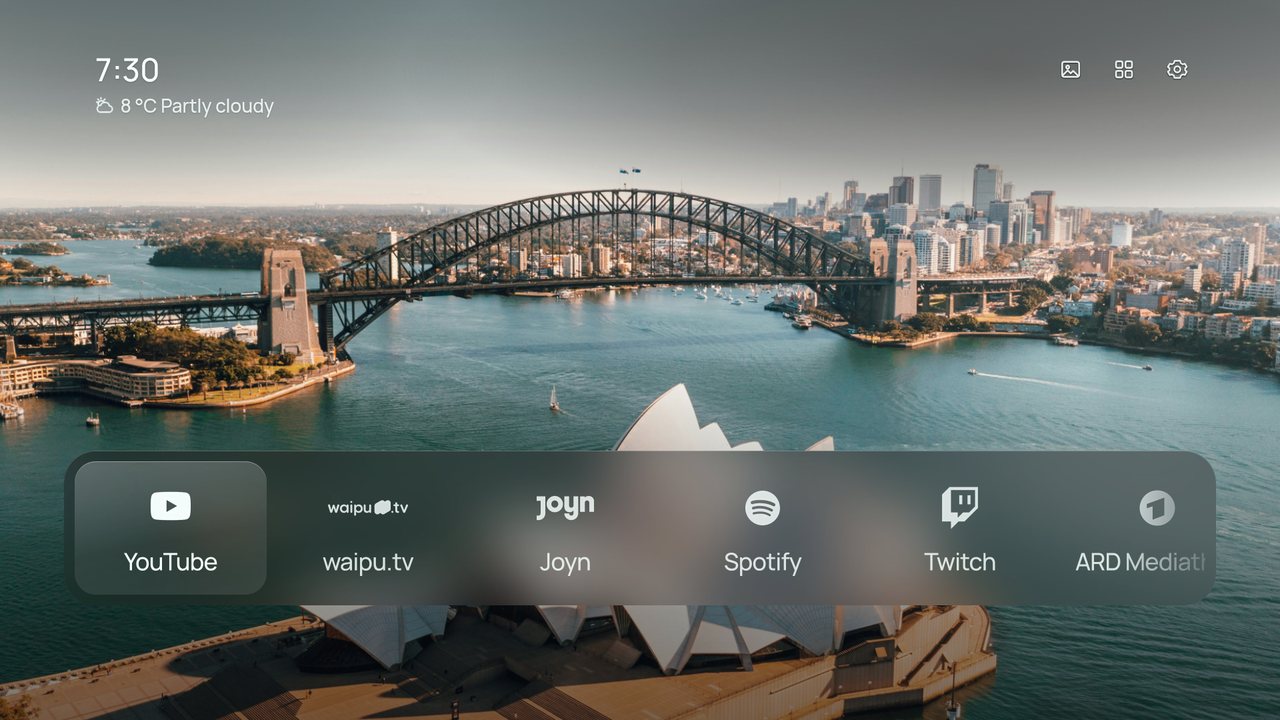
- Choose an icon pack (Projectivy and other launcher packs), original app icons or a monochrome style under Settings › Home screen › App icons.
- Remove unused code and strings
- Settings are regrouped into Look, When you're away, Clock and info, and Shore, with one page per topic: Weather, Music, News and Screensaver have their own pages.
- Choose where headlines come from: Google News, an outlet such as tagesschau, BBC News or Le Monde, or your own feed from the phone companion.
- The phone companion no longer has a Remote tab. Use your TV remote or the Google TV app on your phone instead.
Get it
⬇ Download shore-0.8.52.apk · 21.5 MB
- Already using Shore? Install it over your current version. Settings, photos and your Home layout stay.
- New to Shore? Follow the install guide: sideload the APK with Downloader or
adb install, then make Shore your Home screen.
Free build, no accounts, no keys
Release APKs contain no API keys. Almost everything works straight away:
| Works right away | Needs a build from source with your own keys |
|---|---|
| Weather, Now Playing with album art, screensaver, phone companion, your own photos | Unsplash themes |
| NASA, Bing, Wikimedia and Picsum wallpapers, Shore’s own wallpapers and animated loops | Pexels and Klipy animated wallpapers |
| Top Shelf recommendations |
SHA-256 of shore-0.8.52.apk: 61fb817f6c7386ea0ab55405f10e524a8bb6da6a499ad7da6abb4f37f14cb47b
Changelog (6 commits since v0.8.46)
Shore 0.8.46
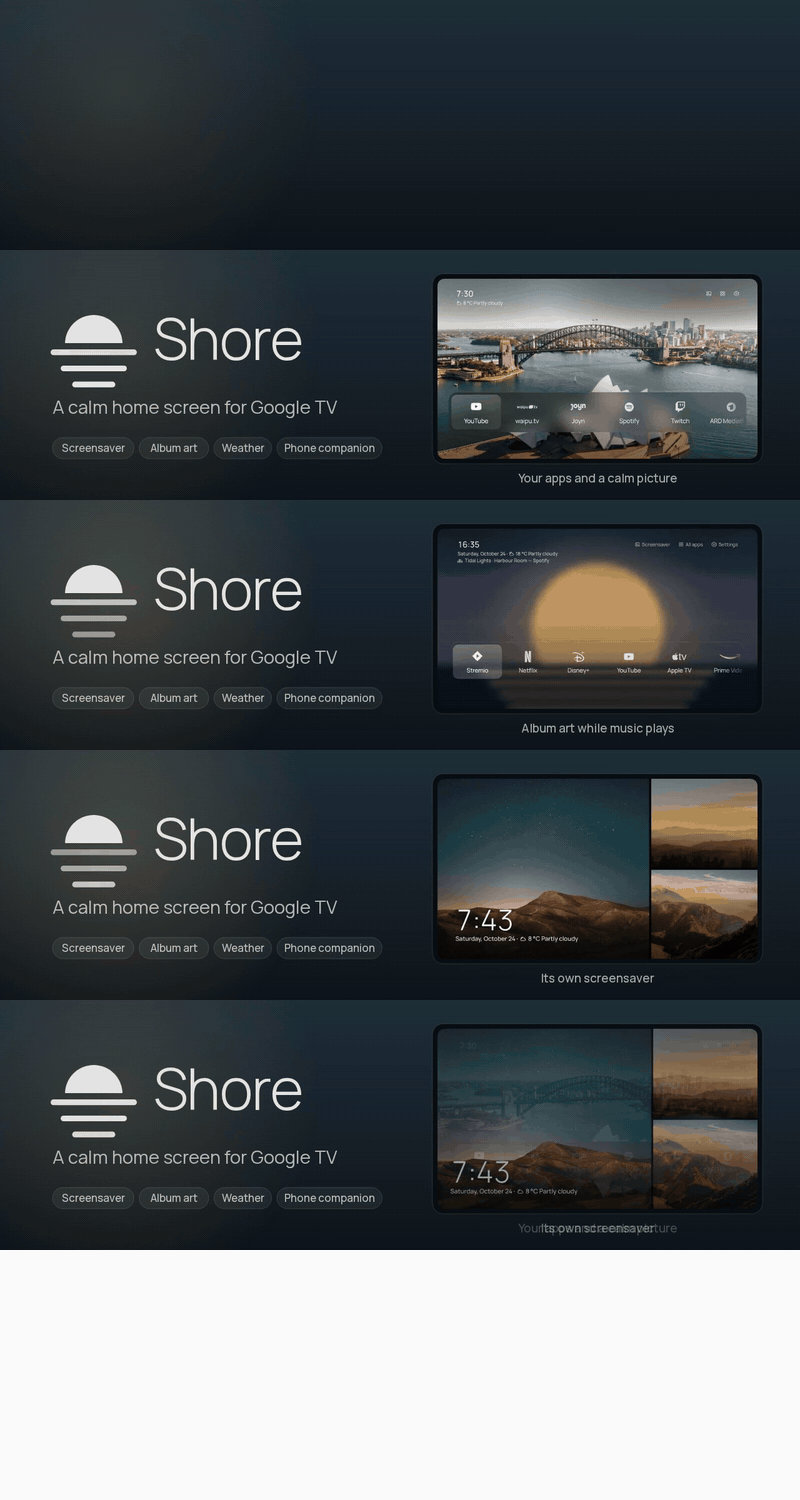
The phone remote now works in every app
- The phone companion's remote now works everywhere: Netflix, YouTube, Live TV and any other app, not just Shore. Open the Remote tab, tap Pair, and type the code your TV shows. You only do this once.
Get it
⬇ Download shore-0.8.46.apk · 21.5 MB
- Already using Shore? Install it over your current version. Settings, photos and your Home layout stay.
- New to Shore? Follow the install guide: sideload the APK with Downloader or
adb install, then make Shore your Home screen.
Free build, no accounts, no keys
Release APKs contain no API keys. Almost everything works straight away:
| Works right away | Needs a build from source with your own keys |
|---|---|
| Weather, Now Playing with album art, screensaver, phone companion, your own photos | Unsplash themes |
| NASA, Bing, Wikimedia and Picsum wallpapers, Shore’s own wallpapers and animated loops | Pexels and Klipy animated wallpapers |
| Top Shelf recommendations |
SHA-256 of shore-0.8.46.apk: bc4911f7908b6c6d93ce80e6d39c91e6fe2b39d25d2e3659266d47047949e96c
Changelog (1 commit since v0.8.45)
- Phone remote in every app via the TV's remote service (
897164b)
Shore 0.8.45
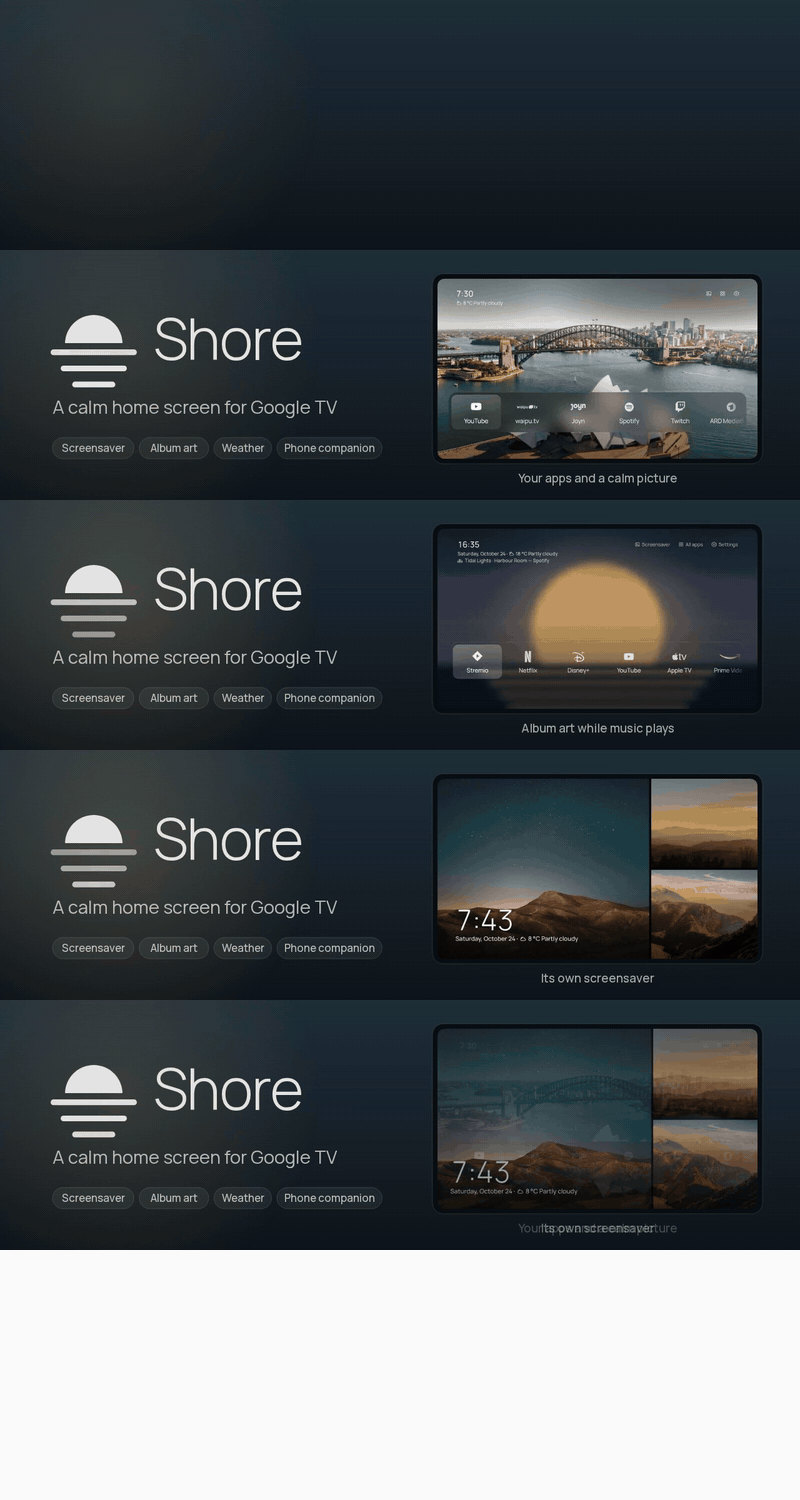
Headlines on your Home screen
- New: Headlines. Turn them on in Settings › Clock and Shore shows the latest top stories under the clock and on the screensaver, one at a time.
- They come from Google News in your TV's language, or from any news feed you add in the phone companion under News feed.
Get it
⬇ Download shore-0.8.45.apk · 21.5 MB
- Already using Shore? Install it over your current version. Settings, photos and your Home layout stay.
- New to Shore? Follow the install guide: sideload the APK with Downloader or
adb install, then make Shore your Home screen.
Free build, no accounts, no keys
Release APKs contain no API keys. Almost everything works straight away:
| Works right away | Needs a build from source with your own keys |
|---|---|
| Weather, Now Playing with album art, screensaver, phone companion, your own photos | Unsplash themes |
| NASA, Bing, Wikimedia and Picsum wallpapers, Shore’s own wallpapers and animated loops | Pexels and Klipy animated wallpapers |
| Top Shelf recommendations |
SHA-256 of shore-0.8.45.apk: aa14df0d193923db166290f20a040e946711e3f373a321b8eaad5d8f8855c7f1
Shore 0.8.43
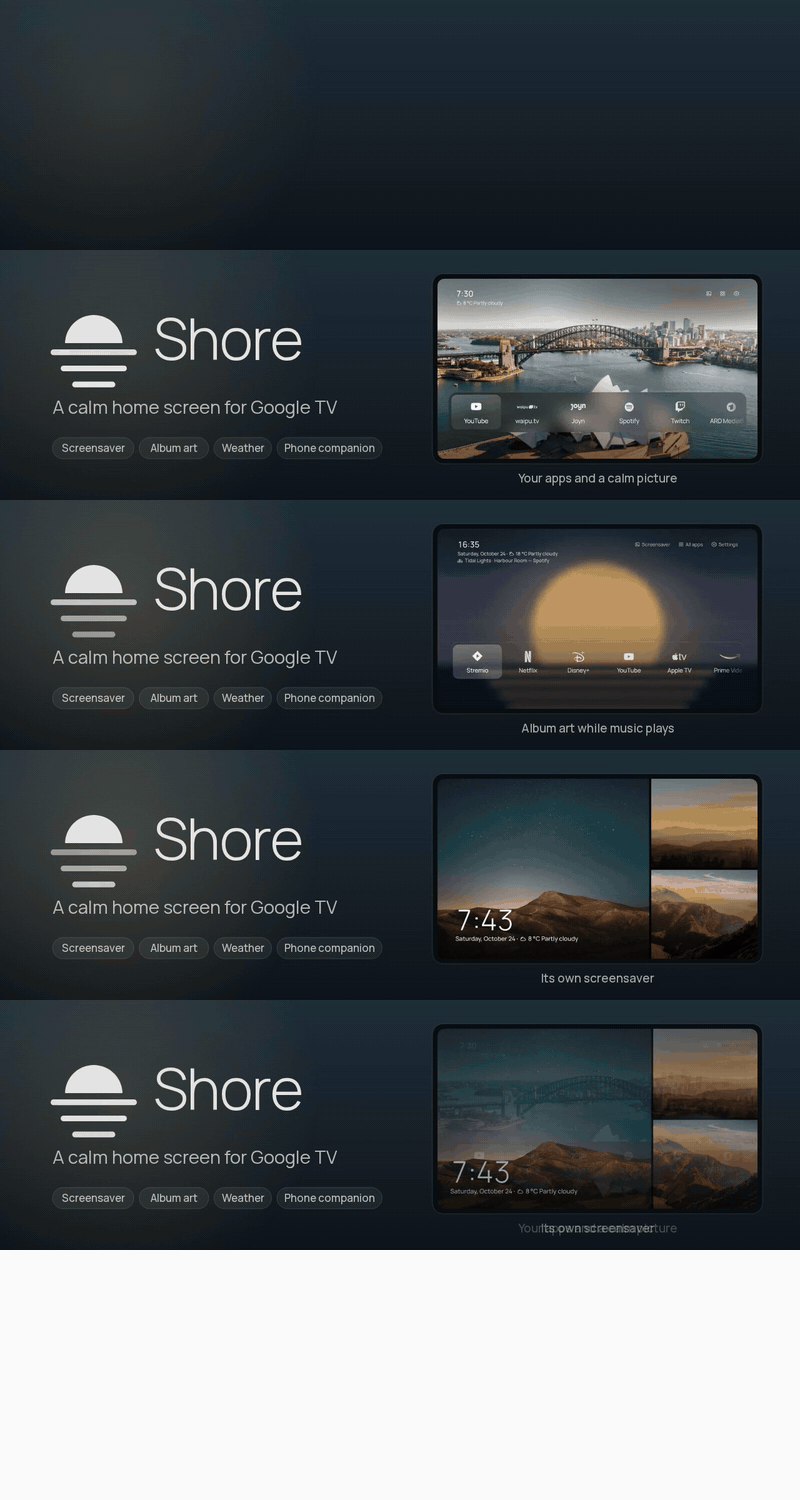
Rain and snow on your wallpaper
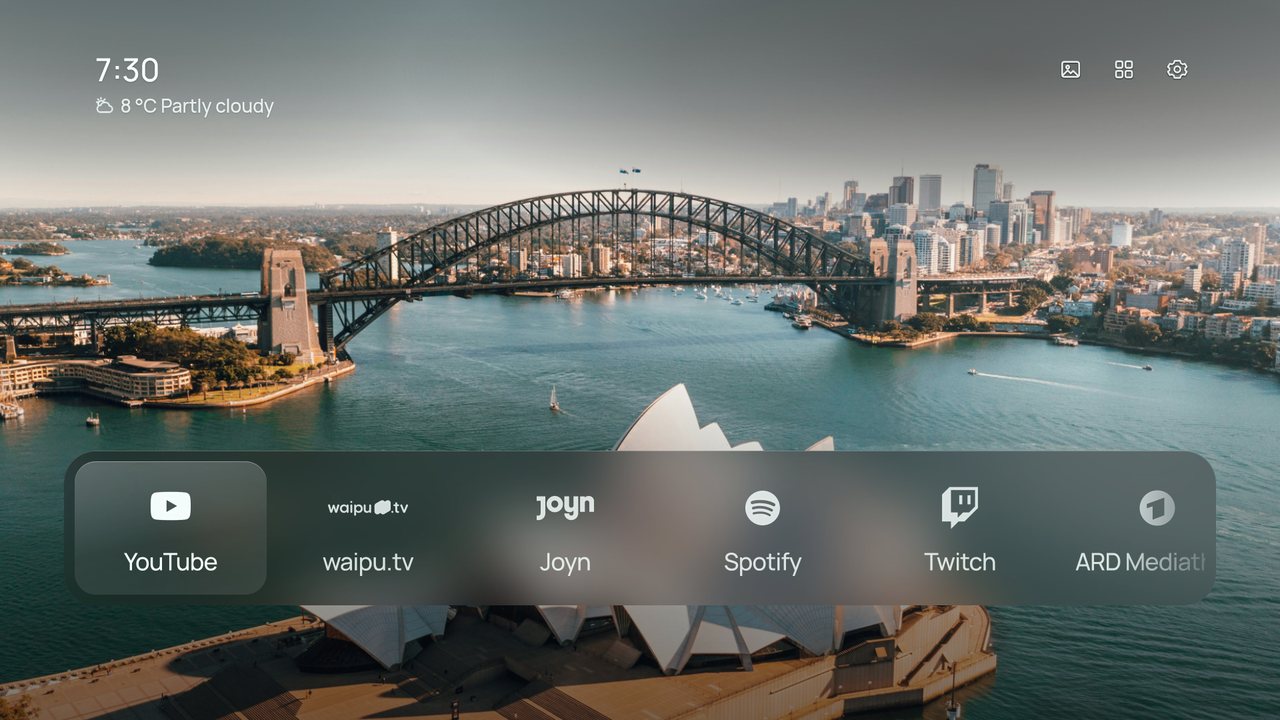
- New: Weather effects. When it rains, snows, or fog rolls in where you live, Shore shows it gently over your wallpaper, with the odd flash of lightning in a storm.
- Turn it on in Settings › Clock › Under the clock › Details. It needs Weather on and a photo background, and stays smooth on the TV.
Get it
⬇ Download shore-0.8.43.apk · 21.5 MB
- Already using Shore? Install it over your current version. Settings, photos and your Home layout stay.
- New to Shore? Follow the install guide: sideload the APK with Downloader or
adb install, then make Shore your Home screen.
Free build, no accounts, no keys
Release APKs contain no API keys. Almost everything works straight away:
| Works right away | Needs a build from source with your own keys |
|---|---|
| Weather, Now Playing with album art, screensaver, phone companion, your own photos | Unsplash themes |
| NASA, Bing, Wikimedia and Picsum wallpapers, Shore’s own wallpapers and animated loops | Pexels and Klipy animated wallpapers |
| Top Shelf recommendations |
SHA-256 of shore-0.8.43.apk: a33f738ac445173e3f7a4bd32828fdaaed8413a71a5936040a7bfd4a0a8bea8b
Changelog (1 commit since v0.8.42)
- Add weather effects over the photo (
7b187fa)
Shore 0.8.42
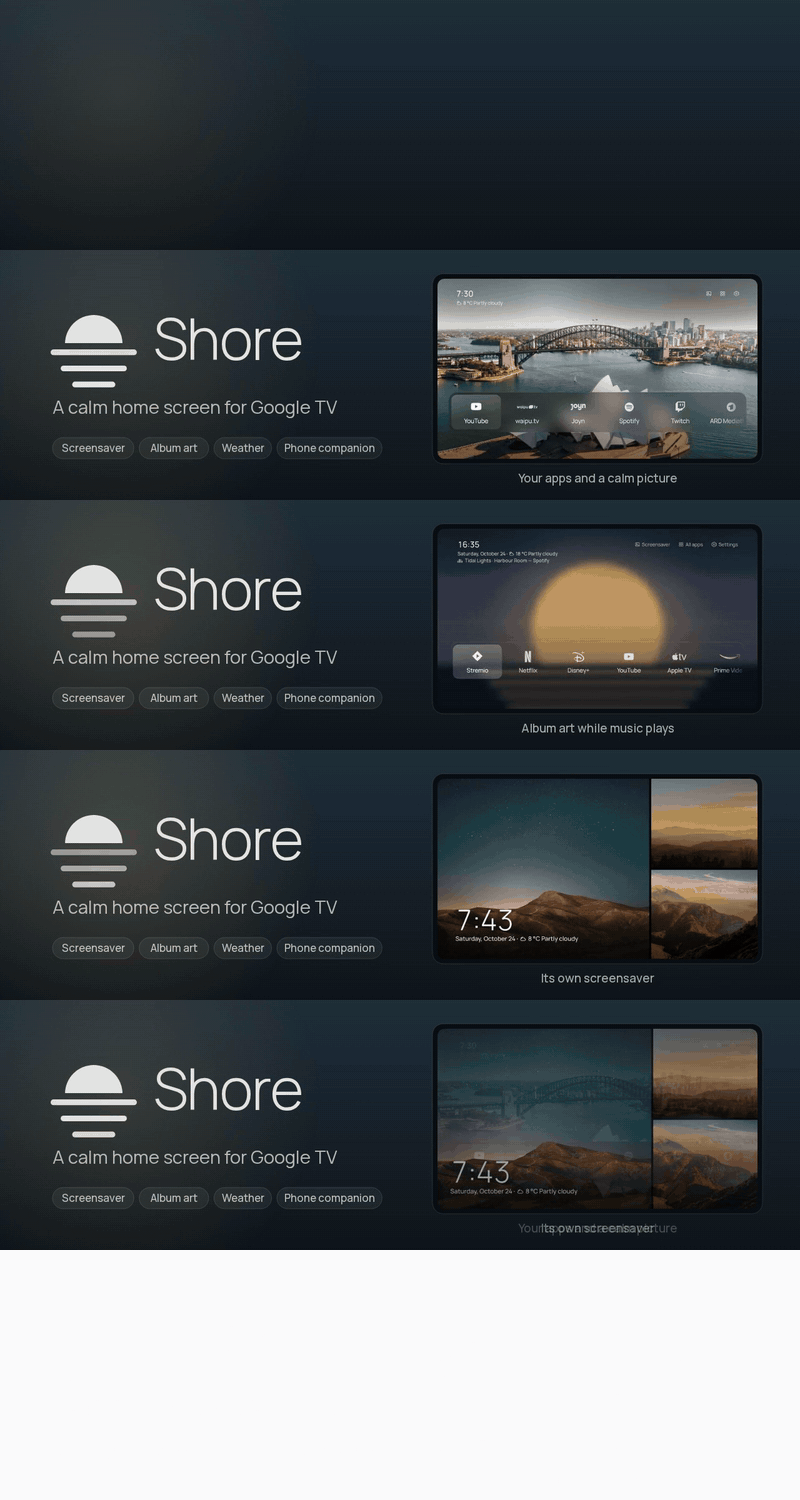
Ukrainian on the website
- The Shore website now lists Ukrainian among the built-in languages.
Get it
⬇ Download shore-0.8.42.apk · 21.5 MB
- Already using Shore? Install it over your current version. Settings, photos and your Home layout stay.
- New to Shore? Follow the install guide: sideload the APK with Downloader or
adb install, then make Shore your Home screen.
Free build, no accounts, no keys
Release APKs contain no API keys. Almost everything works straight away:
| Works right away | Needs a build from source with your own keys |
|---|---|
| Weather, Now Playing with album art, screensaver, phone companion, your own photos | Unsplash themes |
| NASA, Bing, Wikimedia and Picsum wallpapers, Shore’s own wallpapers and animated loops | Pexels and Klipy animated wallpapers |
| Top Shelf recommendations |
SHA-256 of shore-0.8.42.apk: 727df4327d724ed7c2f2c34d51d8faf6ecab8c53de94e8a101c072aa2f8adf55
Changelog (1 commit since v0.8.41)
- Feature Ukrainian on the website (
9bf9014)