Repository navigation
Home
The SO101 Platform is a four-wheeled differential-drive mobile base with an SO101 arm mount, optional camera, and BLE teleop from your PC. After assembly, most people interact with the robot through the SO101 Platform 3D Viewer — connect a USB leader arm, pair over BLE, and drive the base, map joints, and view sensors in real time.
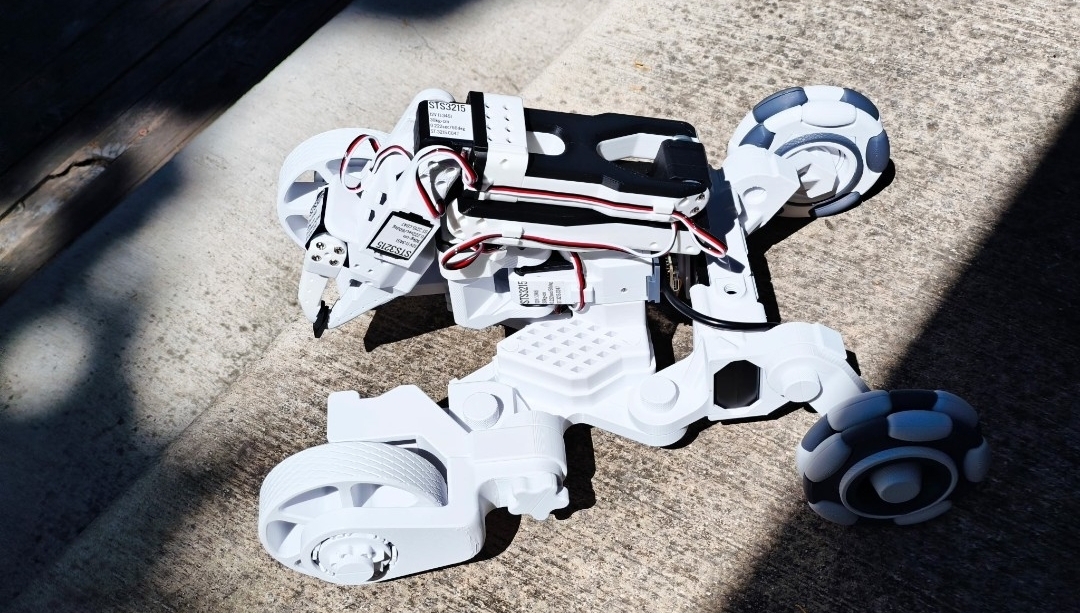
Physical robot Image and design attributed to @BIO-SS |
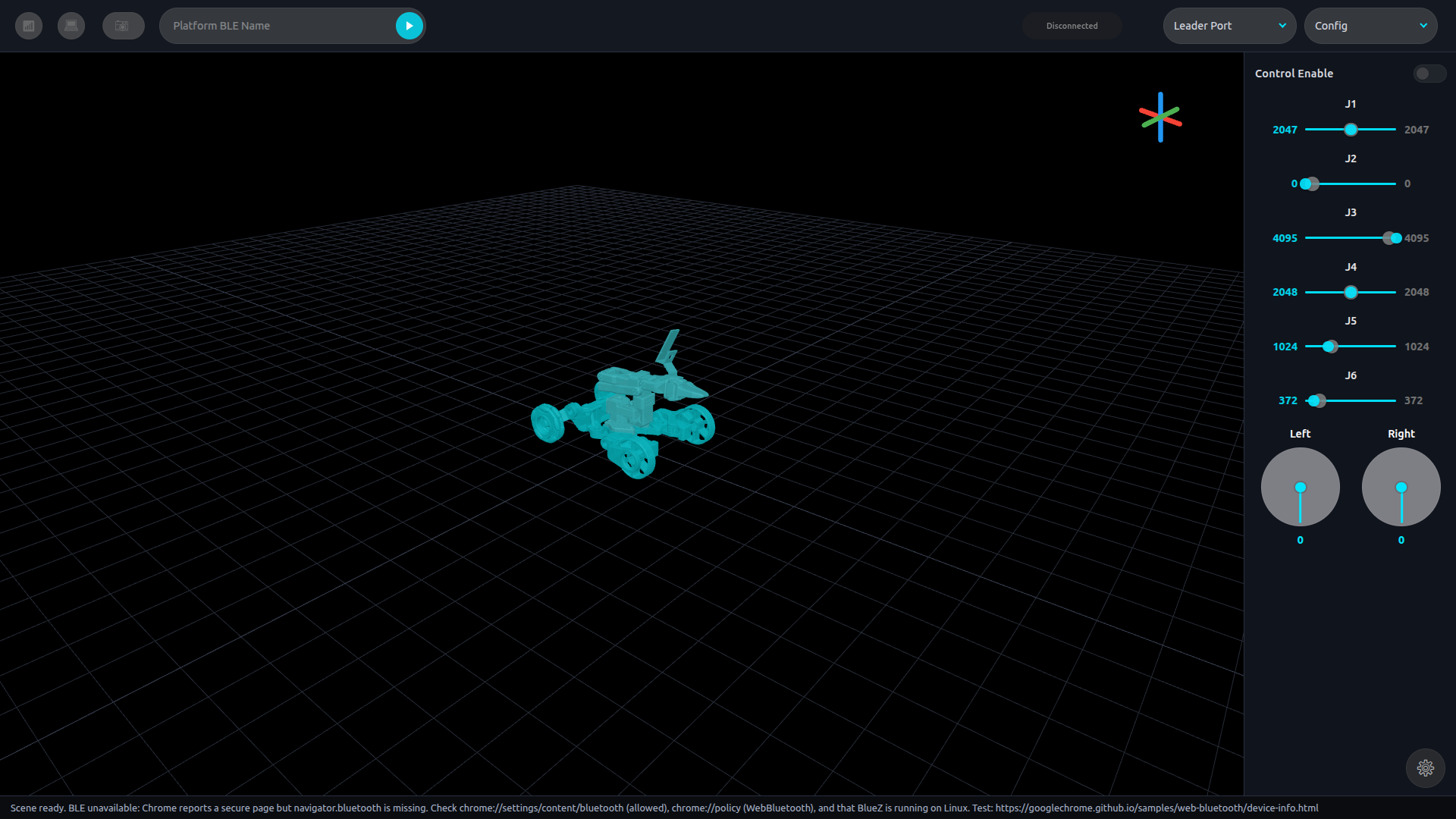
3D Viewer app |
The viewer is located at timrobot.github.io/SOBle. Before connecting in Chrome, first enable the Bluetooth flags in chrome://flags. In the steps below, we explain how to build the platform which is used in SOBle.
To build the SO101 Platform, follow the SOBle README Parts Table. It contains the bill of materials with buy links, along with optional Raspberry Pi + camera parts as well. Print files assume roughly 1–2 kg of PLA. We highly recommend a printer with a bed size of at least 200mm x 200mm.
The SO101 follower arm (Feetech servos and controller) are purchased separately from the platform electronics in that table. You can find those parts here.
Once parts are ready, follow the step-by-step Assembly Guide.