Repository navigation
Home
ZedLink is a self-hosted companion for Zed that lets you securely continue an explicitly exposed Zed Agent or ACP conversation from a browser, iPhone, or Android device. The model, project, tools, permissions, and execution stay in desktop Zed.
Important
ZedLink currently requires the maintained patched Zed build. It is not a Marketplace extension for stock Zed. The browser or installed web app is the most complete client; the native apps are development builds.
| Step | Guide | Outcome |
|---|---|---|
| 1 | Install ZedLink | Build the pinned Zed integration and gateway on Linux |
| 2 | Configure a connection | Create a trusted private HTTPS route and choose remote permissions |
| 3 | Pair your device | Expose one thread, pair, and complete a same-thread test |
| 4 | Use ZedLink | Work with sessions, files, terminals, agents, approvals, and commands |
Use Troubleshooting when a check fails. Read Security before exposing a work project or pairing another device.
Browser, iPhone, or Android
          │  authenticated HTTPS / WebSocket
          ▼
    ZedLink gateway
          │  private local Unix socket
          ▼
    Patched desktop Zed
          └─ exposed thread · configured model · tools · project
- Zed remains authoritative for the conversation, model, tools, approvals, and cancellation.
- The gateway stores paired-device authorization and forwards narrow protocol requests.
- A phone disconnect does not stop the Agent. Closing Zed makes that instance unavailable.
- Only projects and conversations explicitly enabled for ZedLink can be reached.
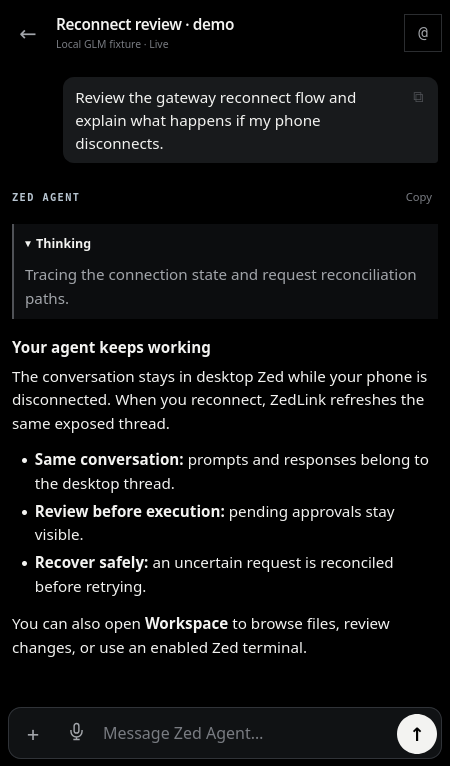 Continue the same conversation |
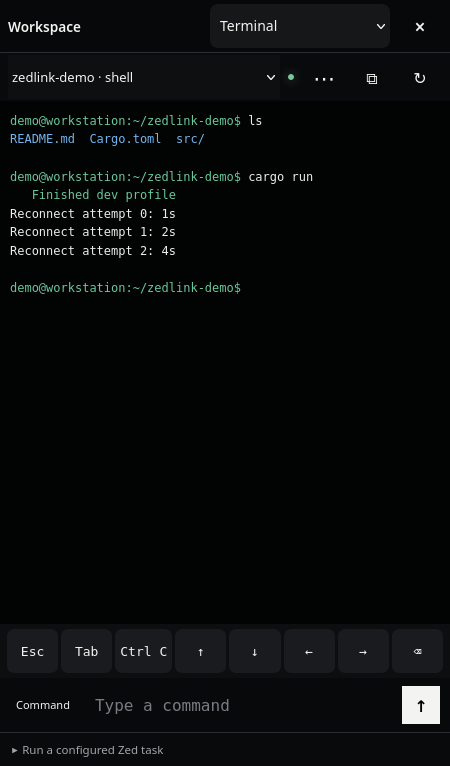 Use an enabled project terminal |
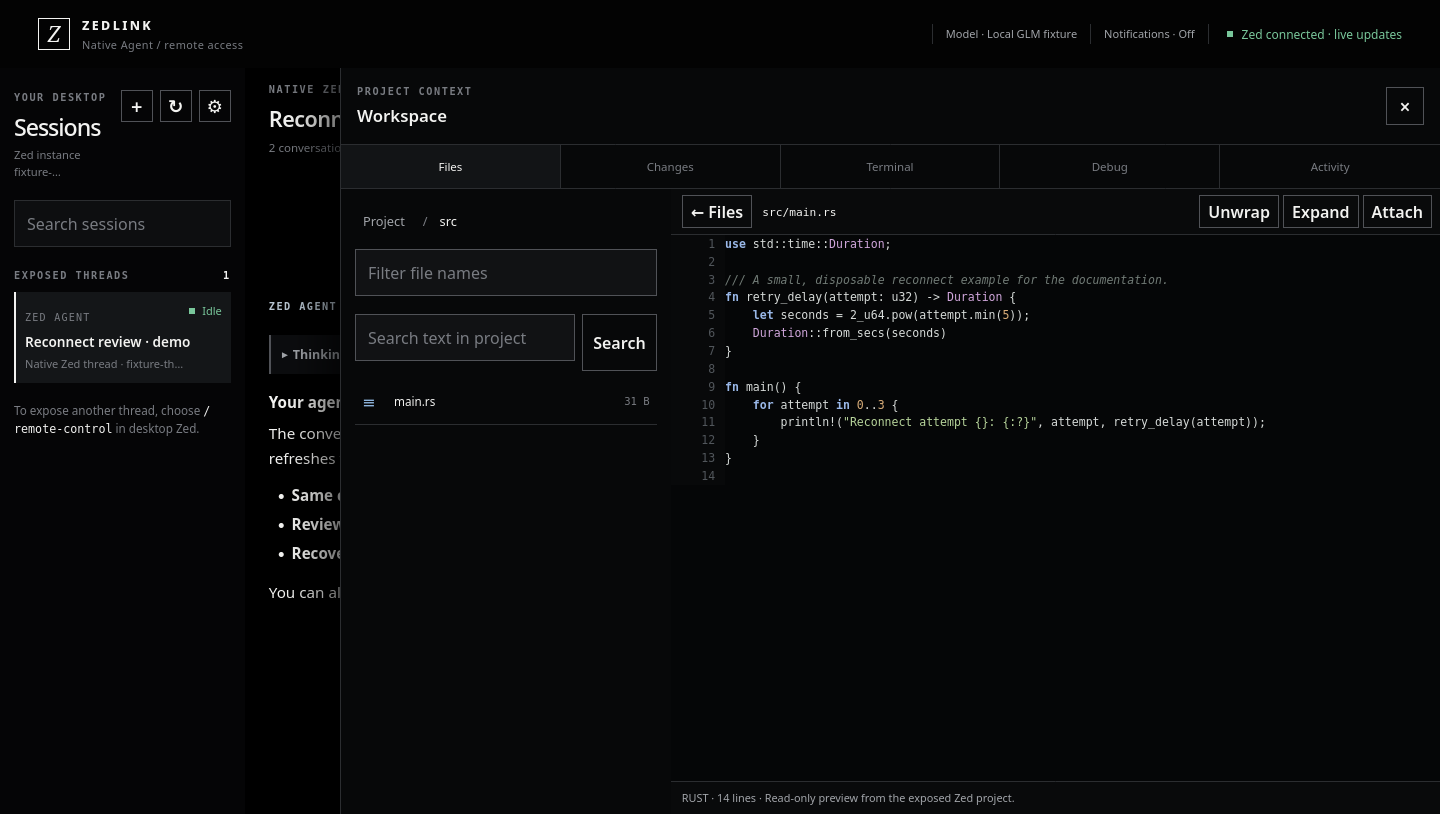
The browser images use synthetic content from an isolated documentation fixture. They contain no real project transcript or credentials. See the screenshot provenance.