Your repo renders as a grey box every time someone shares it. This fixes that in one command.
An Agent Skill that generates a repository's visual assets: the GitHub social preview card, a README hero, and a terminal demo GIF rendered from your tool's real output. Works with Claude Code, Codex, and any Agent Skills compatible client. Pure Python, no browser, no API key, no network.


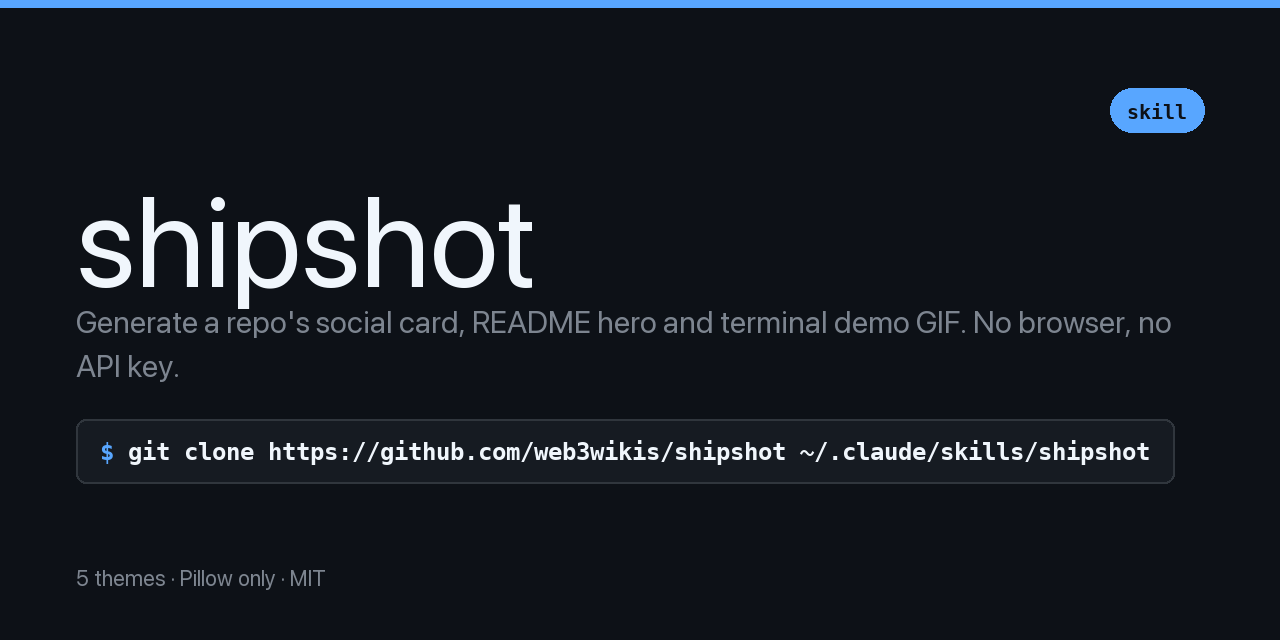
Paste a GitHub link into Slack, X, Discord, LinkedIn or iMessage. If the repo has no social preview image, it renders as a grey rectangle with a tiny octocat.
That grey box is the first impression of most projects, most of the time. It is free to fix and almost nobody does, because making one means opening a design tool, picking a font, exporting at exactly 1280x640, and doing it again every time the tagline changes.
Ask your agent:
Make a social card for this repo
The skill reads your package.json, pyproject.toml or Cargo.toml, pulls the real name, description, licence and CLI command, picks a theme, and renders. It will not invent statistics and it will not print an install command for a package that is not published.
Or run the scripts directly:
python3 scripts/render_card.py \
  --title "yourtool" \
  --tagline "What it does, in one sentence" \
  --command "npx yourtool" \
  --meta "MIT · zero dependencies" \
  --theme midnight \
--out assets/social-card.pngFive, because a card that looks like every other card is only half a fix.
midnight — the default. Dark, high contrast. |
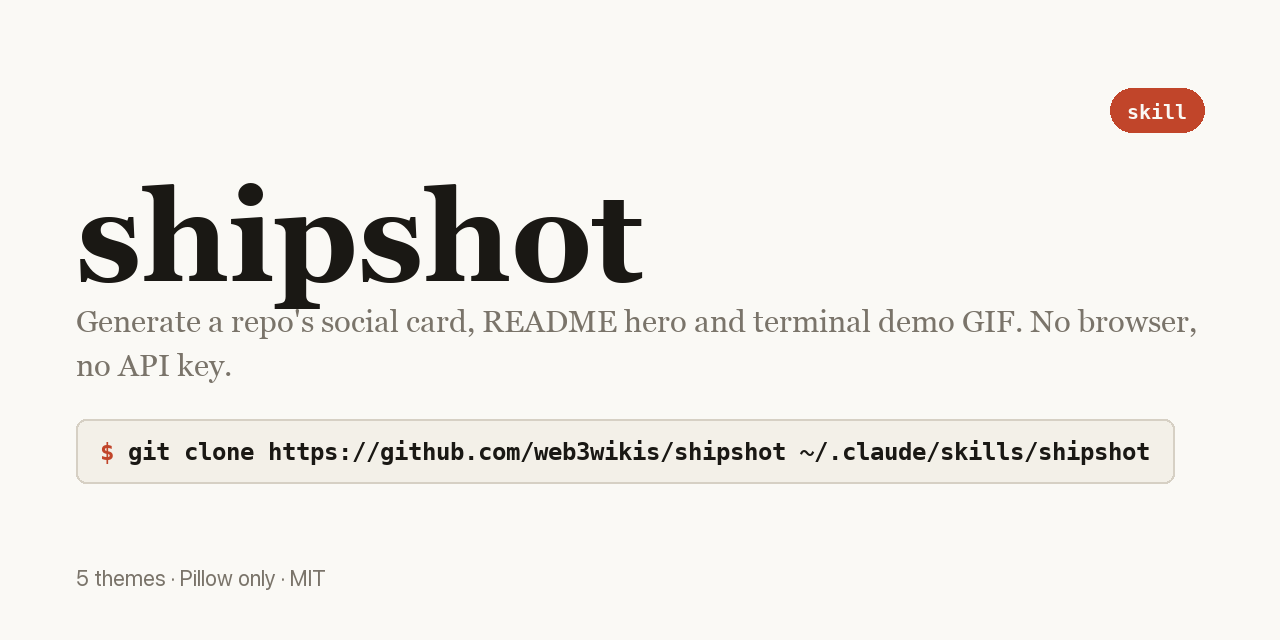 paper — light and editorial. Stands out because most dev cards are dark. |
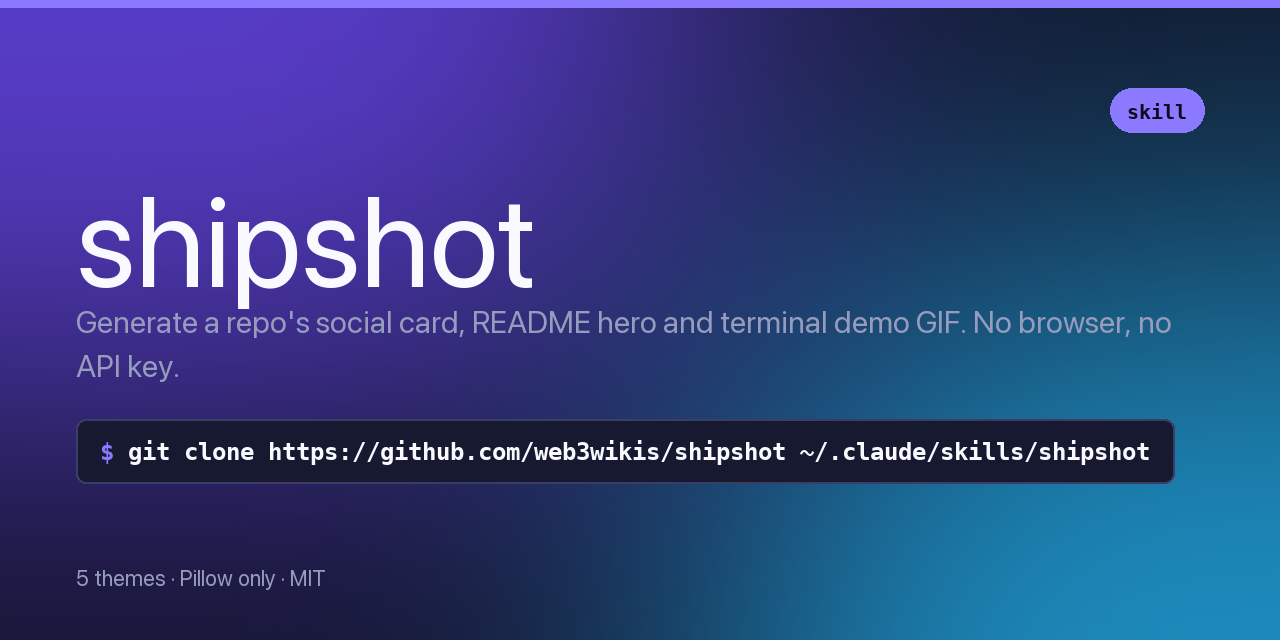 aurora — gradient wash, product-shaped. |
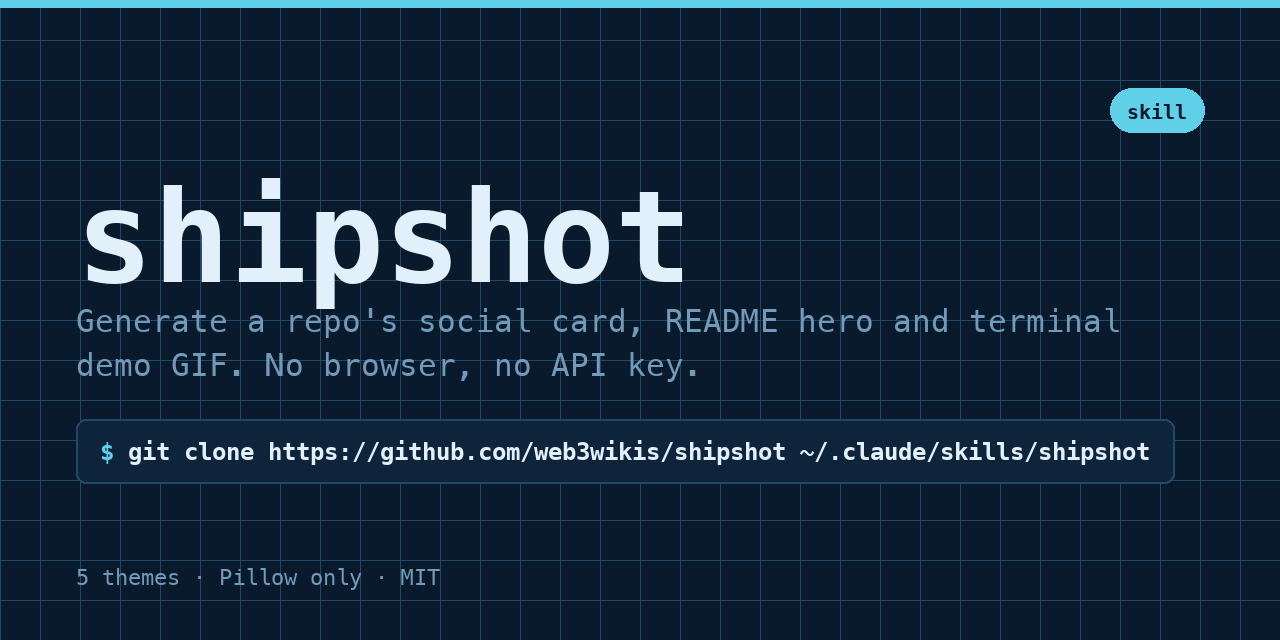 blueprint — technical grid, monospace. |
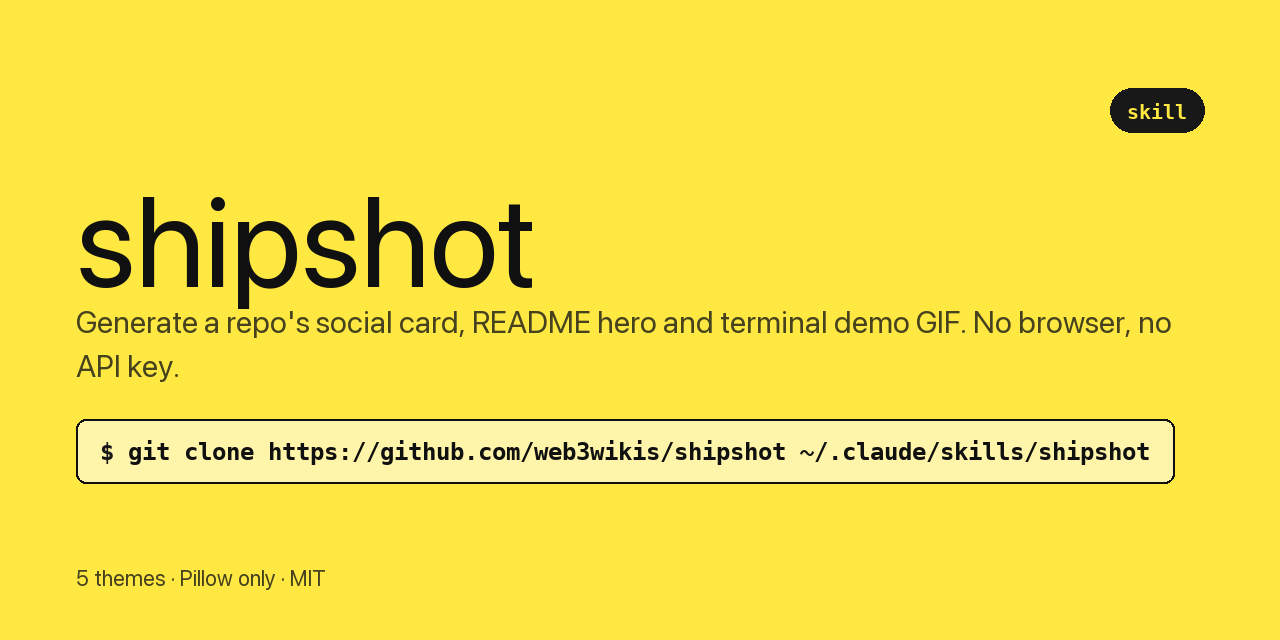 brutal — loud and flat. |
Any theme takes --accent RRGGBB to match existing brand colours. |
The other asset every CLI needs, and the one people fake.
python3 scripts/render_terminal.py \
  --run "yourtool --help" \
  --out assets/demo.gif \
  --title "yourtool"
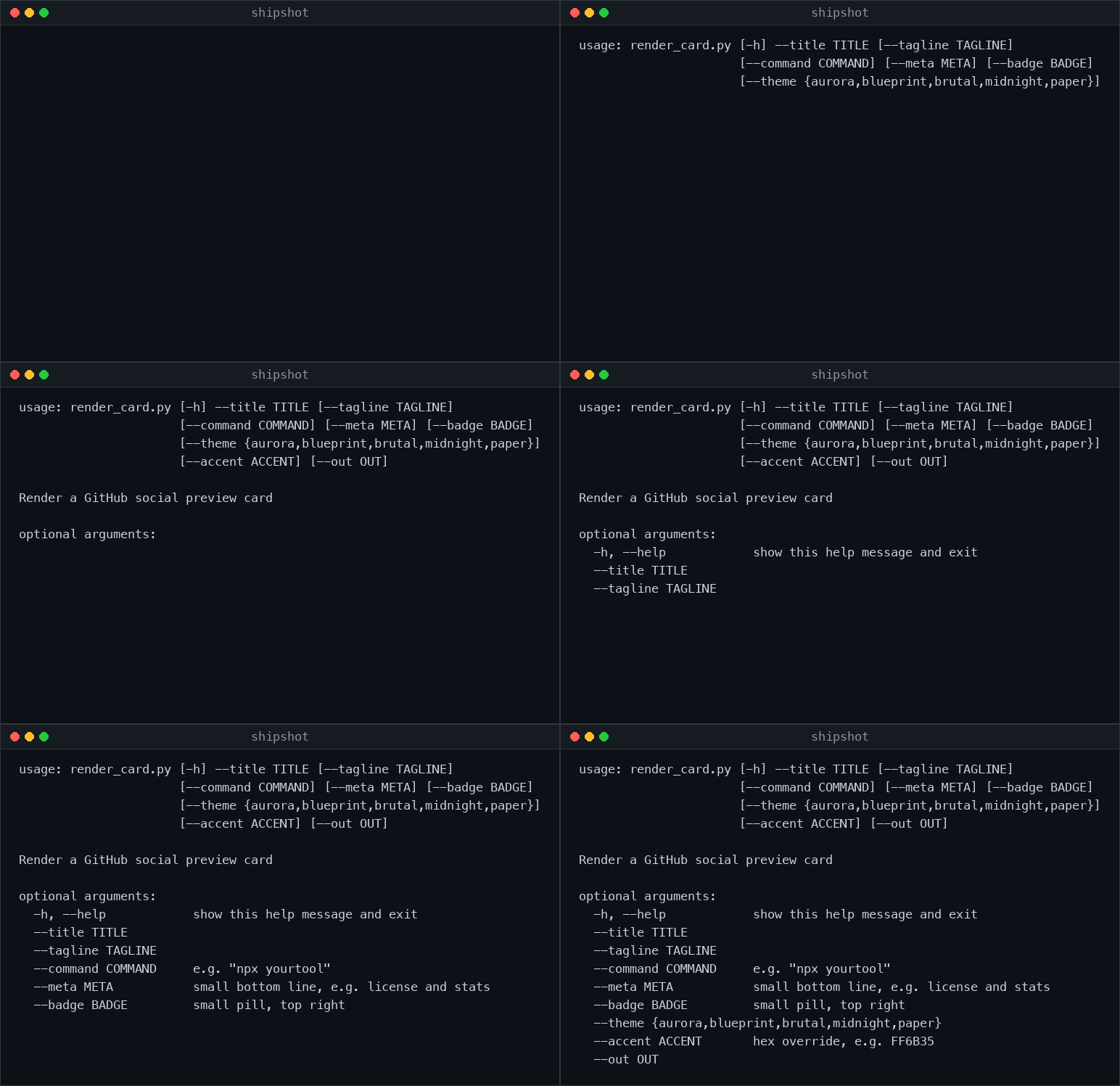
Frames are rendered from real ANSI output, not recorded from a screen. The script runs your command with colour forced on, parses the escape codes, and draws each frame. That means the GIF cannot drift away from what your tool actually prints: change the output, re-run one command, and the asset is correct again.
No asciinema, no ffmpeg, no screen recorder, no cropping.
| Flag | Effect |
|---|---|
--run "cmd" |
Execute and capture |
--input file.ansi |
Render output captured earlier |
--static |
A PNG instead of an animation |
--theme |
github-dark, black, dracula |
--speed 0.5 |
Faster or slower playback |
--hold 4000 |
Milliseconds the final frame rests before looping |
As an Agent Skill, clone into your skills directory:
git clone https://github.com/web3wikis/shipshot.git ~/.claude/skills/shipshotThen ask your agent for a social card and it will use it.
As standalone scripts, clone anywhere. The only dependency is Pillow:
pip install pillowPython 3.9+. Fonts are discovered per platform with fallbacks, so it works on macOS, Linux and Windows without configuration.
Committing the image does not set your social preview. That is a separate manual step and it is the one everyone forgets:
Settings → General → Social preview → Upload an image
Verify it worked by pasting your repo URL into any chat app.
No headless browser. Most card generators render HTML in Puppeteer or Playwright, which means a 300 MB dependency and a Chromium download to draw a rectangle. This is Pillow and a few hundred lines.
No network, no API key, no telemetry. It draws images from text you supply. There is nothing to send anywhere.
Titles shrink rather than wrap. A wrapped title reads badly at thumbnail size, which is where most people see a social card. The renderer reduces the font until the title fits on one line.
Content is measured, then centred. Cards stay visually consistent whether the tagline is four words or twenty.
New themes are the most useful contribution. A theme is one entry in the THEMES dict in scripts/render_card.py: background, foreground, muted, accent, plus optional panel, border, grid, gradient and serif flags.
Add yours, render an example into examples/, and open a PR with the image in the description so reviewers can see it without running anything.
Bug reports welcome, particularly font discovery problems on Linux distributions I have not tested.
MIT. See LICENSE.