Repository navigation
Diagnostics Hardware Lab and Controller Check
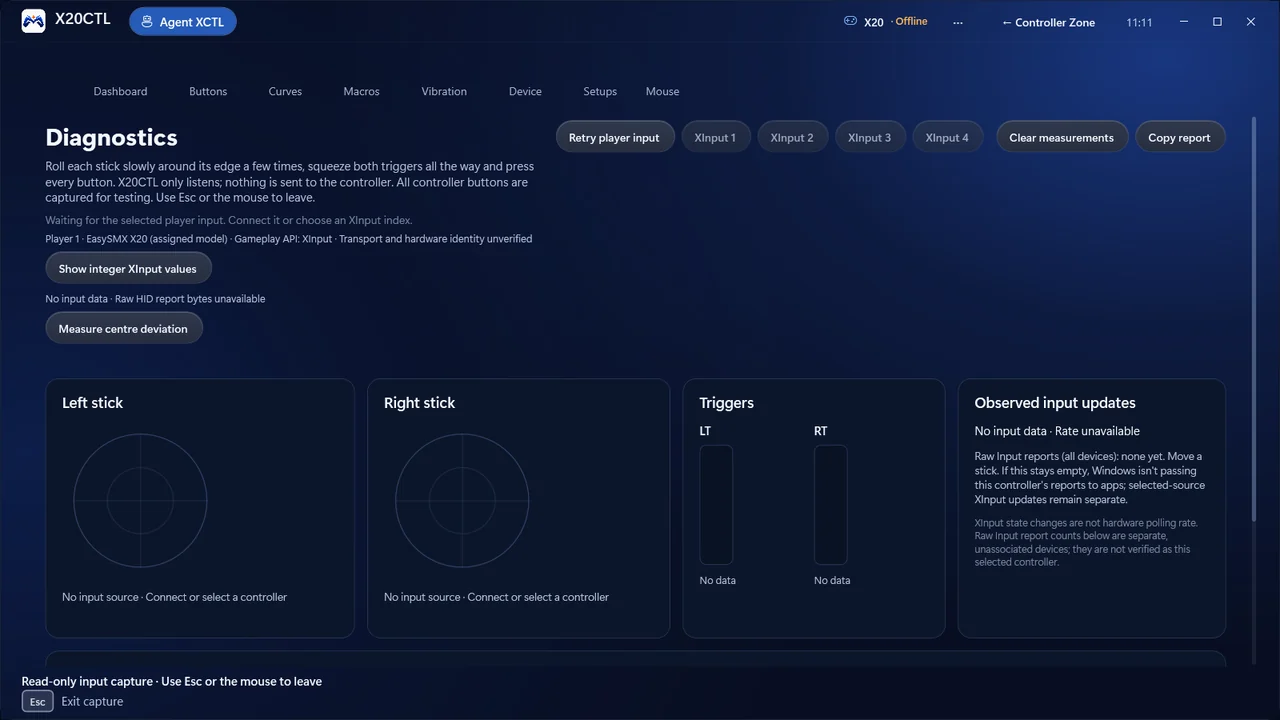
X20CTL includes deep read-only hardware diagnostics so you can measure stick health, wireless latency, noise floor, and protocol behavior without risking controller firmware.
-
Controller Health Score (
0-100): Single at-a-glance health grade computed from your stick/trigger/button tests. - Range Trace & Circularity Test: 8-point compass symmetry error readout to see how circular your Hall-effect or ALPS sticks track.
- Center Drift & Trigger Linearity: Measures resting stick offset, trigger dead-band, and linearity.
-
Button Chatter & Report Rate (
Hz): Detects unintended double-clicks and measures live USB/dongle/BLE polling rate.
- Raw HID Byte Sniffer & Descriptors: Inspect live incoming HID byte frames and descriptor metadata.
- 12-Bucket Packet Timing Jitter Histogram: Visualize frame-to-frame polling stability.
- 10-Second Resting Noise Floor Zoom: Measures real resting stick micro-jitter and offers a 1-click Deadzone Apply button.
- Wired vs. 2.4 GHz vs. Bluetooth Transport Benchmarks: Compare real latency and jitter across connection modes on your machine.
-
Live
16x16Stick Dwell Heatmaps & APM Stats: See where your thumbs spend time and your live Actions Per Minute.
-
Device Tab: Displays battery level, firmware/hardware revision, active transport (
Dongle,BLE,Wired), and supported capability table. -
Hardware Internals & Watchdog: Collapsible panel featuring a live BLE RSSI signal chart, a read-only KeyLinker config diff snapshot explorer, and a battery drain session graph with a
1/4low-battery alert. -
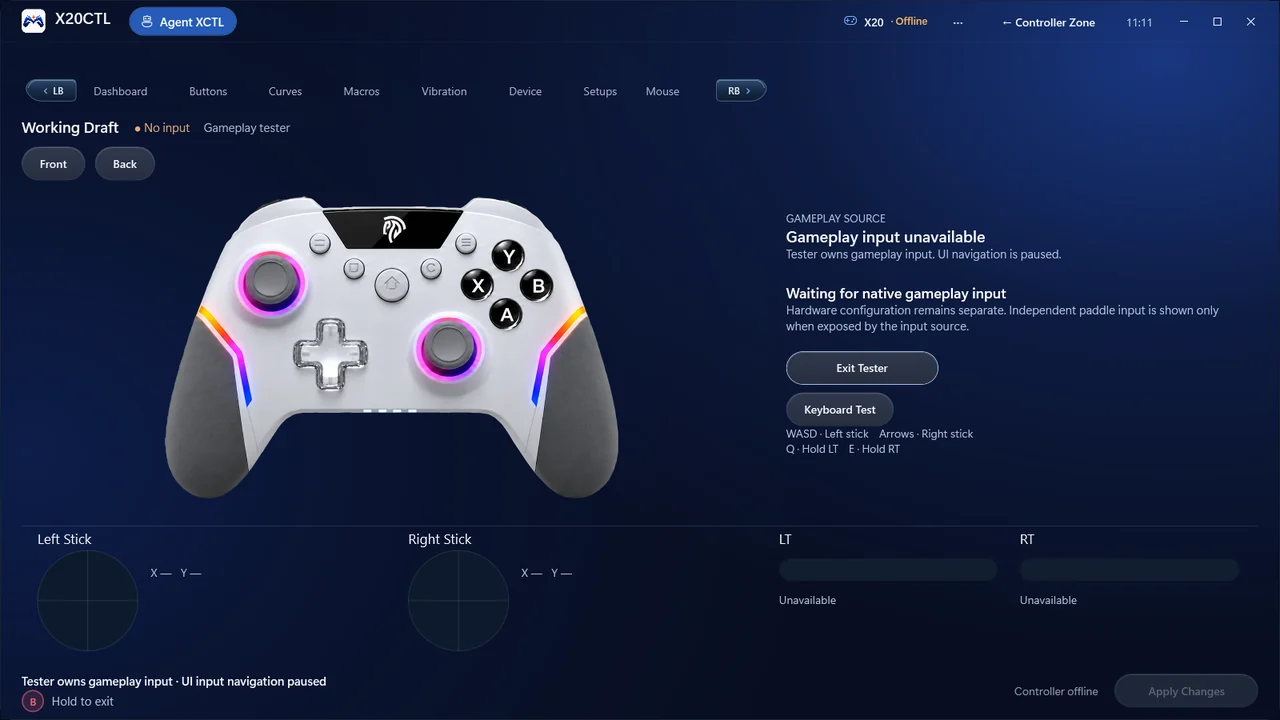
Setups & Tester: Save full-controller local profiles (
Buttons + Curves + Macros + Vibration) and inspect live OS-received front/rear inputs.
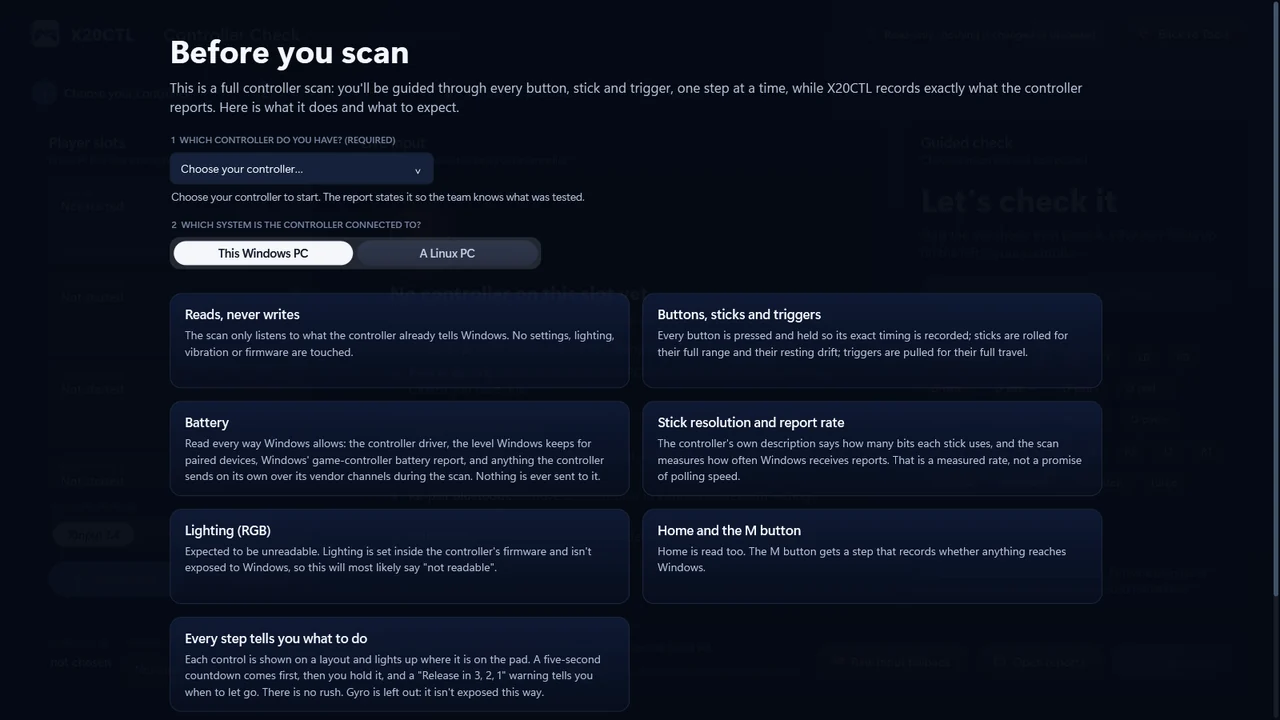
- Walks step-by-step through every button, stick, trigger, polling rate, and hardware identity check locally.
- Saves a diagnostic ZIP report to
Documents\X20CTLInputReports(Windows) or~/X20CTLInputReports(Linux). - Never alters hardware memory unless you explicitly start an opt-in Write test confirmation.
- Includes a collapsible Controller Firmware & Hardware Quirk Guide under Tools -> About.