Repository navigation
Linux Studio Guide

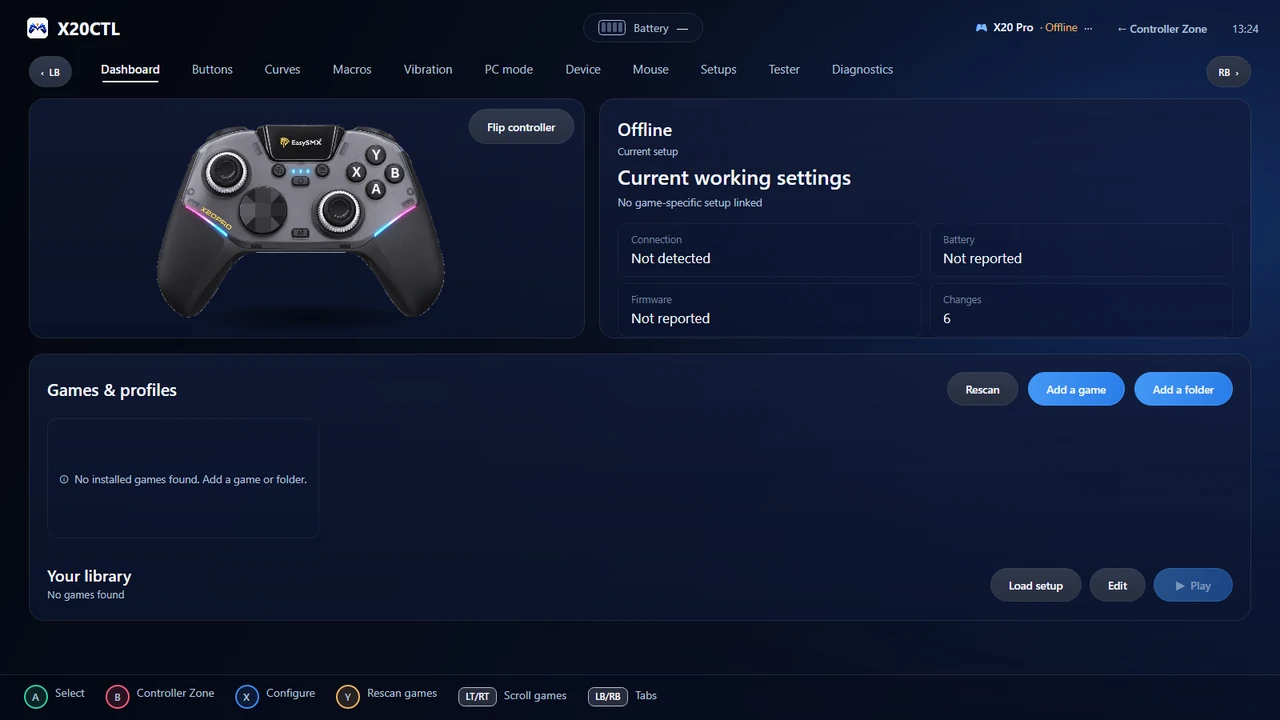
X20CTL Studio for Linux mirrors the Windows Studio using Avalonia (linux-x64).
Note
Verification Status: Linux Studio packages compile on CI and pass headless verification (X20Ctl.Linux.Review), while end-to-end physical Linux hardware verification (AppImage, Flatpak, evdev/uinput, and rumble forwarding) is community-tested. Please share distribution reports via GitHub Issues or Discussions.
All packages are published on the GitHub Releases page alongside SHA256SUMS.txt:
| Package | Best For | Command |
|---|---|---|
X20CTL-V0.027-linux-x86_64.AppImage |
Most distributions | chmod +x X20CTL-*.AppImage && ./X20CTL-*.AppImage |
X20CTL-V0.027-linux-x86_64.flatpak |
Flatpak-enabled distros | flatpak install --user ./X20CTL-*.flatpak && flatpak run --user io.github.AmjadAAYD.x20ctl |
X20CTL-V0.027-linux-x64.tar.gz |
glibc (Ubuntu, Fedora, Arch, Debian, openSUSE) | Extract, then run ./install.sh (per-user) or ./x20ctl-studio
|
X20CTL-V0.027-linux-musl-x64.tar.gz |
musl (Alpine, Chimera) | Extract, then run ./install.sh or ./x20ctl-studio
|
X20CTL-V0.027-linux-check.zip |
Headless Python 3 CLI | Extract and run x20ctl-check.py / x20ctl-pcmode.py
|
To uninstall a per-user tarball install:
rm -rf ~/.local/opt/x20ctl ~/.local/bin/x20ctl-studio ~/.local/share/applications/x20ctl.desktopPC Mode on Linux outputs a virtual Xbox 360 gamepad via /dev/uinput with exclusive evdev source grab (EVIOCGRAB). Grant your local user permission once:
echo 'KERNEL=="uinput", SUBSYSTEM=="misc", TAG+="uaccess", OPTIONS+="static_node=uinput"' | sudo tee /etc/udev/rules.d/60-x20ctl-uinput.rules
sudo udevadm control --reload-rules && sudo udevadm trigger
Replug your controller or log out and back in. If the kernel module is not loaded yet, run sudo modprobe uinput.
- Connect your pad via USB, 2.4 GHz dongle (
413D:2131supported in Linux Controller Check), or desktop Bluetooth. - Add your controller in Controller Zone, enter Studio, and pick your explicit
evdevinput source on the PC mode tab. - Standard pads work immediately; non-standard DirectInput pads prompt for a quick guided Check controller walkthrough saved in
~/.config/x20ctl/pad-layouts.json. - Hold
View + Menuto pause/resume PC Mode mid-game, orView + Yto toggle Mouse mode.
-
Updates: Tools -> Keep X20CTL up to date checks stable releases, verifies
SHA256SUMS.txt, and stages replacements for AppImage / Flatpak (or links to the release for tarballs). -
Config & Reports:
~/.config/x20ctl/pc-mode.json,~/.config/x20ctl/pad-layouts.json, and~/X20CTLInputReports/. -
Limitations on Linux: Bluetooth native inspection uses the optional Python
x20CLI (read-only); writing native settings over Bluetooth is not supported on Linux yet, and Linux Studio ships silent (no UI sound effects).
| Symptom | Fix |
|---|---|
"/dev/uinput isn't writable for you" |
Apply the one-time udev rule above and replug or relogin. |
"No controller found" |
Verify ls /dev/input/event* shows your pad; switch wireless dongle pads to XInput mode. |
"needs a quick button check first" |
Run Check controller on the PC Mode tab. |
"the kernel refused exclusive access" |
Close any other remapper, game, or Steam Input client grabbing the pad. |
| Double input in games | Disable Steam Input for the physical controller while PC Mode is active. |