Repository navigation
Sharing and Redstone
Open settings on a lock you own (crouch-use a lock item).
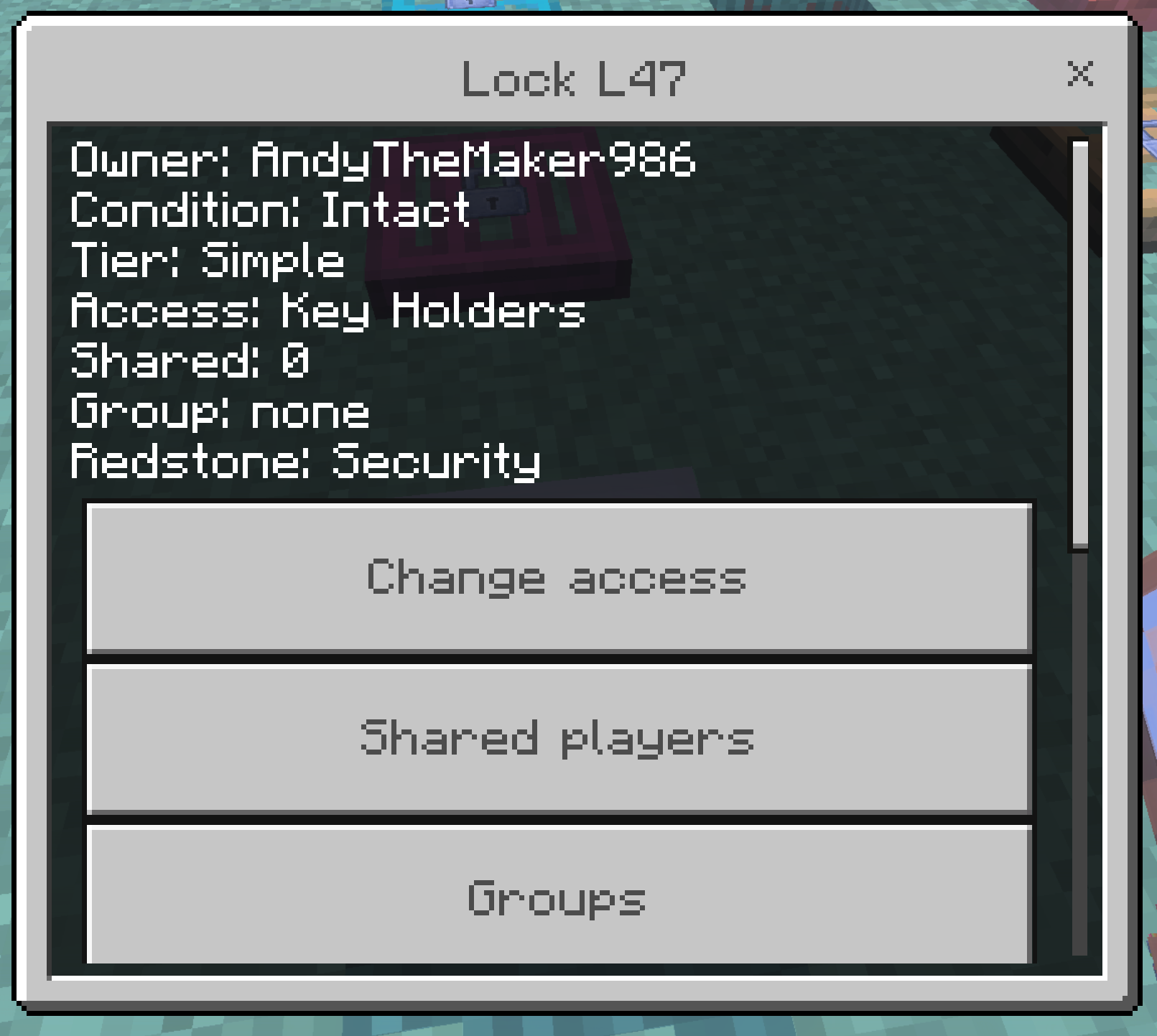
- Owner Only — only you (and admin/master). Bound keys are rejected.
- Key Holders — you plus matching bound keys. Default.
- Shared lists individual online players.
- Group assigns a persisted group. Removing a member drops their access on every lock that uses that group.
- Public lets anyone use the entrance or container. A wrong bound key still fails.
Operators can /scriptevent andylocks:admin inspect while looking at a lock.
Stable APIs cannot cancel vanilla redstone before it opens a door. The add-on watches nearby entrance locks and closes unauthorized opens.
Security (default): if the entrance is open and nobody authorized used it recently, it closes. Buttons usually lose. A lever left on can flicker.
Redstone Allowed (settings, or the Advanced upgrade): wiring may operate the entrance. Unauthorized players still cannot click it open.
When you are allowed to open one leaf of a locked pair, the other leaf matches.
Trapped Chests keep vanilla redstone output for authorized opens. Denied clicks never open them, so they do not pulse.
Container open_bit (the chest/barrel lid animation) is not treated as a door open state.
With Locks & Keys 0.11.3+ and Andy's Better Double Doors, proximity opening asks Locks & Keys first. Security mode stays fail-closed. Redstone synchronization of a locked set requires Redstone Allowed.