Home
Current version: 0.7.17
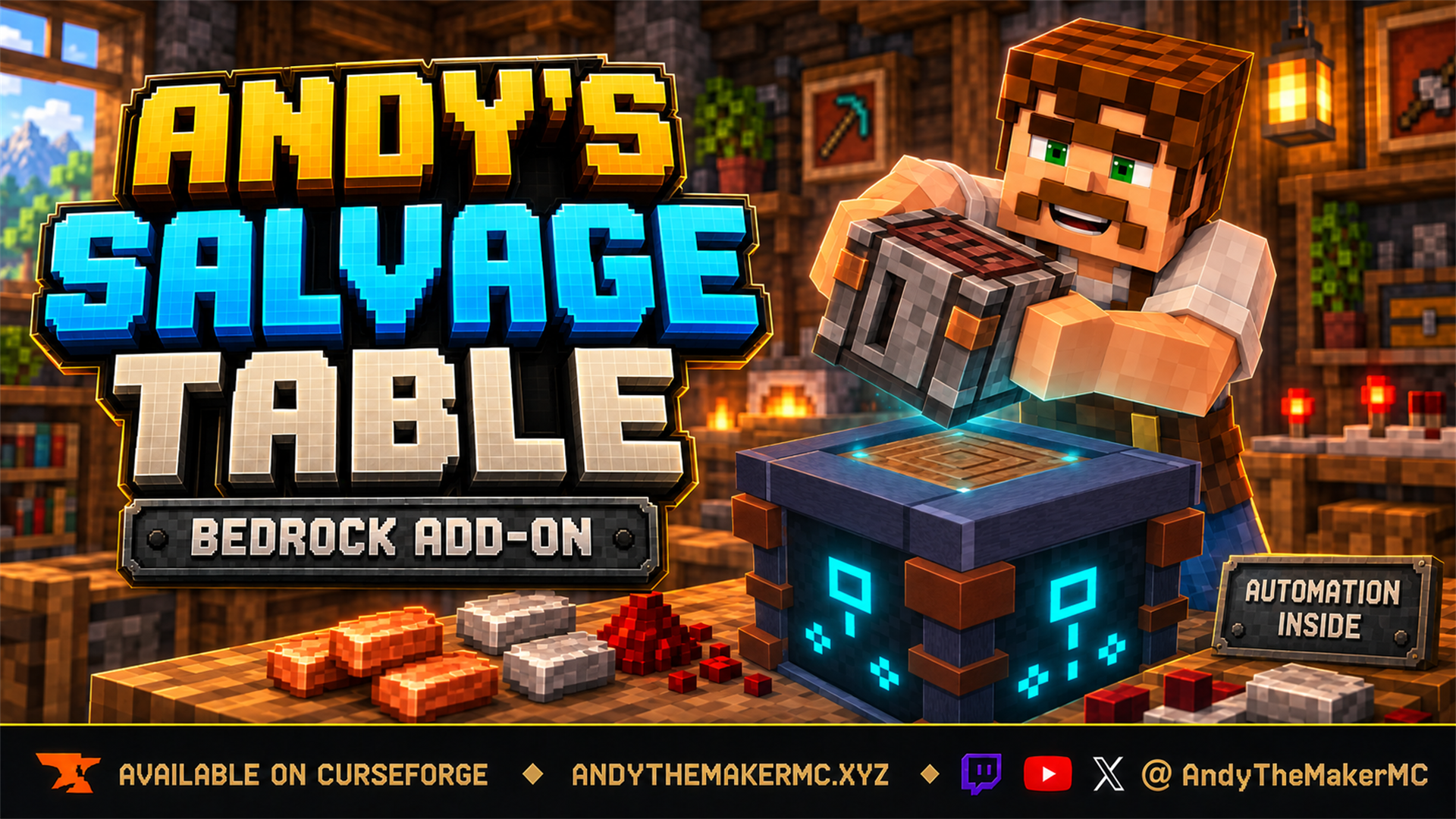
Andy's Salvage Table is a workstation that reverses crafting. Put a crafted item in and it shows you exactly what you will get back before you commit to anything, then hands it over. What comes back is drawn from Minecraft's own crafting recipes, so a Chest returns planks and a Diamond Pickaxe returns diamonds and a stick — minus a share lost in the breaking down, and less again if the item is damaged. It works by hand for a single item, and as a farm once you want it to.
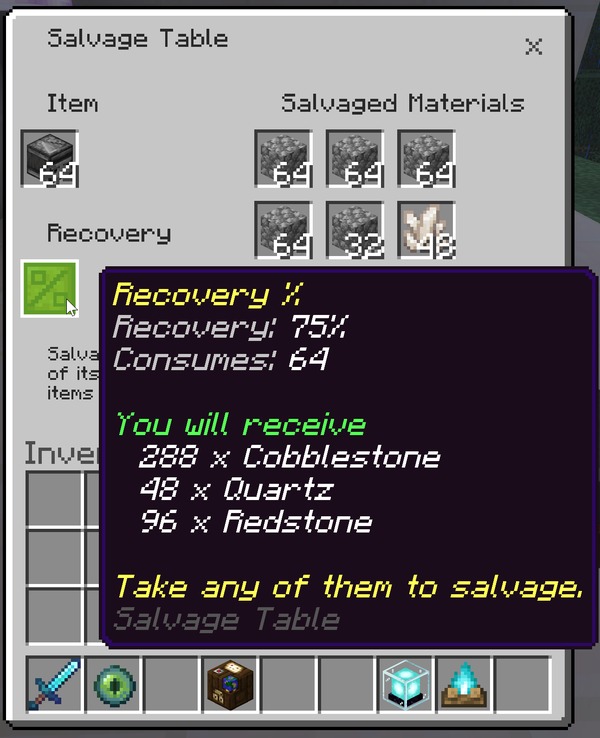
Every salvage is priced before you commit: the exact stacks, the exact counts, and the rate they came from.
- Getting Started — install, activate, and salvage your first item.
- Features and Configuration — every mechanic, setting, and default, in depth.
- What Can Be Salvaged — the rules for what the table will and will not take, and why.
- Automation and Farms — face layout, hoppers, speed, filters, and redstone control.
- Admin and Operator Guide — the world-owner menu, dedicated-server console commands, and how to disable anything your world or server policy doesn't allow.
- Making Your Add-on Compatible — for add-on developers who want their items to be salvageable.
- Compatibility and Troubleshooting — supported versions/platforms and symptom → fix entries.
- License and Creator Permissions — what players, servers, and content creators may do.
Open an issue on the CurseForge project page or the add-on's GitHub repository. Include the details listed on the Compatibility and Troubleshooting page.
My Minecraft Bedrock add-ons are free to download and use. If Andy's Salvage Table has been useful, you can help fund continued development, testing, documentation, and new add-ons through Buy Me a Coffee or a direct donation through Stripe — or via Ko-fi, Patreon, or GitHub Sponsors; never required, always appreciated. Visit AndyTheMakerMC.xyz for the rest of the add-on collection, join the Discord or Facebook Group, and follow @AndyTheMakerMC for new releases and development updates.