Home
Current version: 0.2.3
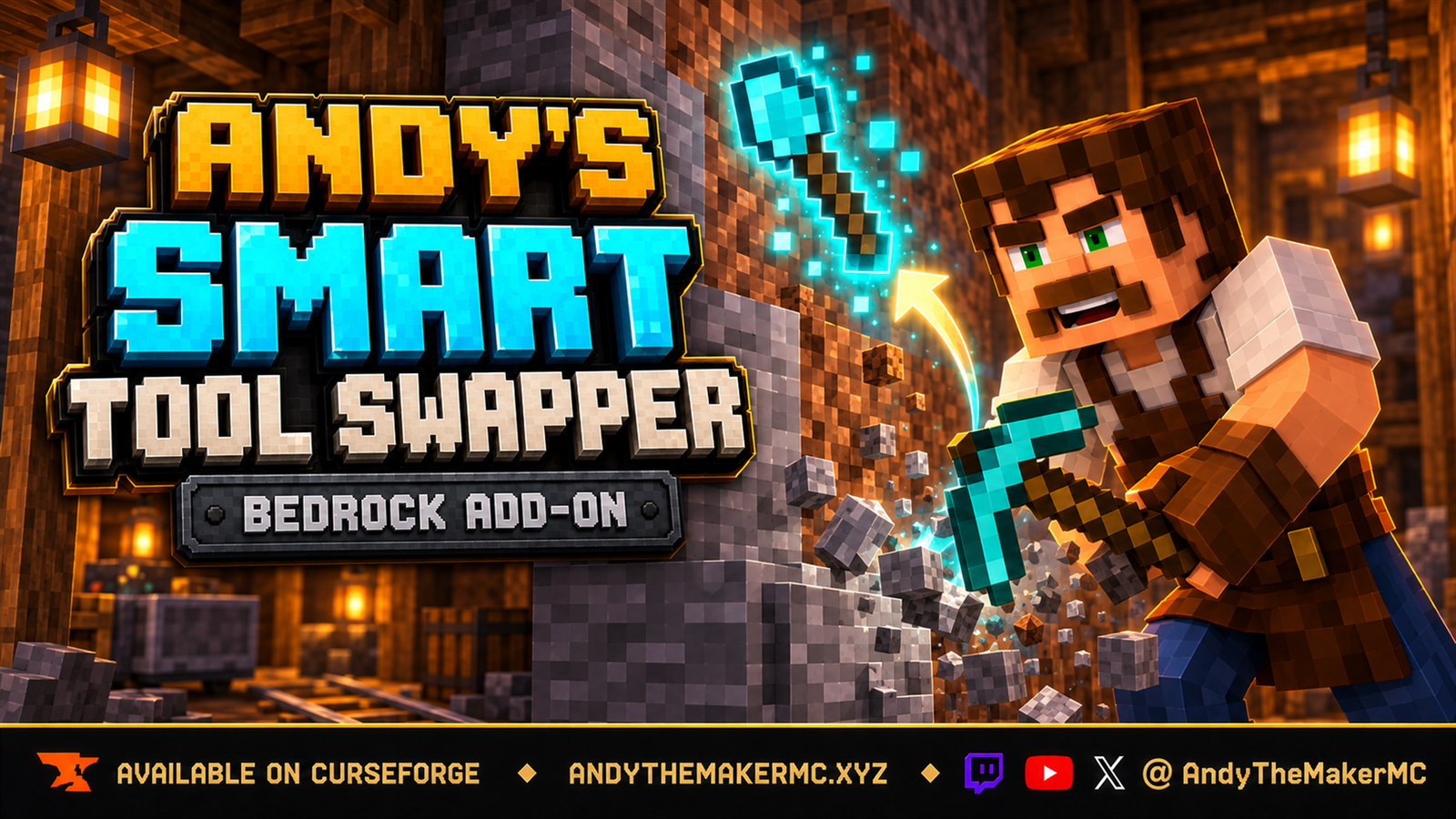
Every other automatic tool switcher for Bedrock answers what category of tool breaks this block? Andy's Smart Tool Swapper answers a harder question: of everything you are carrying right now, which exact tool belongs in your hand for this exact block, given what you actually want out of it? Diamond ore gets your Fortune pickaxe rather than just "a pickaxe". A spawner gets Silk Touch. A pickaxe two hits from breaking gets skipped. A 3×3 Hammer never gets equipped by surprise. Start breaking something and the right tool comes to hand; stop, and whatever you were holding comes straight back.
- Getting Started — install, activate, and see the feature working for the first time.
- Features and Configuration — every mechanic, setting, and default, in depth.
- Admin and Operator Guide — the world-owner/Op menu, dedicated-server console commands, and how to disable anything your world or server policy doesn't allow.
- Marking Tools and Custom Tools — Preferred/Never marks on individual items, and teaching the engine a third-party tool.
- How Selection Works — the decision engine explained, so nothing it does is ever a mystery.
- Compatibility and Troubleshooting — supported versions/platforms and symptom → fix entries.
- License and Creator Permissions — what players, servers, and content creators may do.
Open an issue on the CurseForge project page or the add-on's GitHub repository. Include the details listed on the Compatibility and Troubleshooting page — especially the output of Why did it pick that tool?, which usually contains the whole answer.
My Minecraft Bedrock add-ons are free to download and use. If Andy's Smart Tool Swapper has been useful, you can help fund continued development, testing, documentation, and new add-ons through Buy Me a Coffee or a direct donation through Stripe — or via Ko-fi, Patreon, or GitHub Sponsors; never required, always appreciated. Visit AndyTheMakerMC.xyz for the rest of the add-on collection, join the Discord or Facebook Group, and follow @AndyTheMakerMC for new releases and development updates.