Backup Import and Migrations
Export connections as JSON or CSV. Passwords are excluded unless you explicitly request an unencrypted export and pass the reinforced confirmation. Configuration backups include non-secret connections, preferences and session state; local encryption keys and passwords are never included.
Use File → Restore configuration… to restore a LakeDB configuration backup. LakeDB strictly validates the file, rejects files over 10 MB and creates a timestamped safety backup of the current configuration before changing anything. SQL contents and local file paths are not restored through a configuration backup.
Saved credentials are retained only when a restored connection still has the same driver, host, port, user, TLS identity and SSH destination. If any of those fields change, LakeDB clears the old credential instead of attaching it to a different server.
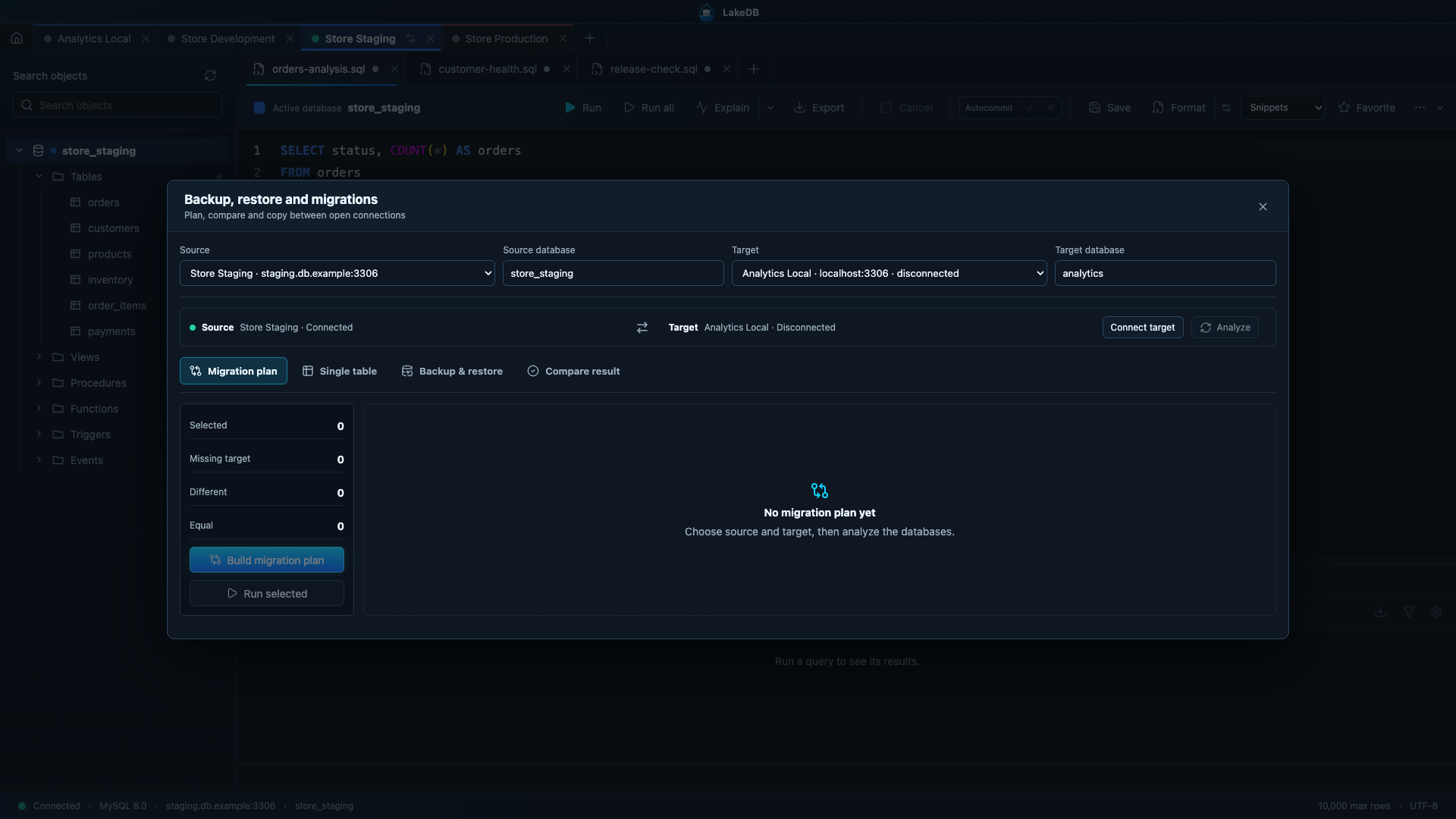
LakeDB can export schema structure and data, restore a SQL file, compare schemas, and copy a table's structure or data between connections. Production restore and copy operations require typing PRODUCTION.
SQL files are size-checked before being loaded. Before a restore, LakeDB writes a full recovery dump of the target schema and reports that path in the result. Exports stream to disk in batches so a large database dump does not have to fit entirely in application memory.
Before local settings migrations, LakeDB creates a versioned SQLite snapshot next to its local database. Automated upgrade tests cover the original schema through the current schema and verify that connection, preference and session data survive.
Schema comparison currently reports missing, extra or different tables using structure and row counts; it is not yet a full row-by-row synchronization tool.
Before a significant migration, create and test an independent backup, rehearse in a non-production environment, verify permissions/charset/collation/server versions, and validate the final data before enabling traffic.