Home

A fast, focused desktop client for MySQL and MariaDB.
Every connection keeps its own SQL editor, object explorer, tables and workspace state. Your connections, queries and credentials stay on your computer.
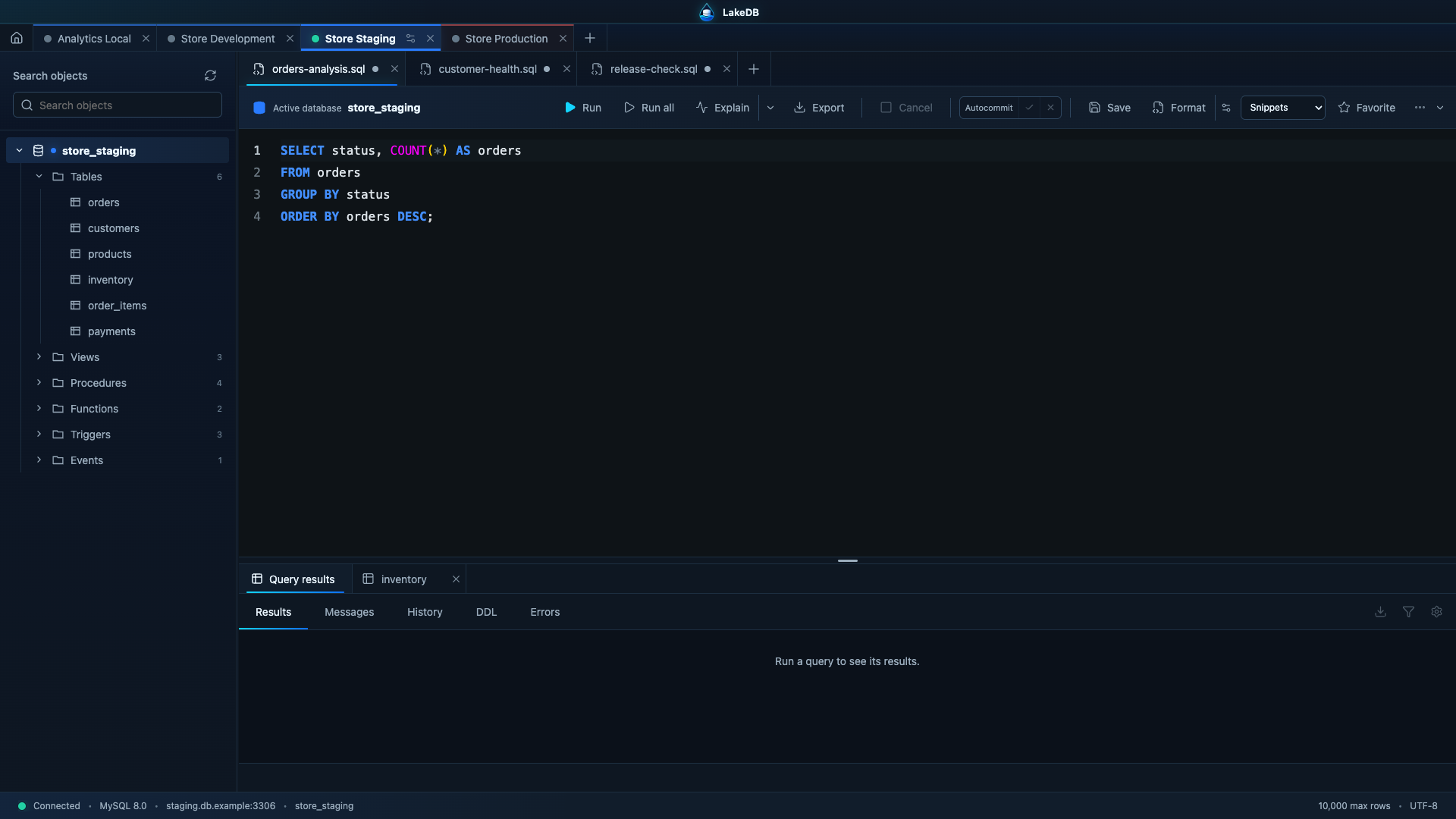
LakeDB keeps multiple database connections open side by side, each with its own SQL and table tabs, active schema, editor content and navigation state. Switching between local, staging and production changes the complete workspace instead of mixing tabs from different servers. That multiconnection workspace is preserved across normal exits and recoverable after an unexpected stop.
LakeDB 0.8.4 is available. LakeDB now opens on Home while preserving every connection and workspace tab in the background. Use the permanent Home button to return to folders at any time, then select a restored tab to reconnect on demand. On macOS, closing the window keeps LakeDB available in the Dock. Read the session guide.
- Install LakeDB.
- Follow the Getting Started guide.
- Configure connections, SSL and SSH.
- Learn the SQL Editor.
- Tables and Safe Editing
- Backup, Import and Migrations
- Appearance, Language and Sessions
- Updates, Recovery and Restores
- Security and Privacy
- Roadmap to 1.0
- LakeDB Free and Pro
This Wiki documents the current public build. Roadmap items marked as Pro are not available yet.