Installation
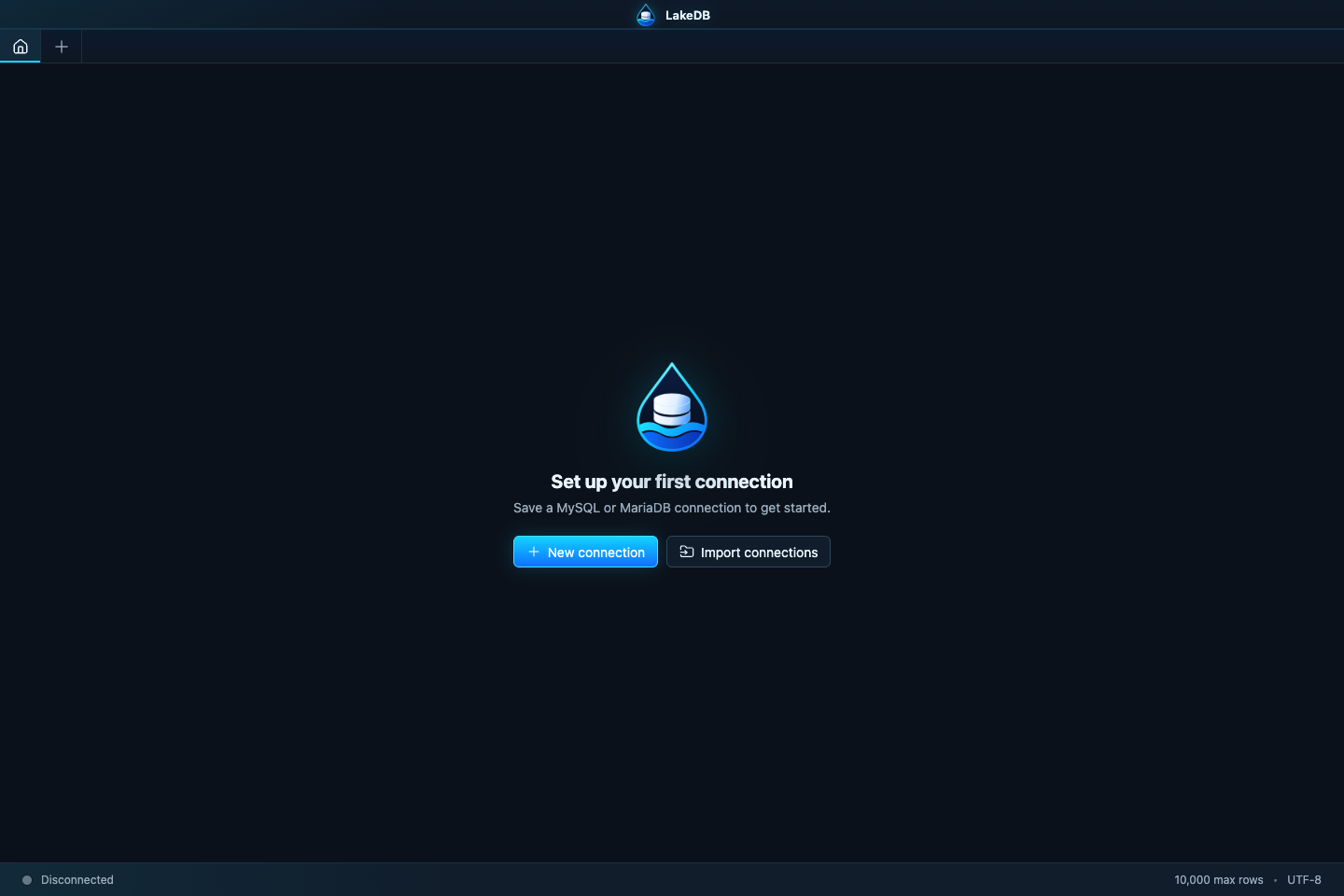
Download the latest build from the official Releases page. Every package has a matching .sha256 checksum.
Check Compatibility for the supported operating systems, architectures and MySQL/MariaDB server lines.
Download the mac-arm64 DMG or ZIP. Open the DMG, or extract the ZIP and move LakeDB.app to Applications. The current pre-1.0 beta is intentionally unsigned and may require Finder → right-click LakeDB → Open.
Download win-x64-setup.exe for a normal installation, or win-x64-portable.exe to run LakeDB without installing it. Windows SmartScreen may warn about the unsigned beta; verify that the file came from this repository before continuing.
Use the .deb package on Debian/Ubuntu-based systems, or the AppImage on other distributions:
chmod +x LakeDB-*-linux-x86_64.AppImage
./LakeDB-*-linux-x86_64.AppImageLakeDB checks public GitHub release metadata at startup by default and shows a notice when a newer compatible version exists. You can also use Help → Check for updates… or disable automatic checks under Preferences.
LakeDB does not silently replace itself. From the update notice you can open the release or download the package for the current platform with progress and SHA-256 verification. Windows can launch the verified installer, macOS opens the DMG and Linux can launch the verified AppImage. See Updates, Recovery and Restores for the complete flow.
Local data is stored outside the package, migrations create a safety snapshot and session data is preserved, but keeping an independent configuration backup before a major update is still recommended.