Installation
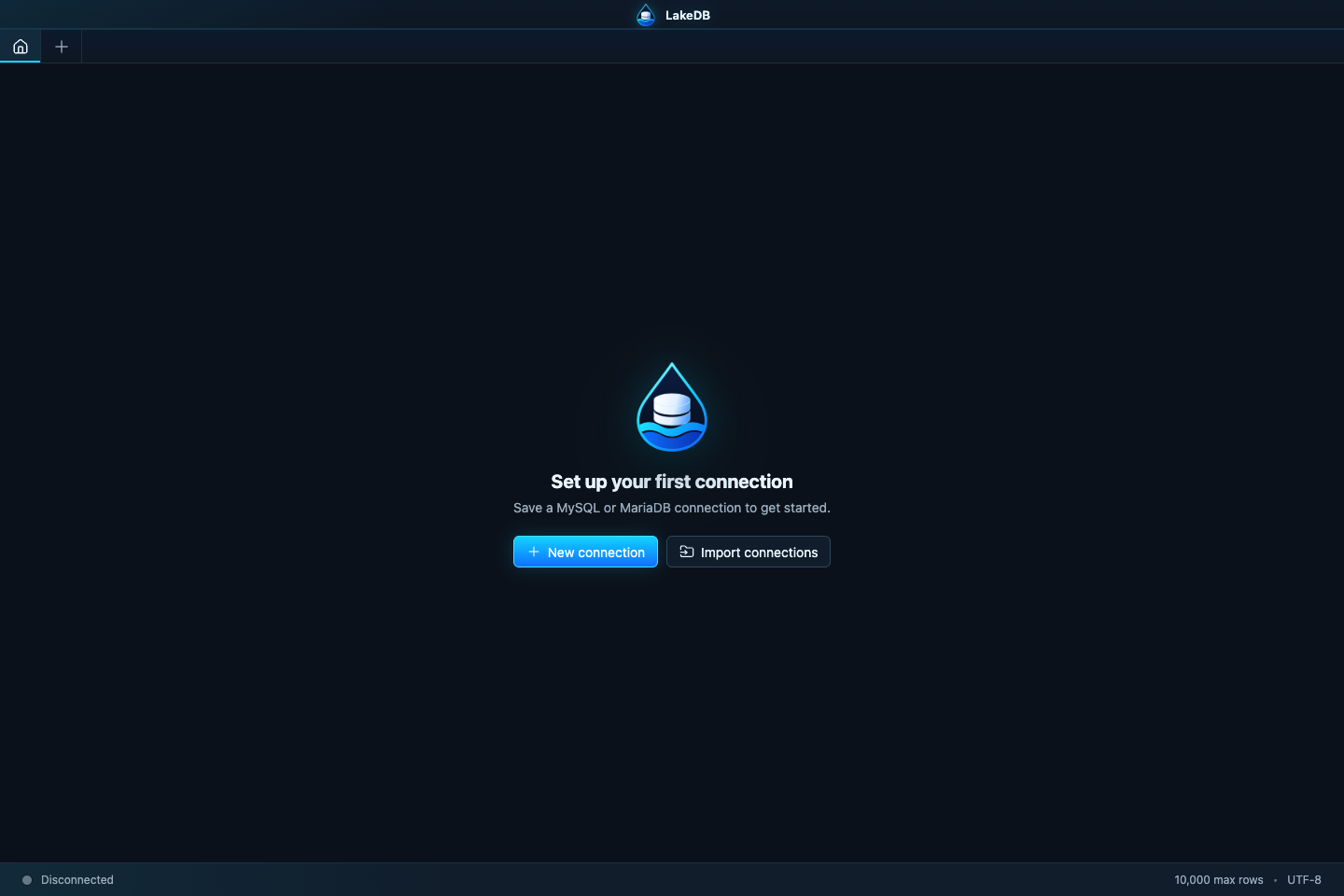
Download the latest build from the official Releases page. Every package has a matching .sha256 checksum.
Download the mac-arm64 DMG or ZIP. Open the DMG, or extract the ZIP and move LakeDB.app to Applications. Early unsigned builds may require Finder → right-click LakeDB → Open.
Download win-x64-setup.exe for a normal installation, or win-x64-portable.exe to run LakeDB without installing it. Windows SmartScreen may warn about early unsigned builds; verify that the file came from this repository before continuing.
Use the .deb package on Debian/Ubuntu-based systems, or the AppImage on other distributions:
chmod +x LakeDB-*-linux-x64.AppImage
./LakeDB-*-linux-x64.AppImageLakeDB does not update automatically yet. Close the application, download the new package and replace or reinstall it. Local data is stored outside the application package, but exporting connections and creating a configuration backup before a major update is still recommended.