Repository navigation
Home
A visual guide for rental business owners, their invited team and customers using the request page.
Try the demo · Screenshot tour · Get the source on Ko-fi
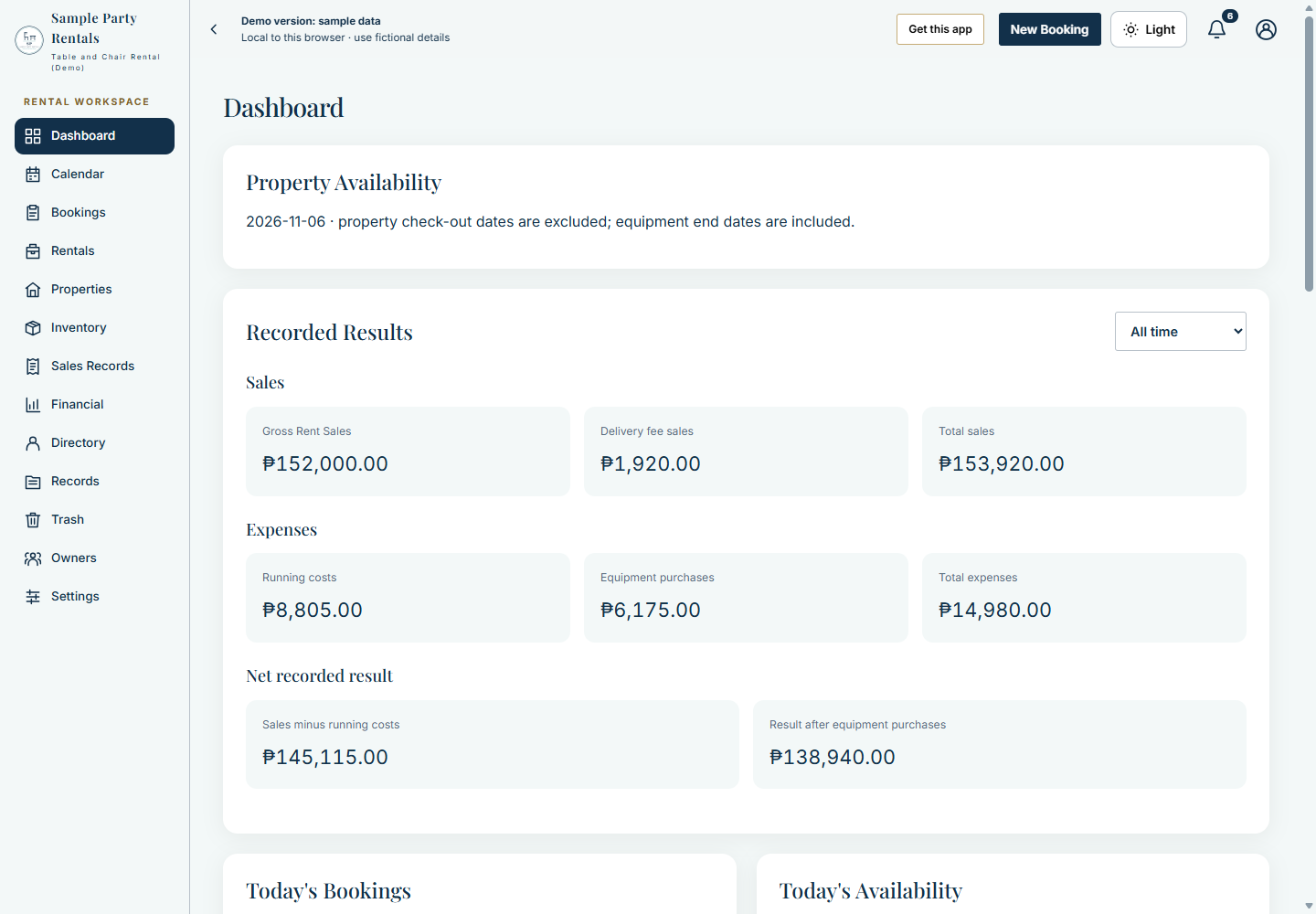
The demo uses fictional browser-local data and simulated routing. It does not connect to a real business workspace. The separate sign-in illustration in this Wiki is rebranded from an owner-supplied image; it is not the demo's entry screen.
| Reader | Start here | What you will learn |
|---|---|---|
| Trying the app | Screenshot Tour | What each main screen looks like |
| Business owner or invited team | Getting Started | Prepare the workspace and find the right screen |
| Customer using a booking link | Rental Workflows | Request a rental and understand the estimate |
| Comparing capabilities | Features Overview | Match your rental tasks to the app |
| Interested in the build | Architecture | Understand the services at a high level |
| Considering a purchase | Purchase and License | Understand source rights and purchase terms |
Configure offers and prices → receive or create a request → review availability and charges → confirm the rental → track handoff or occupancy → record payments → issue and retain documents.
Use FAQ and Limitations for connectivity, service, payment and device boundaries. Complete installation and development guides accompany the commercial source package.
Repository README · How I Built It
Explore the Settings Showcase for identity, appearance, numbering, delivery, rental options and update cards. The Workspace Cards tour shows all thirteen tabs at a reduced scale, including cards below the first screen.