Game Profiles
Game profiles allow you to manage multiple game installations more easily and tailor settings to your needs.
Game profiles determine...
- which *.ini files are edited,
- where mods are installed,
- and how the game is launched.
To edit or select a different profile, click on the game edition in the lower left corner:
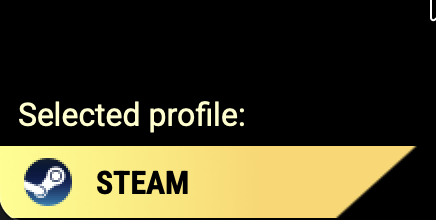
Then you'll see this:
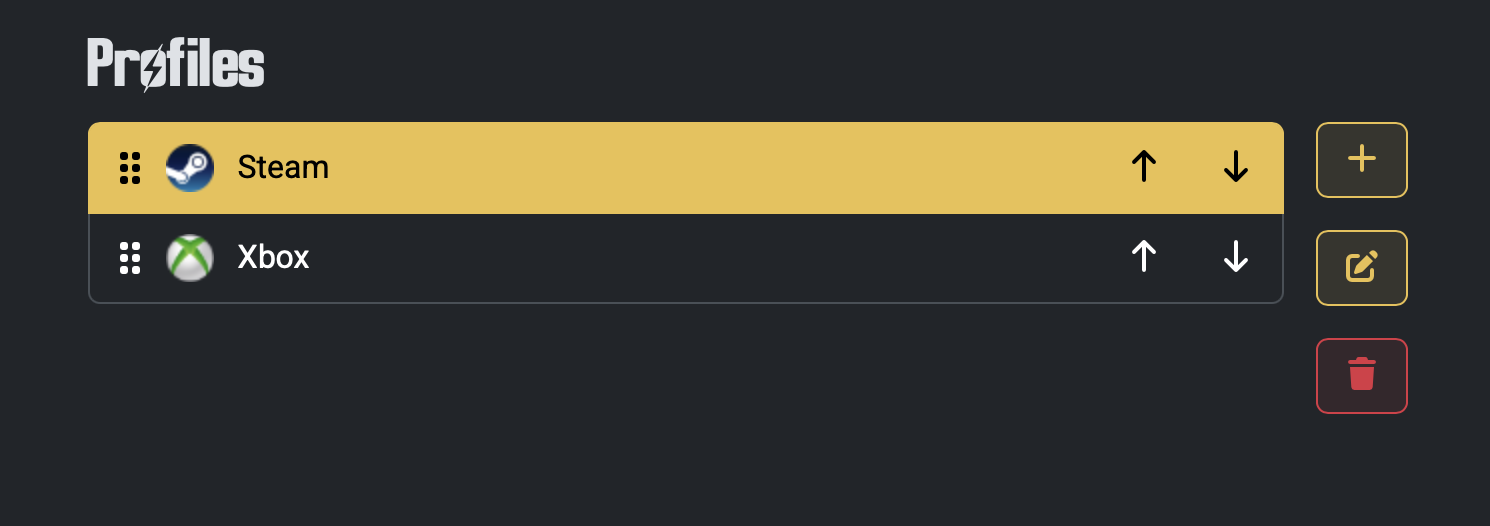
From here, you can click on a profile to select it.
After selecting it, you can edit or delete the profile.
You may also rearrange the profiles as you see fit.
Select a profile and click the pen button ("Edit profile").
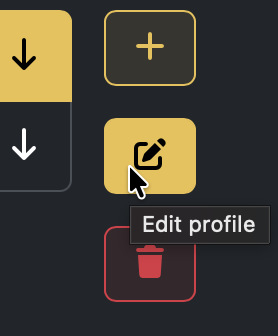
Then you'll see this:
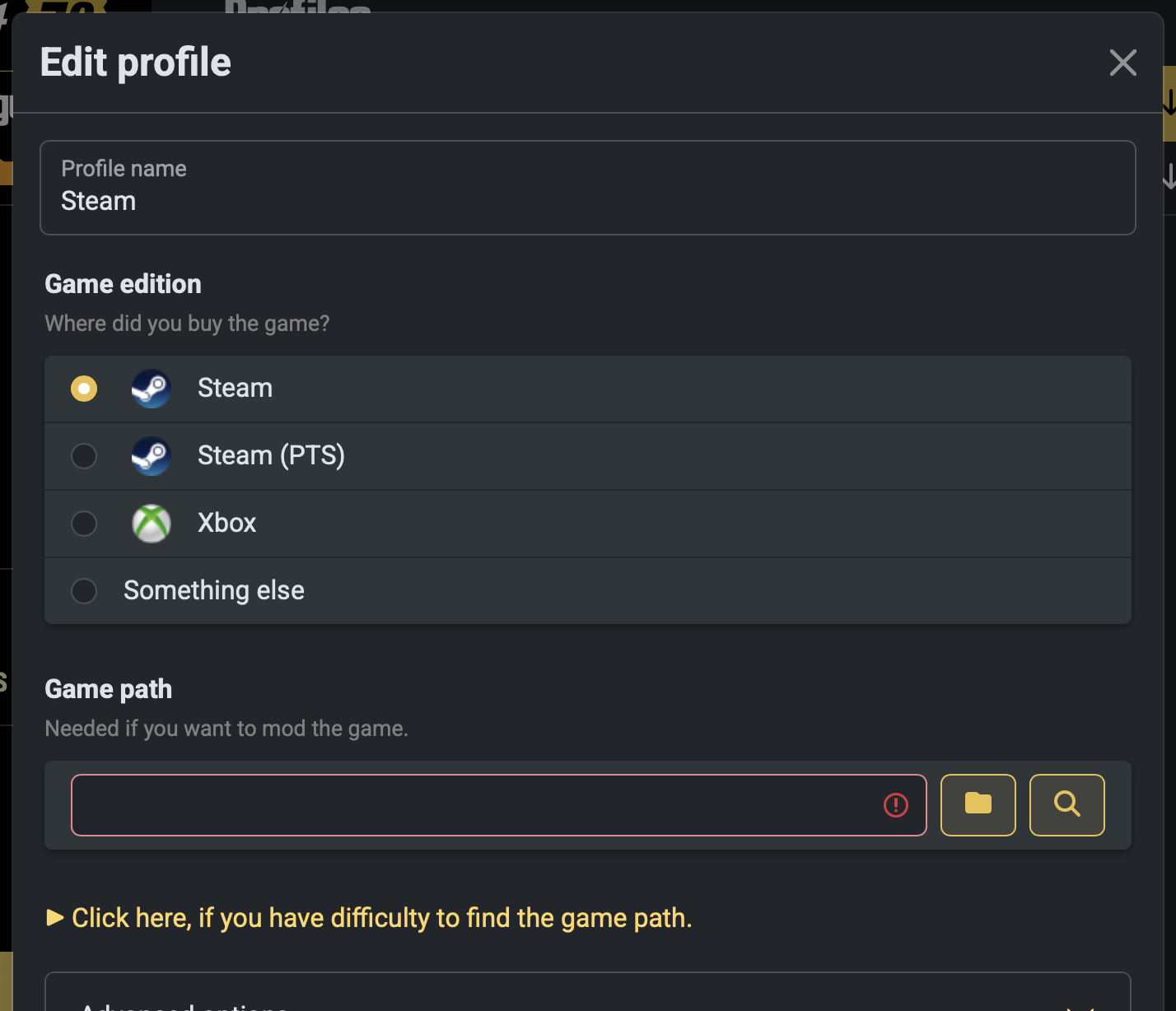
Here, you can make any changes you need.
Click on the "Save" at the bottom to save any changes and reload the profile.
Note that closing the dialog without clicking "Save" will revoke any changes.
If you check Advanced options, then...
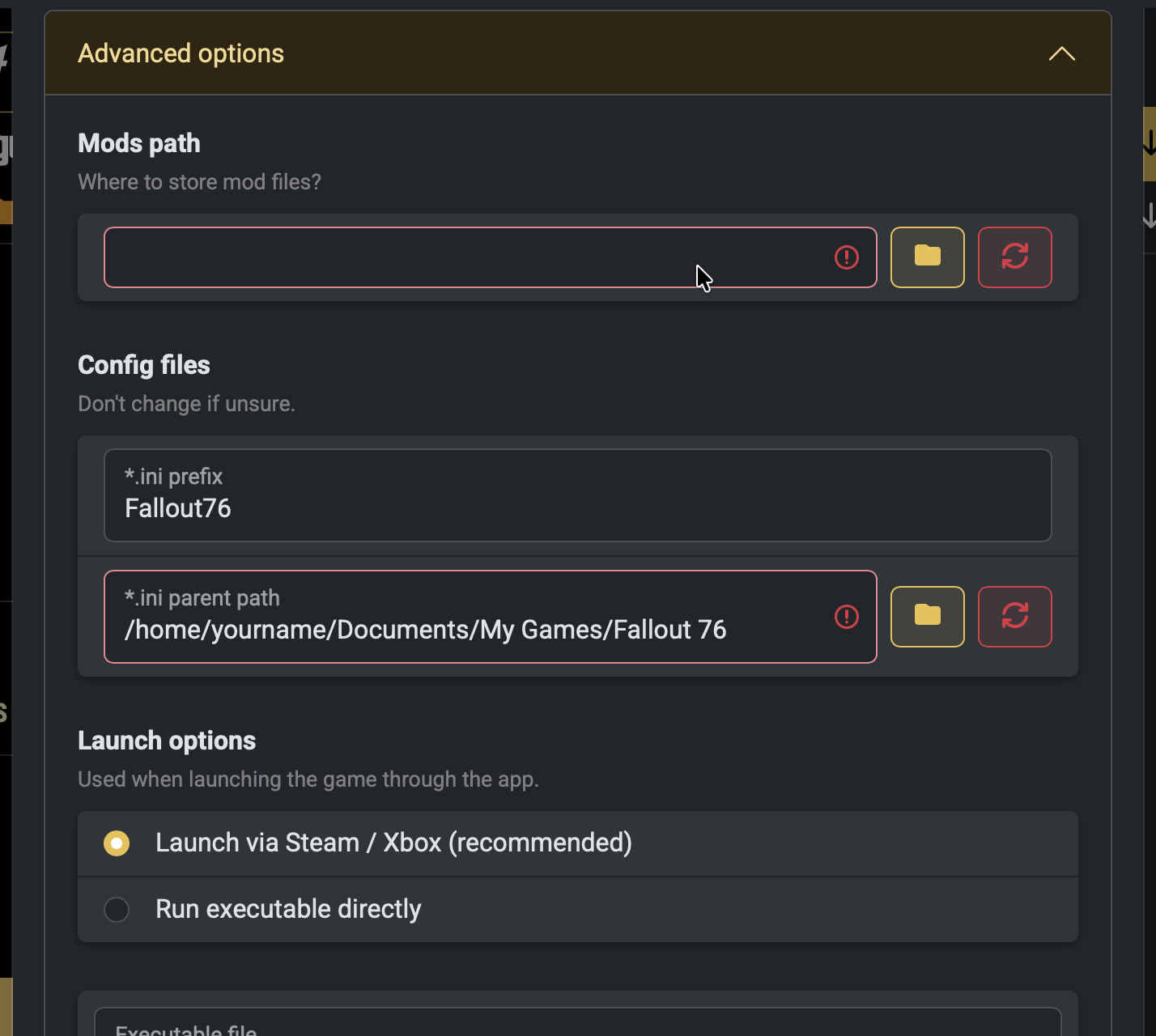
you expand them and get more options tailor the profile to your needs. Here's a detailed explanation of every option:
- Game edition: This is essentially a preset. It changes the icon that's displayed, the *.ini prefix, executable, and launch URL.
- Game path: Points to where the game is installed (same folder where the *.exe file is). Required if you want to start the *.exe or install mods.
-
Mods path: Points to where the mods will be stored. Defaults to the game path +
\Mods. See also: How to change where mods are stored? -
Launch options:
- Launch via Steam / Xbox: This will start the game as if you click on "Play" in Steam or the Xbox app.
- Run executable directly: This will start the game as if you double-click the Fallout76.exe. Doesn't work with the Xbox edition or on Linux.
-
Advanced options:
-
*.ini prefix: Prefix of the *.ini files. Default would be "Fallout76" or "Project76".
The tool uses this to locate the *.ini files: "{prefix}.ini", "{prefix}Prefs.ini", and "{prefix}Custom.ini" -
*.ini path: The location at which the *.ini files are stored. Default is
%UserProfile%\Documents\My Games\Fallout 76 - Executable: The name of the executable. Default would be "Fallout76.exe" or "Project76_GamePass.exe".
- Parameters: When you set the launch option to run the executable directly, it will pass these parameters to it. Default: Empty
- Launch URL: When you set the launch option to use Steam / Xbox, it will open this link. Example: "steam://run/1151340"
-
*.ini prefix: Prefix of the *.ini files. Default would be "Fallout76" or "Project76".