Troubleshooting
Table of Contents
- After installing mods, my game's voice over switched to English.
- I cannot drag-and-drop files into the mod manager.
- Couldn't load/parse *.ini files - What to do?
- Login with NexusMods failed
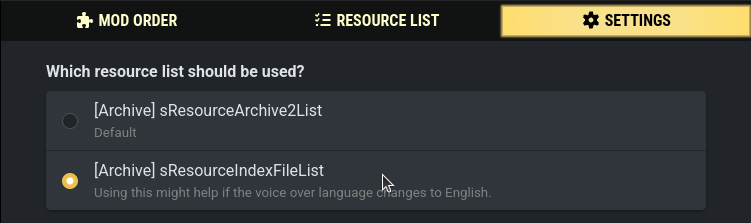
In the mod manager under the "Settings" tab, switch the resource list from sResourceArchive2List to sResourceIndexFileList:
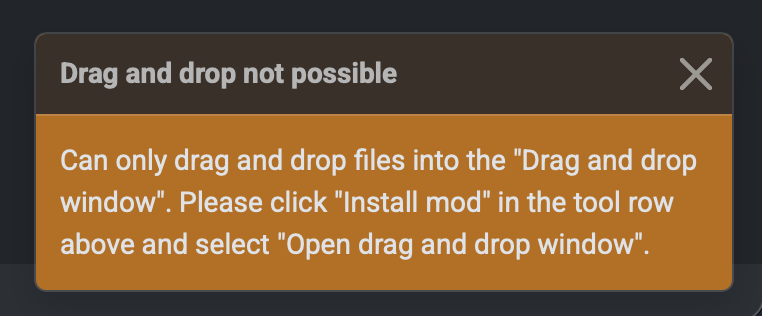
If you try to drag and drop files into the mod manager, it displays this message:
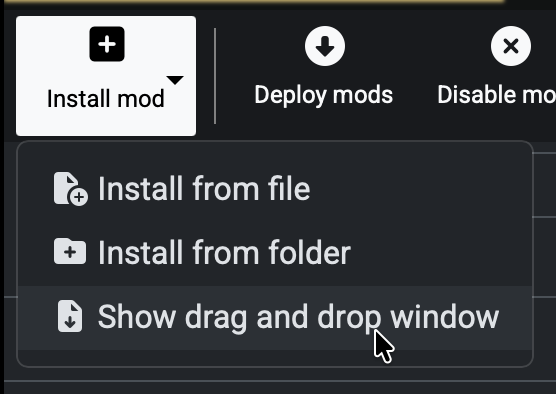
Click "Install mod" and then select "Show drag and drop window" from the options:
This will open the "Drag and drop window":
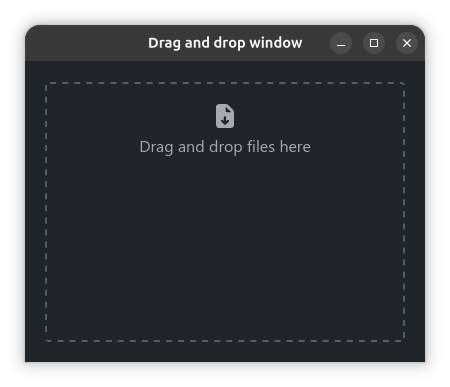
When you drag files into this window, it will show the mod installation dialog.
Unfortunately, there isn't much I can do to make drag and drop work in the main window due to an issue in Tauri, see tauri-apps/tauri#14373.
If you're running the mod manager with administrator privileges, Windows will block drag-and-drop for security reasons. (Read more in this archived blog post)
If possible, try running the mod manager without admin rights. Otherwise use the install buttons. They should always work.
See: Troubleshooting: *.ini files
See: Troubleshooting: Login with NexusMods failed