Automation Examples
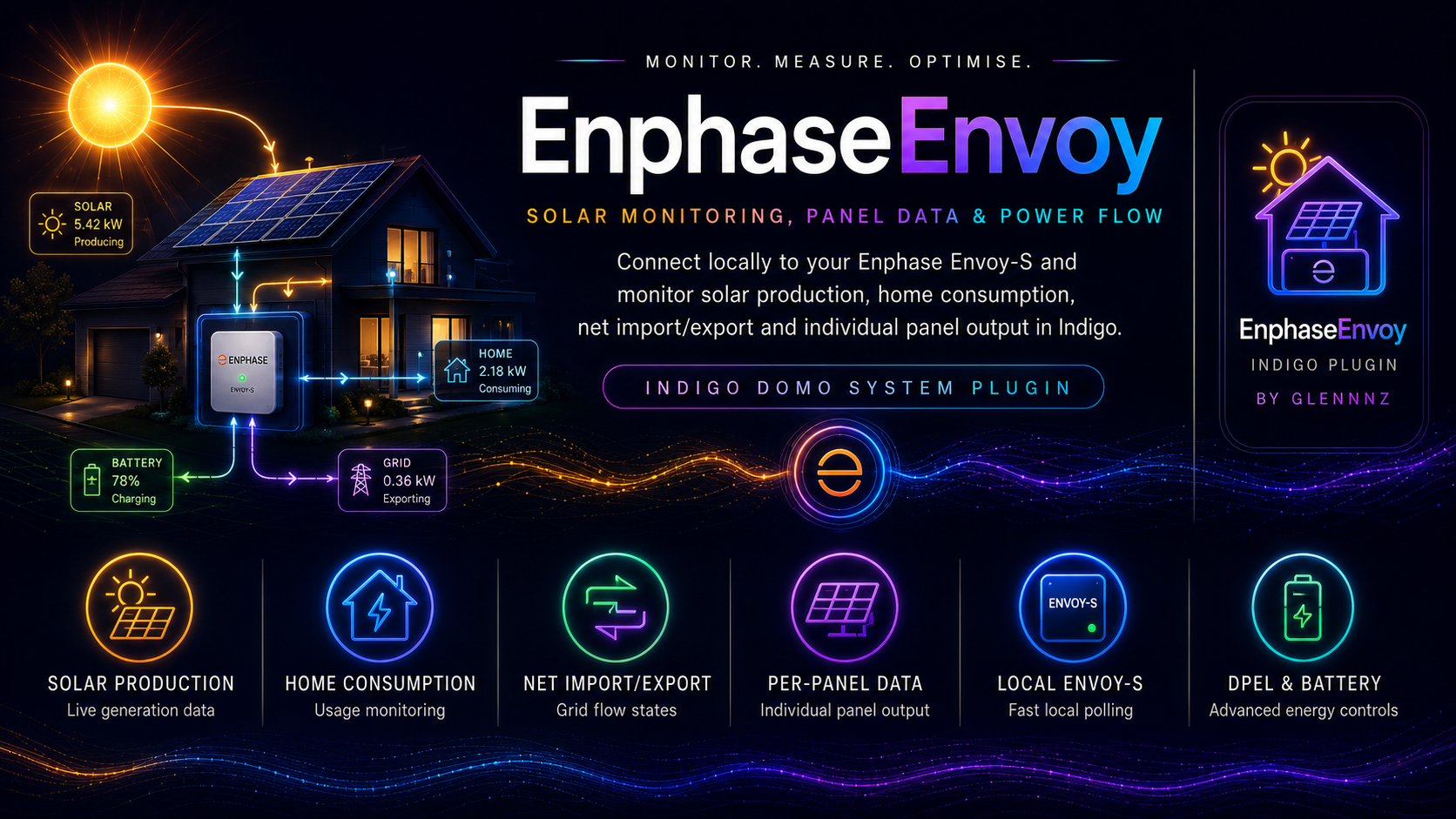
Practical Indigo trigger/condition/action group recipes using the Enphase Envoy plugin.
Trigger: Device state powerStatus on My Envoy changes to exporting or producing
Condition: Time is between 6:00 AM and 8:00 AM (optional — limits to morning only)
Action Group: "Morning Solar Start Notification"
  Send Notification: "☀️ Solar production has started. Currently %%d:My Envoy:productionWattsNow%%W"
Example Indigo trigger:
- Trigger: Device State Changed
- Device:
My Envoy - State:
powerStatus - When changes to:
exporting
- Device:
- Actions: Send notification / speak
Useful to know when solar can no longer cover home load.
Trigger: Device state powerStatus on My Envoy changes to importing
Action Group: "Grid Import Alert"
  Send Notification: "🔌 Now importing from grid. Consuming %%d:My Envoy:consumptionWattsNow%%W, producing %%d:My Envoy:productionWattsNow%%W"
Trigger: Time/Date → Sunset (or fixed time like 10 PM)
Action Group: "Log Daily Solar Production"
  Log: "Daily solar: %%d:My Envoy:productionWattsToday%% Wh produced, %%d:My Envoy:consumptionWattsToday%% Wh consumed. Max: %%d:My Envoy:productionWattsMaxToday%% W. Cost: %%d:My Cost:netTarrifToday%%"
Trigger: Schedule → Every Sunday at 9 PM
Action Group: "Weekly Production Report"
  Send Email:
    Subject: "Enphase Weekly Report"
    Body:
      Production last 7 days: %%d:My Cost:productionkW7days%% kWh (%%d:My Cost:productionTarrif7days%%)
      Consumption last 7 days: %%d:My Cost:consumptionkW7days%% kWh (%%d:My Cost:consumptionTarrif7days%%)
      Net: %%d:My Cost:netkW7days%% kWh (%%d:My Cost:netTarrif7days%%)
Helps detect panel shading, inverter faults, or cloud cover.
Trigger: Device state productionWattsNow on My Envoy changes
Condition: Time is between 11 AM and 2 PM, AND productionWattsNow < 500 (adjust for your system size)
Action Group: "Low Production Alert"
  Send Notification: "⚠️ Solar production is low mid-day: %%d:My Envoy:productionWattsNow%%W"
Trigger: Device state deviceIsOnline on any Enphase Panel changes to False
Action Group: "Panel Offline Alert"
  Send Notification: "❌ Panel %%triggerDeviceName%% has gone offline. Last heard: %%d:%%triggerDeviceName%%:lastHeard%%"
Use the built-in menu item or create an action group to trigger it programmatically:
In an Action Group (Indigo script):
import indigo
plugin = indigo.server.getPlugin("com.GlennNZ.indigoplugin.EnphaseEnvoy")
if plugin.isEnabled():
plugin.executeAction("logPanelsLastHeard")Create an Indigo control page or log entry comparing each panel's watts against the system average.
Trigger: Schedule → Every hour during daylight
Script action:
import indigo

panels = list(indigo.devices.iter('com.GlennNZ.indigoplugin.EnphaseEnvoy.EnphasePanelDevice'))
online_panels = [p for p in panels if p.states.get('deviceIsOnline', False)]
if not online_panels:
    indigo.server.log("No panels online")
else:
    watts = [p.states.get('watts', 0) for p in online_panels]
    avg = sum(watts) / len(watts)
    for p in online_panels:
        w = p.states.get('watts', 0)
        if w < avg * 0.5:  # less than 50% of average
indigo.server.log(f"⚠️ Underperforming: {p.name} = {w}W (avg {avg:.0f}W)")Trigger: Schedule → 11:00 PM (off-peak starts)
Action Group: "Start Off-Peak Grid Charge"
  Action: Enable Charge from Grid (My Battery)
  Action: Set Storage Mode: Self-Consumption (My Battery)
Trigger: Schedule → 7:00 AM (off-peak ends)
Action Group: "Stop Off-Peak Grid Charge"
  Action: Disable Charge from Grid (My Battery)
Variable: WeatherAlert (set by a weather plugin or virtual device)
Trigger: Variable WeatherAlert changed to "storm"
Action Group: "Storm Battery Preparation"
  Action: Set Storage Mode: Full Backup (My Battery)
  Action: Set Battery Reserve Percentage: 100% (My Battery)
  Action: Enable Charge from Grid (My Battery)
  Log: "🌩️ Storm prep: battery set to full backup, charging from grid"
Trigger: Variable WeatherAlert changed to "clear"
Action Group: "Resume Normal Battery Mode"
  Action: Set Storage Mode: Self-Consumption (My Battery)
  Action: Set Battery Reserve Percentage: 20% (My Battery)
  Action: Disable Charge from Grid (My Battery)
Trigger: Device state batteryPercentFull on My Battery drops below 20
Action Group: "Battery Low Alert"
  Send Notification: "🔋 Battery low: %%d:My Battery:batteryPercentFull%%%% (%%d:My Battery:batteryState%%)"
Trigger: Device state batteryMaxCellTemp on My Battery exceeds 45
Action Group: "Battery High Temp Alert"
  Send Notification: "🌡️ Battery cell temperature high: %%d:My Battery:batteryMaxCellTemp%%°C"
Some utilities require zero export during peak periods.
Trigger: Schedule → 3:00 PM (restriction starts)
Action Group: "Enable Zero Export"
  Action: Enable DPEL
    Export Limit Watts: 0
    Export Limit Mode: ✅ checked
    Slew Rate: 50
  Log: "Zero export restriction enabled"
Trigger: Schedule → 9:00 PM (restriction ends)
Action Group: "Disable Zero Export"
  Action: Disable DPEL
  Log: "Zero export restriction removed"
If you have a virtual device or variable that receives grid curtailment signals:
Trigger: Variable GridCurtailmentWatts changes
# Script action
import indigo

curtail_watts = int(indigo.variables["GridCurtailmentWatts"].value)
plugin = indigo.server.getPlugin("com.GlennNZ.indigoplugin.EnphaseEnvoy")
dev = indigo.devices["My Envoy"]

if plugin.isEnabled():
    props = {
        "dpelWatts": str(curtail_watts),
        "dpelSlewRate": "50",
        "dpelExportLimit": "true"
    }
plugin.executeAction("enableDpel", deviceId=dev.id, props=props)Keep Indigo variables updated for use on control pages:
Trigger: Device state productionWattsNow on My Envoy changes
Action Group: "Update Dashboard Variables"
  Set Variable "SolarNowW" = %%d:My Envoy:productionWattsNow%%
  Set Variable "GridStatusText" = %%d:My Envoy:grid_text%%
  Set Variable "BatteryPct" = %%d:My Battery:batteryPercentFull%%
Use device states directly in Indigo Control Pages:
| Control Page Element | Device | State |
|---|---|---|
| Solar production (W) | My Envoy | productionWattsNow |
| Home consumption (W) | My Envoy | consumptionWattsNow |
| Grid status text | My Envoy | grid_text |
| Battery % | My Battery | batteryPercentFull |
| Battery state | My Battery | batteryState |
| Today's cost | My Cost | netTarrifToday |
| Last panel update | My Envoy | panelLastUpdated |
