Repository navigation
Allow iCloud Passkeys
Lets sites sign you in with passkeys saved in Apple Passwords (iCloud Keychain). It's experimental, and off by default since it opens the original Dia for a moment each time.
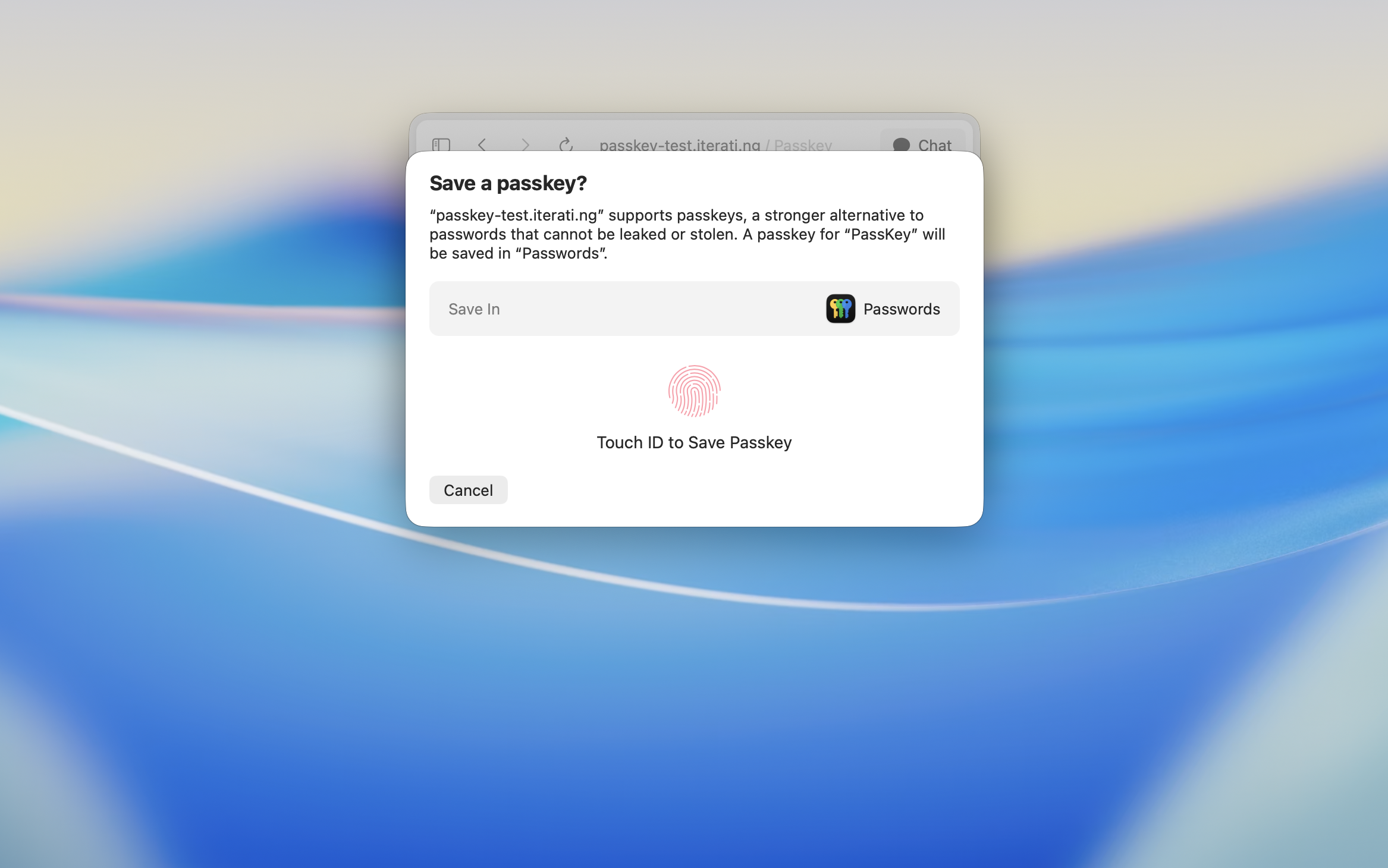
Apple only lets a browser use your iCloud passkeys if that browser has Apple's permission. Dia has it. But that permission is tied to Dia exactly as The Browser Company shipped it, and the moment DiaTweaks changes Dia, macOS no longer counts it as the browser Apple approved. Without this tweak, sites that ask for a passkey in a patched Dia can't see the ones in Apple Passwords.
Only Apple can give that permission, and it can't be added back afterwards. So there's no way to make the patched Dia reach your passkeys by itself.
DiaTweaks already keeps a copy of the original, unchanged Dia on your Mac, because it builds the patched Dia from it. That original still has Apple's permission.
So when a site asks for a passkey:
- The original Dia opens in a small window, just the size of the Touch ID prompt, and goes to the same site.
- The Touch ID prompt appears on top of it, so the prompt is mostly all you see.
- You approve with Touch ID, like in any browser.
- The site in your Dia gets the passkey, and the small window closes by itself.
We've tried to make it feel as normal as we can. The window is tiny and sits behind the prompt, it's muted, it skips Dia's intro, and it signs in with your Dia account on its own. It's still a second Dia opening for a few seconds, and you might notice it in the Dock. There isn't a smoother way to do this without Apple's permission.
Open Dia → Settings → Patches, switch on Allow iCloud Passkeys, and relaunch Dia when it asks. Or run:
diatweaks enable passkeysIs it safe?
Yes. Your passkeys never leave Apple Passwords, and each one still needs your Touch ID or password, the same as in Safari or Chrome. The original Dia is the one The Browser Company signed, untouched. It only opens the site that asked, and it quits as soon as you're done.
Why is it slow the first time?
The original Dia has to start up, which takes a few seconds. After that the prompt shows up quickly.
Why doesn't a site suggest my passkey in its sign-in field?
Some sites offer your passkey as soon as you click their sign-in field. That's off here, or the original Dia would open every time you visited one of those pages. Use the site's "Sign in with a passkey" button instead.
It asked me to sign in to Dia.
The original Dia normally signs in with your Dia account by itself. If it ever can't, sign in with your Dia email in the window that opens, and your passkey carries on after. It won't ask again.
Why is there an extension called DiaTweaks Passkeys?
That's how the patched Dia hands passkey requests to the original one. It's there while this tweak is on and goes away when you turn it off and relaunch.
Do passkeys from 1Password or Bitwarden work?
They come from their own browser extensions, not Apple Passwords, so this tweak doesn't change how they work.