Repository navigation
Remember What You Typed
Brings back what you typed in the command bar when you open it again after Escape, ⌘W or a click outside, like Arc. The text comes back selected, so you can carry on or type over it.
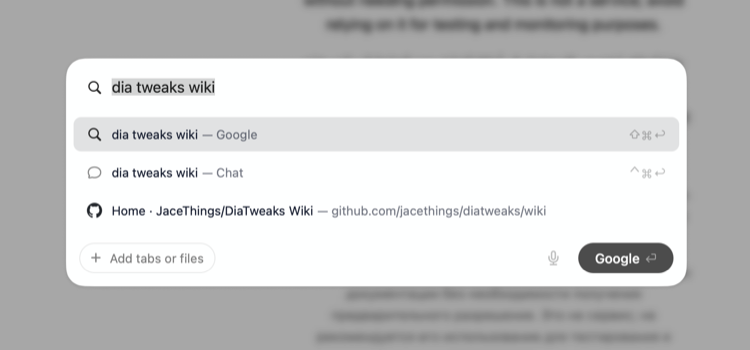
Each window keeps its own text. Choosing a result starts the next bar empty, and so does emptying the bar before Escape.
It's off by default. Open Dia → Settings → Patches → Open New Tabs in Command Bar and switch on Remember What You Typed. Or run:
diatweaks enable commandBarKeepTextCommand bar. Settings only shows this switch while that's on, and diatweaks enable commandBarKeepText offers to turn it on too.