Skip to content
github-actions[bot] edited this page Nov 11, 2026 · 3 revisions

English | Deutsch

Videos

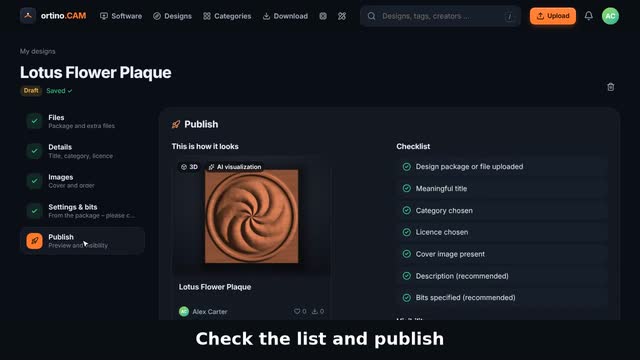
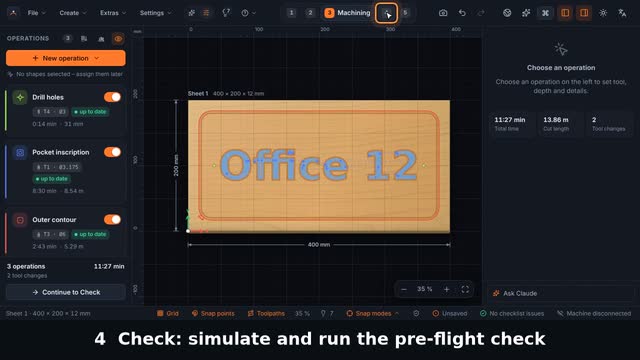
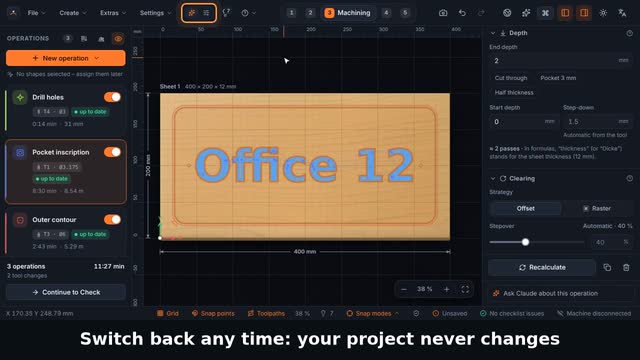
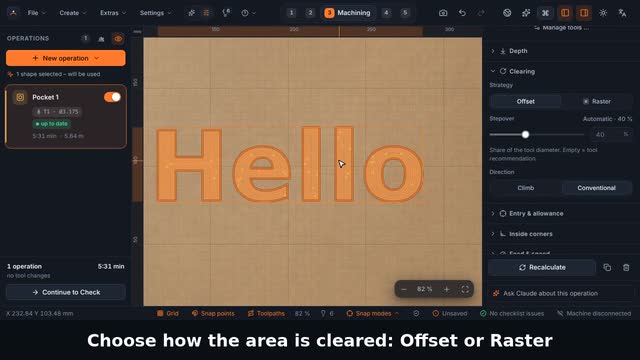
Kurze Anleitungsvideos (5–20 Sekunden, ohne Ton). Die Beschriftung ist immer englisch, damit ein Video für alle Sprachen gilt; die Wiki-Seiten dazu gibt es auf Deutsch und Englisch. Ein Klick auf ein Bild öffnet das Video auf der Videoseite (alle Videos auf einer Seite). Im Programm stehen dieselben Videos unter Hilfe → Video-Anleitungen (ab Version 0.8.2).

Ehrlich zum Stand: Die Videos zeigen die echte Oberfläche und das Portal (Testserver) mit dem Maschinen-Simulator, nicht eine echte Maschine. Das Handy ist ein simuliertes Telefon, das Kamerabild beim Scannen ist nachgestellt. Unter Windows kann das Programm in Kleinigkeiten anders aussehen.

Getting started

  • The five steps at a glance (video, English captions)
    The five steps at a glance · 14 s

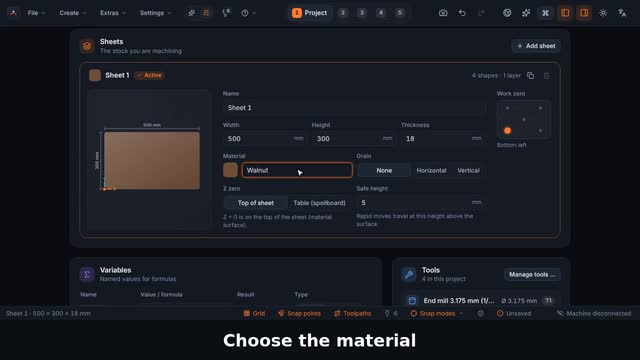
  • Set up the sheet: size, thickness, material, work zero (video, English captions)
    Set up the sheet: size, thickness, material, work zero · 15 s

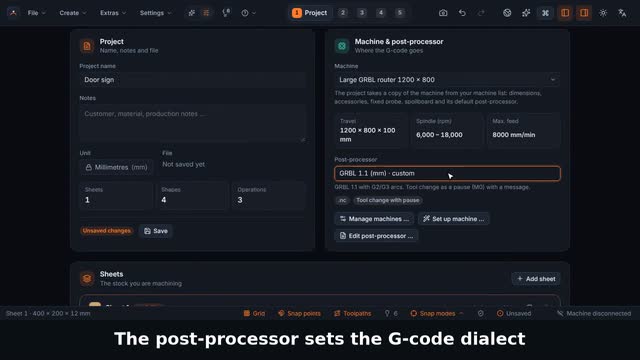
  • Choose the machine and the post-processor (video, English captions)
    Choose the machine and the post-processor · 11 s
Drawing and import

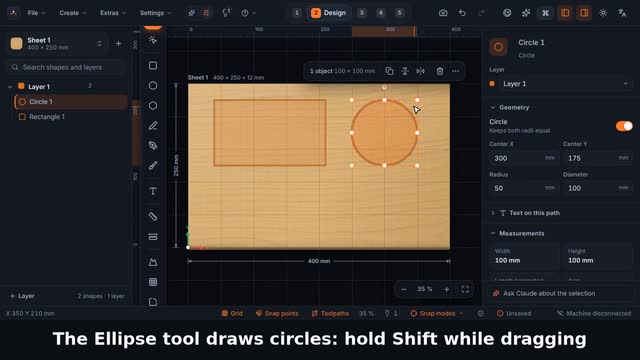
  • Draw a rectangle and a circle (video, English captions)
    Draw a rectangle and a circle · 17 s

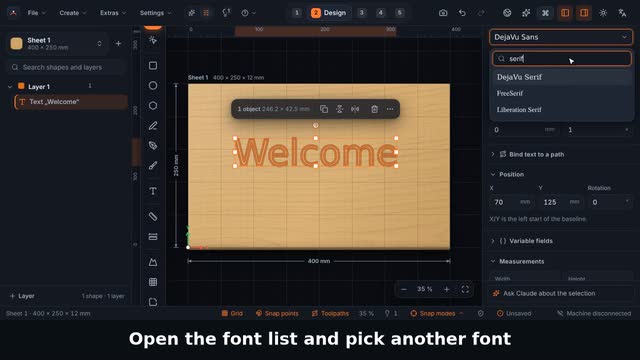
  • Add text and change its size and font (video, English captions)
    Add text and change its size and font · 16 s

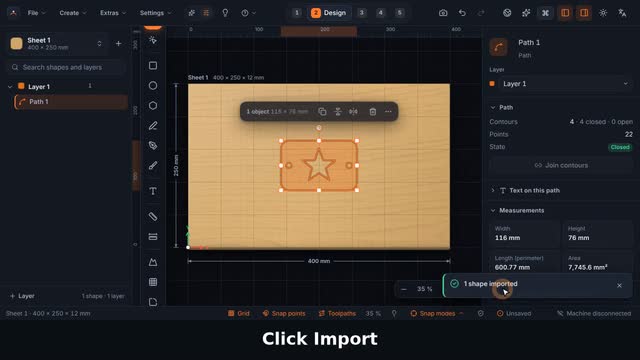
  • Import an SVG file (video, English captions)
    Import an SVG file · 12 s

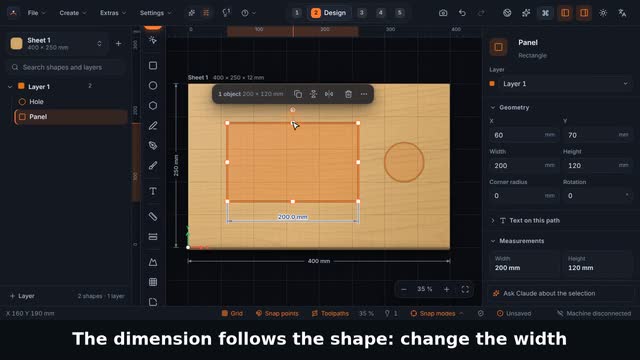
  • Snap points and dimensions (video, English captions)
    Snap points and dimensions · 15 s

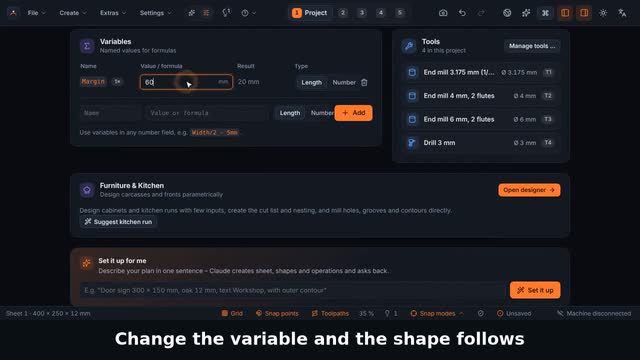
  • Variables: change one value, the shape follows (video, English captions)
    Variables: change one value, the shape follows · 13 s

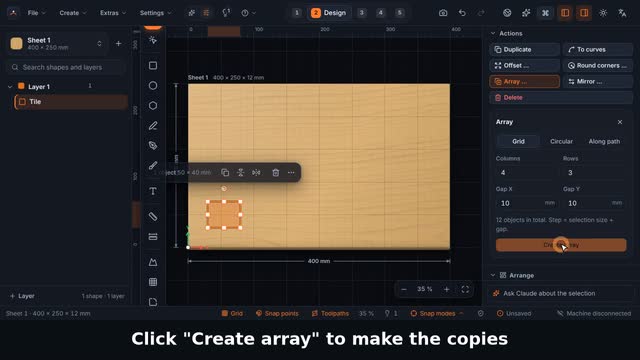
  • Make copies of a shape with Array (video, English captions)
    Make copies of a shape with Array · 12 s

  • Easy mode and Expert mode (video, English captions)
    Easy mode and Expert mode · 12 s
Machining

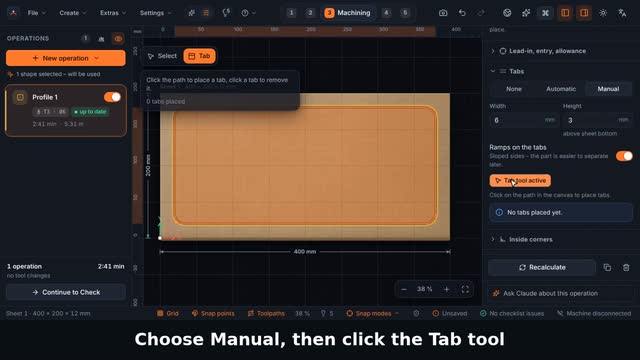
  • Cut out a shape with a Profile (video, English captions)
    Cut out a shape with a Profile · 16 s

  • Clear out lettering with a Pocket (video, English captions)
    Clear out lettering with a Pocket · 13 s

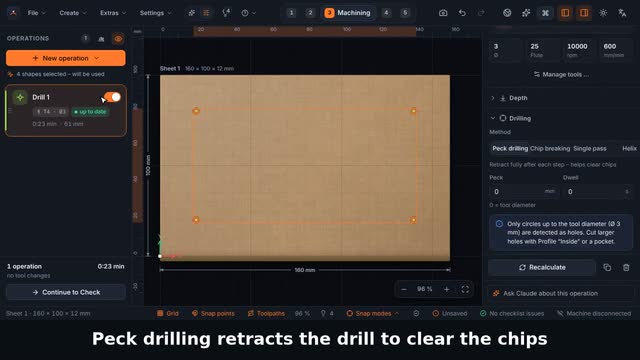
  • Drill holes at the centre of circles (video, English captions)
    Drill holes at the centre of circles · 11 s

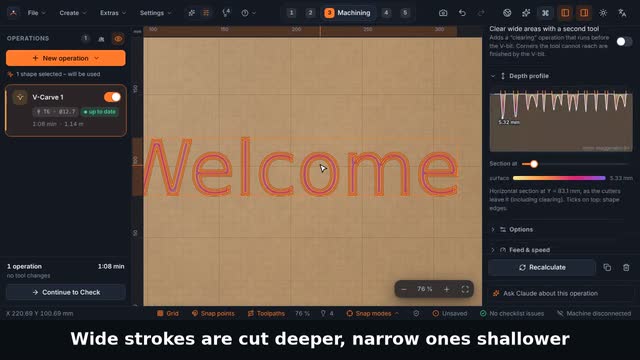
  • Carve lettering with a V-bit (video, English captions)
    Carve lettering with a V-bit · 12 s

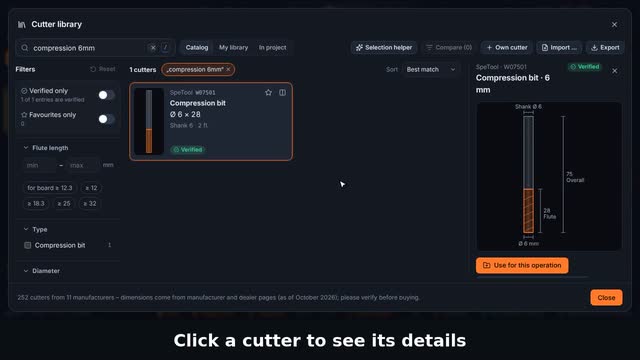
  • Pick a cutter from the library (video, English captions)
    Pick a cutter from the library · 13 s
Check and output

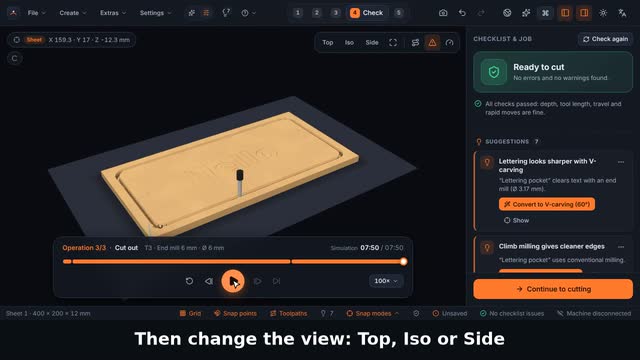
  • Watch the 3D simulation (video, English captions)
    Watch the 3D simulation · 15 s

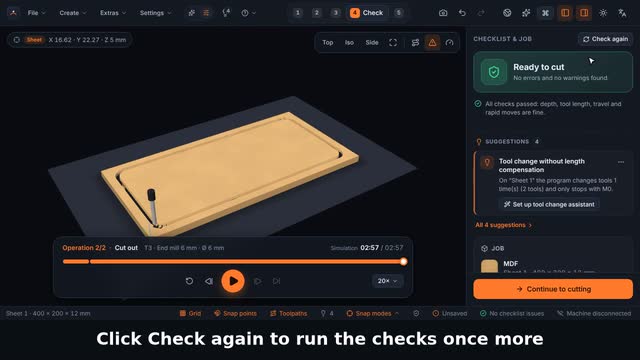
  • Read the checklist before you cut (video, English captions)
    Read the checklist before you cut · 15 s

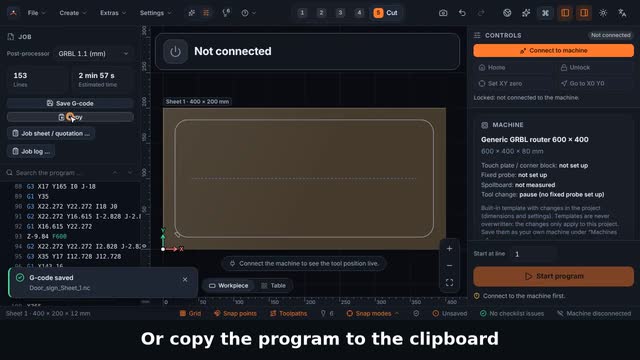
  • Save the G-code (video, English captions)
    Save the G-code · 12 s

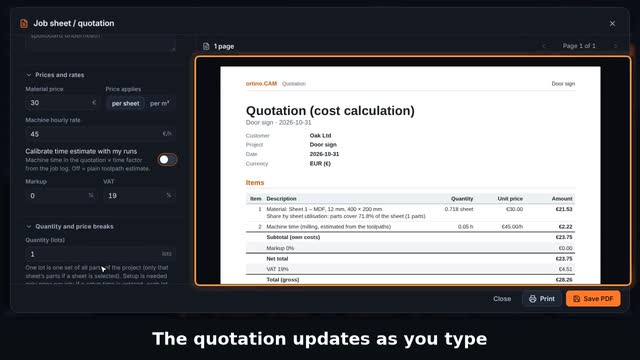
  • Create a job sheet and quotation (video, English captions)
    Create a job sheet and quotation · 15 s

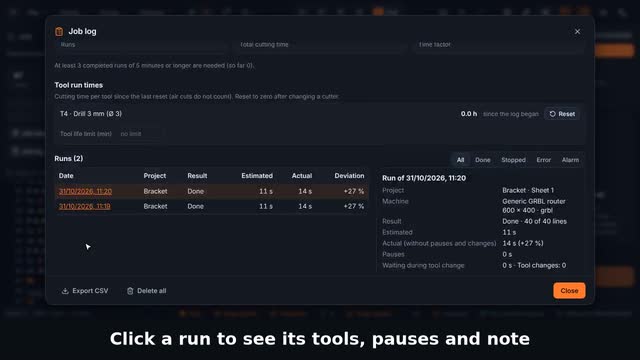
  • Review your past jobs (video, English captions)
    Review your past jobs · 12 s

Machine

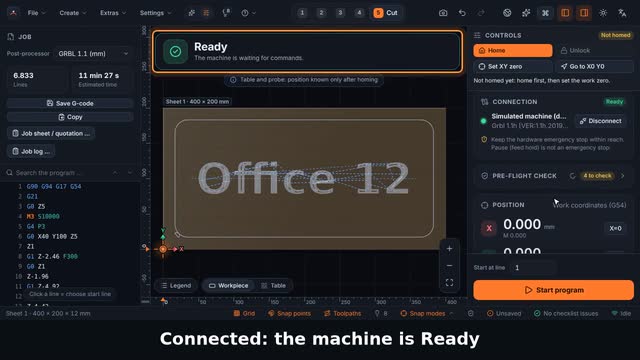
  • Connect the machine (video, English captions)
    Connect the machine · 10 s

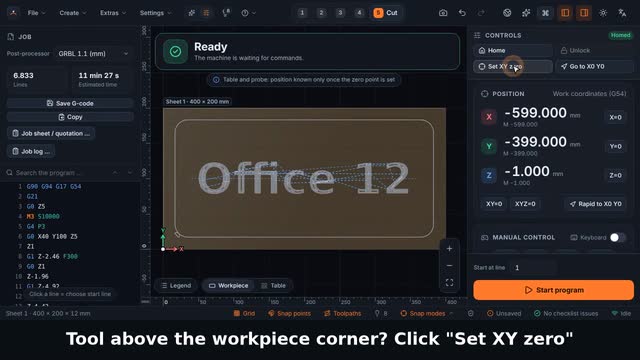
  • Home the machine and set the zero point (video, English captions)
    Home the machine and set the zero point · 14 s

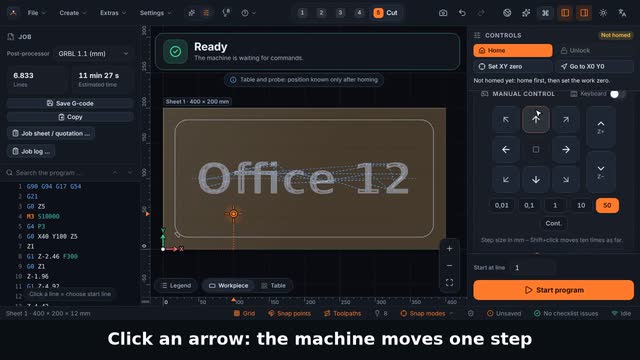
  • Move the machine by hand (video, English captions)
    Move the machine by hand · 15 s

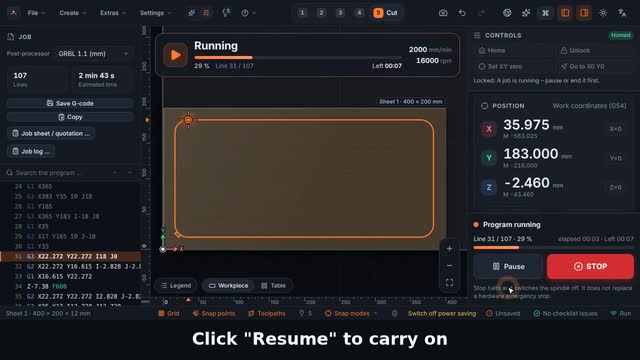
  • Run the program: start, pause, stop (video, English captions)
    Run the program: start, pause, stop · 17 s

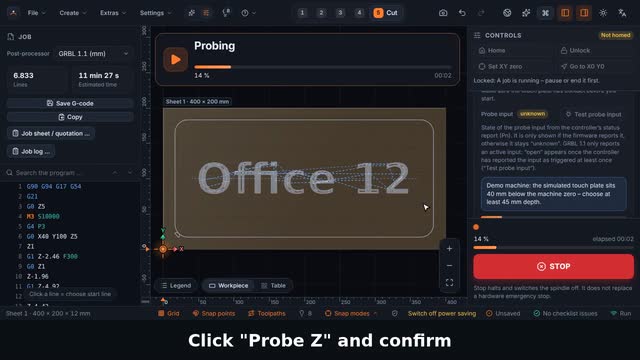
  • Probe Z with the touch plate (video, English captions)
    Probe Z with the touch plate · 18 s

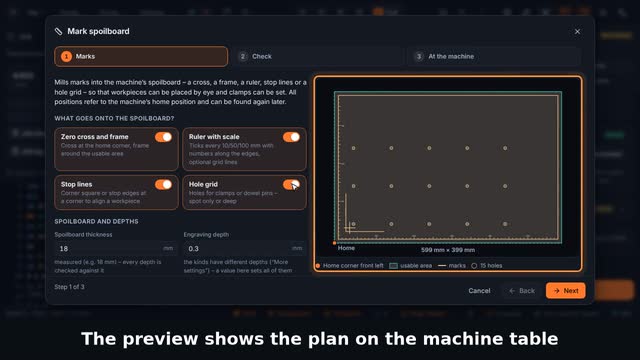
  • Plan marks for the spoilboard (video, English captions)
    Plan marks for the spoilboard · 14 s
Machine and phone

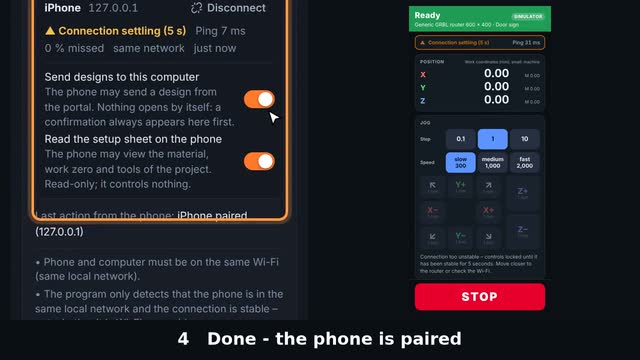
  • Pair the phone remote with a QR code (video, English captions)
    Pair the phone remote with a QR code · 19 s

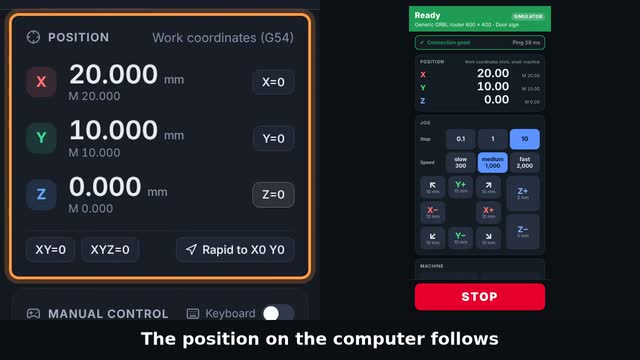
  • Jog the machine from your phone (video, English captions)
    Jog the machine from your phone · 11 s
Advanced

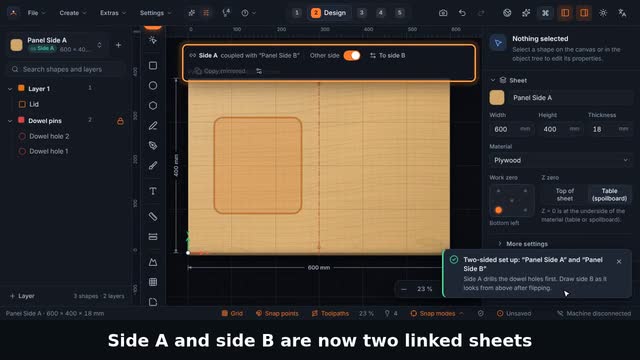
  • Machine both sides with dowel pins (video, English captions)
    Machine both sides with dowel pins · 18 s

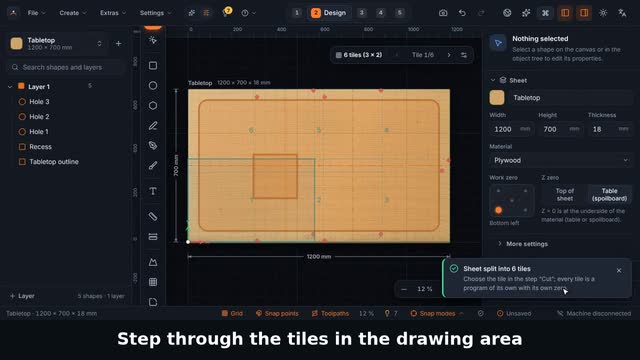
  • Tile parts larger than the machine travel (video, English captions)
    Tile parts larger than the machine travel · 17 s

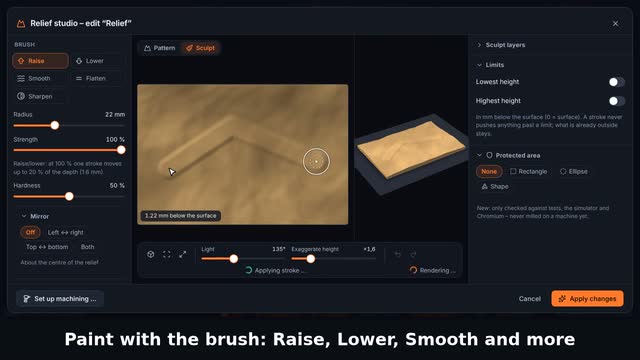
  • Create a relief and sculpt it with the brush (video, English captions)
    Create a relief and sculpt it with the brush · 15 s

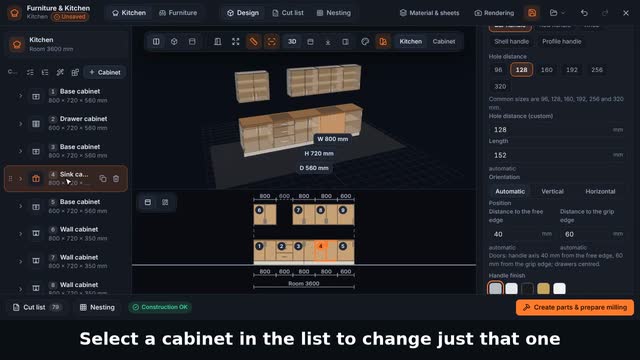
  • Design a kitchen with the cabinet designer (video, English captions)
    Design a kitchen with the cabinet designer · 17 s

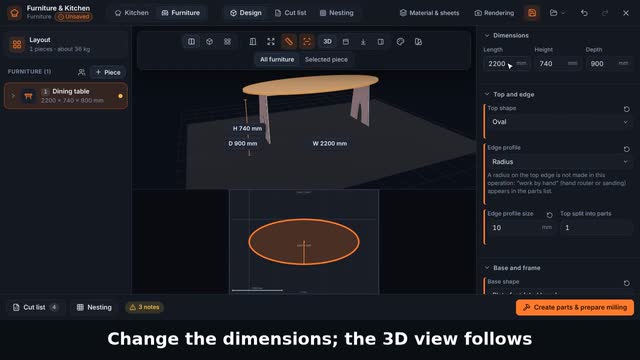
  • Design furniture: tables, shelves, chairs (video, English captions)
    Design furniture: tables, shelves, chairs · 14 s

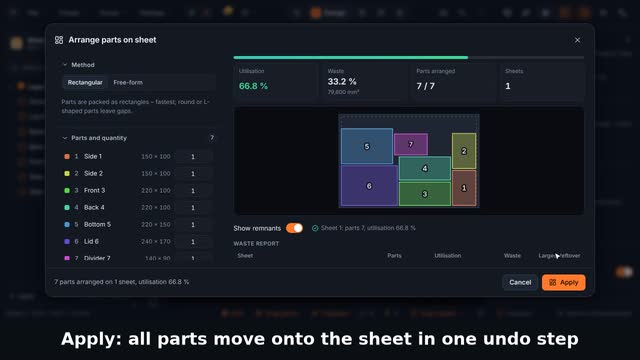
  • Arrange parts on a sheet with the sheet planner (video, English captions)
    Arrange parts on a sheet with the sheet planner · 12 s
Community portal

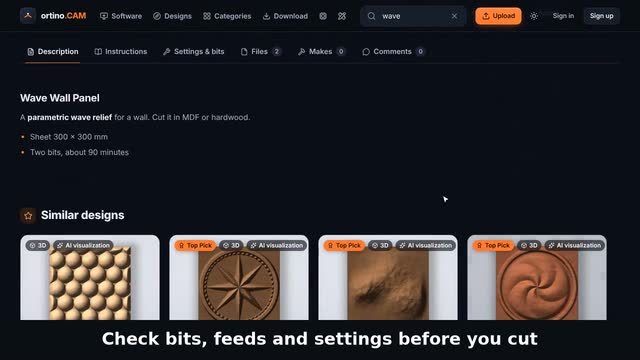
  • Find a design in the community portal (video, English captions)
    Find a design in the community portal · 14 s

  • Share your own design in the community portal (video, English captions)
    Share your own design in the community portal · 18 s
Sprache wechseln: Deutsch | English

ortino.CAM Wiki

Loslegen

Entwerfen und Bearbeiten

An der Maschine

Planen und Anbieten

Steuerungen und Vernetzung

Hilfe

Außerhalb des Wikis


English

ortino.CAM Wiki

Getting started

Designing and machining

At the machine

Planning and quoting

Controllers and networking

Help

Outside the wiki

Clone this wiki locally