Home

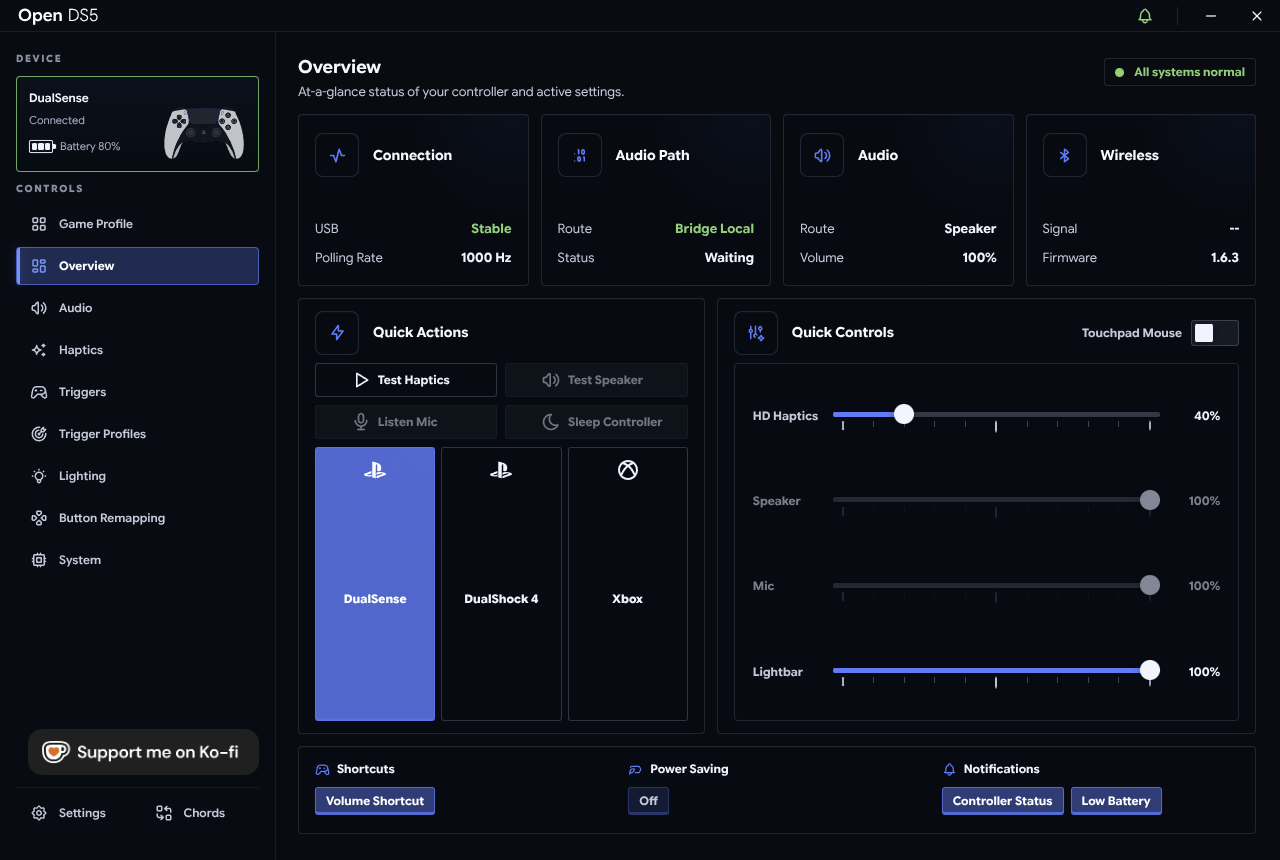
OpenDS5 brings the full DualSense experience to Linux — wirelessly. Your controller stays on Bluetooth, but games see a USB-wired DualSense with every native feature unlocked: adaptive triggers, haptics, controller audio, lighting.
| I want to… | Page |
|---|---|
| 📦 Install OpenDS5 | Installation |
| 🚀 Set up my controller after installing | Getting Started |
| 🧪 Design trigger effects | Trigger Lab |
| 🎯 Auto-apply effects per game / browse community profiles | Game Profiles and Library |
| 🔀 Switch trigger feels per weapon or vehicle | Multi State Trigger Profiles |
| 🔊 Route audio, tune haptics, control lighting | Audio, Haptics and Lighting |
| 🎛️ Remap buttons, personas, chords | Buttons, Personas and Chords |
| 🔄 Understand app & driver updates | Updates |
| 🔧 Fix something | Troubleshooting and FAQ |
| 🗑️ Remove OpenDS5 | Uninstalling |
DualSense (Bluetooth)
   │
   ▼
vds_hcd.ko + vdsd            ← presents a virtual USB DualSense to the system
   │
   ▼
OpenDS5 app                  ← triggers, haptics, audio, lighting, remapping
   │
   ▼
Your games                   ← see a wired DualSense
Many games only enable native DualSense features (adaptive triggers, haptics, speaker audio) over USB. The vds kernel module + daemon pick up your Bluetooth controller and present it to the system as a genuine wired one — OpenDS5 installs and manages all of that for you, and adds a full companion app on top.
While OpenDS5's driver stack is installed, bluetoothd runs with its input plugin disabled (vds needs raw ownership of the controller's Bluetooth HID channels). Other Bluetooth input devices — keyboards, mice — will not work during that time. This is an upstream vds limitation. Details and the revert command are in Troubleshooting and FAQ.
OpenDS5 builds on vds (MIT) by hurryman2212 — the breakthrough that made any of this possible on Linux — and grew out of DS5_Bridge (AGPL-3.0) by SundayMoments, itself built on DS5Dongle by awalol. The combined work is AGPL-3.0-only.