Audio, Haptics and Lighting
Because games see a wired DualSense, the controller's built-in speaker and headphone jack work — OpenDS5 installs the wireplumber config that routes them. In the app's Audio section you control the output (speaker vs headphones), volume, and the microphone (including the mute button behavior).
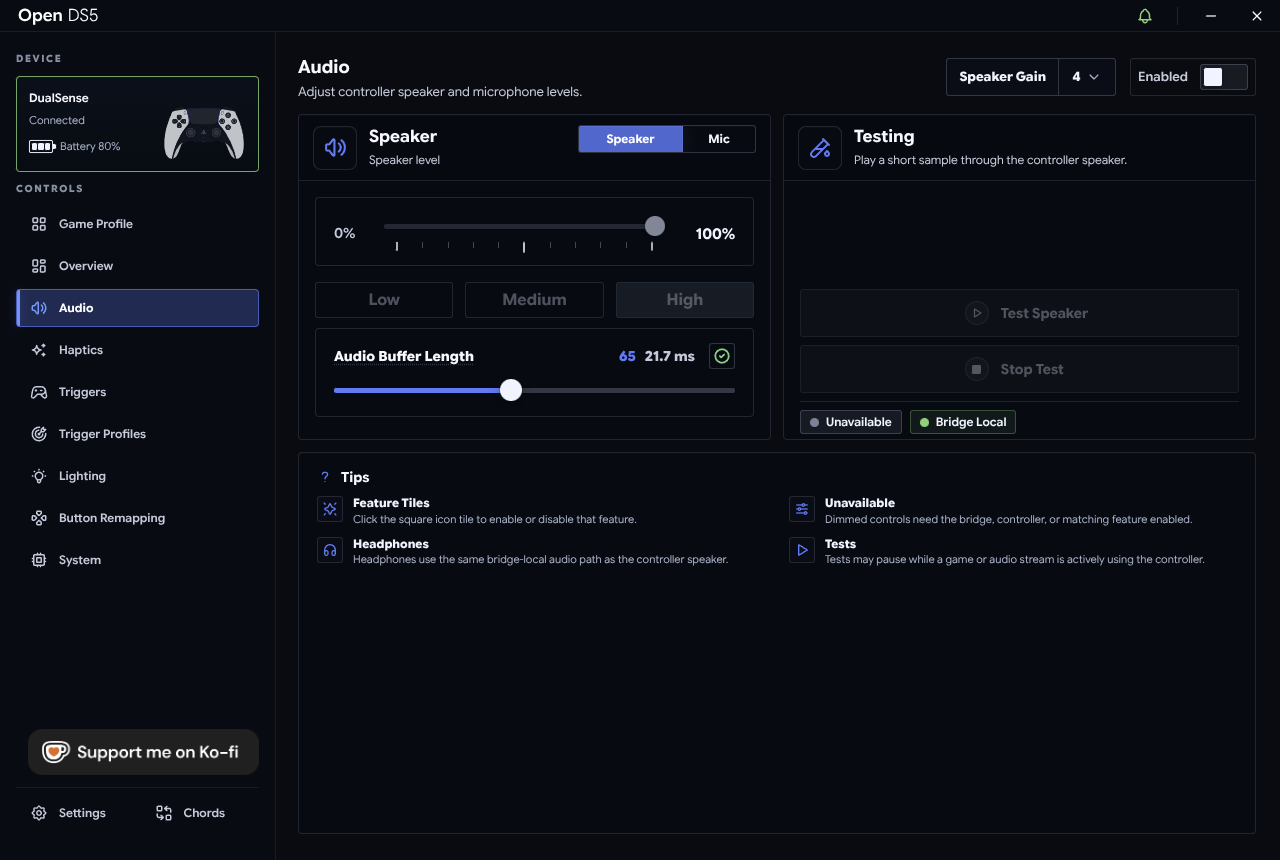
Quick tip: enable the speaker volume shortcut in Settings → Shortcuts to adjust speaker volume from the controller with PS + D-pad Up / Down — no alt-tabbing mid-game.
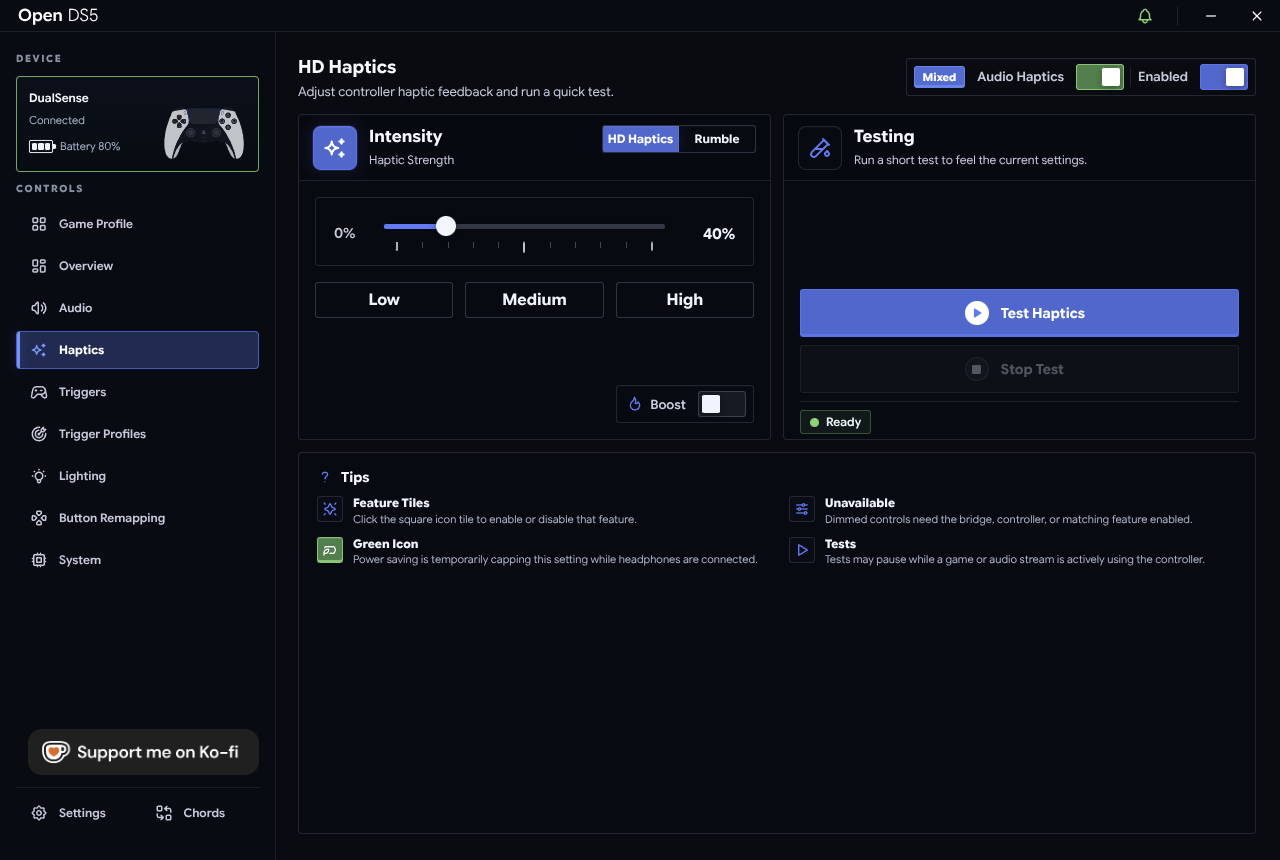
- HD Haptics — the DualSense's voice-coil haptics, driven by audio. Games with native support just work over the bridge. The Audio Haptics feature can also derive haptic rumble from whatever the controller is playing.
- Rumble (classic) — traditional rumble for games that use it, with an intensity control and a Response curve.
- Testing panels let you feel each setting immediately.
- Lightbar — color and brightness.
- Player LEDs — the row of white LEDs below the touchpad.
- Behavior — how lighting reacts (e.g. restoring your choice on reconnect) rather than being reset by the system.
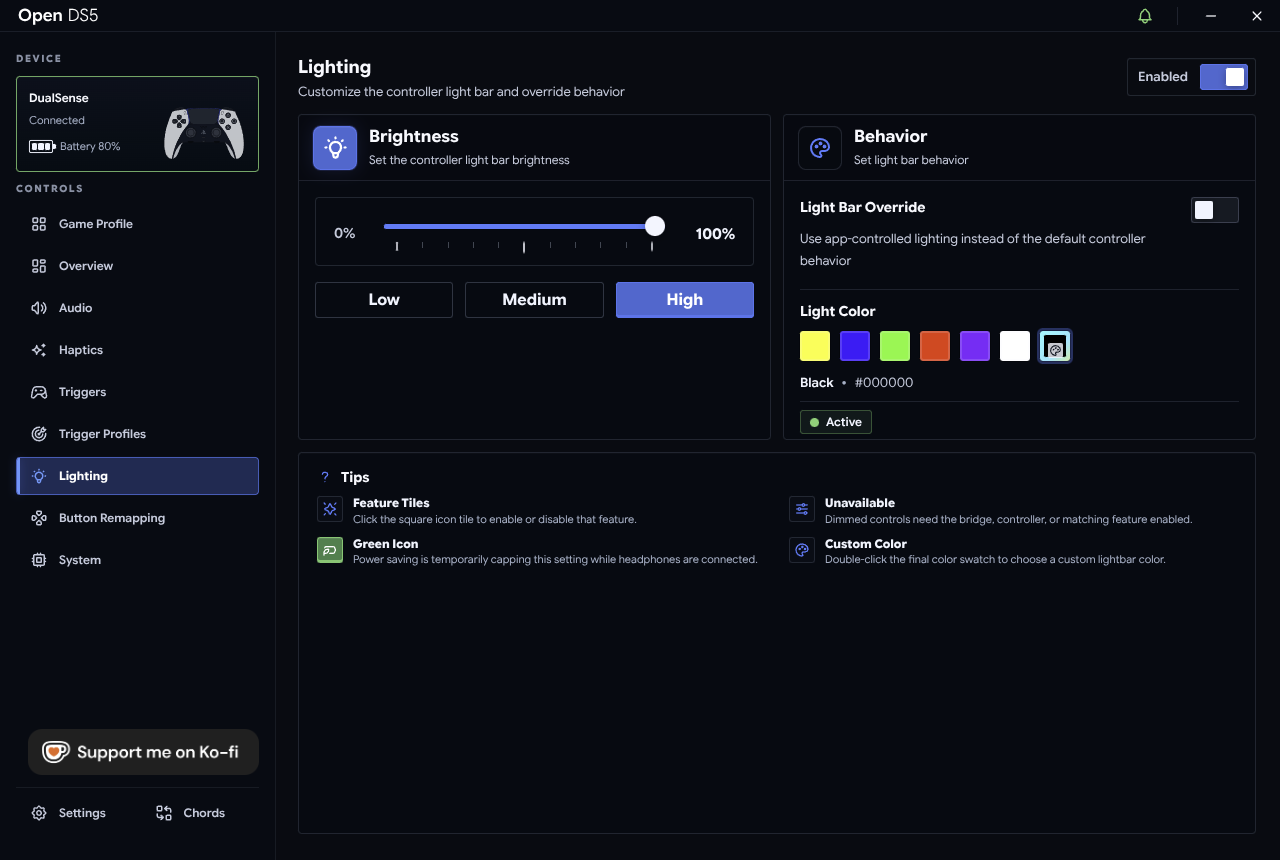
Settings persist and reapply when the controller reconnects.