Updates
Since v1.8.0, OpenDS5 updates itself.
- On launch (at most once every 2 days) the app checks GitHub Releases for a newer stable version — prereleases are never offered.
- If one exists, a corner toast offers it. It never blocks the app, never interrupts play, and you can skip a version (it won't be offered again) or dismiss for now.
- Accepting downloads in the background, verifies the published SHA-256 checksum, and atomically swaps the AppImage — the running app keeps working from the old file until you restart via the toast.
- After the restart, the driver rebuilds only if the release actually changed the kernel-module sources (a source-hash gate, not a version check) — so UI-only updates never ask for your password. When a rebuild is needed, you get one polkit prompt and live progress.
If a driver rebuild fails, the app keeps working and offers a Try again; the next launch also retries automatically.
1.7.0 predates the updater, so this one hop is manual: download the latest AppImage from Releases and run it — it installs itself into ~/Applications and refreshes your launcher. Everything after that is automatic.
The AppImage half updates normally, but the driver is pinned by your flake lock:
nix flake update opends5 && sudo nixos-rebuild switchSee NixOS for details.
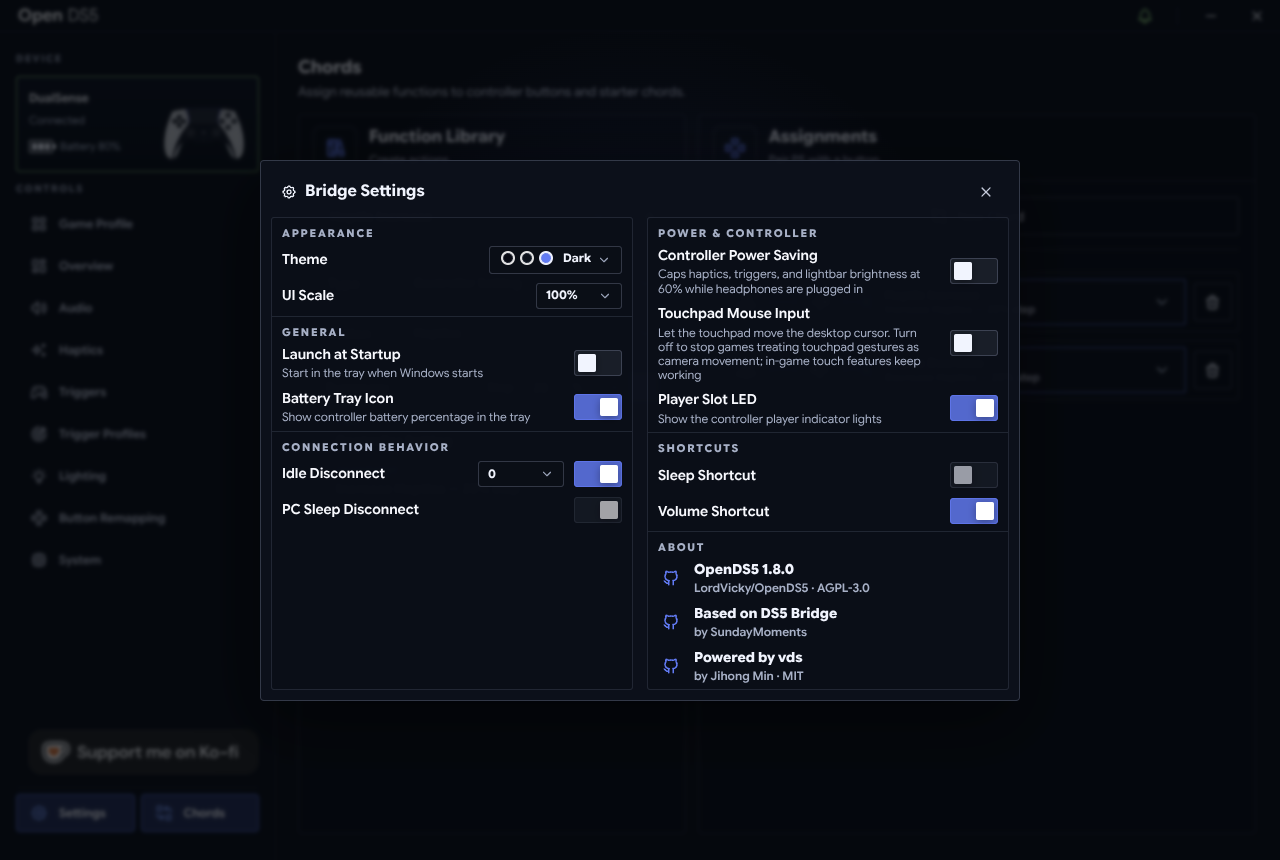
Settings → About shows the app version. For the kernel module: modinfo -F version vds_hcd. The module version may lag the app version — that's normal and correct when releases didn't touch the driver (the module only rebuilds when its sources change).