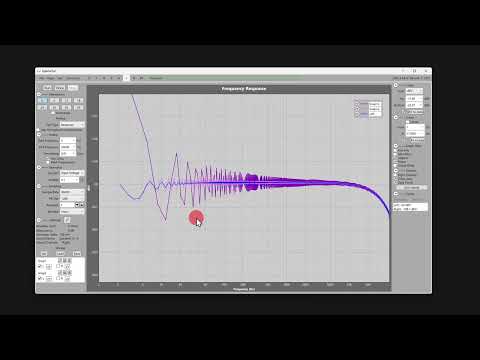
Snapshots
Snapshots are a great way to compare two designs or two different parameter settings.
A Snapshot is a copy of your current data that shows up under (or over) your chart as a way to see multiple sets of results at the same time.
There are two ways to make a snapshot.
- Right-click the graph and select Snapshot. This will Save the data to disk as SnapXX and then Get the data to show on-screen. You may manually rename the SnapXX file to save it more permanently.
- Pull down the Test menu and select Snapshot.
When you save the current file (via File Save) all visible snapshots (and test results via Get) are embedded into the file.
Each time you start the program it starts saving snapshots at number 1, so they have a short lifespan on-disk.
See a very short video below.