Repository navigation
Animator
Namespace Mane.Unity.Animator.
On state enter, the first matching SwitchCondition sets an int selector to Random.Range(0, TotalVariants). Leave the condition parameter empty for “always”.
Typical use: a blend-tree or sub-state machine keyed by that int.
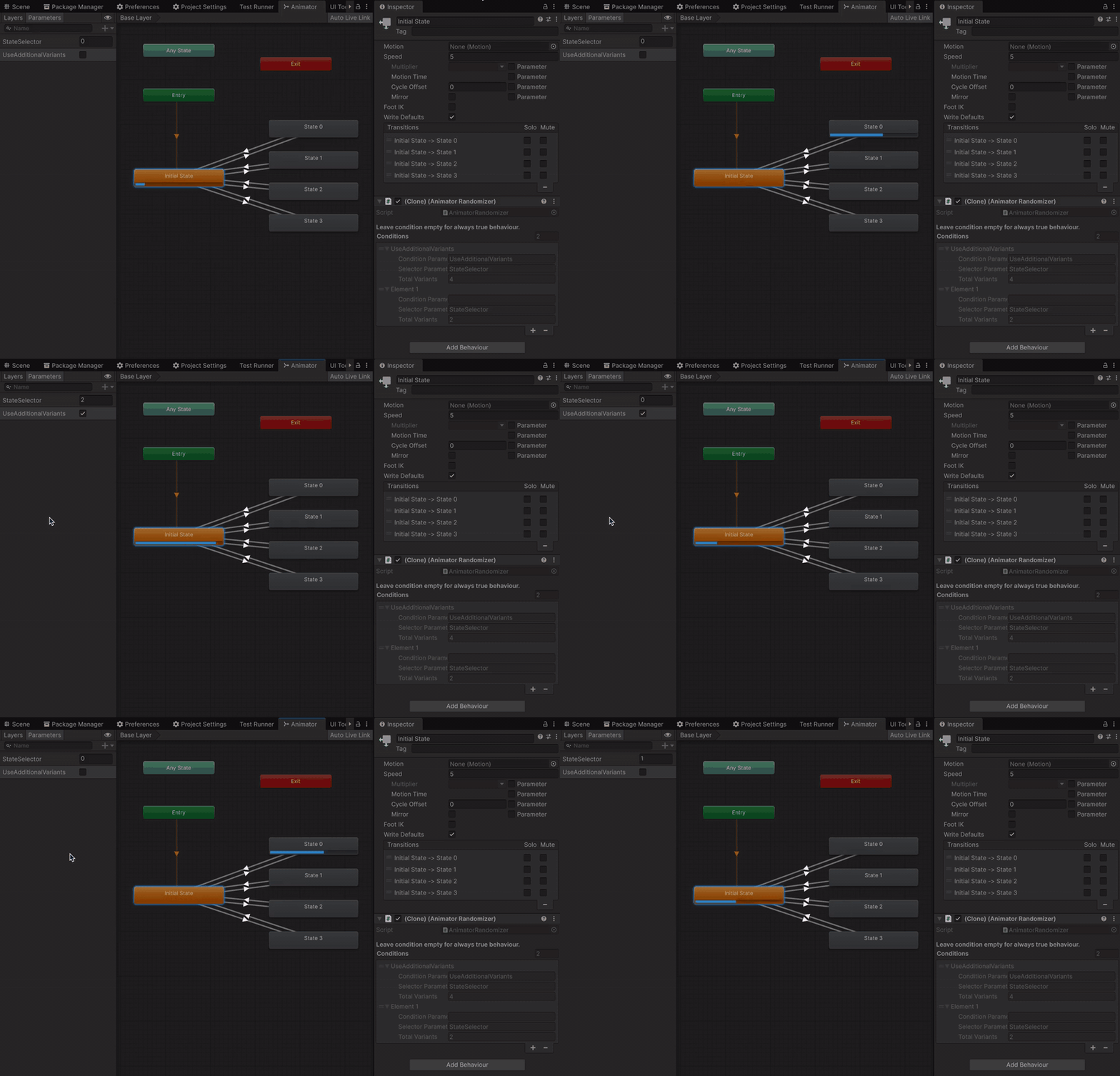
If you have conditional cases move them at the top. Conditions list is a real checking order, here is an example with two conditions, the first one (when flag is active) selects from all four states of animation, the other one uses only two of them:
On state enter, resets a bool / int / float parameter to false / 0 / 0. Typical use: "one shot" animations, that can be fired once by trigger. The reset value is not configurable.
Put AnimationEventInvoker on the same object as the Animator. In the clip, add an event that calls public InvokeEvent. Assign listeners on the component
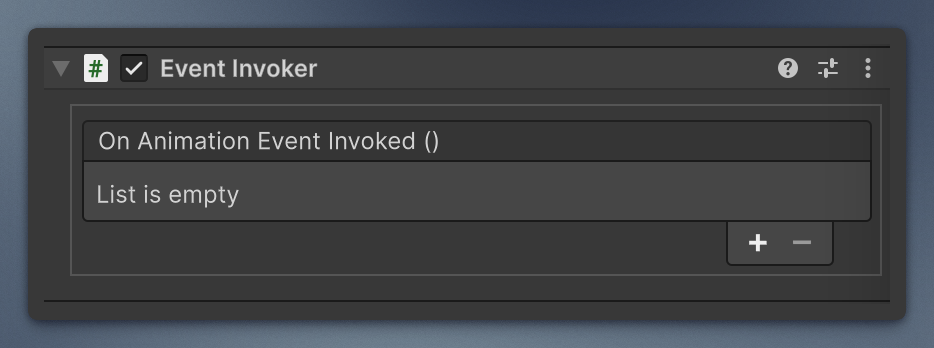
or subscribe in code:
animationEventInvoker.AnimationEventInvoked += PlayFootstep;Can be useful if your code controller is on the different GameObject, and you need just a tiny proxy to catch events and send them forward.
AnimationEventParticleSystemInvoker does the same with event name InvokeParticleSystem and plays an assigned ParticleSystem.