Repository navigation
Property Drawers
A property drawer replaces the field control. Unity allows one drawer per field. A second drawer attribute on that same field is ignored, so DropdownList and LayerSelector cannot share a field.
Decorators still work on that field. They draw around the drawer instead of competing with it:
[InfoBox("Ground checks use this layer.", InfoBoxType.Info)]
[AvailableIf(nameof(_useCustomLayer))]
[LayerSelector]
[SerializeField] private int groundLayer;
The attributes below are in Mane.Unity. Type drawers, which do not use an attribute of your own, are linked at the bottom.
Draws a string (stored text) or an int (stored index) as a popup. Anything else shows a warning instead of a dropdown.
Fixed list, or a parameterless method or property returning string[] (public or private, static or instance, including base types). An empty result falls back to the normal field. Dynamic options can be refreshed from the field context menu (Refresh Options).
[DropdownList(typeof(LevelCatalog), nameof(LevelCatalog.GetIds))]
[SerializeField] private int levelId;

[DropdownList("Easy", "Normal", "Hard")]
[SerializeField] private string difficulty;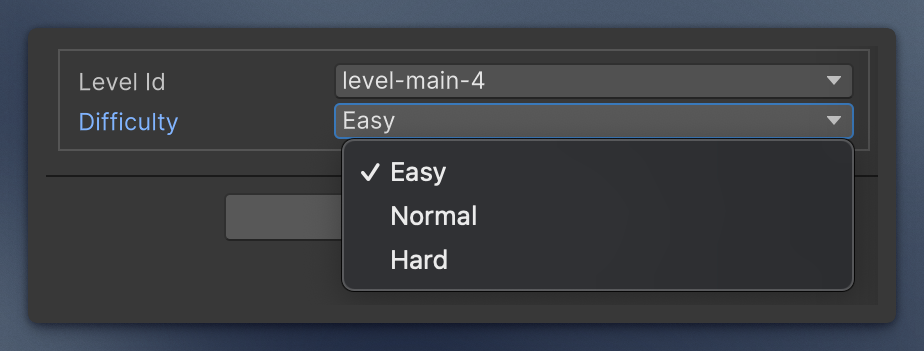
Rename elements of a collection in the inspector. Put the attribute on the collection.
ItemNameFromField reads a nested serialized field. Optional prefix and postfix wrap that value.
[ItemNameFromField(nameof(Wave.name))]
[SerializeField] private Wave[] waves;

[ItemNameFromField(nameof(Slot.id), prefix: "#")]
[SerializeField] private Slot[] slots;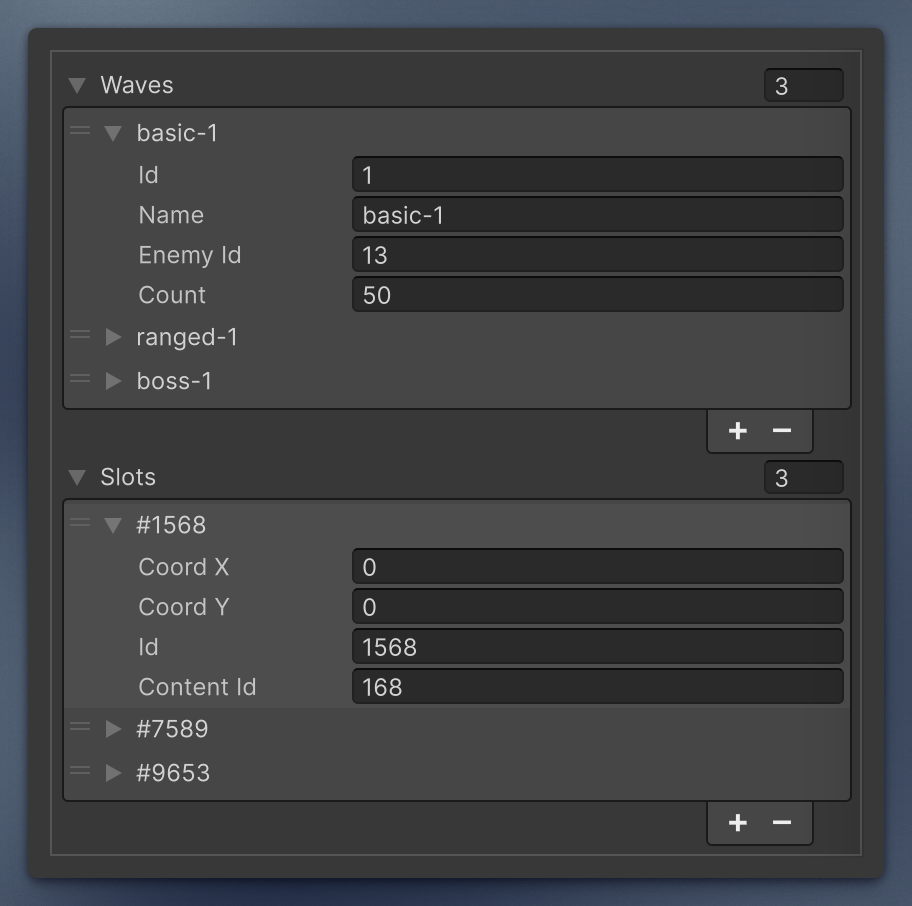
If you do not want to expose the field as public for this, point the attribute at a const:
[ItemNameFromField(Wave.PropertyName)]
[SerializeField] private Wave[] waves;

[Serializable]
public class Wave
{
    [SerializeField] private int id;
    [SerializeField] private string name;

    public const string PropertyName = nameof(id);
}
ItemNameFromString formats {0} as the element index. startingIndex is the number used for the first element (default 0). A label without {0} keeps the normal element name and shows a warning on the first element.
[ItemNameFromString("Slot {0}", startingIndex: 1)]
[SerializeField] private int[] slots;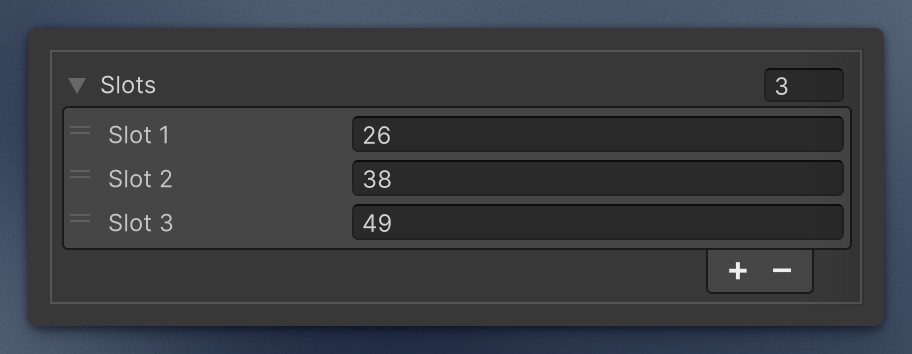
Draws an int field as a Unity layer dropdown. Other types show a warning.
[SerializeField, LayerSelector] private int groundLayer;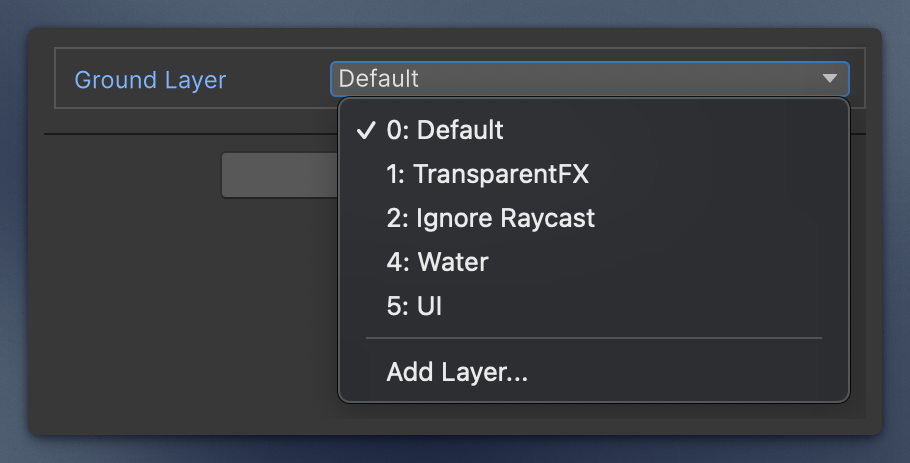
These replace the field too, so the one-drawer rule applies. Each has its own page:
-
Interface Serialization —
SerializeInterface(managed reference) andInterfaceOnly(object reference) -
Serializable DateTime —
SerializableDateTimeandSerializableDateTimeRange, with the calendar popup -
MinMax —
MinMaxInt,MinMaxFloat,MinMaxDoubleas one min/max row. The drawer swaps the endpoints if you invert them.