Home
A client-side AI translator for Minecraft 1.8.9 Forge.
MineGlot translates your own messages, selected player chat, private messages, and signs using OpenAI or Claude. Your API key stays on your computer.
Minecraft 1.8.9 - Forge 11.15.1.2318 - Java 8 - Client Side Only
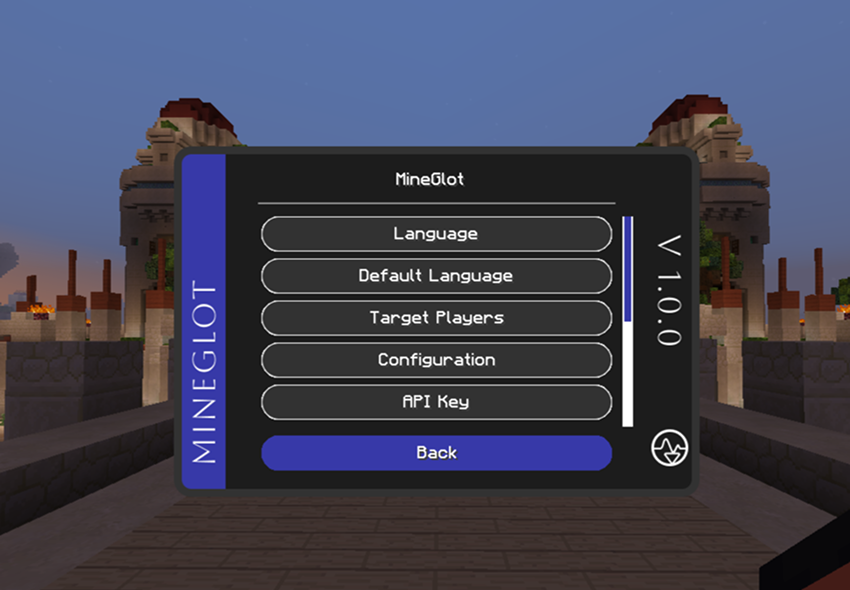
-
Chat translation - translate your own messages with
/trsor/translate. -
Clickable chat translation - use
/translationand click a visible chat line. -
Private messages - send a translated
/msgwith/trs <player> <text>. - Target players - choose whose chat should be auto-translated.
- Sign translation - translate signs in the world.
- Provider support - OpenAI and Claude with model selection from the GUI.
- Cache-first flow - memory + RocksDB reduce repeated API calls.
| HUD | Configuration |
|---|---|
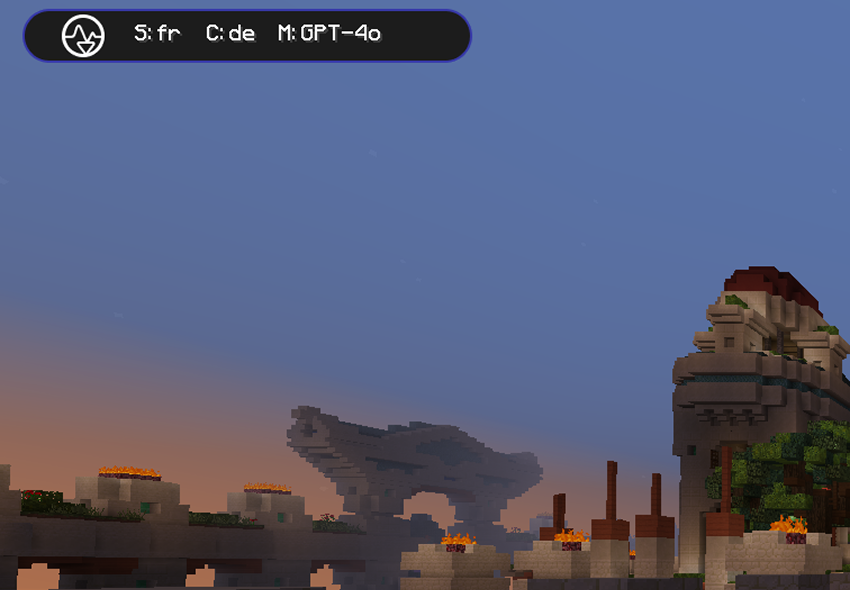 |
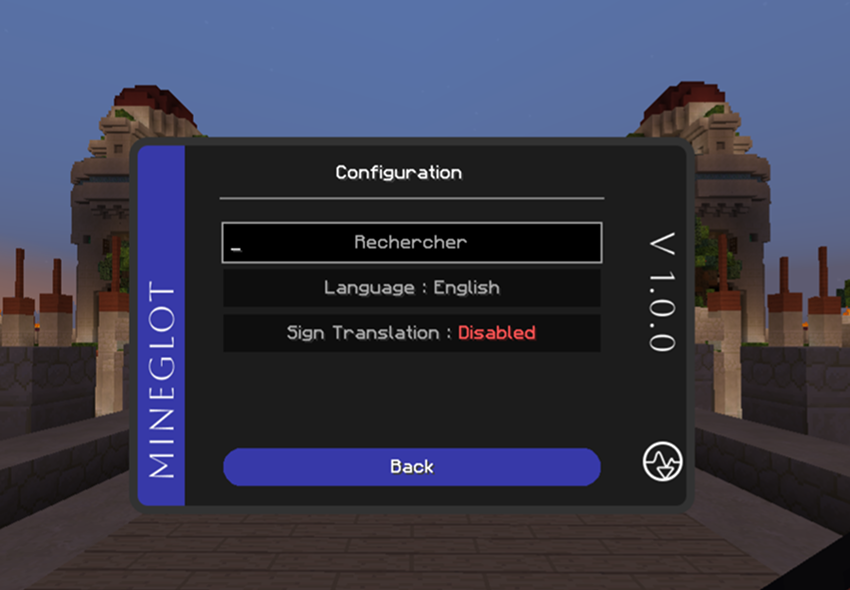 |
| Page | For |
|---|---|
| Getting Started | Install and first setup |
| How It Works | Commands, auto chat, cache, targets |
| Configuration | GUI settings and local files |
| Commands | Slash commands |
| Languages & Models | Supported languages and AI models |
| Architecture | Code layout for developers |
| Troubleshooting | Common fixes |
| FAQ | Quick answers |
| Contributing | How to contribute |
- Put the MineGlot
.jarin.minecraft/mods. - Launch Minecraft with Forge 1.8.9.
- Open the MineGlot GUI and set your API key, language, and model.
- Test with
/trs Bonjour.
See Getting Started for the full guide.