Configuration
MineGlot is configured from the in-game GUI. The mod is client-side only, and your API key stays stored locally on your computer.
| What | Path |
|---|---|
| Main config | .minecraft/config/mineglot.cfg |
| Translation cache | .minecraft/config/mineglot/translations |
| UI language files | Inside the mod jar: assets/mineglot/lang/
|
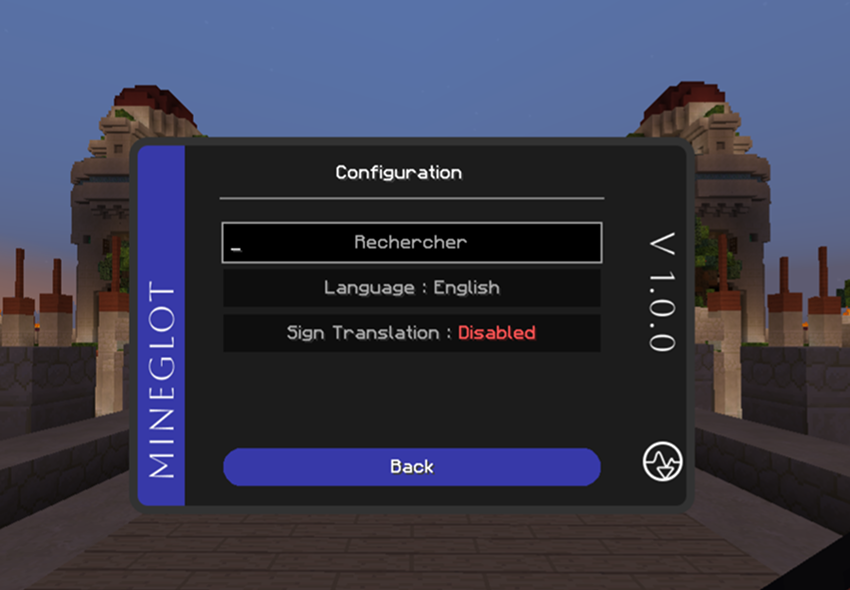
From this screen you can access the important setup pages:
- API key
- Model
- Language
- Default language
- Target players
- Statistics
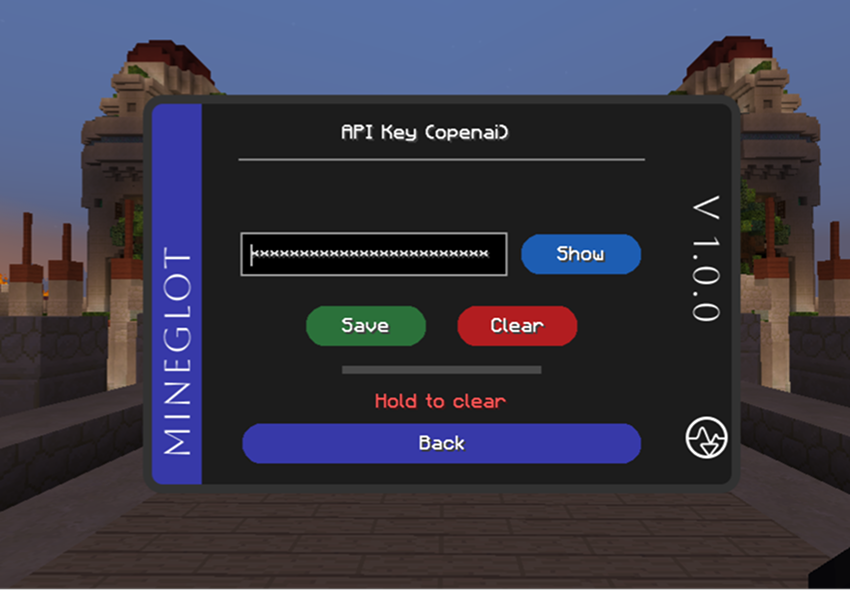
Your key is stored locally in mineglot.cfg. It is only used to send translation requests to the AI provider you choose.
Do not share mineglot.cfg, logs, or screenshots that show private keys.
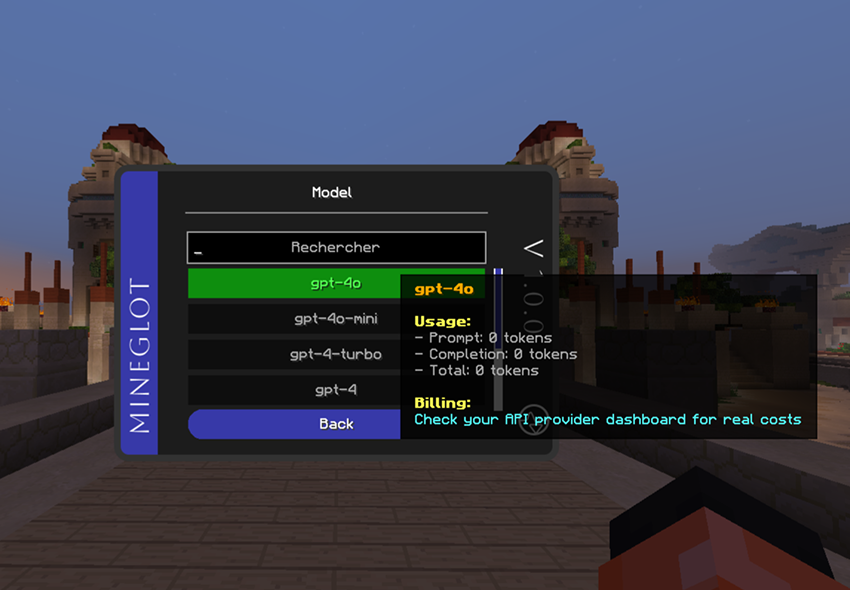
MineGlot supports OpenAI and Claude. Choose the provider/model you want to use before testing translations.
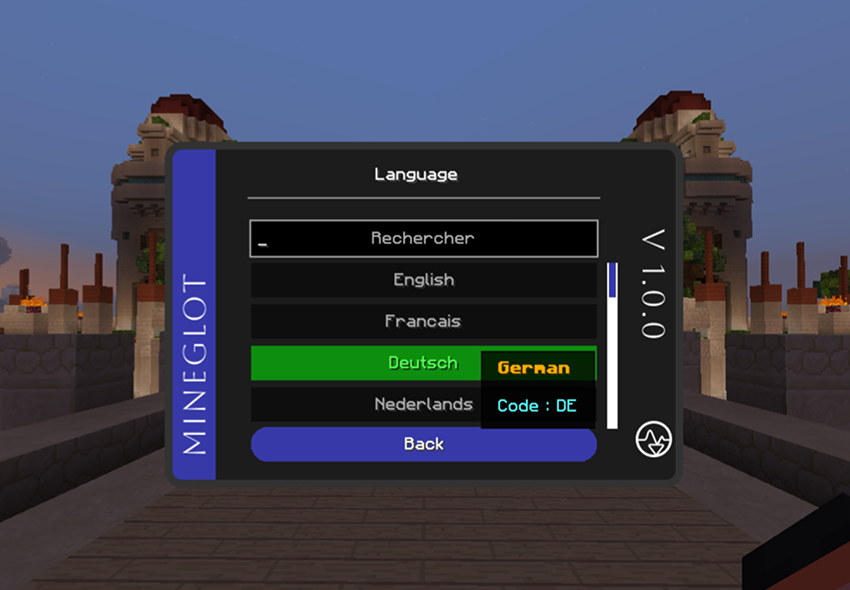
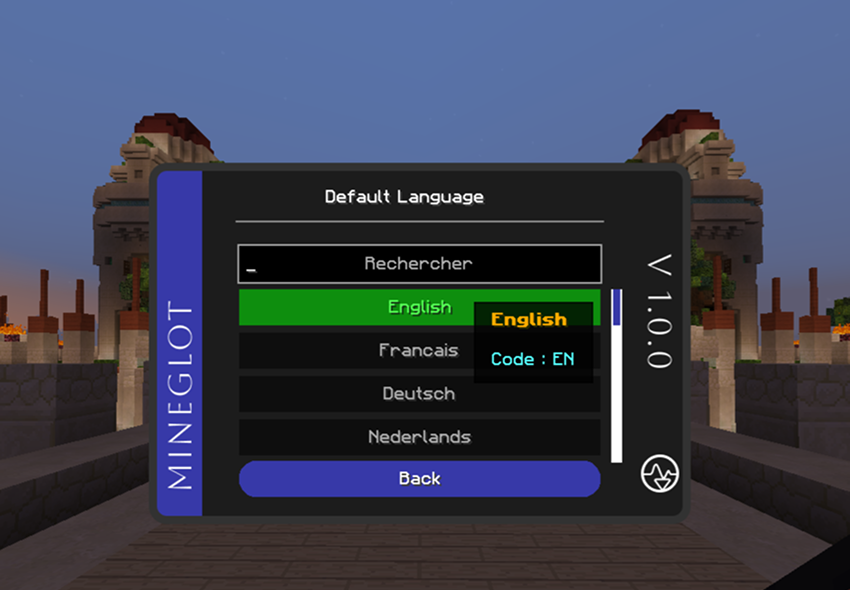
| Translation language | Default language |
|---|---|
 |
 |
-
Language: used for outgoing translations with
/translateor/trs. - Default language: used for incoming chat translations from selected players.
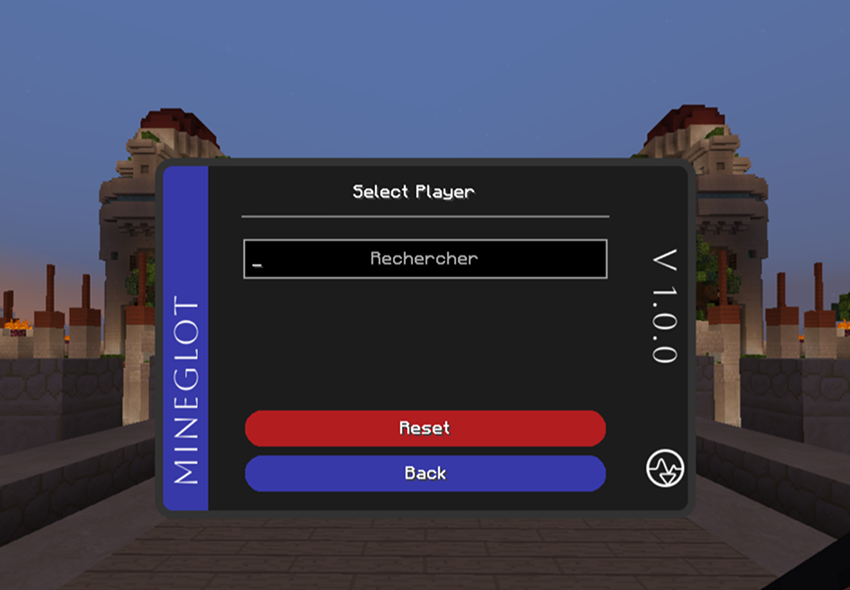
Use this screen to select online players whose chat should be translated automatically.
- Your own messages are never auto-translated.
- The target player list resets when you disconnect.
- Commands like
/trs <text>do not require a target player.
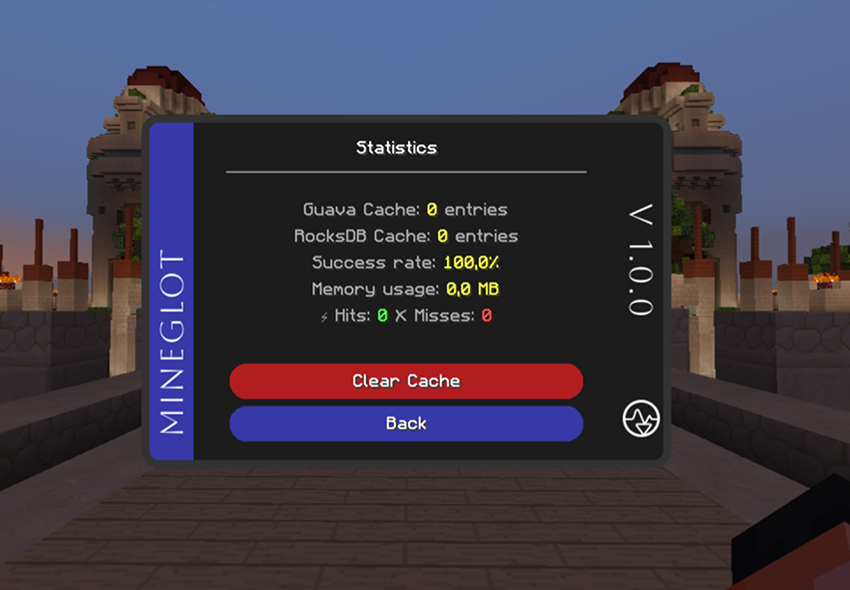
The statistics screen shows cache entries, success rate, memory usage, cache hits, and misses.
- Close Minecraft.
- Backup
mineglot.cfgif you want to keep settings. - To clear only cached translations, delete the
mineglot/translationsfolder. - Restart and test with
/translate hello.