Getting Started
- Minecraft
1.8.9 - Forge
11.15.1.2318 - Java
8 - One OpenAI or Claude API key
- Download a MineGlot release
.jar. - Copy the jar to
%APPDATA%/.minecraft/mods. - Launch Minecraft with the Forge 1.8.9 profile.
MineGlot adds an entry point to the Minecraft game menu.
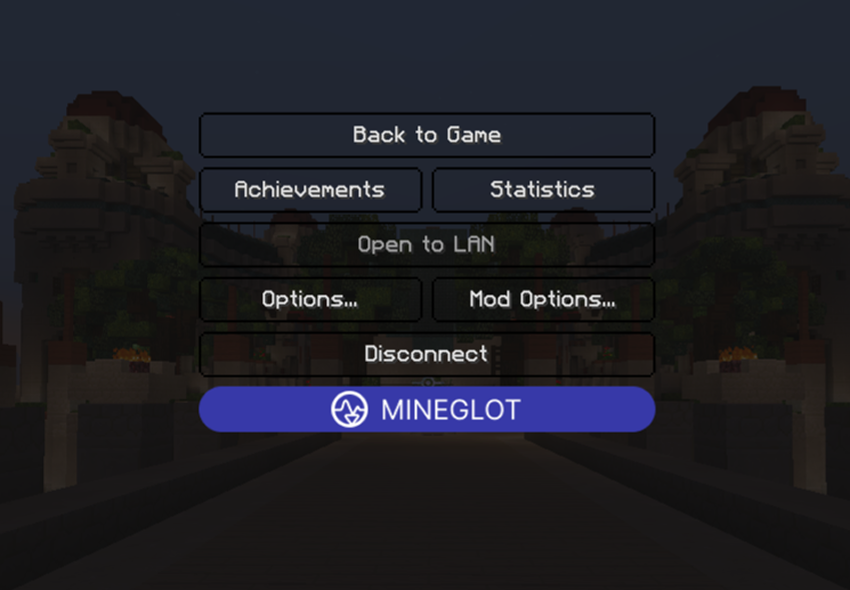
Open MineGlot to access the main client menu.
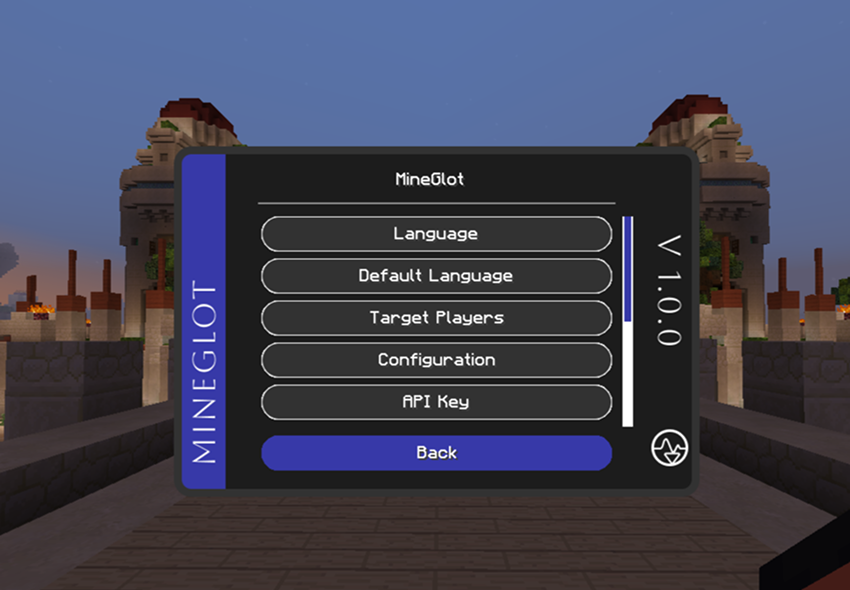
- Open API key and add your OpenAI or Claude key.
- Open Model and choose your provider/model.
- Open Language and choose the language you want to translate into.
- Open Default language and choose the language you read incoming chat in.
- Optional: open Target players and select online players to auto-translate.
- Test with
/translate Bonjouror/trs Bonjour.
| API key | Model |
|---|---|
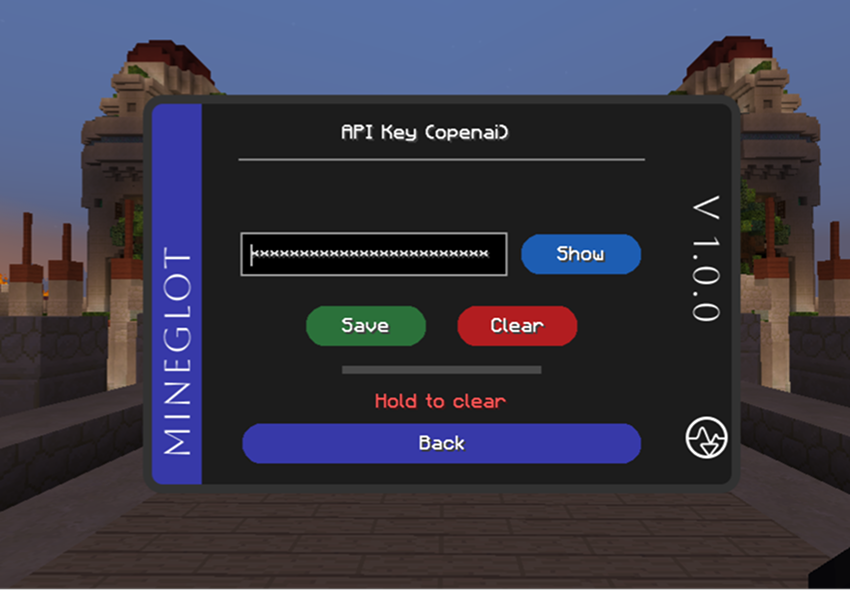 |
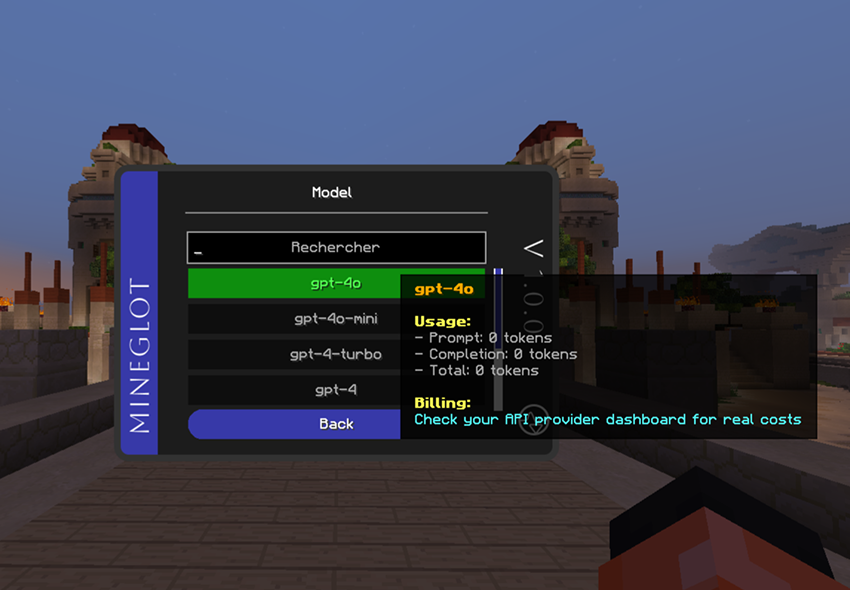 |
| Translation language | Default language |
|---|---|
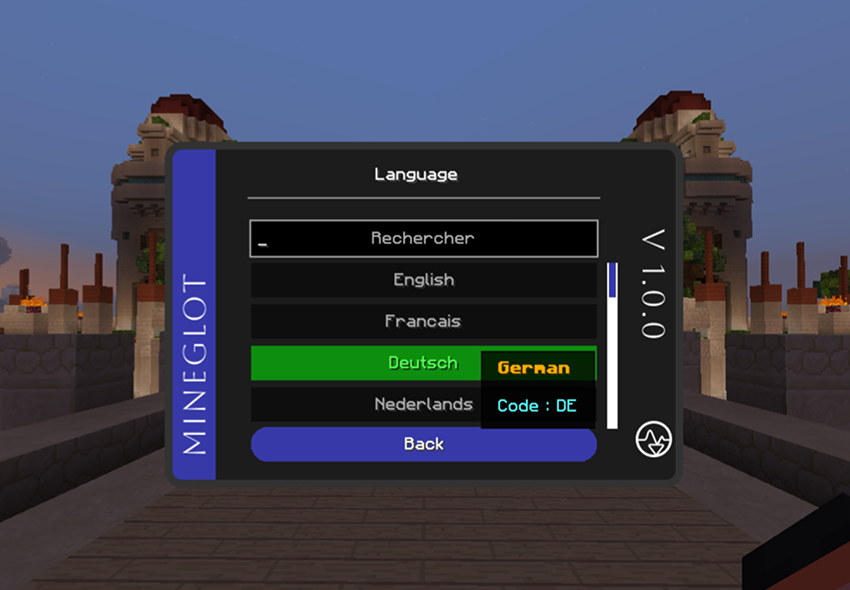 |
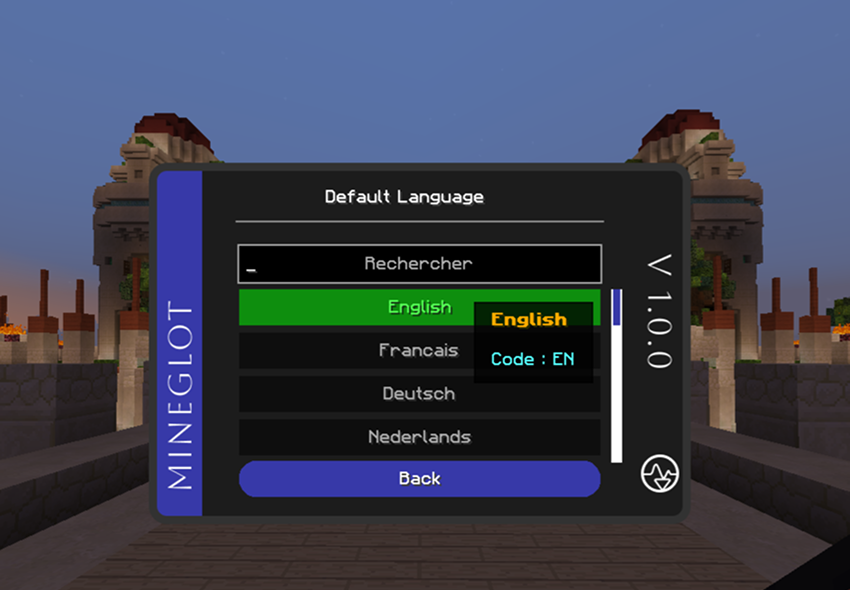 |
Tip: if nothing happens, verify the API key, provider, model, and selected languages.
.\gradlew.bat clean buildJar output: build/libs/
Quick compile:
.\gradlew.bat compileJava -x test --no-daemonRun tests:
.\gradlew.bat test --no-daemon