How It Works
MineGlot is a client-side mod. Nothing runs on the server: your API key and cache stay on your PC.
The HUD shows useful translation context without opening the menu.

You type text yourself. The mod sends it to the selected AI provider and shows or sends the translated result.
-
/translate <text>or/trs <text>translates text to your selected language. -
/trs <player> <text>translates text and sends it as a private message to an online player. -
/translationlets you click an already visible or incoming chat line for translation.
Command translations do not require a player on the target list.
When another player writes in chat, MineGlot can translate the message into your default language.
Requirements:
- The sender is on your target players list.
- The sender is not you.
- The chat format is recognized by the parser.
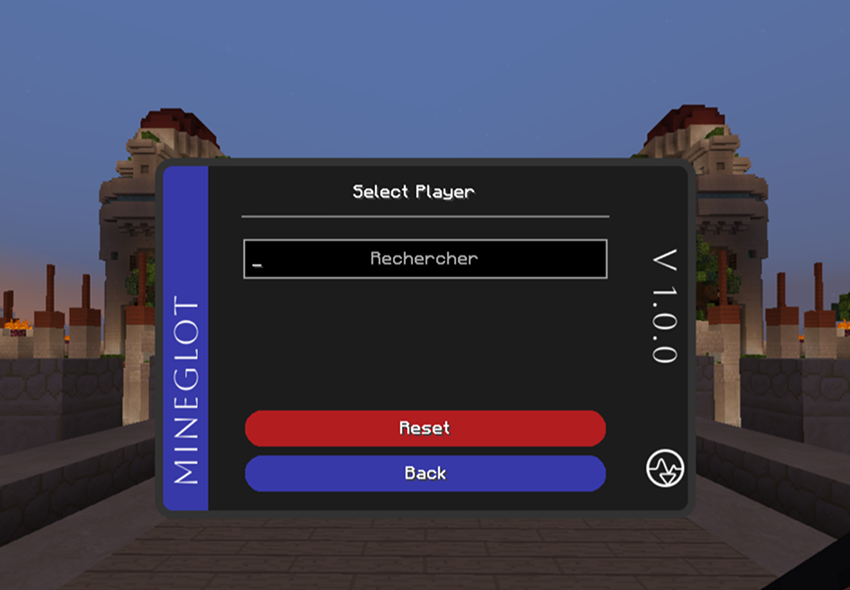
Flow:
Chat message -> parse player + text -> target filter
             -> cache check -> API if needed -> show translation in chat
If sign translation is enabled, look at a sign to get a translation.
Sign translation is separate from chat commands and target players.
Before calling the API, MineGlot checks:
- Memory cache for fast same-session repeats.
- RocksDB cache on disk for repeats after restarting Minecraft.
Same text + same target language can return instantly without a new API call.
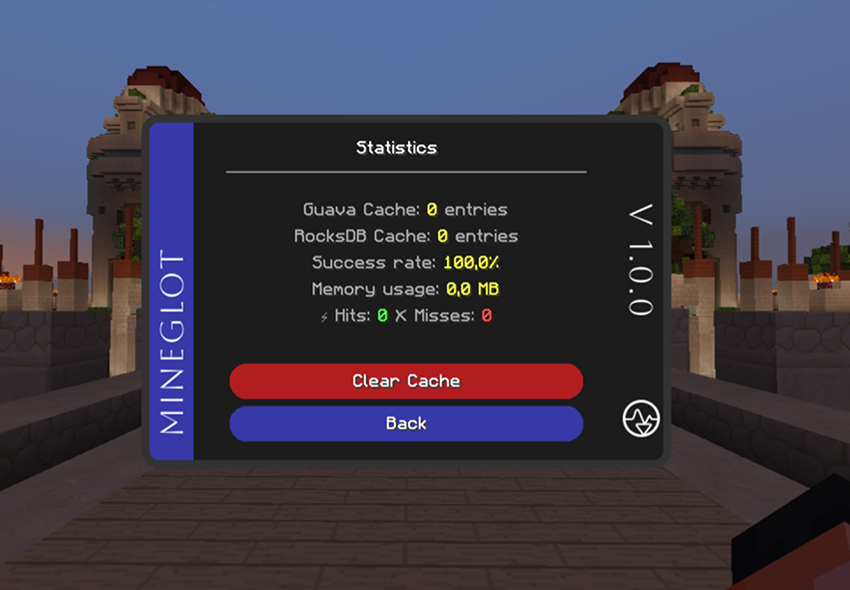
Use /trs-clear to remove the last cached translation if you need a fresh result.
For incoming chat, Lingua detects the source language when needed.
For /translate and /trs, you choose the target language in settings. The pipeline uses source detection only where the provider request needs it.
Note: some servers restrict client mods. Check server rules before using MineGlot online.