Repository navigation
Home

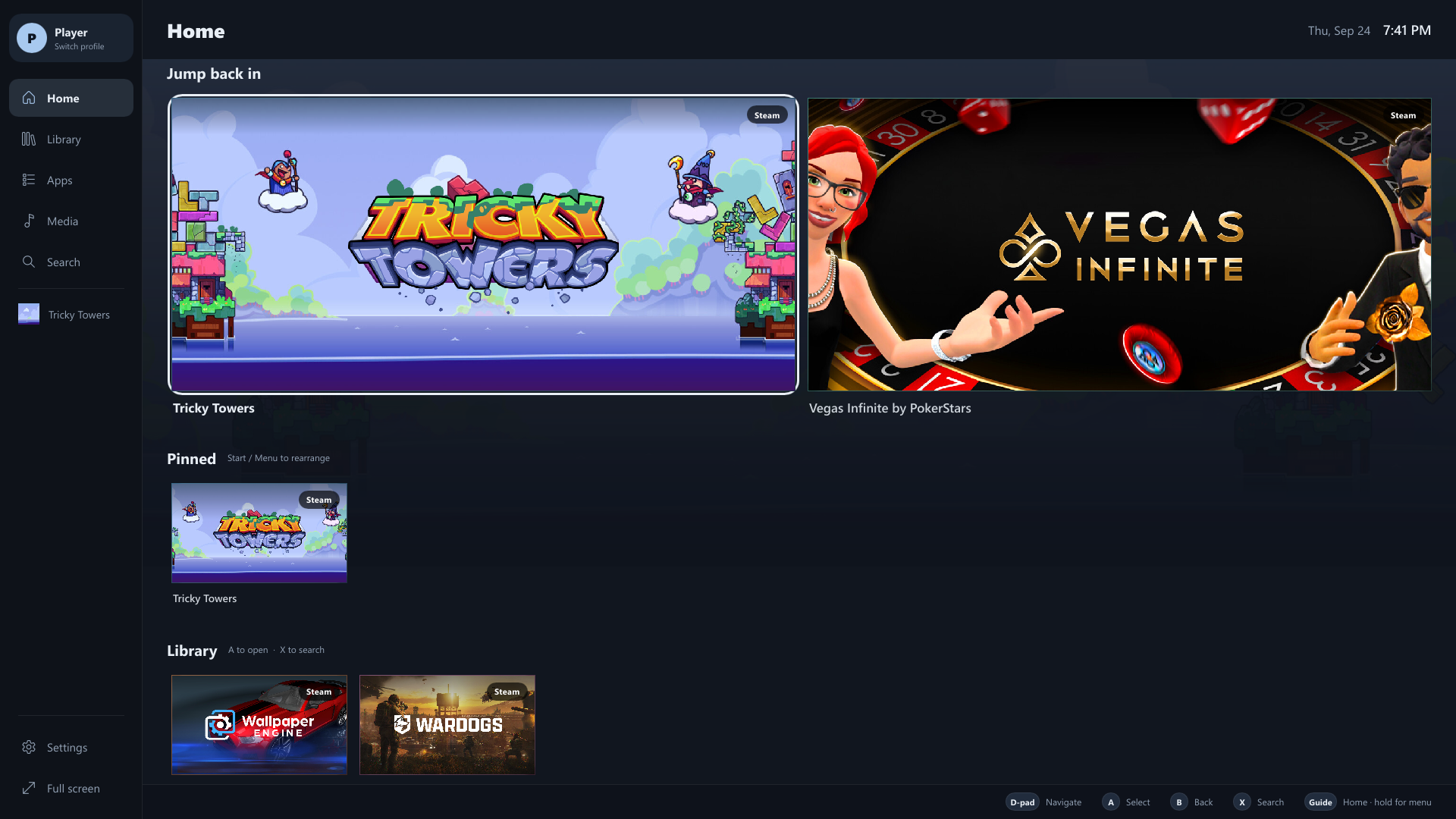
Homebase is a controller-first console frontend for Windows 10 and 11. It gives your PC a couch-friendly home screen for games, streaming apps and websites, while leaving Windows itself untouched: the desktop, your store clients and your files are one button away.
| Page | What's in it |
|---|---|
| Getting Started | Install, first launch, and the five-minute tour |
| Controls | Every button, key and remote shortcut |
| Apps and Websites | Streaming apps, adding any website or program, the pointer and closing apps |
| On-Screen Keyboard | Typing with a controller, pasting, sign-in codes and passwords |
| Library and Artwork | Steam and local games, Not installed, artwork, hiding games |
| Customizing Homebase | Pins, Home sections, sidebar, themes, button remapping |
| Profiles and Family | Profiles, ratings, time limits, PINs and approvals |
| Settings | What every setting does |
| Troubleshooting | Fixes for common problems, and where the logs are |
| Building from Source | Toolchain, build commands, installer and packages |
| Architecture | How the code is organized |
| FAQ | Short answers to common questions |
- Controller first: D-pad and sticks move, A selects, B goes back, and the Home button always brings you back to Homebase.
- Games: installed Steam and local games are found automatically, with HD artwork, play time and a Not installed view of your Steam library.
- Apps and websites: Netflix, YouTube, Plex, Spotify and any site or program you add, with a mouse pointer on the left stick, scrolling on the right stick and a pop-up keyboard for text boxes.
- Keyboard and mouse: everything works with them too, including paste into every text field and right-click for options.
- Profiles: each player gets their own theme, pins and sign-ins; child profiles get age ratings, time limits and PIN approvals.