Repository navigation
Home
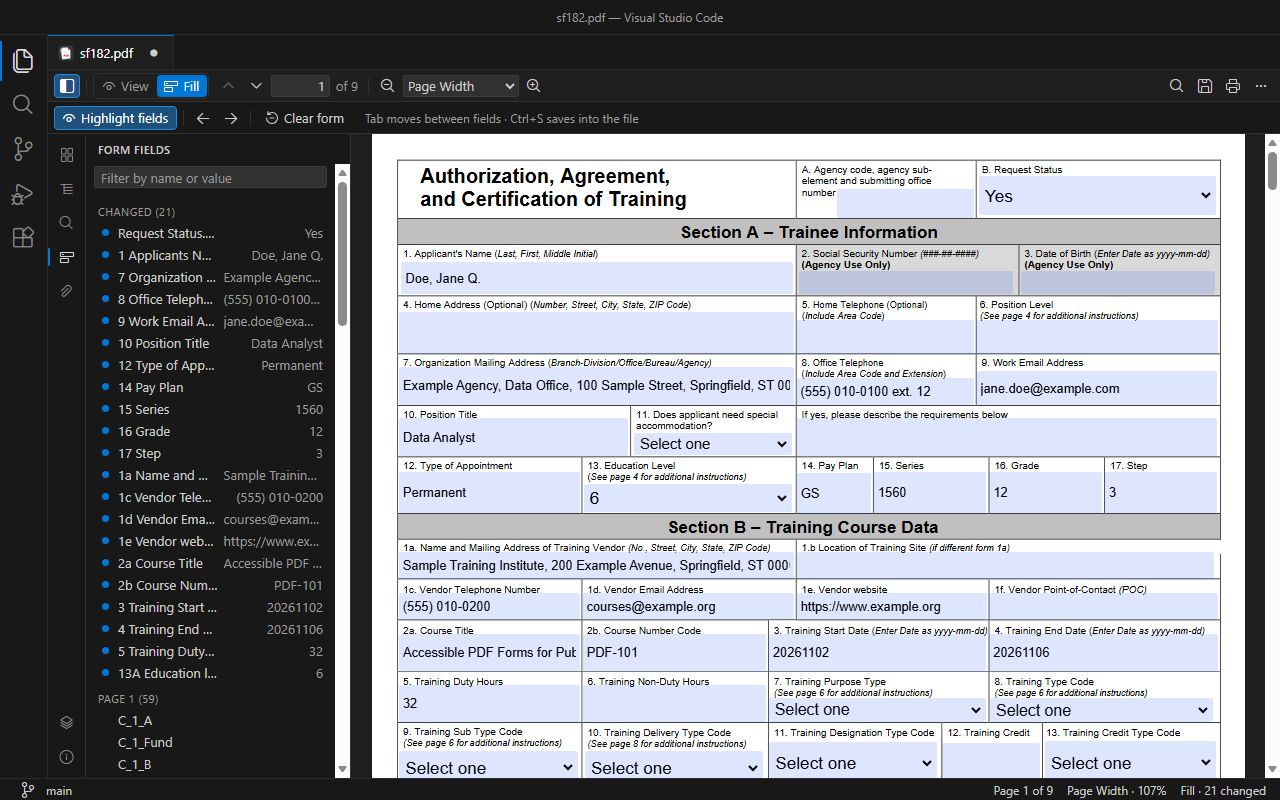
PDF Tools opens PDF files in a full editor inside VS Code: read, navigate and search them, fill in forms and save the values into the file with Ctrl+S, print them, and export text, page images and form data.
- Getting started — install, open a PDF, find your way around the editor
- Filling and saving forms — Fill mode, saving, form fields panel, required fields
- Printing — all pages, the current page or a range
- Exporting — text, page images, page links, form data (JSON, XFDF)
-
Settings — every
pdfTools.*setting - Keyboard shortcuts
- Troubleshooting and FAQ
- Visual Studio Marketplace: Ryadel.pdf-tools
- Source code: github.com/Ryadel/PDF-Tools · Changelog
- Questions, bug reports and feature requests: ryadel.com/en/contacts
Screenshots show two public-domain U.S. government documents: OPM Standard Form 182 (filled with fictitious data) and NIST CSWP 29, The NIST Cybersecurity Framework (CSF) 2.0.
PDF Tools is MIT-licensed, © Ryadel. It works offline: no telemetry, no network requests.