Multi Character Apply
Apply different poses to different characters in one step (pairs, groups, batch untagged poses).

Chars pane lists Luna Clark and John; the grid shows coupled pose groups with full-character and silhouette partner thumbnails.
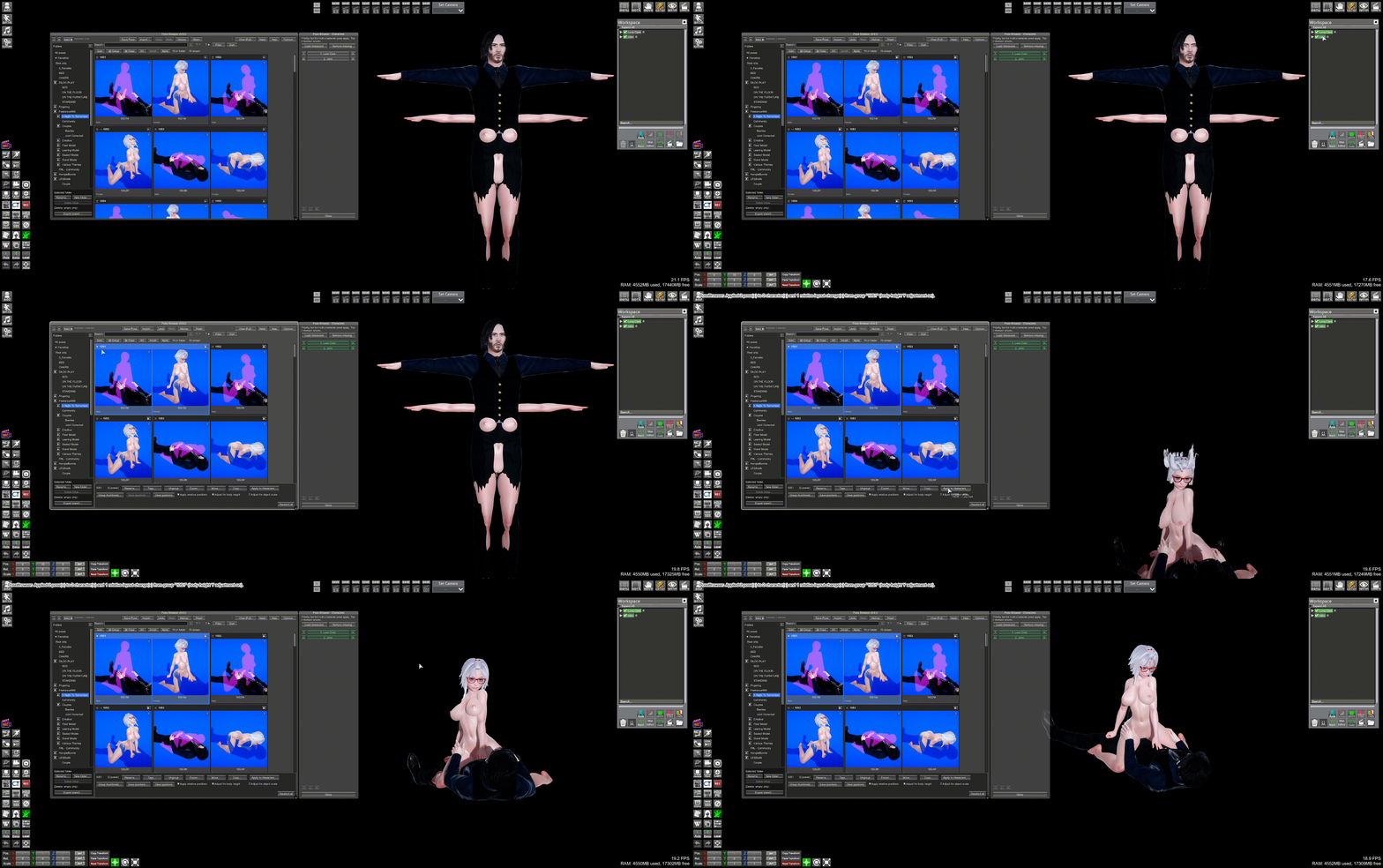
Apply to characters… on group 10S2: Luna Dark and Jake in the viewport receive the matching female and male poses from the selected group.
| Selection | Button |
|---|---|
| 2+ library poses (checkboxes) | Yes |
| One group entity (header) | Yes |
| 1 pose only | No — use thumbnail apply |
| Import preview | No |
Requires at least one character selected in Studio.
When group has saved relative positions and Apply relative positions is on, apply restores layout after poses (see Pose groups).
- Click Chars (docked pane)
- Load characters from scene — fills Male/Female columns
- ↑ / ↓ — priority within column (top = first)
- ⇄ — move slot to other column; ✕ — remove
- Male before female / Female before male — untagged pose order
Saved in pose_browser_character_config.json.
Poses processed in grid display order. Each character gets at most one pose per apply.
| Pose tags | Target |
|---|---|
| Male only | Next free from Male list |
| Female only | Next free from Female list |
| Both or neither | Untagged — interleaved by Chars order |
Untagged second pass: characters still without a pose may receive one by cycling eligible poses.
| Scenario | Result |
|---|---|
| Male + Female tagged poses, 1M + 1F selected | Each to matching list |
| 5 untagged, 3 characters | First 3 get poses 1–3; 4–5 skipped |
| 2 untagged, 4 characters | 2 in pass 1; pass 2 may assign to remaining 2 |
Save Pose does not use multi-character mapping.
Navigation: ← Pose groups · Pose Browser · Next: Pose stash →