Repository navigation
Current Visual Guide
These four guides extend the foundational four-part field guide. Seven concise role cards and seven detailed agent sheets describe the registered agent roles. The diagrams explain file-backed responsibilities; they do not create processes or grant permissions. Read the current manuals before running a command.
Each image is a standalone SVG with selectable text, a title and description, and one embedded generated art background. The 7680 × 4320 SVG canvas and matching 8K raster exports provide crisp vector labels. The first-set background art was generated at 1672 × 941; the detailed sheet backgrounds were generated at 1672 × 941 or 1536 × 1024. Scaling these backgrounds does not add native illustration detail. Asset provenance records exact hashes and dimensions. The art uses glass panels and role accents, while every step and boundary is also written as text. Color alone does not carry meaning.
Published beta images. The tagged source contains 18 beta SVGs and four retained alpha.3 4K JPEGs. The 18 separate 8K JPEG exports are release assets. The first eleven exports are below; the seven detailed agent field guides link the remaining seven. All 18 release JPEG downloads matched their recorded bytes and SHA-256 after authenticated readback. Full checksums.
| 8K release export | Bytes | SHA-256 |
|---|---|---|
| systemx-agent-0-8k.jpg | 2,821,967 | 65fdc8cfa9324f8969ebb046b93d880318eceab51927423522046435a2e9bf17 |
| systemx-agent-1-8k.jpg | 2,897,396 | fc02c7a7618bdc09119db427a146582d91ef98cb77d43d00efbafe5ccba72788 |
| systemx-agent-alpha-8k.jpg | 3,506,938 | 1ecb1348150bdcf3d21e3da200d207f32fb28bf09cb9220e759a8646f89eaaf8 |
| systemx-agent-beta-8k.jpg | 2,725,562 | 6e8203ae43a888d3ec4edd7db2f59c6014573478d0d61774c6890c83c997b609 |
| systemx-agent-x-8k.jpg | 2,772,452 | 26eb1be283b2f777b68efb14ab6162af6f6fd61a388404c0ae9f144853bde505 |
| systemx-agent-y-8k.jpg | 2,778,809 | 9424c299f061e950bc560e7ef968afac884279ae7cc18a03347af623405a53fe |
| systemx-agent-z-8k.jpg | 2,868,544 | aeec87d65a76c320af2777552441d707fe1bbc6324d6a1af8b895aa89dbfd1a8 |
| systemx-guide-access-matrix-8k.jpg | 2,790,777 | a5c5b934932f200c56bf533ca8383600add358a4e5bf2ea638f376122b90ecff |
| systemx-guide-bot-workspaces-8k.jpg | 2,830,948 | 8c7faef5222137a12c5a8c4a45ab533a1e4e1273c81b5232513084a5687bbee5 |
| systemx-guide-lifecycle-8k.jpg | 3,024,819 | 10a73904adaf6c77386c869d8ea17393b8c3085ac850a9d3521a5b5818b39afd |
| systemx-guide-security-access-8k.jpg | 3,138,168 | bd06f9039d5cdb56d2468a824ab8a803faa2d99919d15a2897db65577578ff90 |


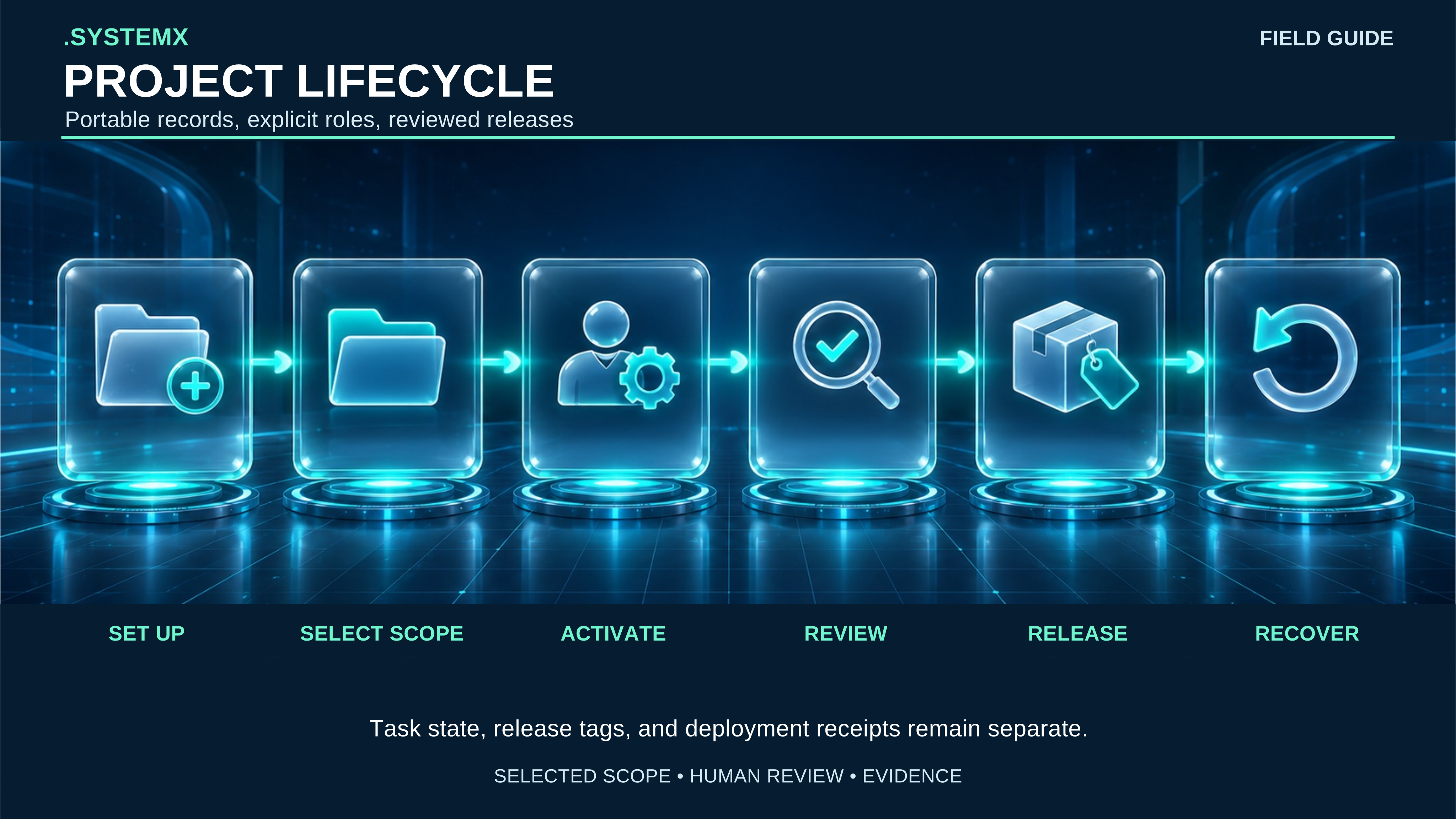
Full-size SVG. An operator first
selects a project and installs reviewed blank defaults, then activates only the
roles needed for the task. Agent 0 keeps canonical work and acceptance in
WORK/TASKS.json. A release tag identifies reviewed source, while a deployment
receipt records a separate target action. Update and restore use retained
receipts. A folder or role record does not start a worker or deploy a service.
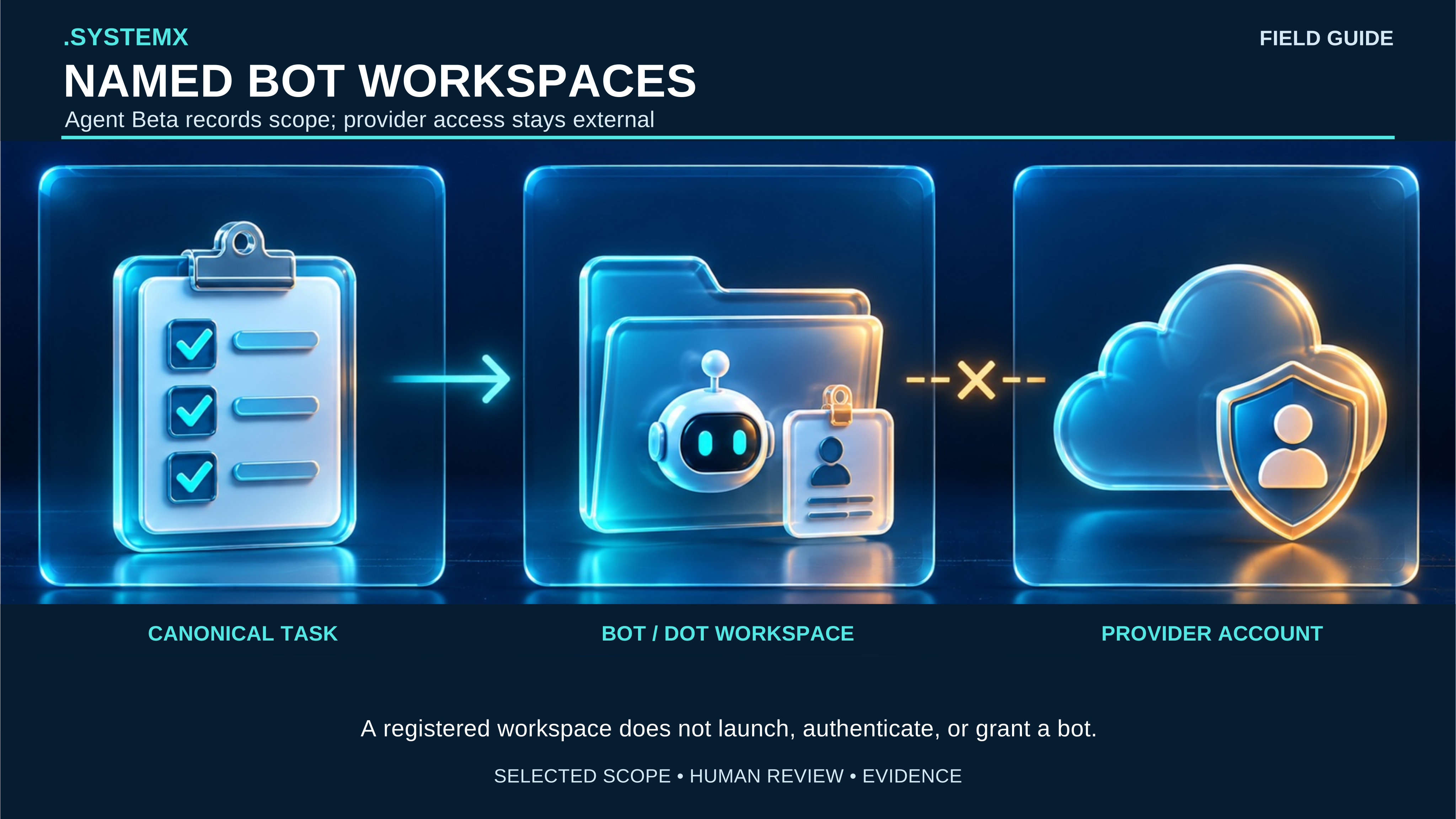
Full-size SVG. Agent Beta
records one named workspace under AGENTB/.SYSTEMXB-BOT_NAME, including a
reviewed identity and scope. Canonical TASK references remain owned by Agent 0.
An external provider account is a separate authority. Registration does not
authenticate the bot, start a provider session, or grant an account permission.
Agent Y continues to own an explicitly selected CLI handoff.
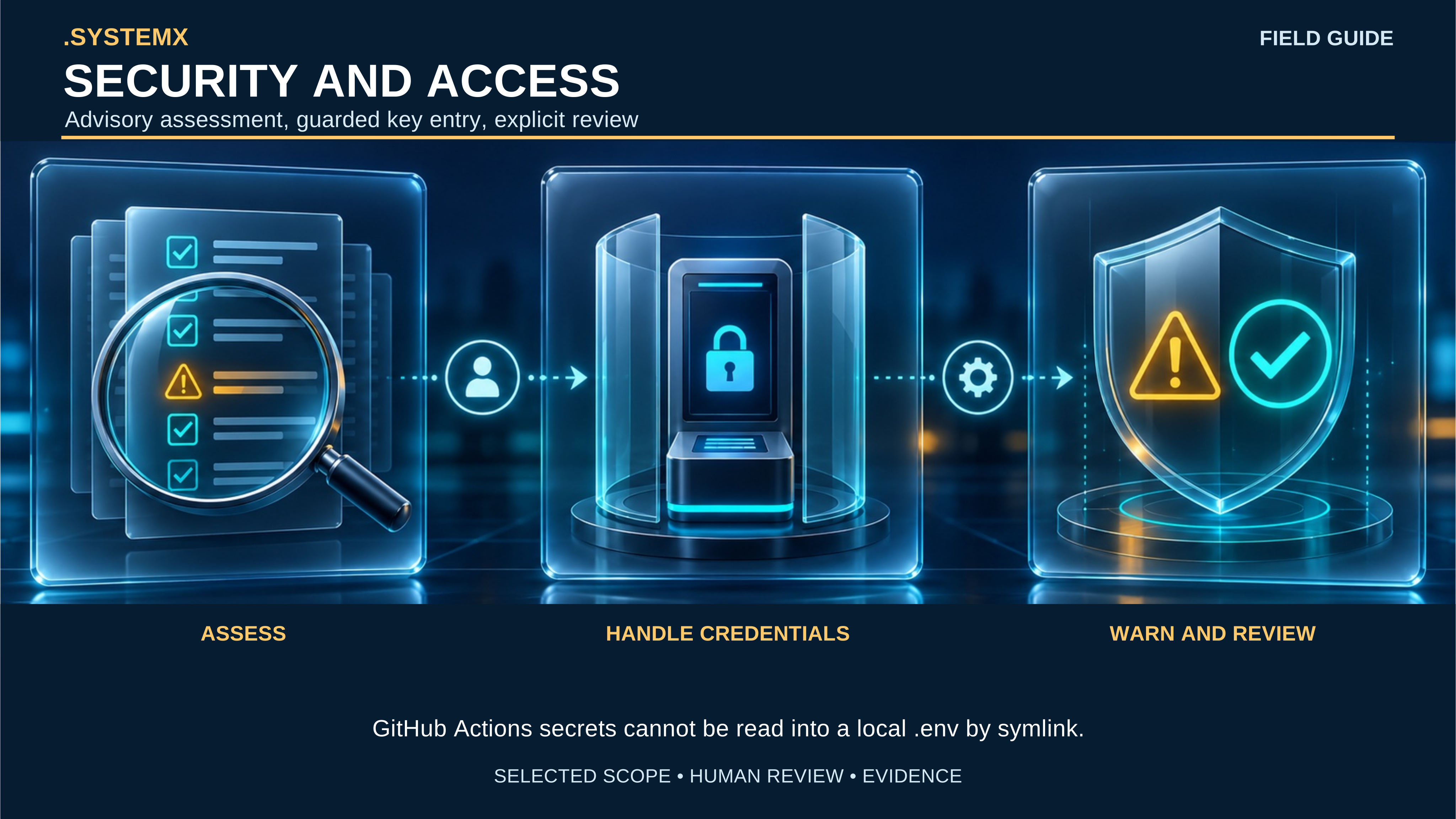
Full-size SVG. Agent1's
All-In-One policy has 20 categories with 20 questions each and ten event buckets.
Unknown and inapplicable answers do not count as passes. The local .env review
inventories variable names without returning values. Adding a GitHub Actions
secret requires explicit target selection and hidden terminal entry; Actions
secrets are write-only and cannot be read back to a local .env through a
symlink. Local execution needs a separately chosen local secret source. Findings
are advisory by default and do not prove a device is malware-free.
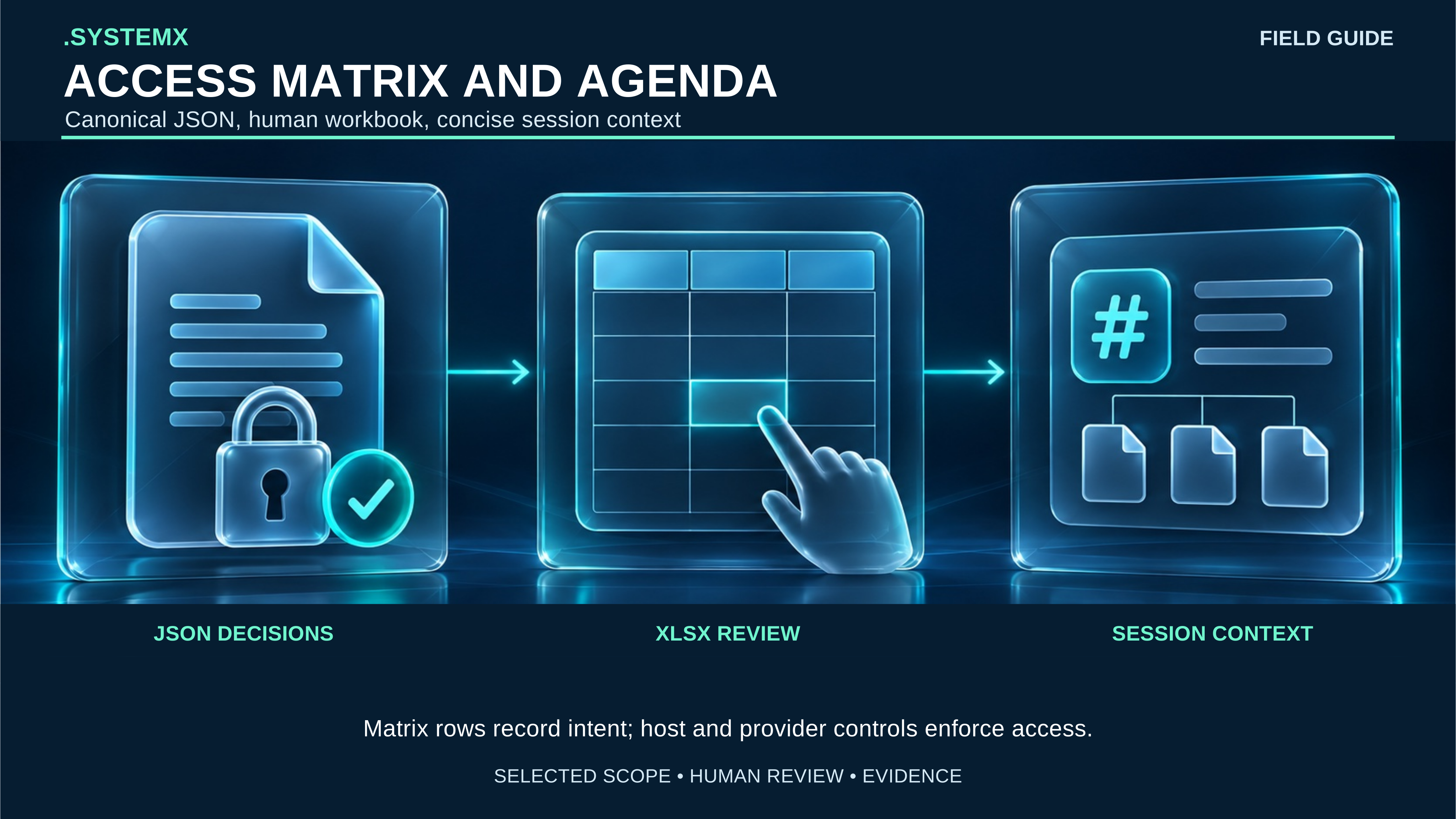
Full-size SVG. The selected
scope's GLOBAL/ACCESS-MATRIX.json is the machine-readable decision record.
The GLOBAL/ACCESS-MATRIX.xlsx workbook is a human review surface. Its role
rows do not themselves grant access. Agent Alpha's Agenda starts empty; the
session-settings view loads selected status and rule-file paths and hashes,
without secret values. Actual access follows the host, repository, and provider
controls in force at the time of an action.
| Role | Image and short alternative | Detailed boundary |
|---|---|---|
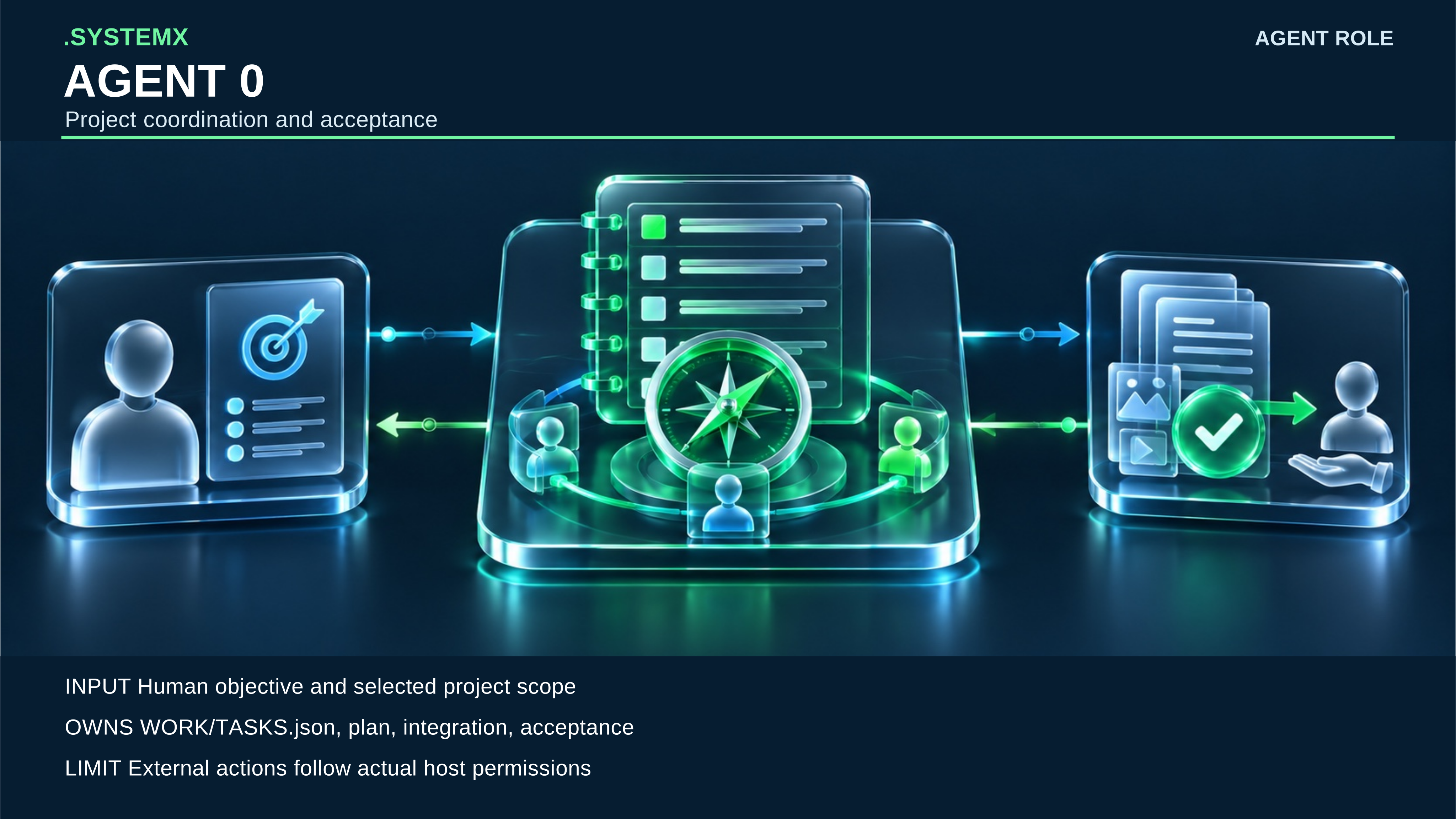
Agent 0 (agent.0) |
Coordinator and acceptance: a human objective and evidence return meet a central task ledger. | Owns task planning, integration, and acceptance. External actions still require actual host authority. |
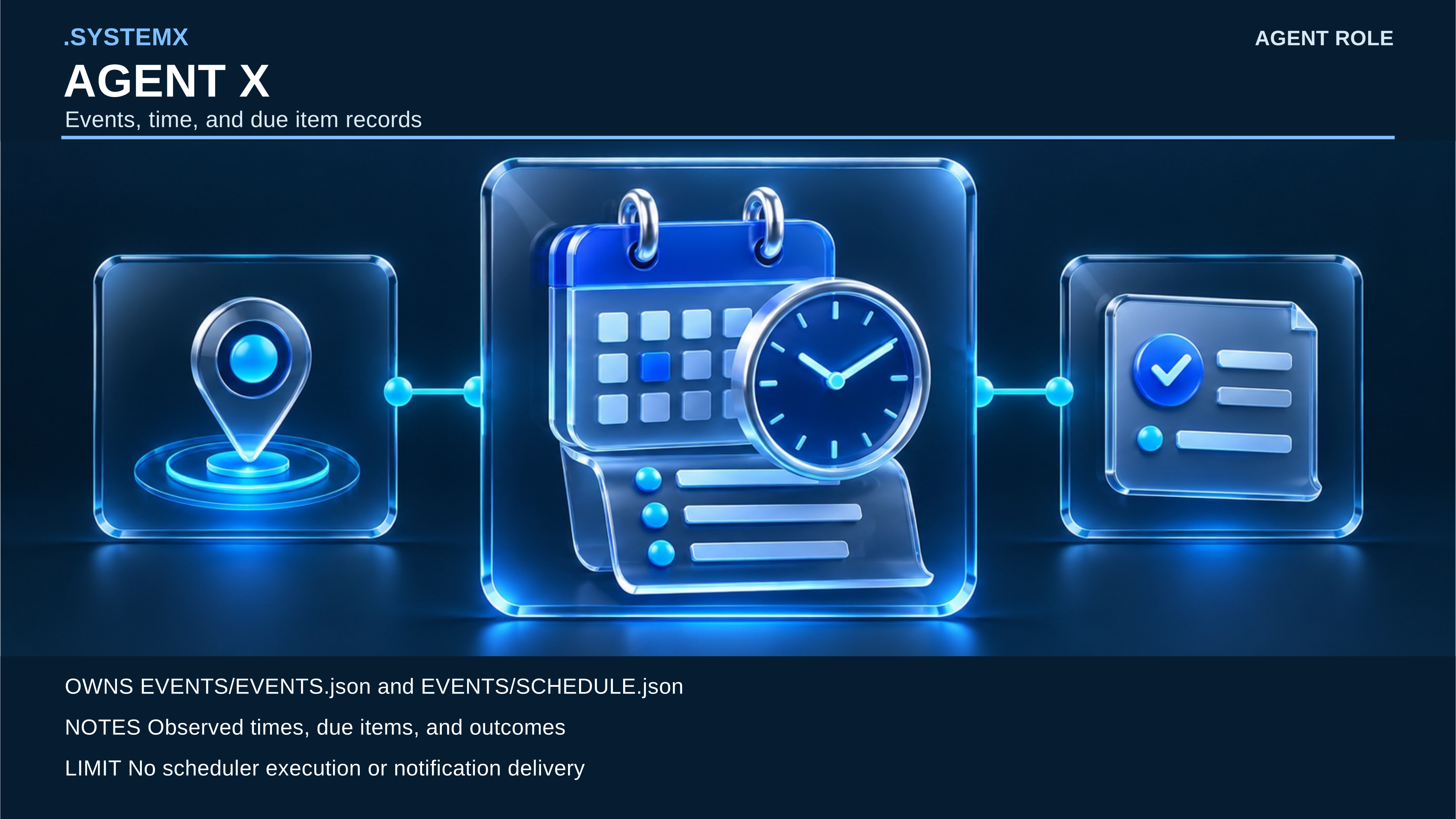
Agent X (agent.x) |
Events and time: timestamp marker, calendar and clock, and due-item card. | Records observed events and due items; it does not run a scheduler or deliver notifications. |
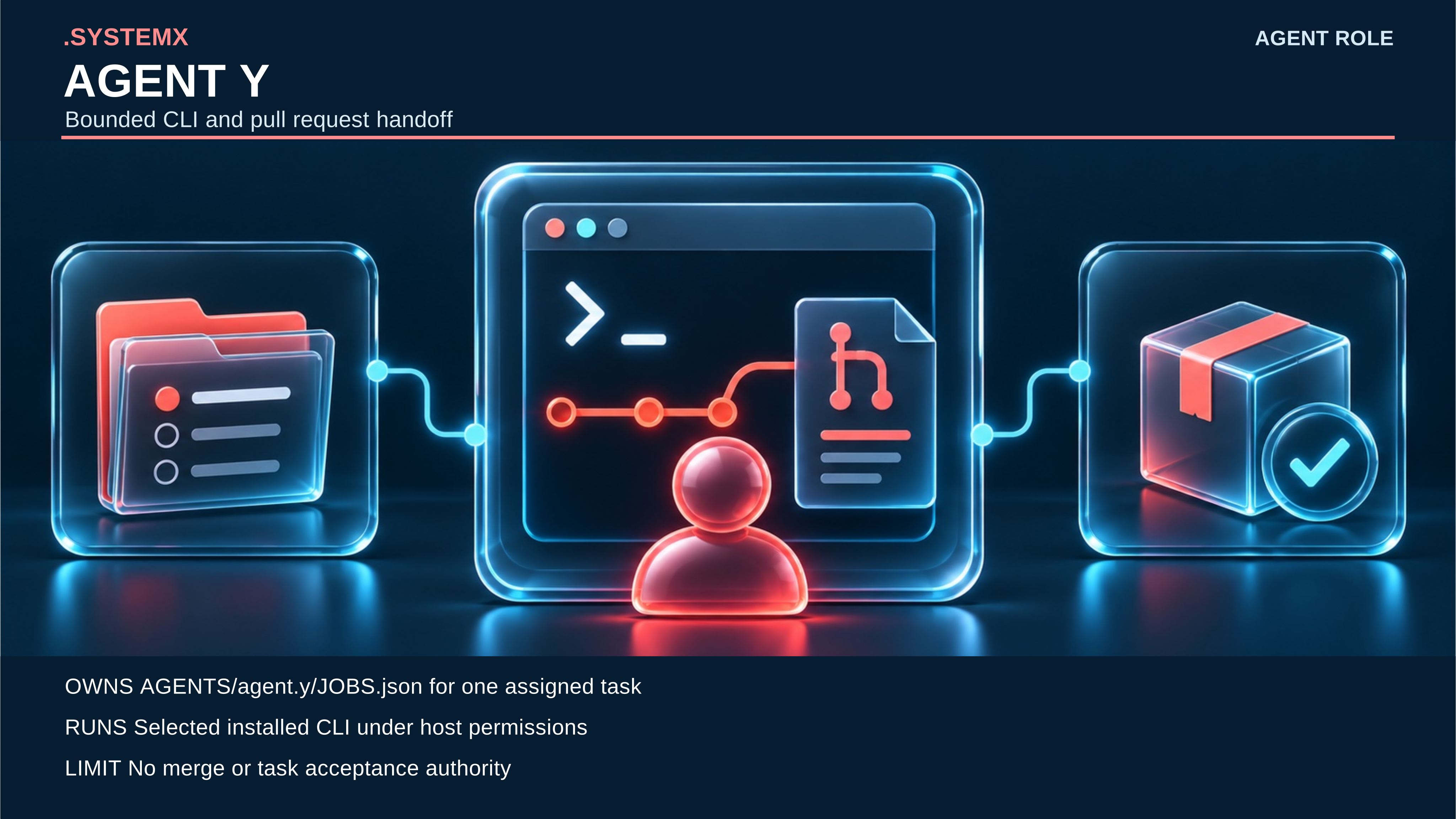
Agent Y (agent.y) |
Bounded CLI delegate: assigned folder, terminal branch, and evidence package. | Executes a selected installed provider task within host permissions; no merge or task-acceptance authority. |
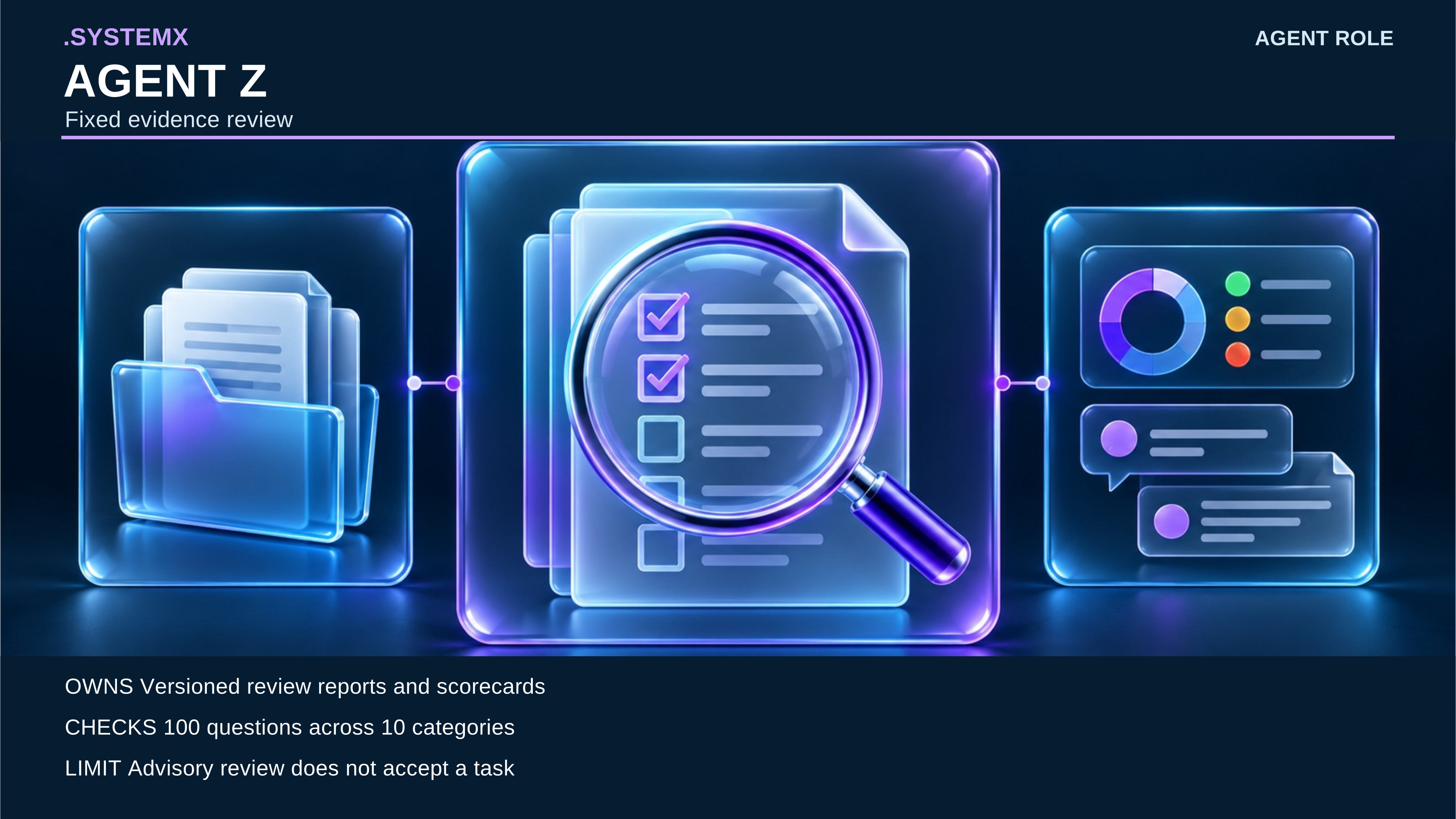
Agent Z (agent.z) |
Evidence reviewer: source files, magnified checklist, and advisory scorecard. | Applies its versioned 100-question policy; its scorecard is not task acceptance or certification. |
Agent Alpha (agent.a) |
Reference selector: request card, ten reference tabs, and concise result. | Routes selected AUTOBOT references. Agenda starts empty and runs no scheduler or extra model workers. |
Agent Beta (agent.b) |
Named workspace recorder: task record, separate workspace folders, and disconnected cloud. | Records BOT/DOT identity and scope without a provider session, login, or grant. |
Agent1 (agent.1) |
Security and access reviewer: names-only inventory, assessment shield, and guarded terminal. | Advises on 400 questions, migration, and secrets; no device-clean guarantee. |
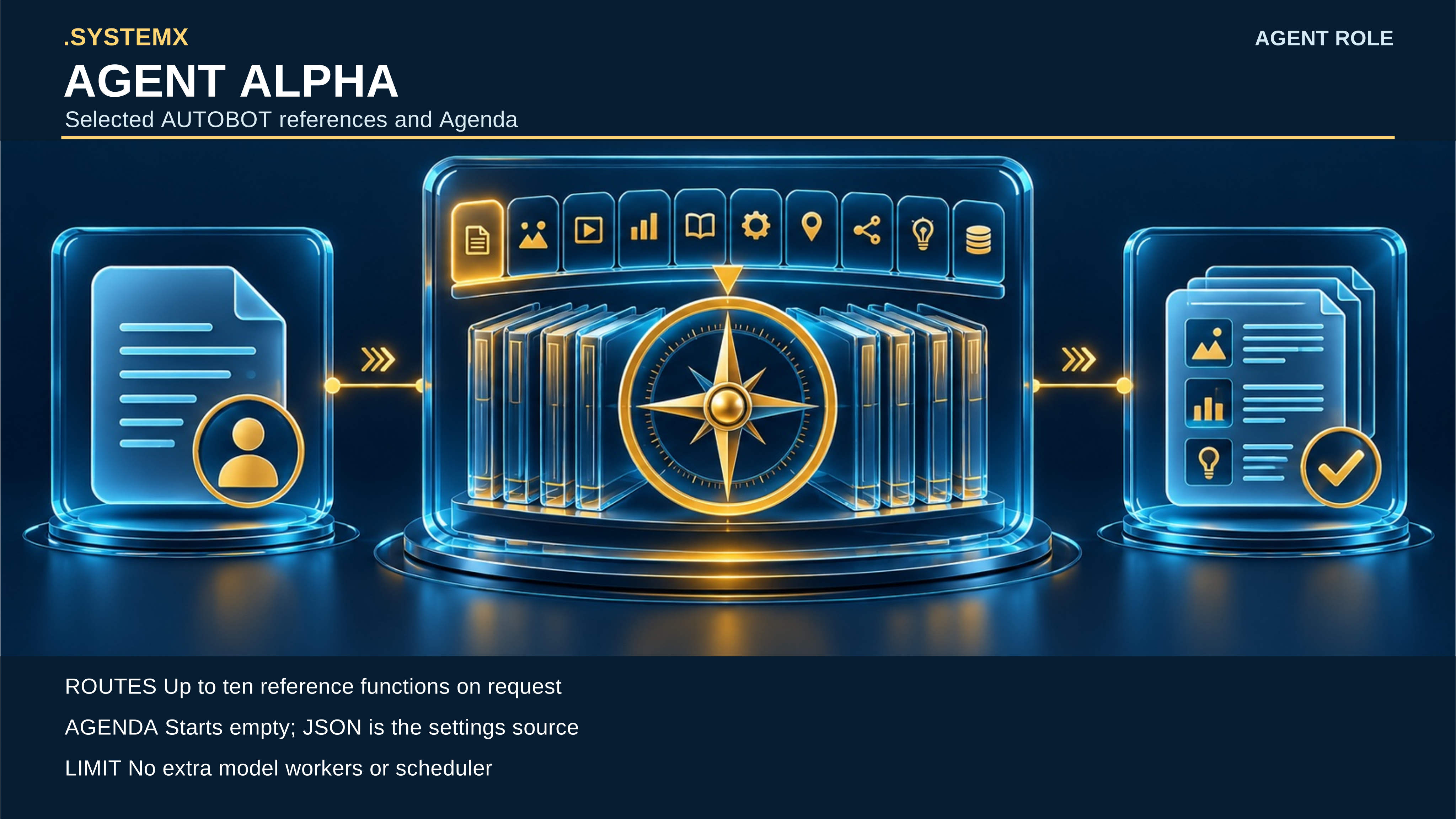
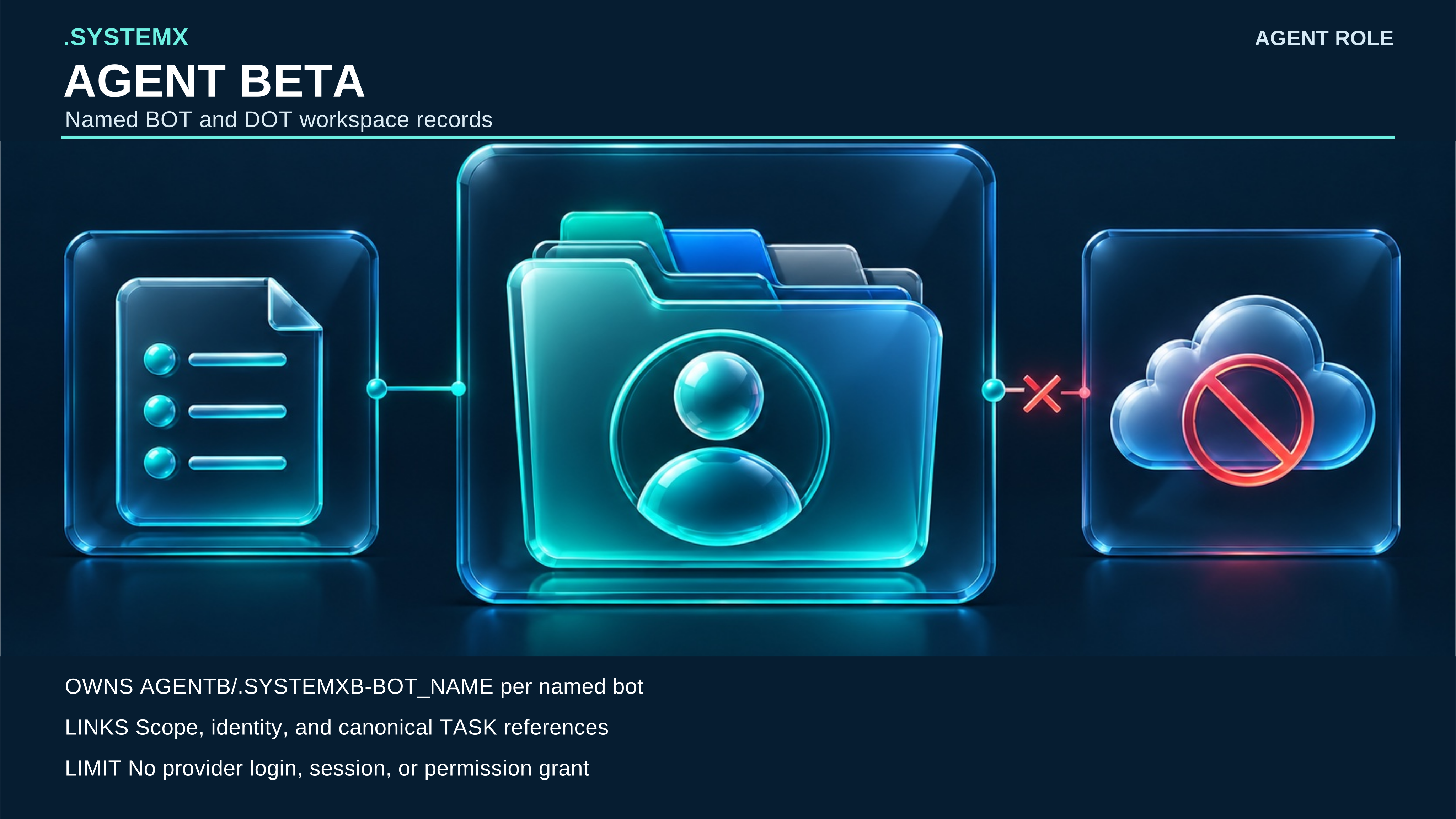
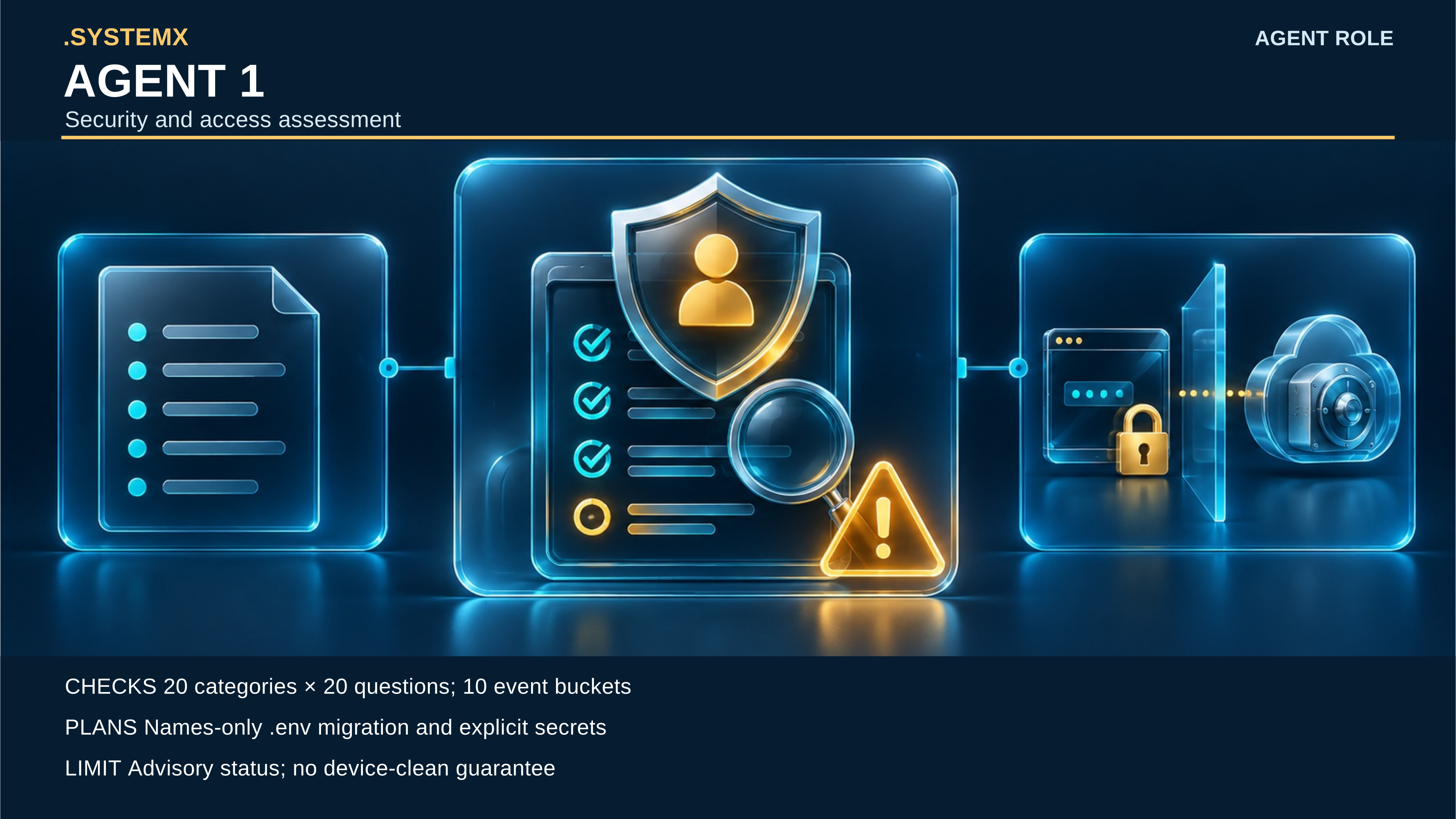
Seven additional 7680 × 4320 SVGs give each role a readable record location,
example prompt, CLI family, process flow, and authority boundary. Their labels
and icons are selectable vector content over generated art. Slash-separated
CLI names denote alternatives, not one pasted shell command. The
full text companion provides the exact location,
project-local help command, example prompt, sequence, and limits for each role.
On macOS/Linux the launcher is bash .SYSTEMX/SYSTEMX.sh; on Windows PowerShell
it is pwsh -File .SYSTEMX/SYSTEMX.ps1.
| Agent | Detailed stock SVG | 8K release JPEG |
|---|---|---|
| Agent 0 | Folder, prompt, CLI, flow and boundary | 8K JPEG |
| Agent X | Folder, prompt, CLI, flow and boundary | 8K JPEG |
| Agent Y | Folder, prompt, CLI, flow and boundary | 8K JPEG |
| Agent Z | Folder, prompt, CLI, flow and boundary | 8K JPEG |
| Agent Alpha | Folder, prompt, CLI, flow and boundary | 8K JPEG |
| Agent Beta | Folder, prompt, CLI, flow and boundary | 8K JPEG |
| Agent1 | Folder, prompt, CLI, flow and boundary | 8K JPEG |
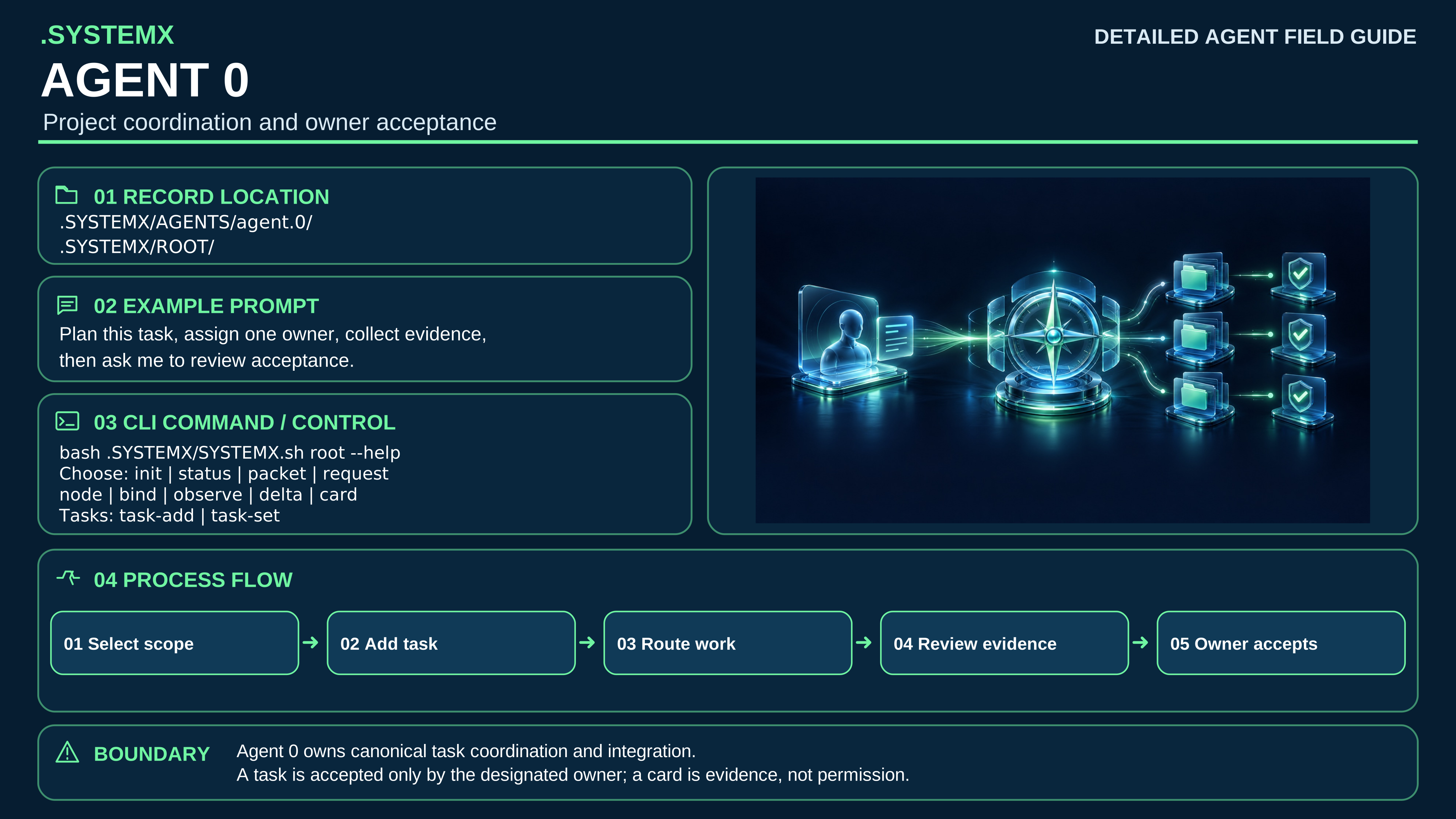

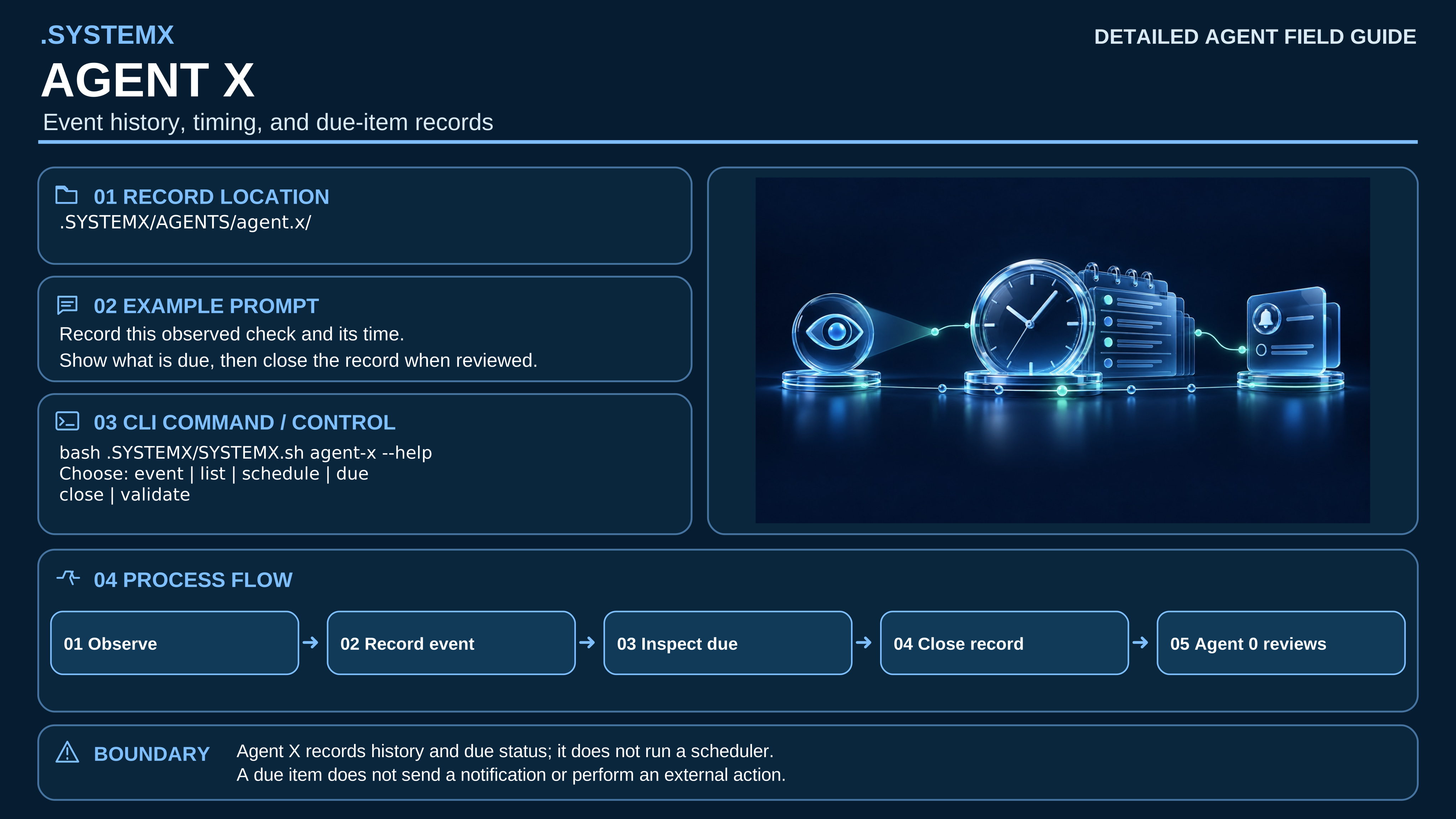

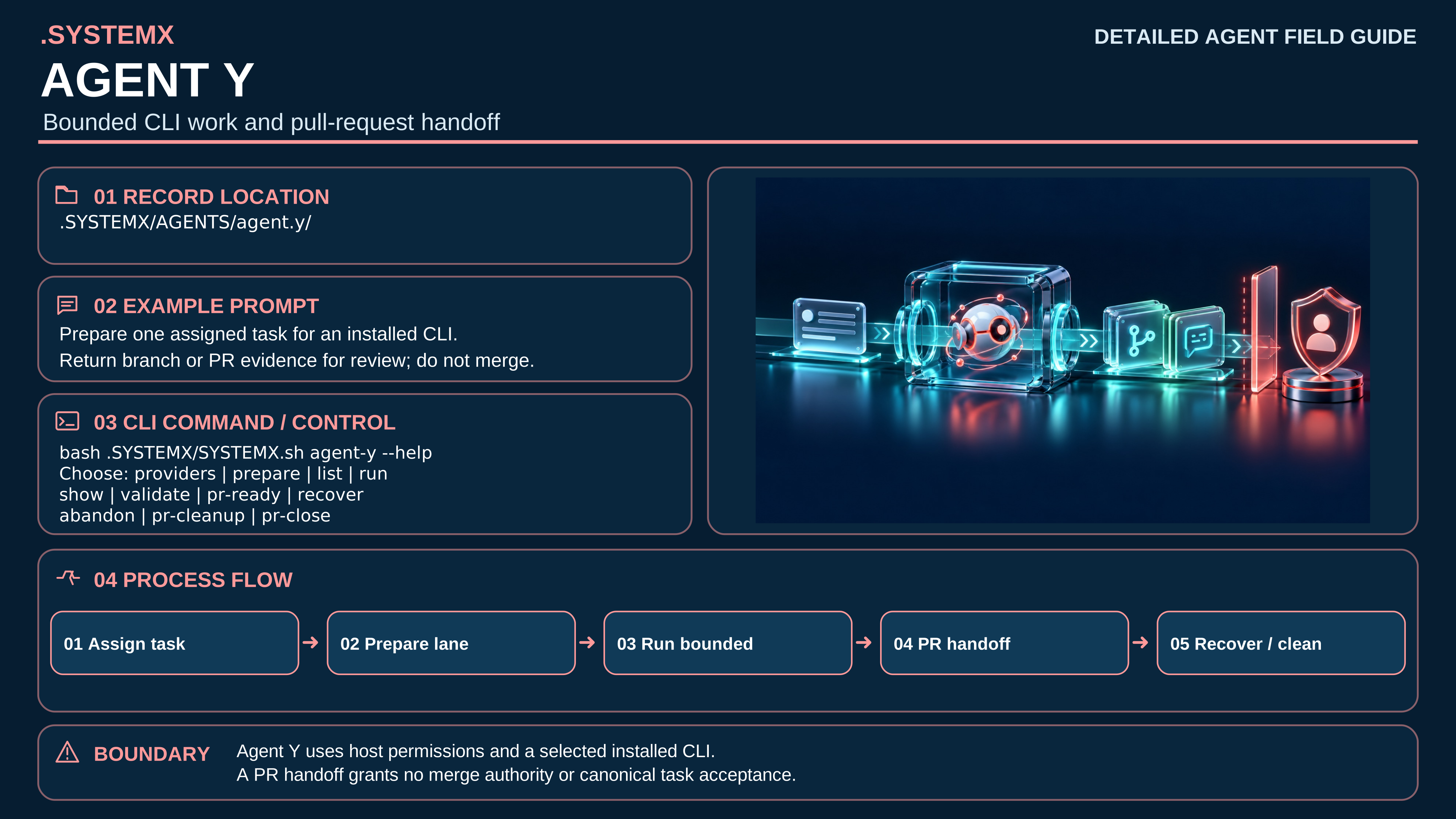

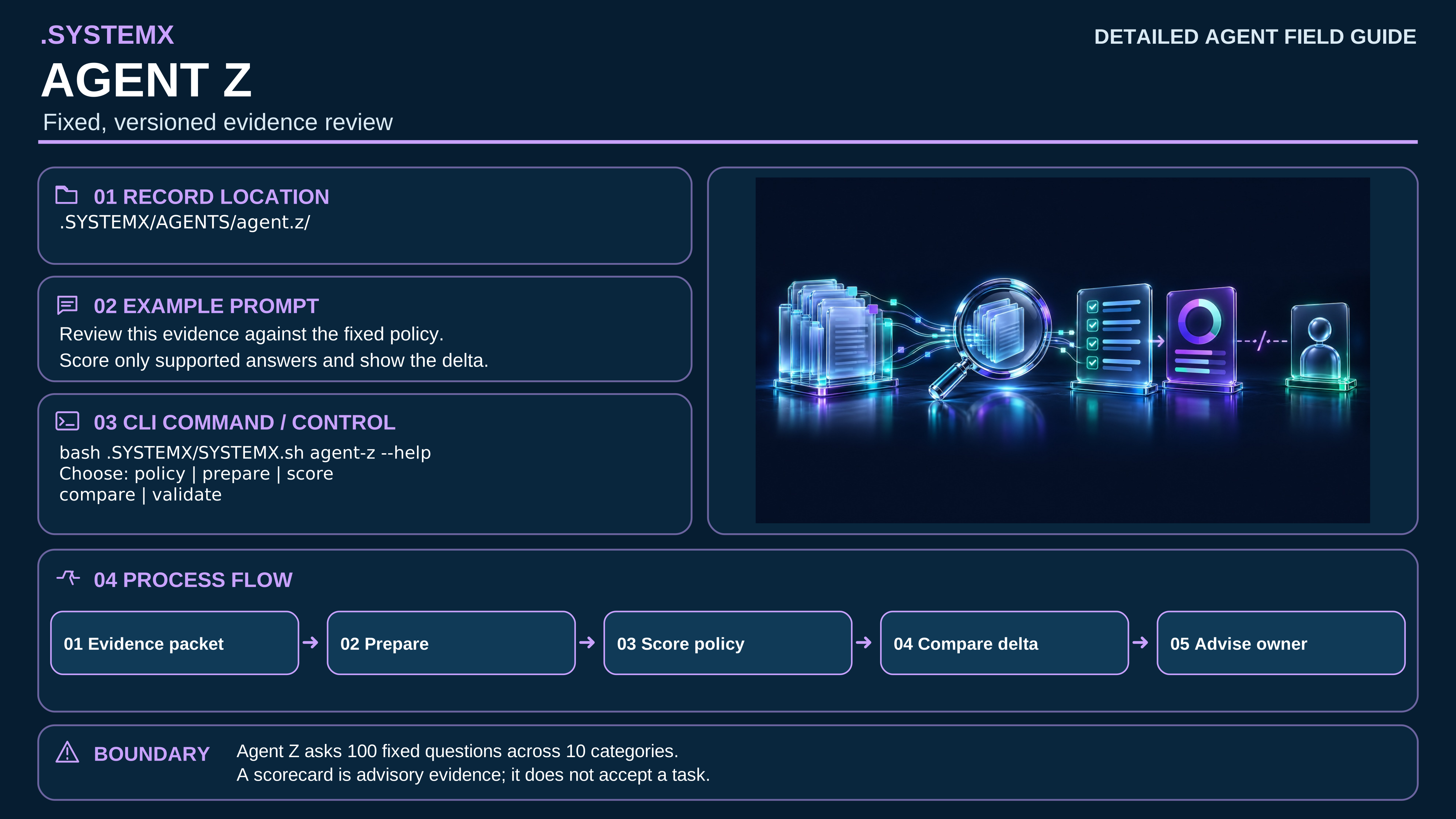

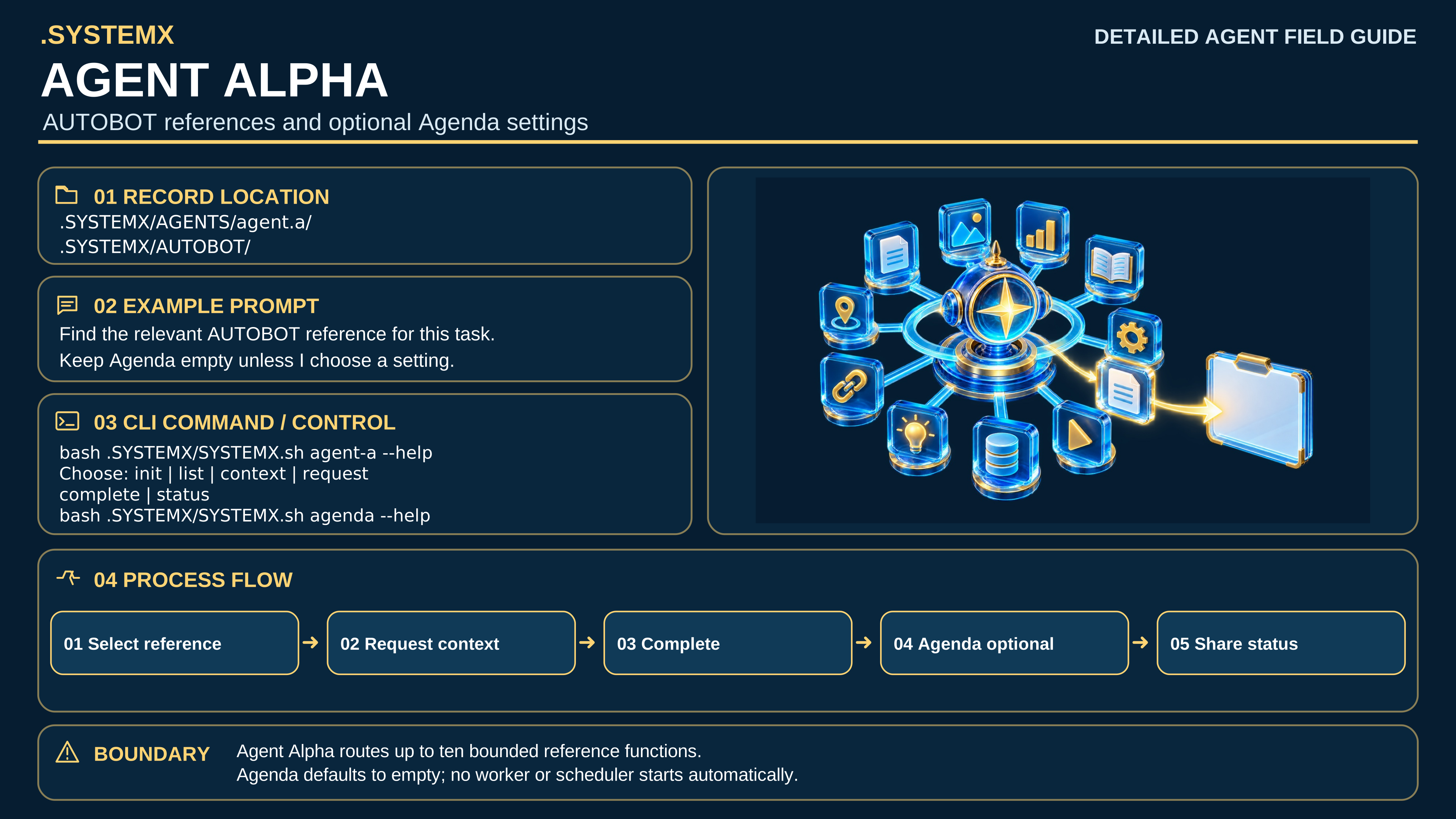

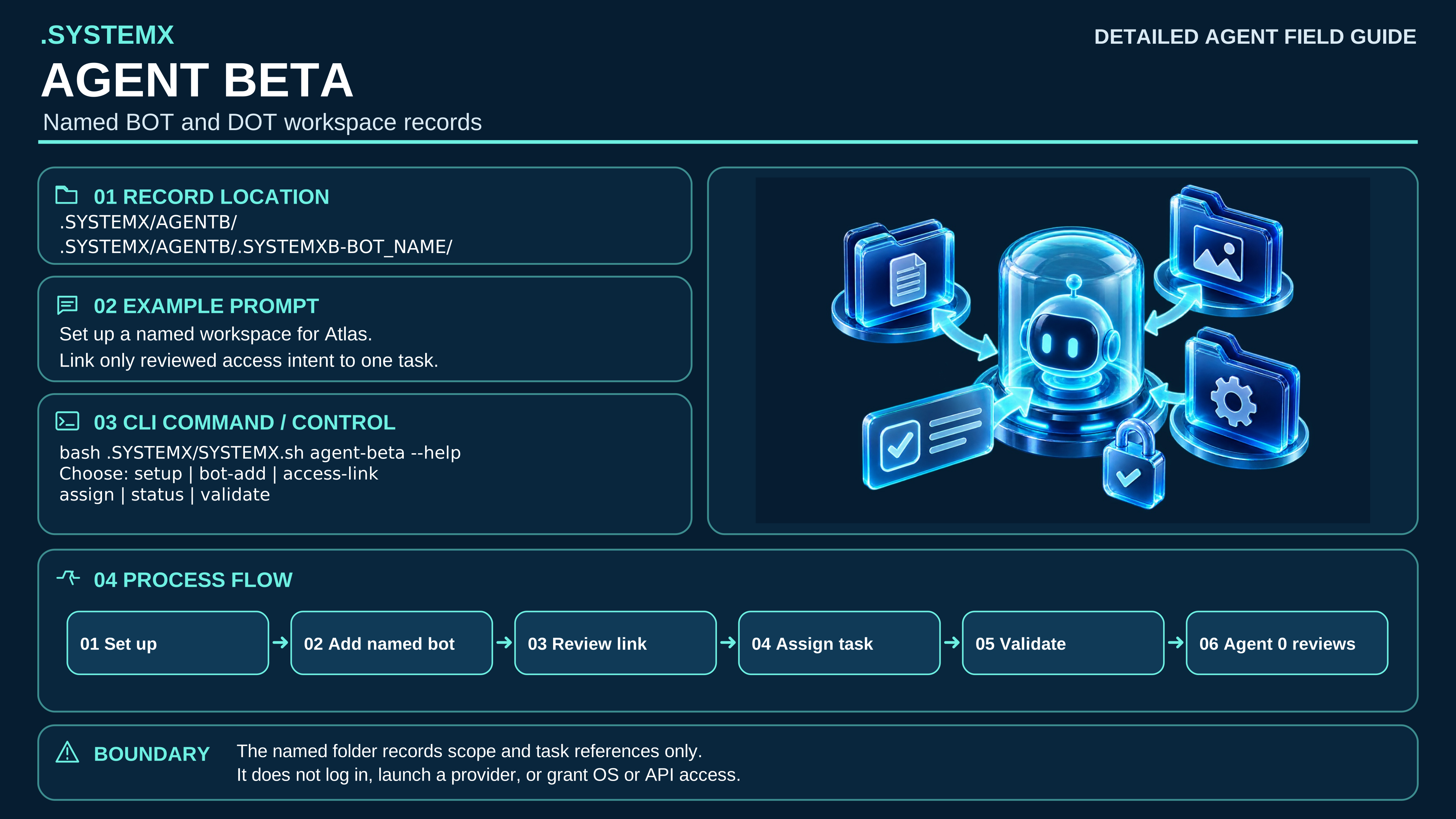

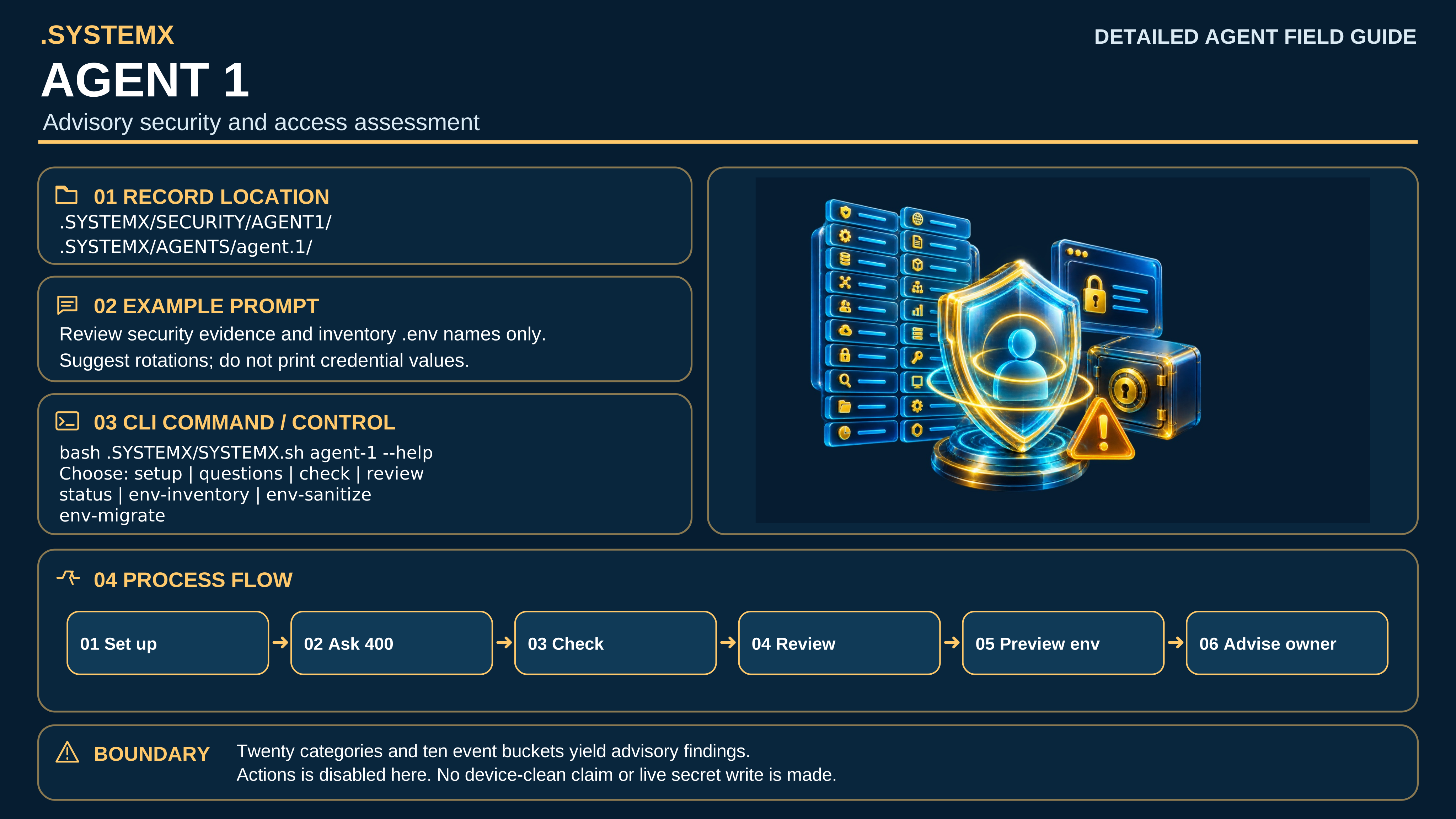

The source artwork and derived 8K exports have separate identities. The checksum asset records the published 8K bytes and digests; authenticated downloads matched. No role image starts a worker, authenticates an account, or grants permission.
Agent 0 and the user retain canonical task acceptance. A native harness subagent or a named BOT instance can be mapped to a TASK ID, but neither becomes one of these seven role registrations merely by appearing in a diagram or workbook. The Access Matrix guide and Agent Beta, Agent1, and Agenda specification provide the operational details.