Repository navigation
Four Part System Infographic
Read the current maps in order, then open the combined atlas or an individual agent guide. Each map is one 7680 × 4320 SVG with selectable labels, an embedded generated illustration, and a linked full text description. The graphics are navigation aids, not proof of running workers, permissions, deployment, or provider sessions.
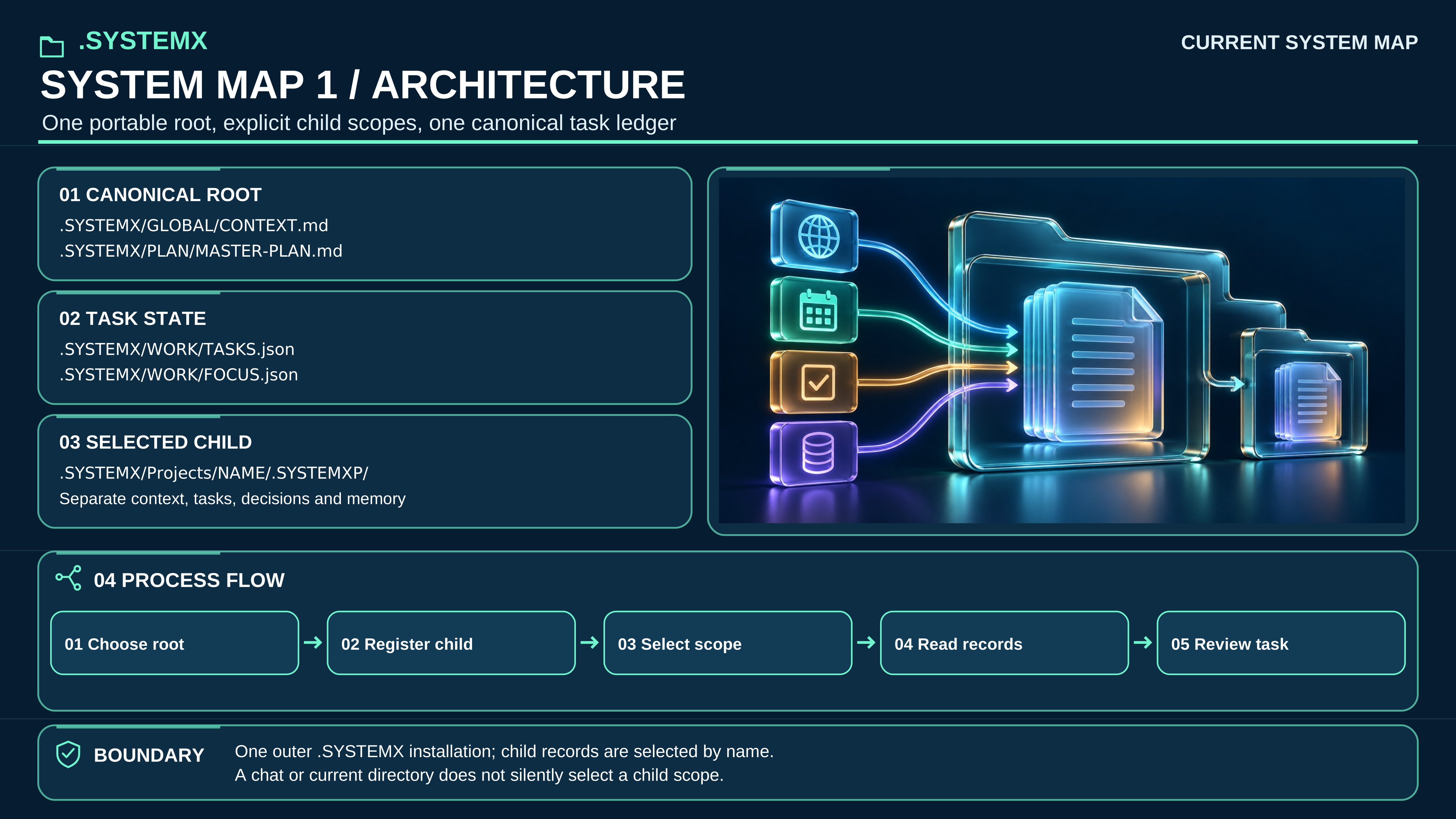
Full-size SVG · Full text description
Text equivalent: Select the intended root or registered child before reading or writing. GLOBAL/CONTEXT.md and PLAN/MASTER-PLAN.md provide purpose and outcomes; WORK/TASKS.json is the sole task-status ledger. WORK/FOCUS.json selects the next useful step. A child has independent records and does not create a second outer installation.
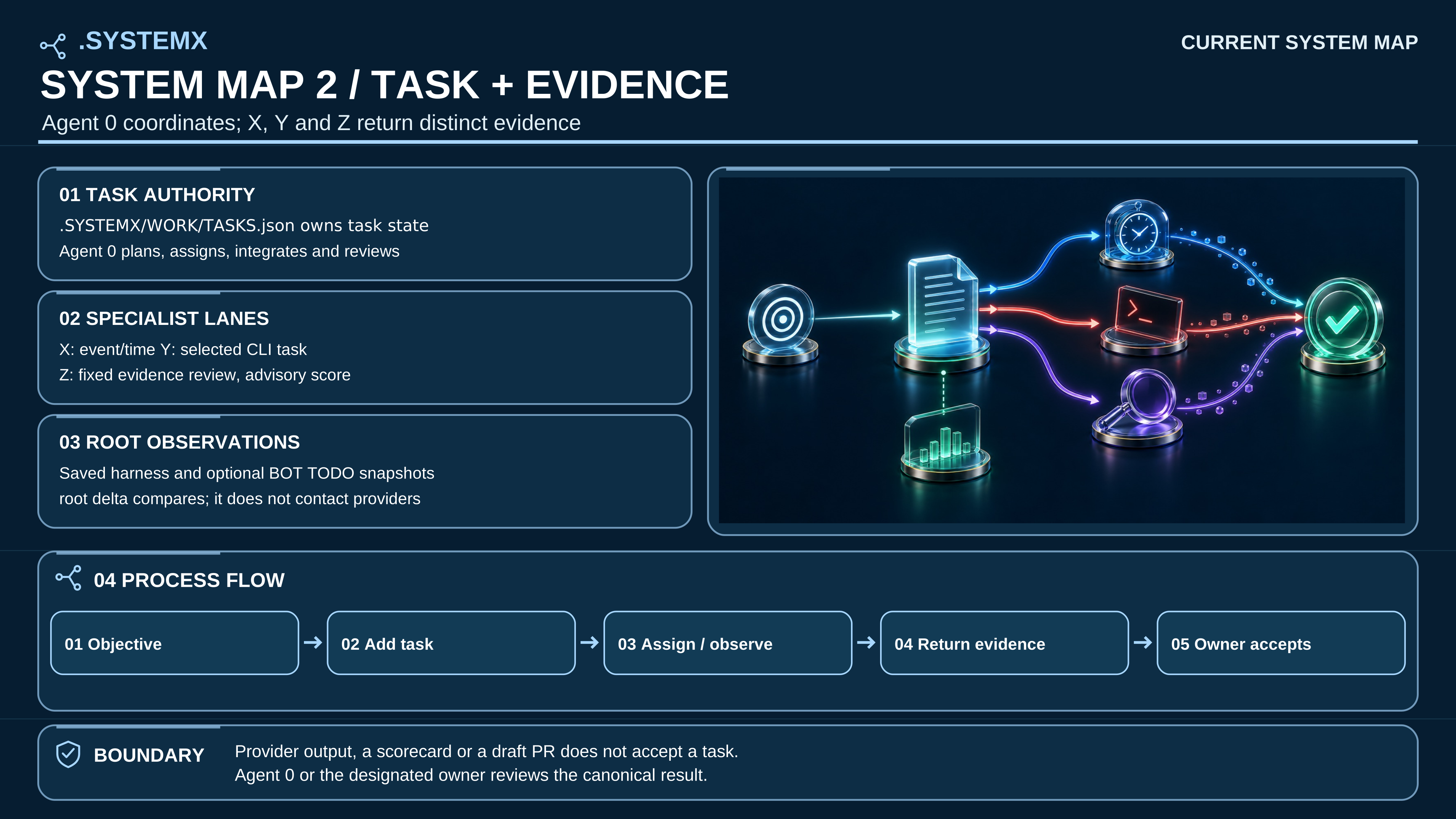
Full-size SVG · Full text description
Text equivalent: An authorized objective becomes a scoped task in WORK/TASKS.json. Agent X records events and due items; Agent Y may run one selected installed CLI; Agent Z reviews fixed questions. ROOT compares retained harness and optional bot observations without contacting them. Agent 0 integrates evidence, and the designated owner accepts or saves the remaining work.
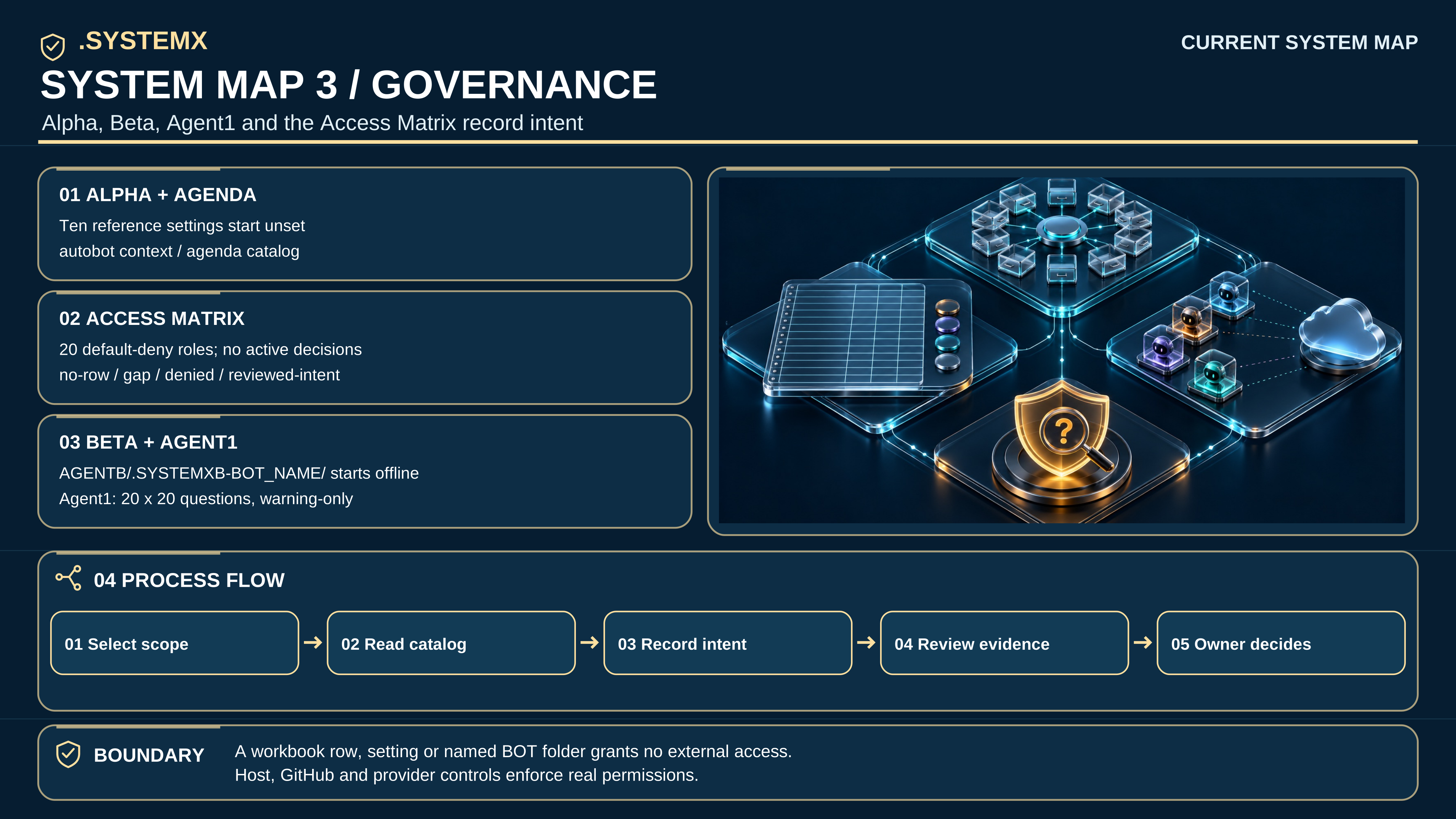
Full-size SVG · Full text description
Text equivalent: Agent Alpha selects from up to ten reference functions. Agenda ships ten setting definitions, all unset; project options are empty. The Access Matrix ships 20 default-deny role rows and four decision-rule states, with no active decisions. Agent Beta records named folders under AGENTB/.SYSTEMXB-BOT_NAME/; Agent1 supports 20 × 20 security questions and ten event buckets. None of these records grants external access or launches a bot.
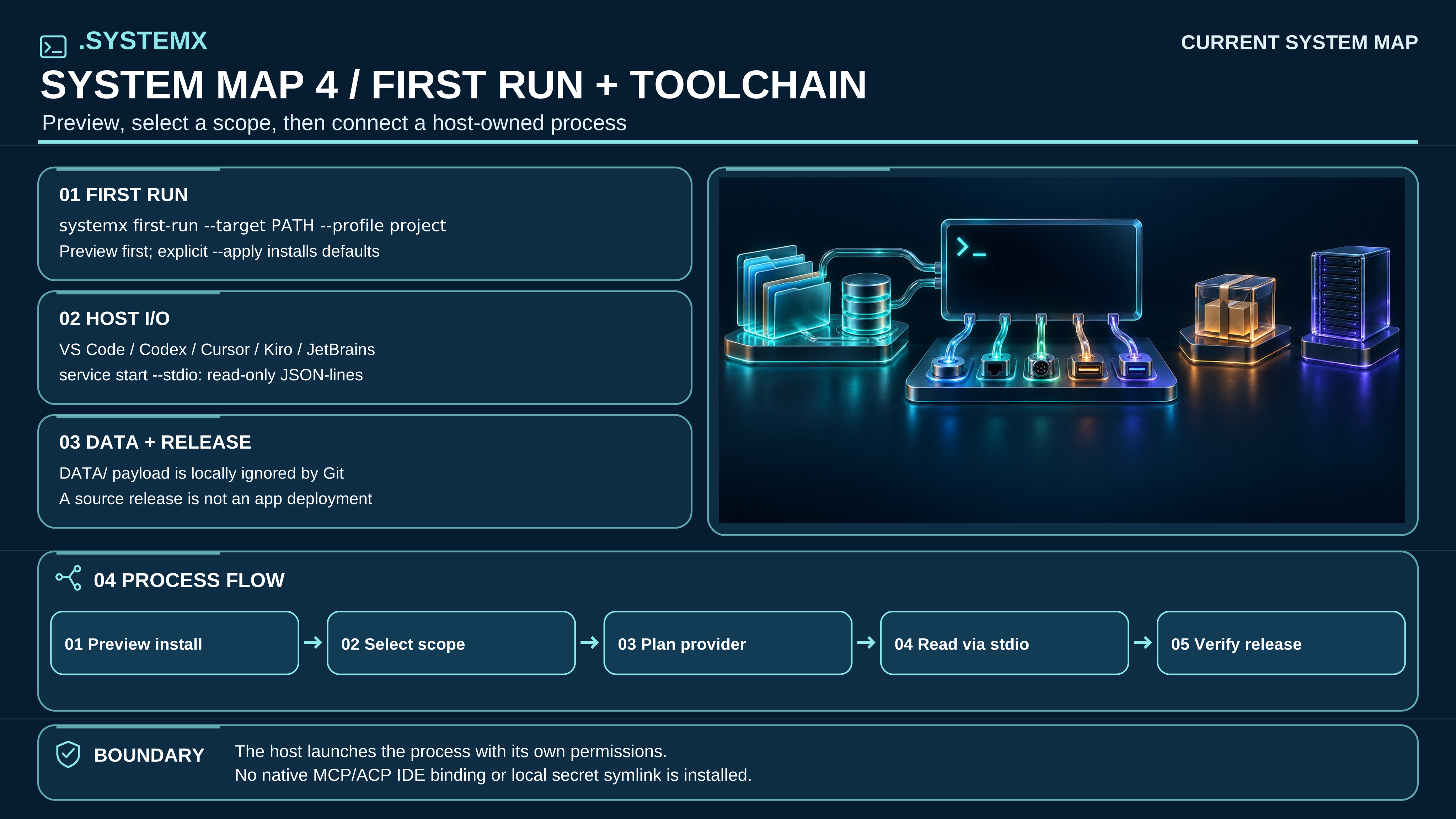
Full-size SVG · Full text description
Text equivalent: Preview systemx first-run --target PATH --profile project before apply. Select a root or registered child and inspect onboard status and onboard plan. VS Code, Codex, Cursor, Kiro and JetBrains may invoke the reviewed CLI or a host-owned read-only JSON-lines session; this template installs no native MCP or ACP binding. DATA payloads stay local and ignored by Git by default. A version tag or package is not a deployment receipt.
The eight-minute Guided Folder film uses four alpha.3 posters and remains a historical explanation of its stated feature baseline. Open those original posters in immutable alpha.3 source. The current maps above supersede them for the current template; the film and its scene links remain available without embedding older graphics here.