Repository navigation
Searching
The search box at the top of the sidebar looks through every meeting at once: transcripts and meeting titles.
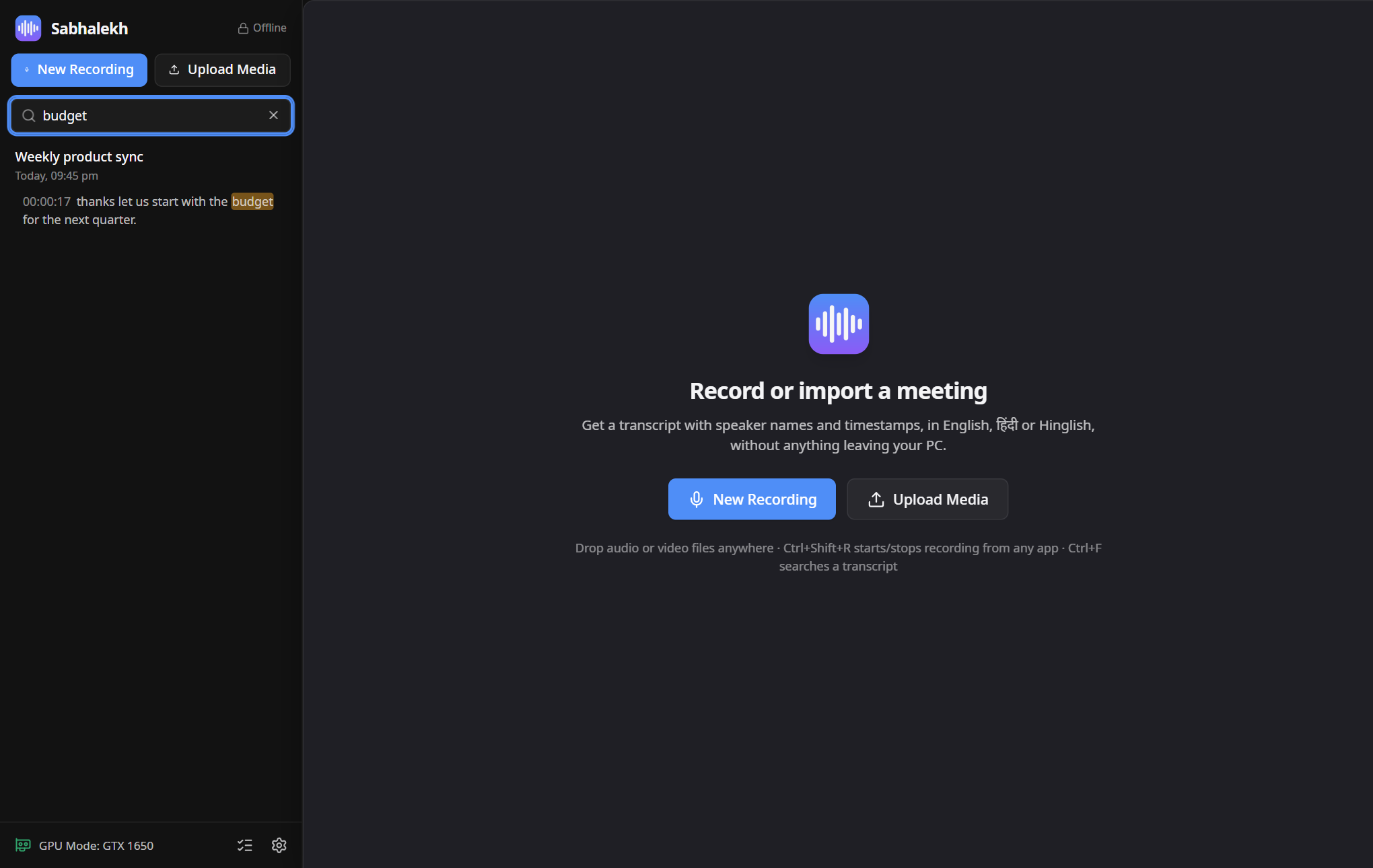
- Click Search all meetings… and type.
- Results show the meeting, the speaker and the matching words highlighted.
- Click a result to open that meeting at that exact moment.
You can search the way you would type:
| You type | It finds |
|---|---|
budget |
budget, Budget, budgeting |
बजट |
बजट |
kya |
क्या |
sankat |
संकट |
Search ignores upper and lower case and the different ways Hindi text can be encoded, so a word copied from WhatsApp or a website still matches.
About romanised Hindi: Sabhalekh converts Hindi to Roman letters with fixed rules, and people spell Hindi in many
ways. Common words match well, but a spelling that differs from the rules may not. For example iran does not find
ईरान, while iraan does. If a romanised search finds nothing, try another spelling or type the word in Devanagari.
Under the search box:
- Filter shows only finished, processing or failed meetings; English or Hindi meetings; recordings or imports; or meetings with a certain tag.
- Date changes the sort order.
With a meeting open, press Ctrl+F. See Working with transcripts.