Repository navigation
Hardware and Speed
Sabhalekh works on any Windows 10/11 PC with 8 GB of RAM. A graphics card is not required, but it roughly halves the processing time.
The badge at the bottom left of the window tells you:
| Badge | Meaning |
|---|---|
| GPU Mode: GTX 1650 (or your card) | Speech recognition runs on your graphics card. Fastest. NVIDIA, AMD and Intel cards all work. |
| iGPU Mode: Radeon Graphics (or similar) | It runs on the graphics built into your processor. About as fast as a graphics card on most laptops. |
| CPU Mode (6 threads) | It runs on the processor. Works everywhere, takes about twice as long. |
Speaker detection always runs on the CPU. It's fast there (about 40 times faster than real time) and it leaves the graphics memory free.
Measured on a laptop with a GTX 1650 (4 GB), AMD Radeon built-in graphics and a Ryzen 5 5600H:
| Device | Speech recognition | A one-hour meeting, ready in about |
|---|---|---|
| GTX 1650 graphics card | 18× faster than real time | 5 minutes |
| Radeon built-in graphics | 19× faster than real time | 5 minutes |
| CPU only | 8× faster than real time | 9 minutes |
Older or slower PCs take longer, newer ones less. You can keep working, and record new meetings, while a meeting is processed.
Sabhalekh uses about 0.7 GB of graphics memory (or shared memory) and a little over 1 GB of RAM while processing. After each meeting it releases all of it, so it doesn't slow down Teams or Zoom when idle.
Settings → Hardware → Processing profile:
| Profile | When to pick it |
|---|---|
| Auto (default) | Graphics card if it has at least 1.2 GB of free memory, otherwise built-in graphics, otherwise CPU. |
| High-performance GPU / Discrete GPU, low VRAM | Force the graphics card. |
| Integrated GPU | Keep your graphics card free for games or other work; speech recognition runs on the built-in graphics at almost the same speed. |
| CPU | Leave all graphics hardware alone. |
| Fast CPU | Slow PCs: uses a lighter setting for speed. Slightly less accurate. |
If the graphics card runs out of memory during a meeting (because a game or another app is using it), Sabhalekh moves to the next device by itself and continues from where it stopped. You don't lose the job.
Settings → Hardware lists what Sabhalekh found:
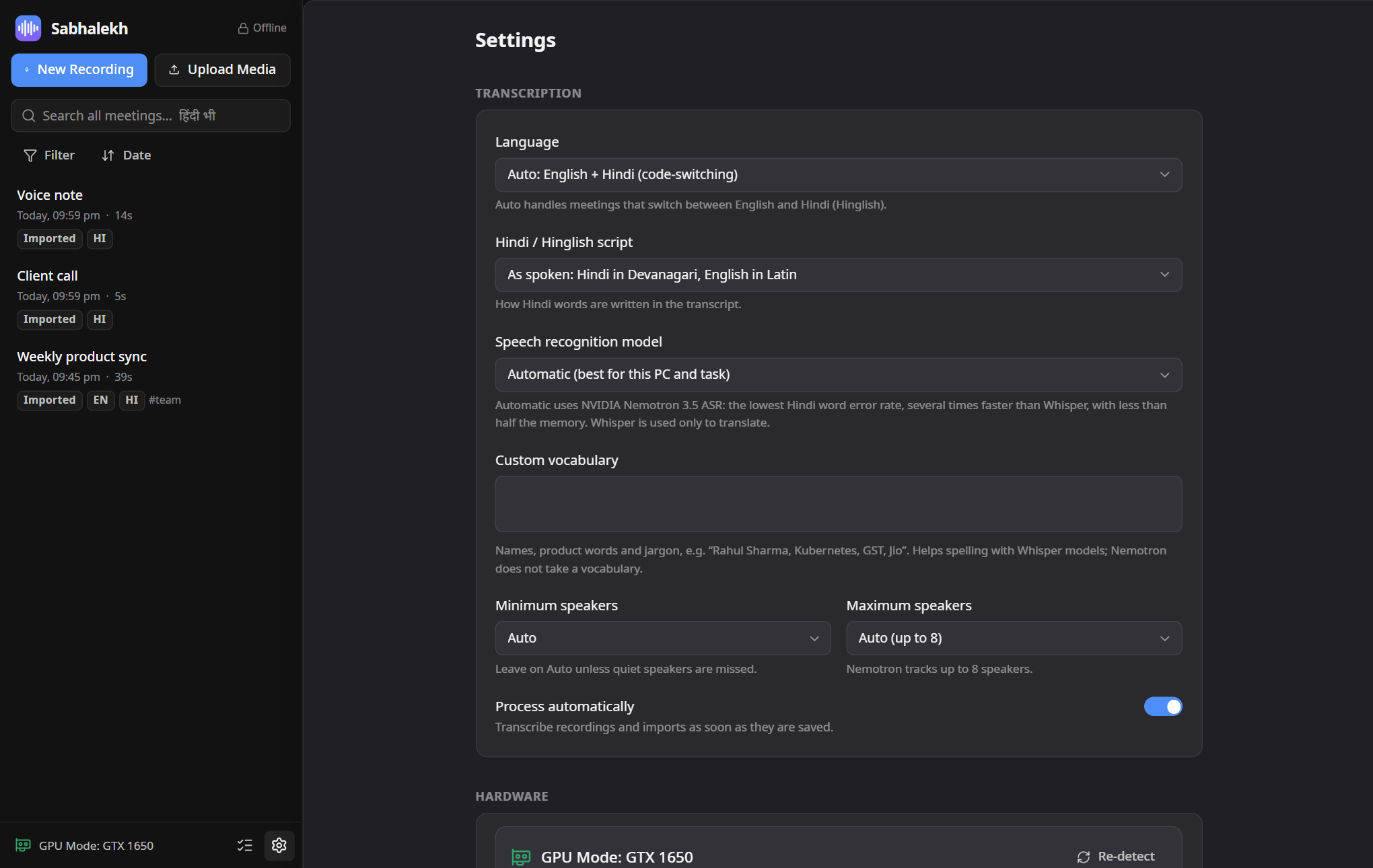
- GPU and Integrated GPU: your graphics hardware.
- Vulkan (Nemotron): the devices the speech model can use. "Not available" usually means the graphics driver needs an update.
- NVIDIA CUDA (Whisper packs): only matters if you installed the Accuracy pack. See Offline model packs.
- Re-detect checks again, for example after a driver update.