Repository navigation
Home
Build a shader, tune it while it runs, and keep the result in your own library.
- Create your first shader in 10 minutes — make an animated gradient, add a speed slider, save two presets, and capture an image.
- See what Shadergrove can do — browse the features and compare Web with Desktop.
- Find your way around the workspace — editor, controls, textures, effects, presets, and shortcuts.
- Use plugins and integrations — import from Shadertoy, export to Wallpaper Engine, and customize the app.
- Solve a problem — compilation, saving, performance, account libraries, and missing commands.
Windows Desktop keeps your library on your computer and lets you edit offline without an account. Get the installer or portable executable from Releases. Account uploads are optional and depend on the server configured into your build.
Web runs in your browser. Sign in to the server you use and verify your email to create or change shaders in your private account library. To run your own server, follow the self-hosting guide.
The core tutorial covers v1.5.0 and the current development code. The plugins guide explicitly marks the newer official catalogue workflow as Development; v1.5.0 uses built-in Shadertoy and Wallpaper Engine commands. On Desktop, check Help → About Shadergrove… for your app version.
This guide was checked against the v1.5.0 tag and development commit f4ad6d8 on 6 October 2026. Features present in source can depend on server configuration; their presence does not verify a particular deployment.
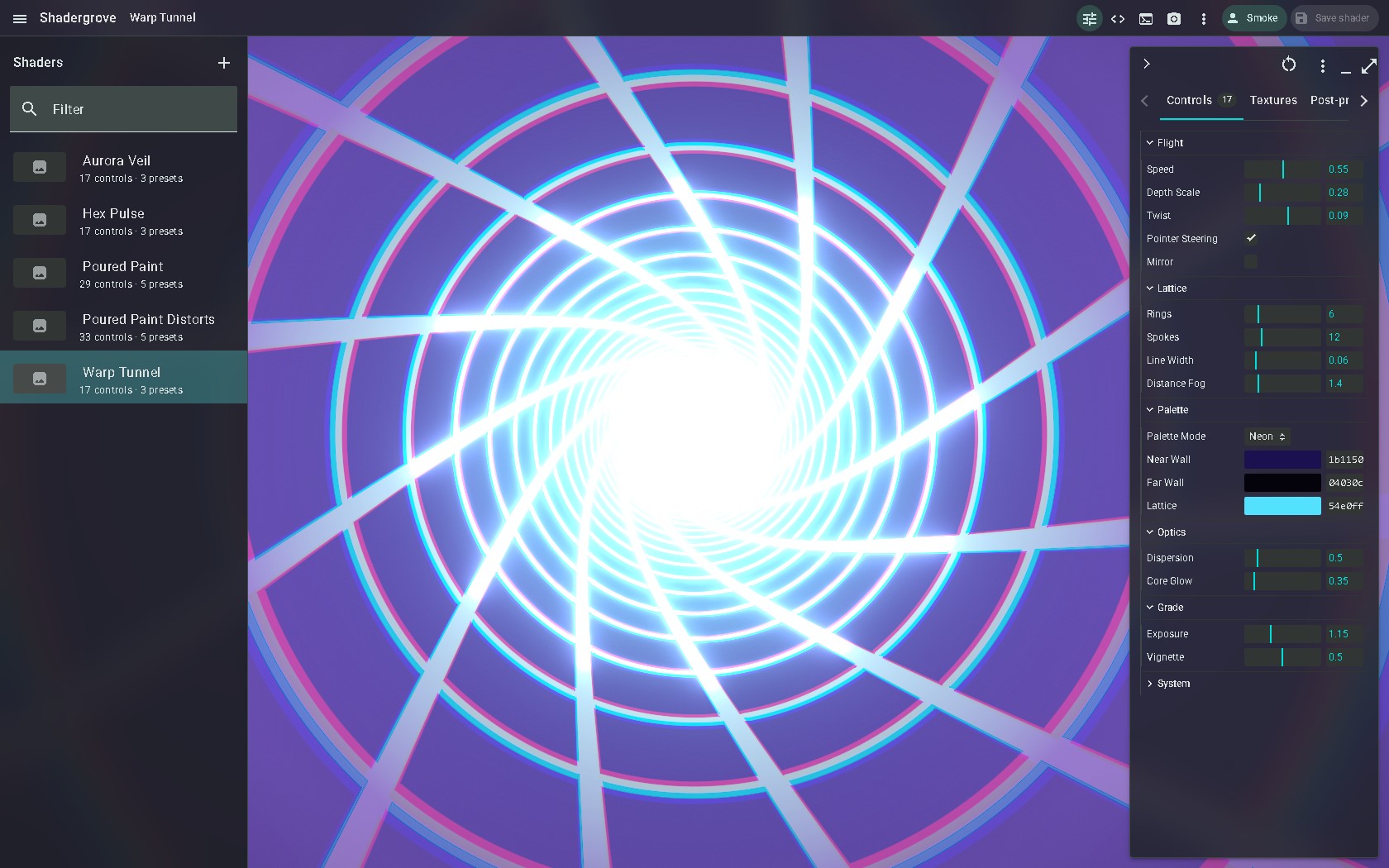
The workspace image shows an existing example. Follow the tutorial to create your own project.