I. Lights
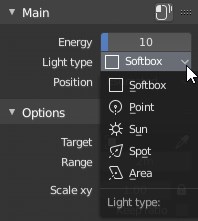
In the Main panel, use the dropdown "Light type" to change the type of your light. By default, Softbox :
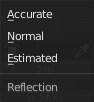
- Position : Accurate / Normal / Estimated (Default)
- Method used to compute the light position:
- Accurate : The light will be positioned accurately so it's reflection will always be under your pointer.
- Normal : The light will be positioned perpendicular to the normal of the face under your pointer.
- Estimated : The light will be positioned always facing the direction from your pointer to the center of the bounding box of the object.
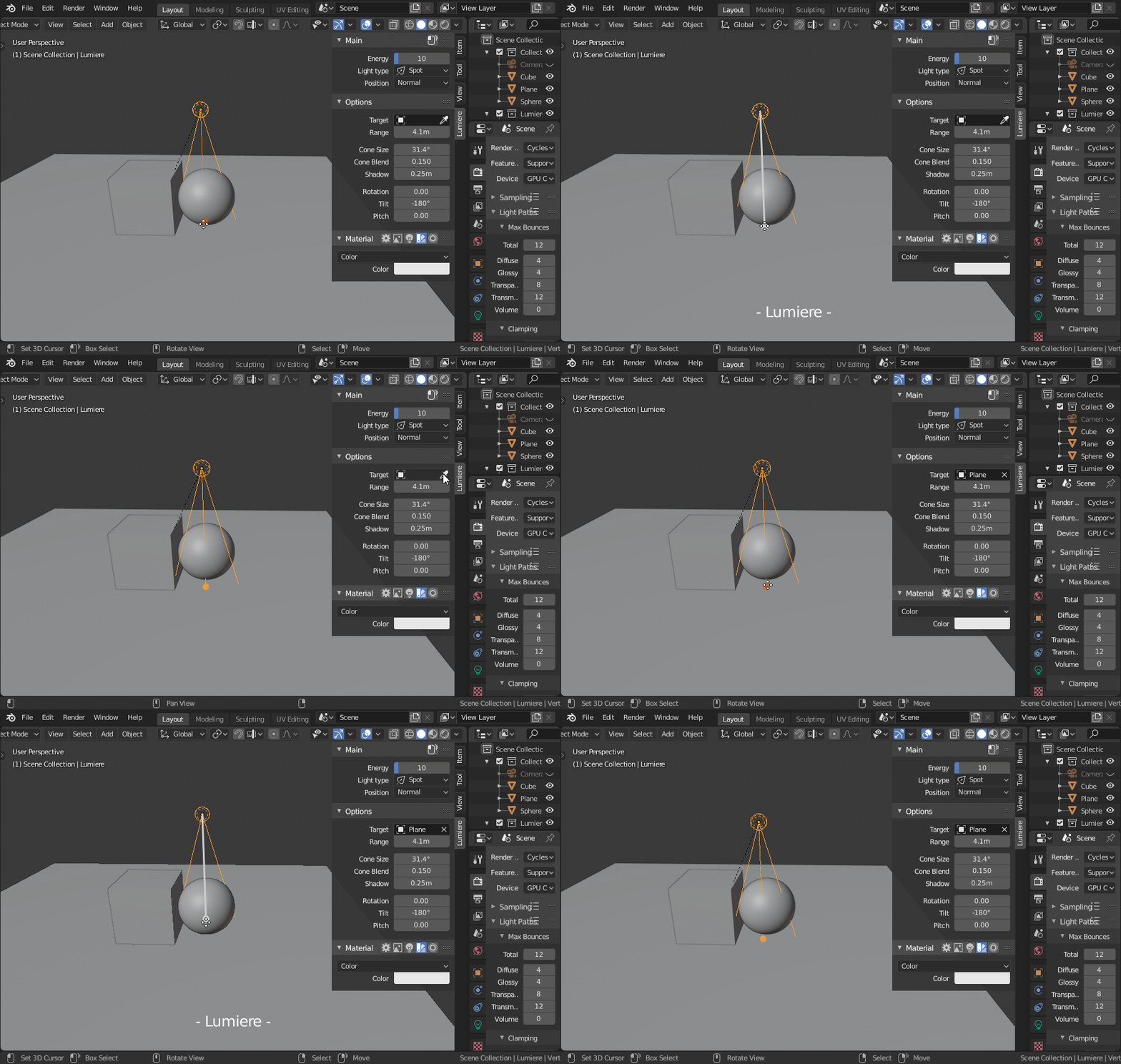
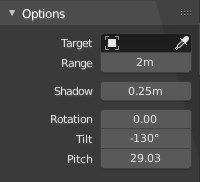
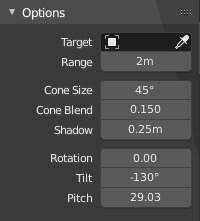
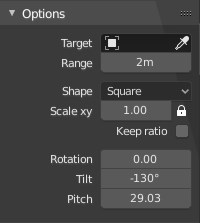
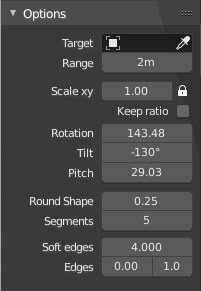
- Target : object that will always be targeted.
- This is useful if you want the light to react to only one object and ignore all the others.
- Range :
- Increase or decrease the distant of your light from the targeted object.
- Shape :
- Area: Change the shape of the Area from square to disk or rectangle or elipse.
- Scale xy:
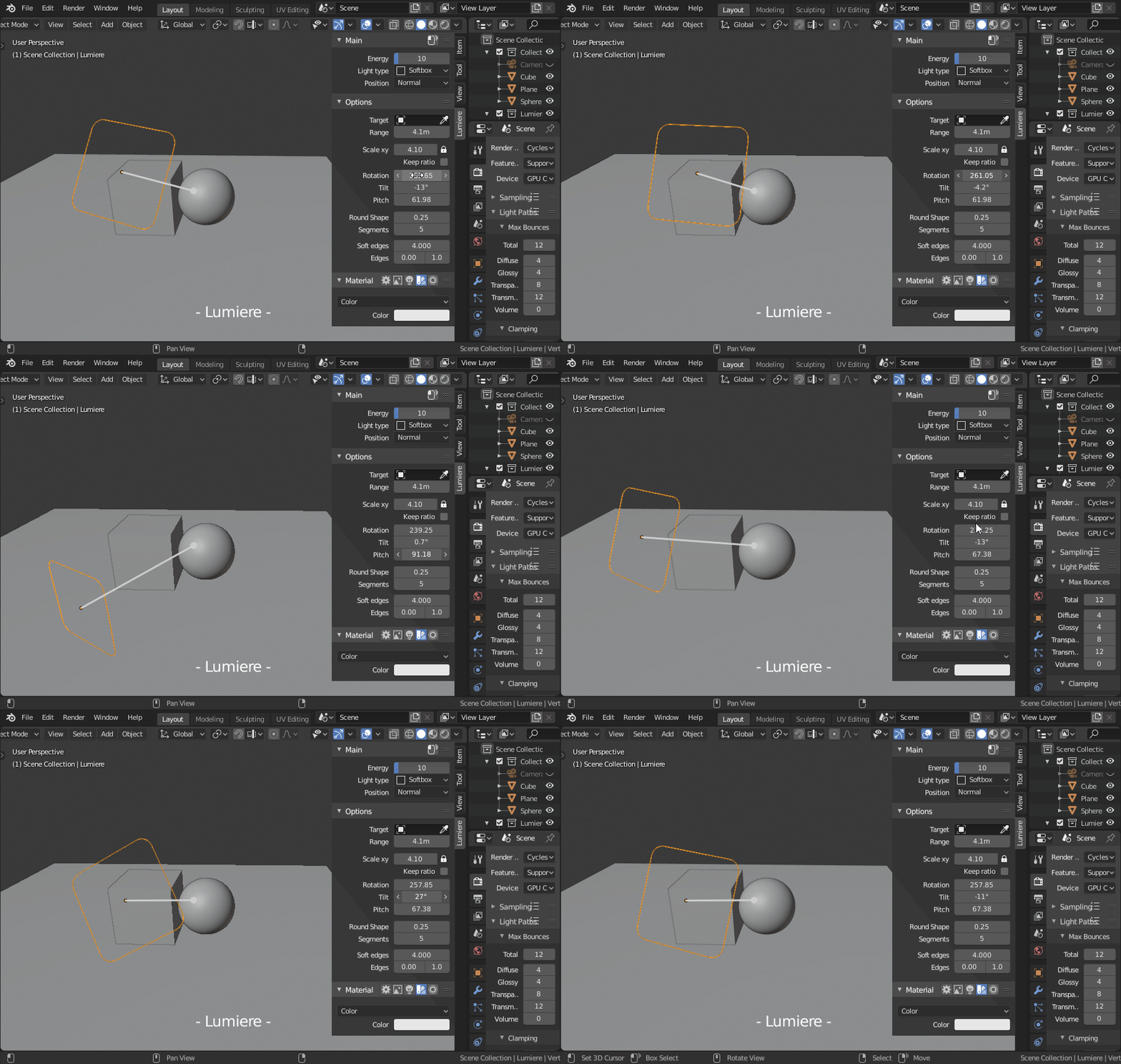
- Softbox // Area : Scale your light on the X or Y axis.
- Keep ratio:
- Softbox : The strength of the light will be adjusted accordingly to the size of your light. Useful for adjusting hard or soft shadows.
- Cone size:
- Spot : Scale the size of the cone.
- Blend:
- Spot : Soften the edges of the cone.
- Shadow:
- Point // Sun // Spot : Soften or harden the shadow of the light.
- All lights:
- Rotation : Rotation angle around the target on the Z axis.
- Tilt :Rotation angle of the light on it's local Z axis.
- Pitch :Inclination angle of the light around the target.
- Round Shape : 0 --> 1
- Softbox : Smooth the edges of the Softbox to change the shape from square to round.
- 0 = Square
- 1 = Round
- Segments : 1 --> 100
- Softbox : Number of segments to smooth the edges of the Softbox.
- Soft Edges : -inf --> inf -inf --> inf
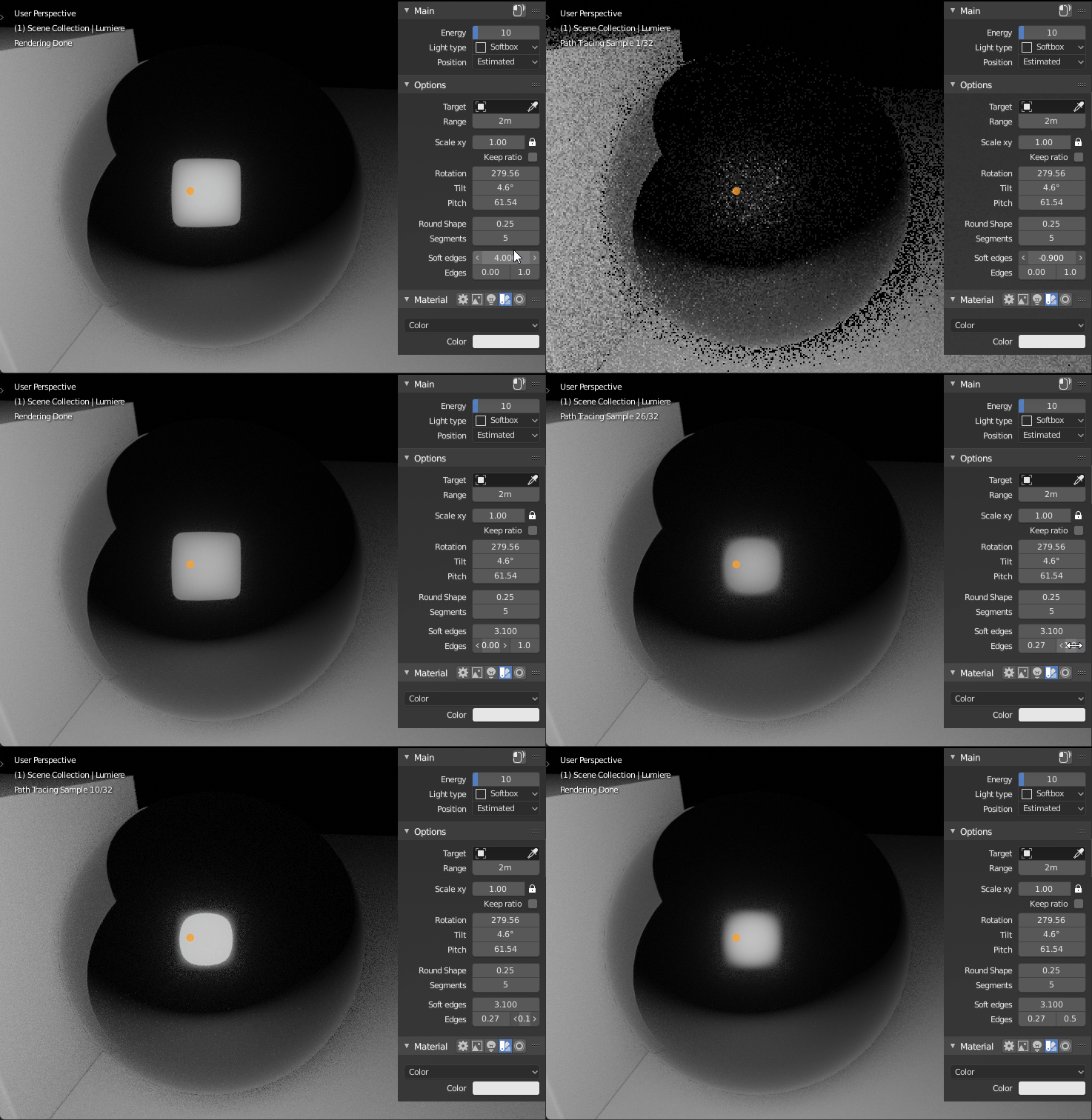
- Softbox : Soften the edges of the reflection of the light. This does not affect the energy, only the reflection.
- Softbox (Reflection only):
- Soft Edges : Global value to soften the edges of the reflection of the light.
- Edges :Outer and inner values to soften the edges of the reflection of the light.
The blender lamps options and the softbox (mesh light) have some differences :
| Point/Sun | Spot | Area | Softbox |
|---|---|---|---|
 |
 |
 |
 |