Skip to content

IV. Import Export

Cédric BRANDIN edited this page Oct 10, 2019 · 1 revision

Lights presets:

In the Main panel, use the icon"Preset" to export your light or import a new light in your scene: Preset

Export:
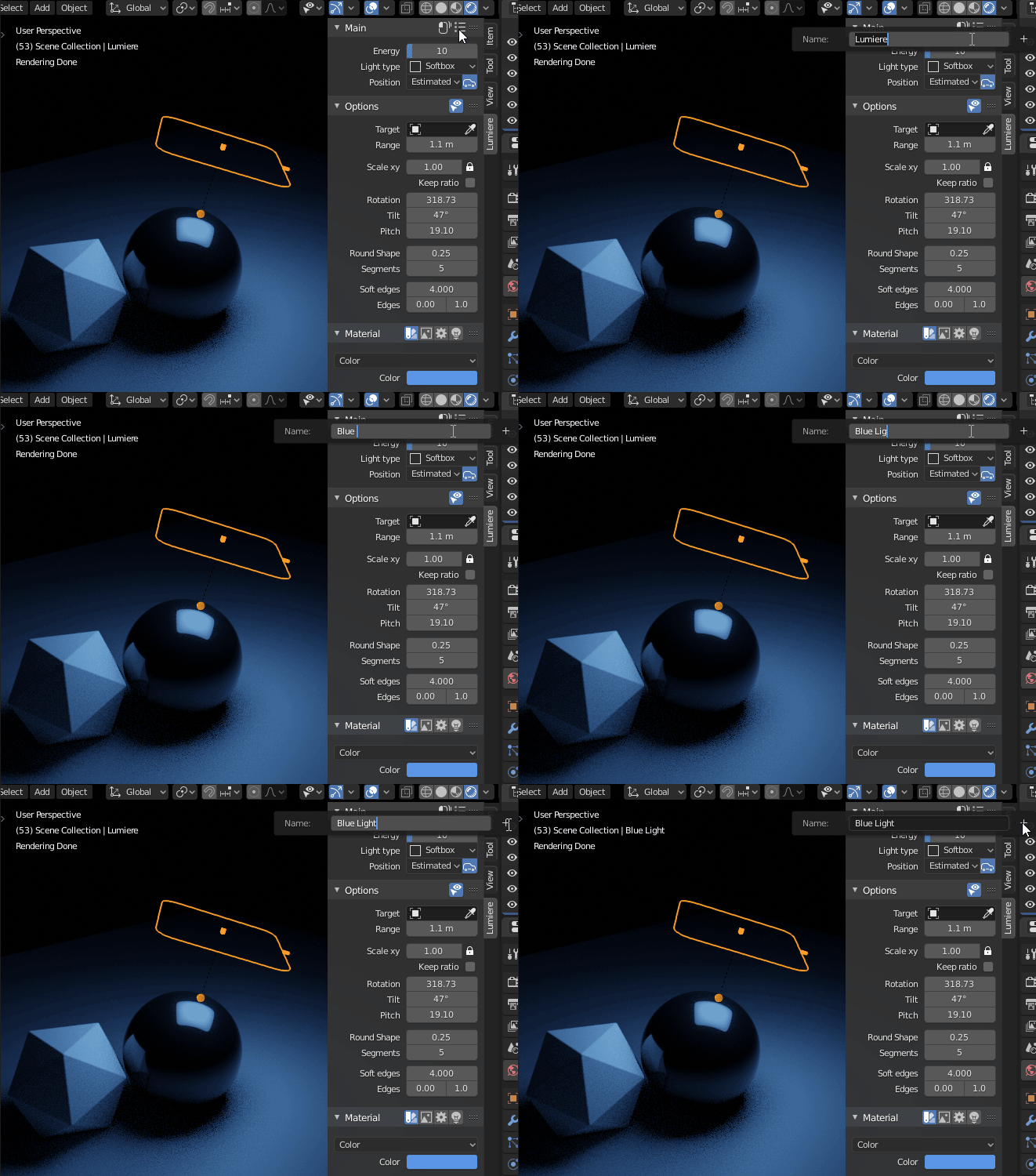
Save the light in a json file by clicking on the "+" icon

Export_Light

Import:
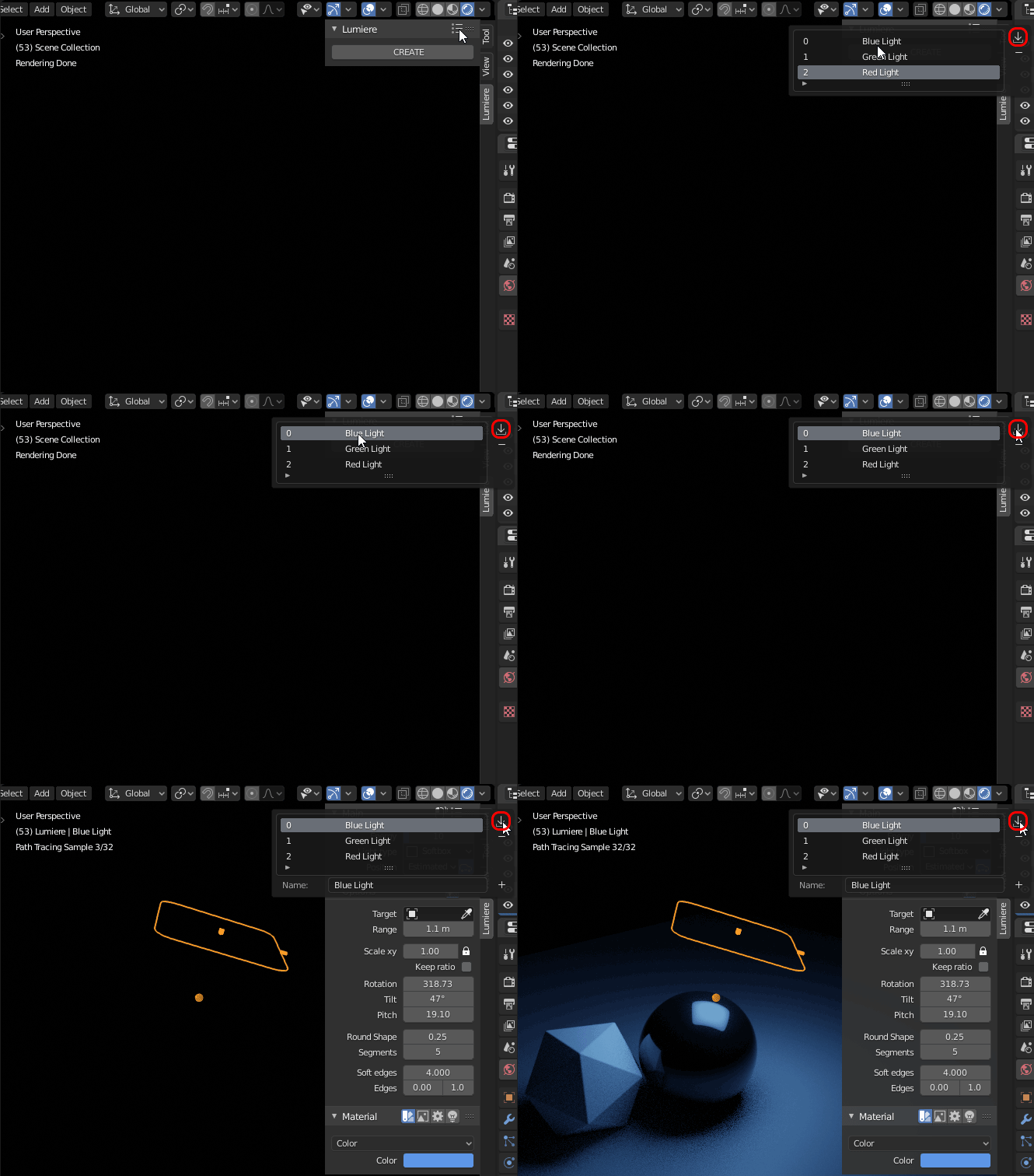
Import a light from the json file by clicking on the "Import" icon

Import_Light

Clone this wiki locally